Today we saw the unveiling of the Xiaomi Mi 11 Ultra. The first phone with a new giant 1/1.12" main camera sensor at 50MP and 1.4µm native pixels. Along with a new 5x 48MP periscope telephoto and 48MP Ultra-Wide, its all about the cameras:
https://t.co/am0Z0lu7MF
#Vim4Beginners
Interesting to know is that regardless of knowing little of #vim commands or on a #guru level, vim will not only enable you to enter your #ShellScripts, #sources, #nfo's with ease, as you use the program you will realize that this was created with you in mind
#Vim4Beginners#Vim does a lot more on the programming entry level, the impression you get, when you first start using it to enter code on a #VT100 terminal, when your syntax is highlighted is indescribable. You know #vim has your back and will help you enter code smoothly!
I started to use #VIM as my programming editor also. It immediately became apparent that #vim was also perfectly suited to enter code. It showed you where your previous brake / parenthesis is so you dont make those emmisions while you code. How sweet!
#Vim4Beginners
In the period where #9600bps#modems and #MNP5 protocols meant you were rich, I could not work without #VIM it was hell in the line editors and vim just worked right, eased the pain of those bad lines, made editing so sweet on a sour #POTS line
#Vim4Beginners
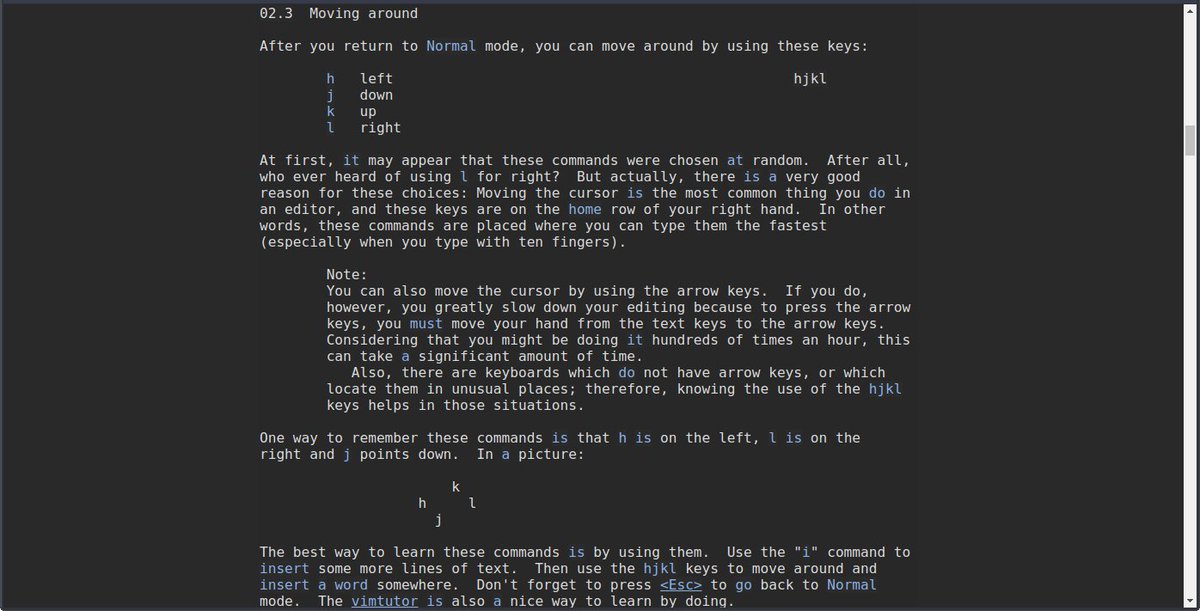
After that I learned how to move with the cursors, that just felt more intuitive, however I knew that normal keys are available, they are shown in the above tweet.
For a long time, all I needed to know from vim was what I just stated.
#Vim4Beginners
I knew vim from my Amiga, so the mistyping was actually finger memory from my amiga editing work. I started to use it on my Amiga, since I found it amazing that an Amigan made such a great expansion / fork on vi, the defacto unix editor
#Vim4Beginners
In the beginning all I did was
i typed my text <esc> refresh my terminal then fix errors from the #POTS line and continue
Later I learned how to move from word to word <w b> beginning to end of file <shift g> <gg> and so on.
Vim made my editing much easier
...only adding commands to your skills when you need them, which you can find in the program!
Vim is much friendlier than `ed` those of you who are old enough know the difference. Ed is also a line editor, while vim is a screen editor
The modal character of vim is perfect to work on noisy lines. You stay in insert mode only when you need to add texts, jump away when lines go noisy, refresh and correct when normalization occurs.
Vim's online help is fantastic since you learn as you go...
#Vim4Beginners
I *had* to use vi, but then mistyped `vim` and got a much friendlier editor that vi. When you type over 2400bps modems over #POTS networks, line noise introduces characters which mess up the scripts you're editing.
#Vim4Beginners
I started to use vim on noisy #POTS lines during the project `Connecting https://t.co/WkGCaIJu00 to the internet`
My task was to co-setup coordinate the server we had at that time so it could talk to https://t.co/7LvnE8y8iQ which talked #UUCP at that time to us