Your calendar knows everything.
Everyone else only needs to know when you’re free.
@CalendarBridge keeps your availability accurate across every calendar while protecting the details that should stay private.
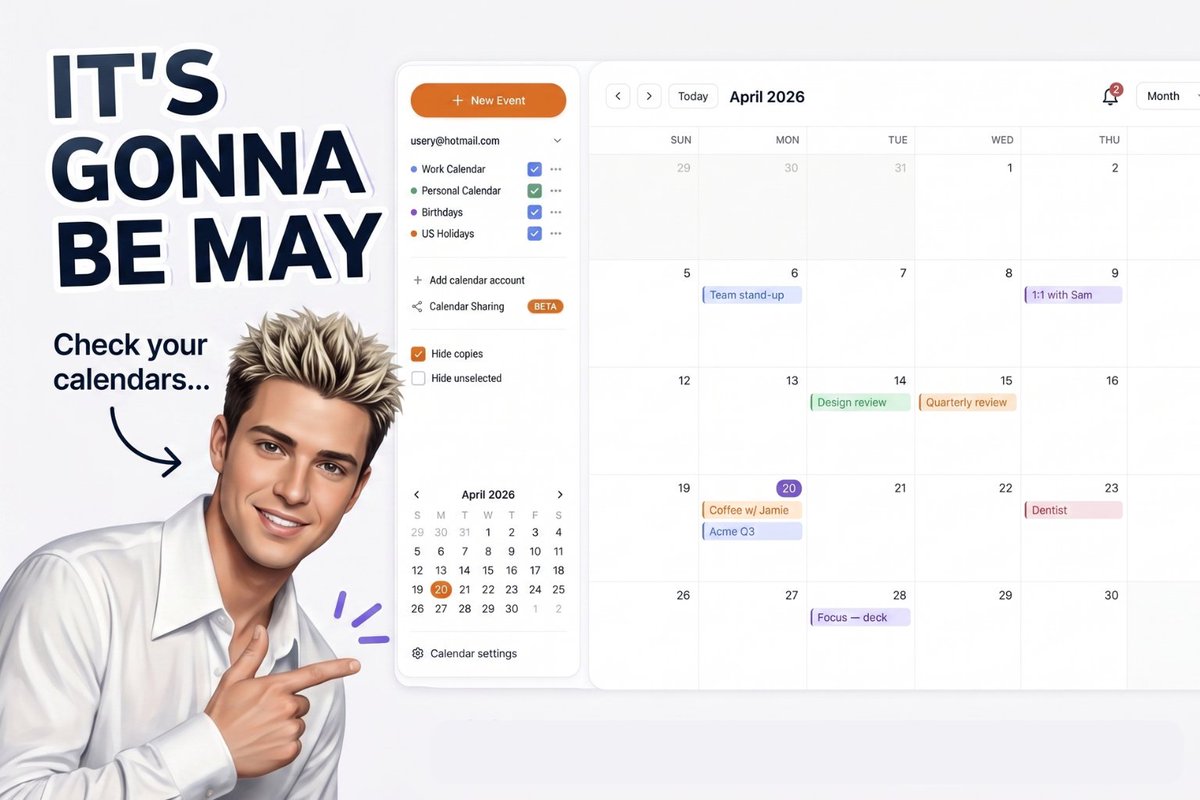
Protect the long weekend. Sync your calendars.
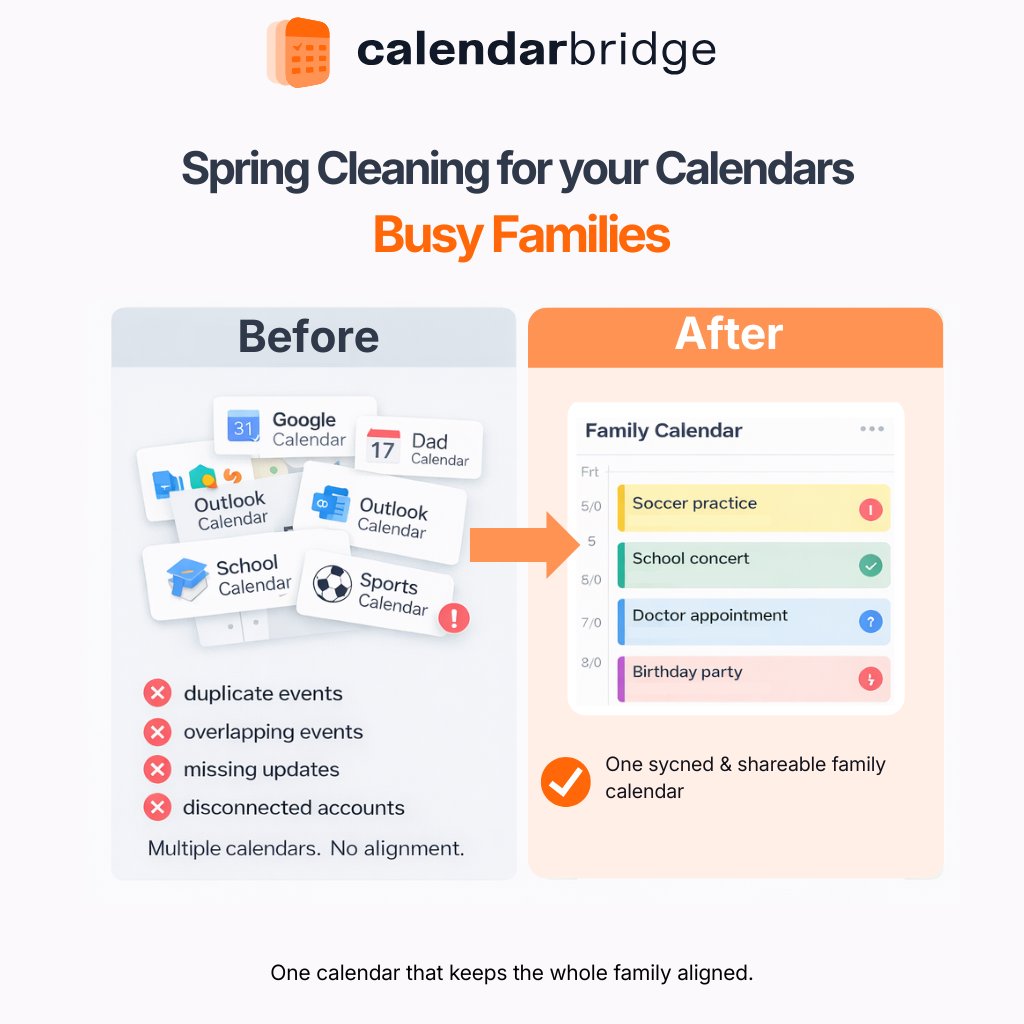
Set up your calendars with CalendarBridge so your availability stays accurate across Google, Outlook, and iCloud.
Do you use your Linkedin profile to get more meetings?
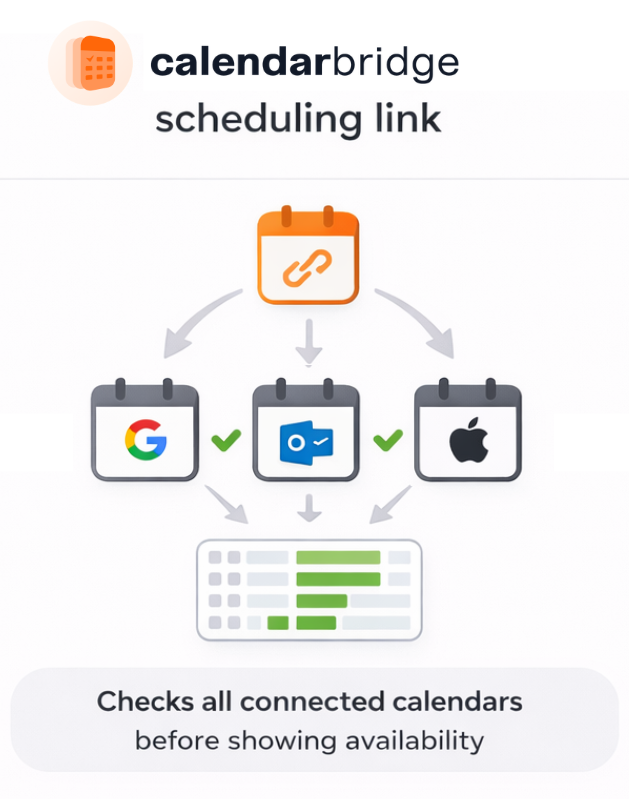
Did you know you can add your @CalendarBridge Scheduling Link right to your profile?
It's a great way to turn profile views into momentum!
Here's how: https://t.co/x21pU7xmJY
This is what it looks like to delegate your rescheduling with a single command.
Use it before your next board cycle, client scheduling week, or integration kickoff
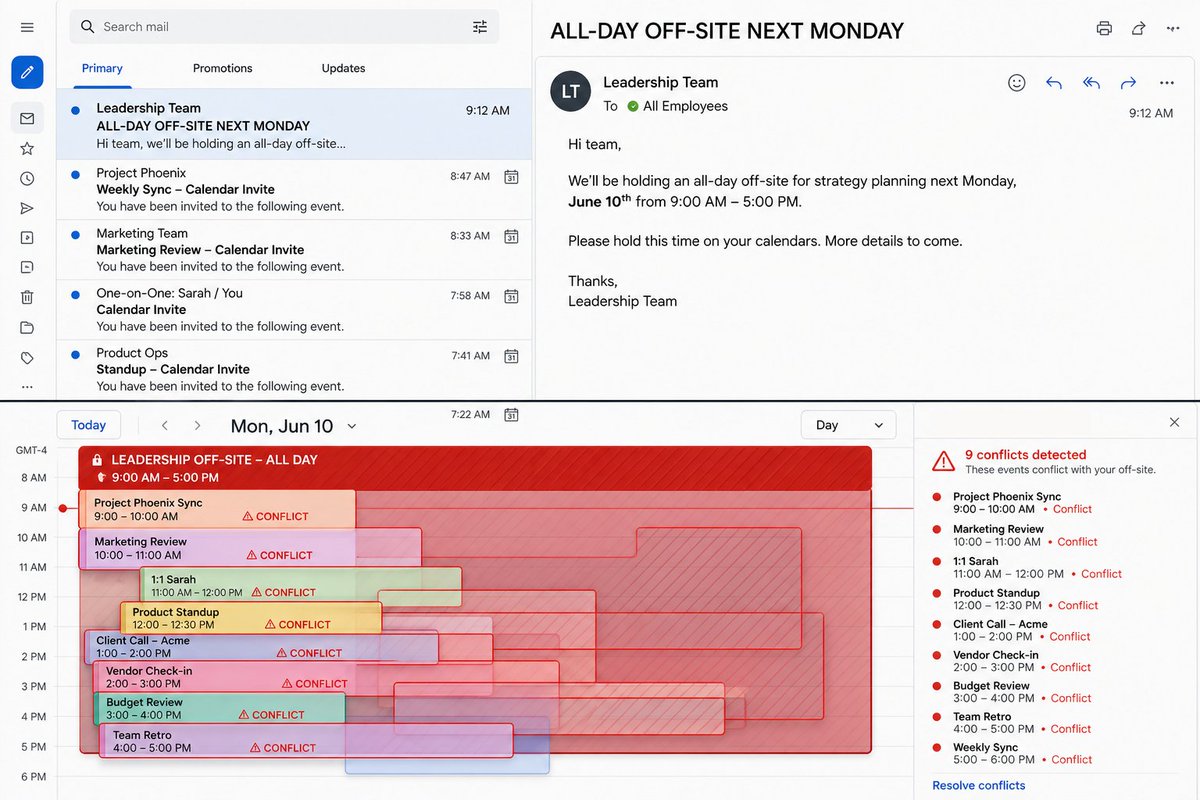
Leadership just took your entire Monday.
Now you’re stuck moving every meeting manually.
Or you just tell the CalendarBridge assistant: “replan my day tomorrow.
Say hello to Bridgy. 🤖The world’s first scheduling companion.
Behavioral Sync: detects burnout → schedules downtime
Circle Back Sensor: hears it → sends the follow-up
Ick Mode: declines your ex, weird coworkers, and helicopter bosses
#FutureOfWork#Productivity#Startup
Automate meeting scheduling without making it feel automated.
Loop in your @CalendarBridge assistant and it handles the back and forth right in the conversation, without feeling like a tool.
Clockwise is shutting down March 27
That means scheduling links stop working, focus time disappears, and auto-adjustments stop
If you’re replacing it, CalendarBridge keeps calendars synced, availability accurate, & scheduling moving.
Link in comments👇
#Clockwise#ReclaimAI
Context switching is one of the biggest hidden productivity drains.
When availability lives across multiple calendars, scanning your schedule pulls you into emails, alerts, and tasks you never intended to start.
@CalendarBridge removes that friction.
Most reminders require opening your calendar, choosing a time, titling the event, and saving it. It works, but it forces a context switch.
The @CalendarBridge AI Scheduling Assistant lets you send a simple instruction and the reminder is created automatically.
link in comments