@yotama9 It sounds like you have set the 'Keep downloads' either in the app Settings > Downloads or in the individual podcast Settings. You can go to the app Settings > Downloads to set 'Keep downloads' to keep all downloads and then apply the charge to all podcasts.
@AaronQuantz The app now can use any color to generate the theme color on the fly instead of a few preset color themes. This makes it difficult to fine tune the appearance for each generated theme. Thanks .
@wenowangz You are not using the stock Android. Your device manufacturer has customized the media player notification to look like the legacy media player notification. Anyway, good to know you've figured that out.
@FrozenTweeter Or you can go to the app Settings > Downloads to toggle off and on the option 'Delete the download' when the episode is 100% played and then apply the change to all podcasts.
@Lilzenalt Thanks for the bug report. It sounds like your WiFi has blocked the connection to that specific podcast server. If you can, please double check the firewall setup on your WiFi to allow the network connection.
@DrunkenKun Thanks for the suggestion. Unfortunately, since Android 12, Google decided to hard coded the Next/Previous actions into the media player notifications if the app supports the Next/Previous actions. The workaround is to remap the action through the app Settings > Media player.
@SafamSings Please create a backup of the app data from your old phone through the app Settings > 'Backup & restore' and then restore from that backup file from your new phone. Please check out the FAQs coming with the app for details. Thanks.
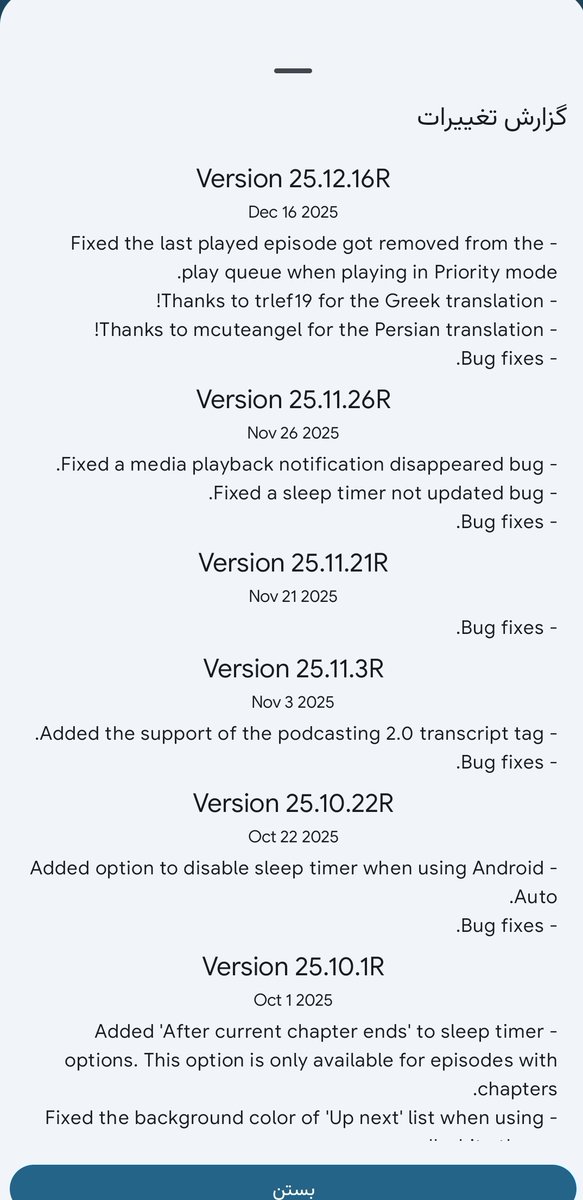
یه برنامه پادکست کامل
به همه دوست داران #پادکست پیشنهاد میکنم
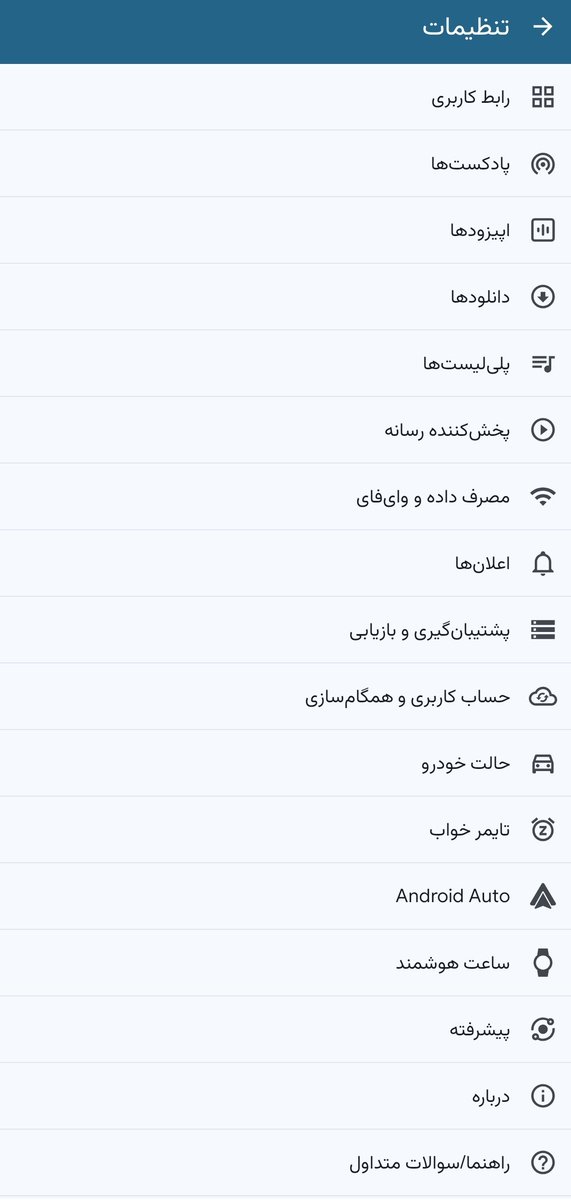
برنامه کاملا به فارسی ترجمه شده
خیلی گزینه های شخصی سازی پیشرفته داره، از ایستگاههای رادیویی و خواندن پادکست و کتاب صوتی
از حافظه دستگاه هم پشتیبانی میکنه
@castrepublic
https://t.co/lqElCQDYU3
@H_Twatter If you are on old Android 12 or below, you have to set the language inside the app. Open the app, go to the Profile tab (people icon) on the bottom navigation bar, press the Settings button on the title bar, then select the first setting item on the list and the first item again
@H_Twatter Are you on Android or iOS? For iOS or Android 13+, you can go to the system settings, find this app in the apps list, go into the app Settings to change the app language option there.
@SlammerMaster Thanks for the bug report. Please go to the app Settings > About to enable the Debug option. Then, please try adding the podcast RSS feed again to reproduce this issue. After you have the issue reproduced please go to the About page to use the 'Report a bug' to send the log.