How to add it:
1. Open your PM with CharlesBot in the Model Broadcaster
2. Go to OBS widgets and choose Tip war
3. Click Add to OBS and drag the link into OBS
Then start a war from Games & activities. Full guide: https://t.co/xAd5Tl3sUm
Running a tip war with another model?
Tip wars now have their own OBS widget! Your room sees who's ahead, every big tip and the countdown, right on your stream. Set it up in your CharlesBot Control Panel under OBS widgets.
Now, built into the Model Broadcaster!
Just click on CharlesBot and click “Open Control Panel”
All of CharlesBot’s functions are easily accessible, including games, custom commands, OBS widgets and more!
CharlesBot OBS wheels can now be restricted to multiple MFCShare clubs.
Perfect if you have multiple club tiers and want to offer an exclusive wheel to more than one tier.
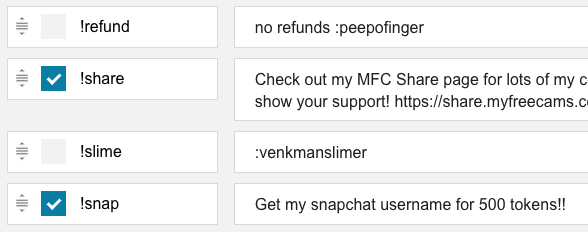
The Control Panel for commands got some upgrades this week!
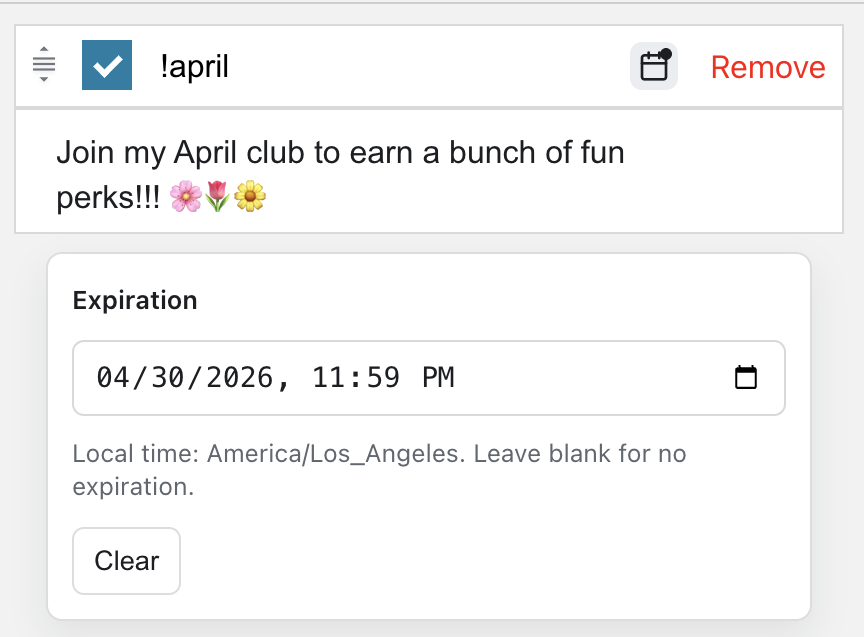
The command editor is improved so it is easier to write longer commands, plus you can now drag & drop to re-organize them!
Also ~ commands are now able to be edited when they contain an emote or image! (no more blurs!)
🎲 Introducing CharlesBot's Giveaway Tools!
Use the new !random command to select winners from current viewers, active chatters, or recent tippers!
Run fair giveaways, reward your supporters, and create interactive games with ease.
We've been listening to your feedback and just rolled out some awesome updates to the Discord notifications:
✨ Offline notifications
✨ Enhanced custom messages
✨ Easier setup process
Check out the new features: https://t.co/ObZQFTd0Kc💙💚
Models! You are now able to add CharlesBot to your Discord server! https://t.co/lvcc1wK2zA
Currently, he is able to announce when you start broadcasting, but many more features will be coming soon. https://t.co/VaooIlXYHZ for more information.