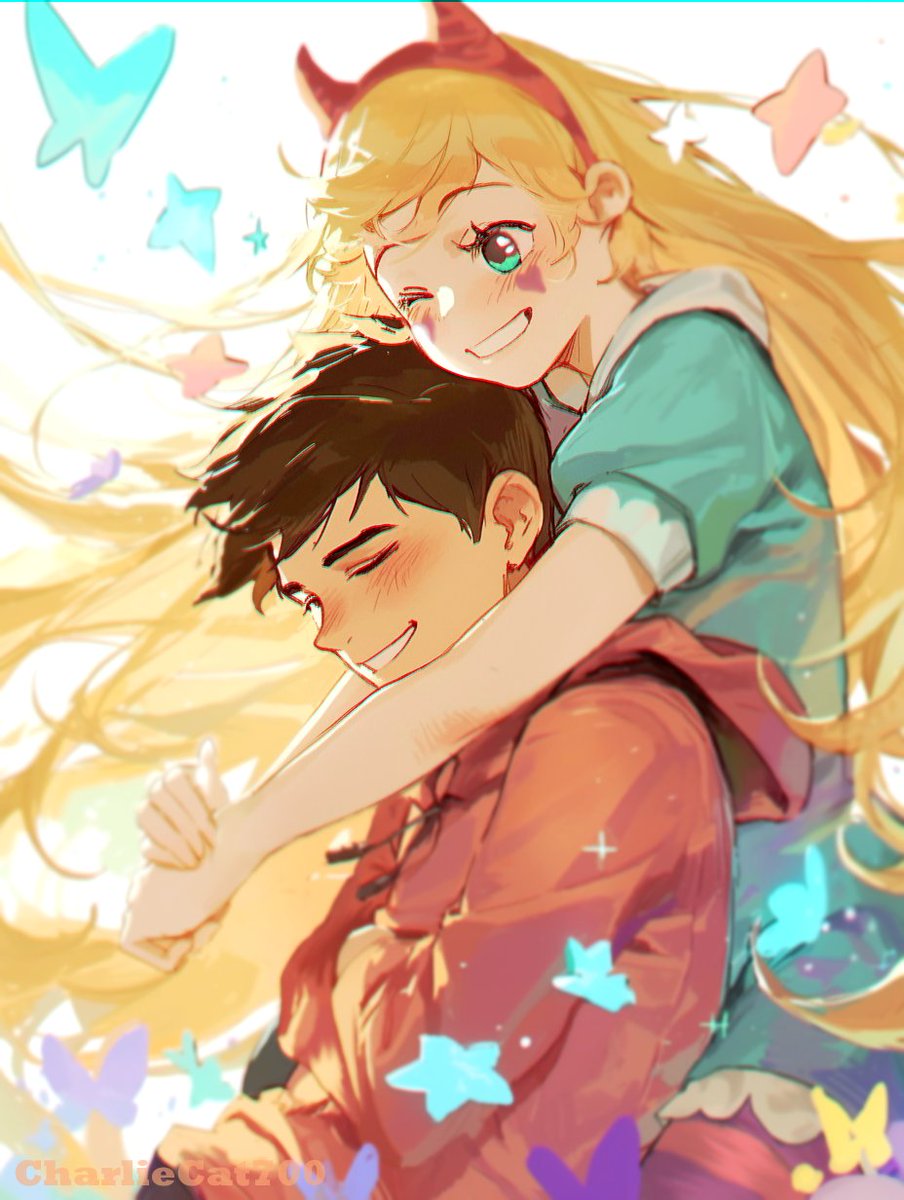
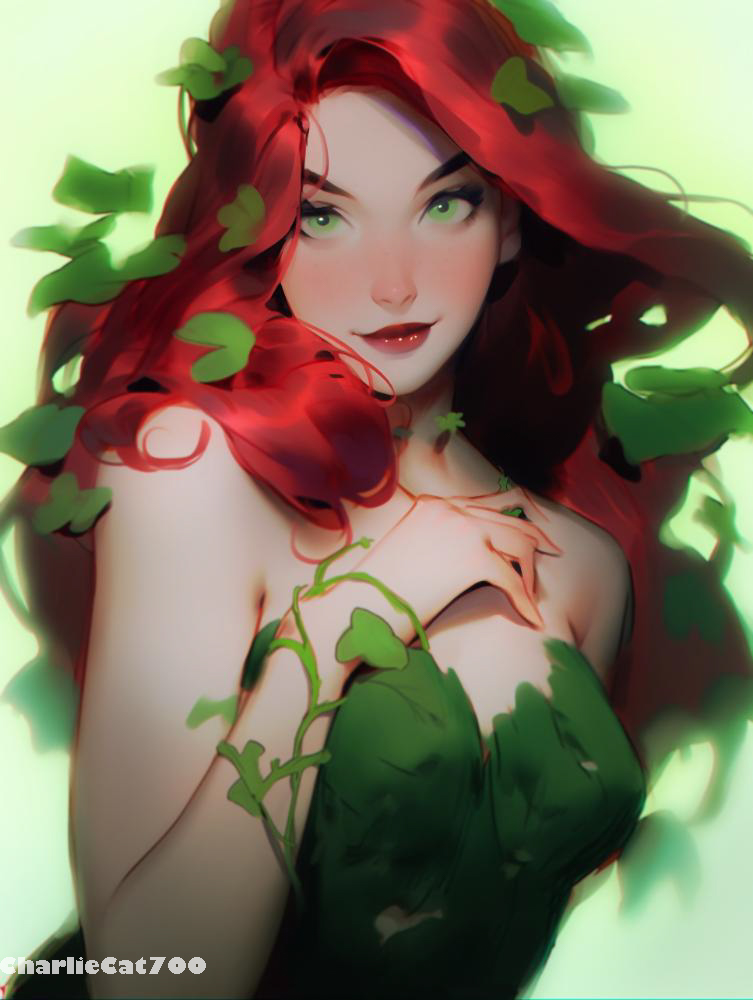
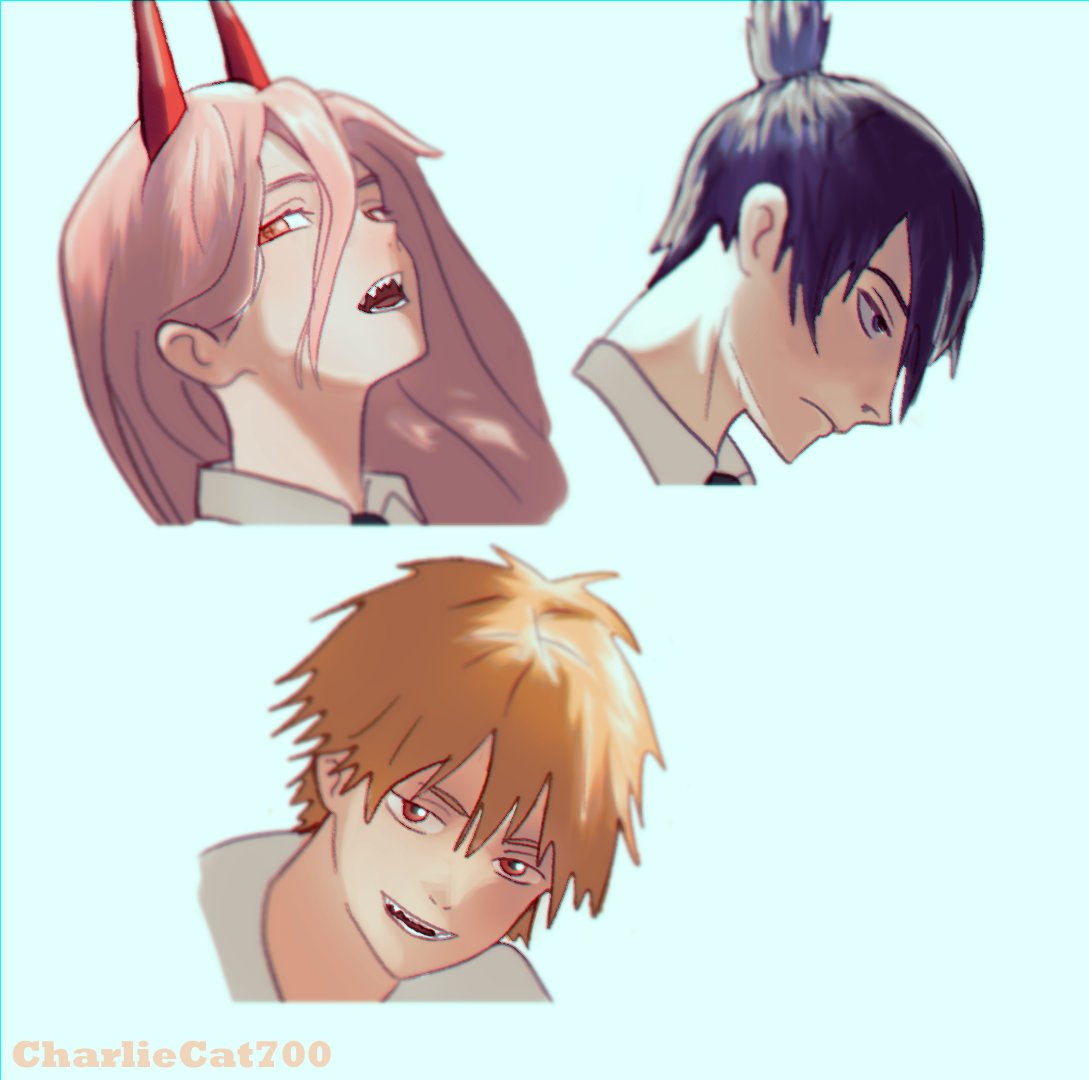
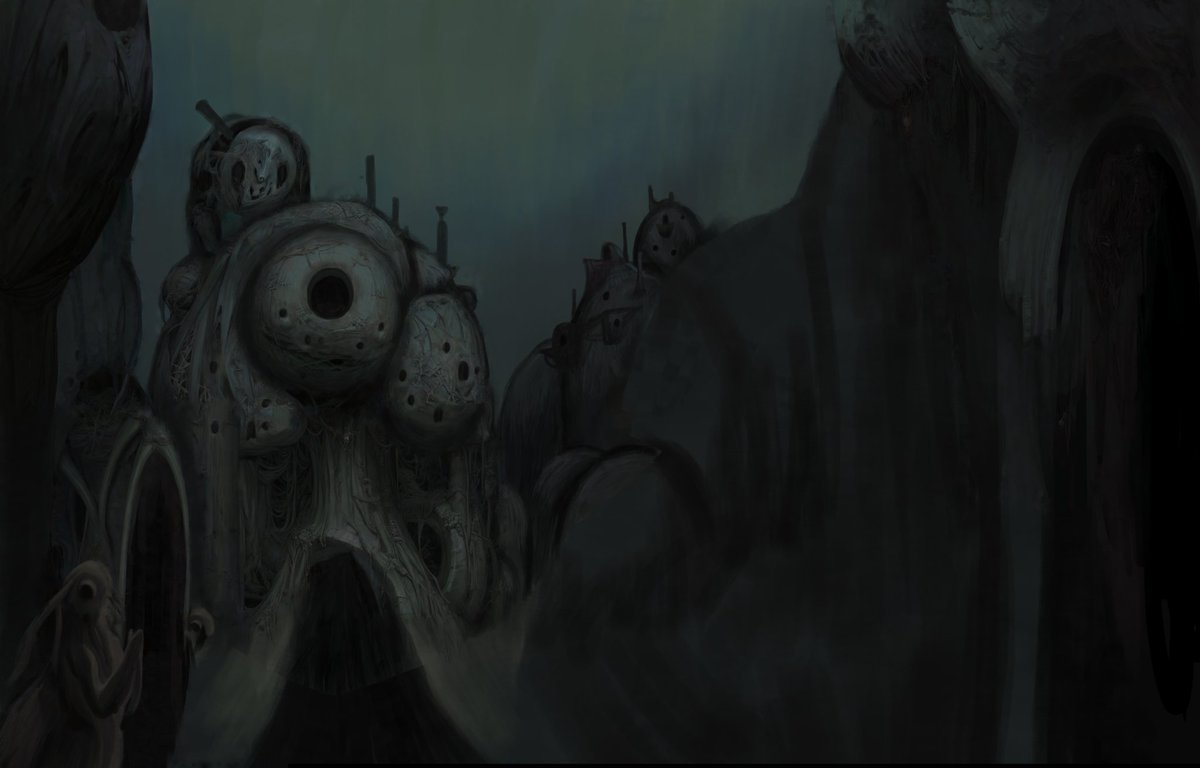
My process is line art and base color painted in clip studio paint, details added in midjourney. Retouched, fixed, and up in clip studio paint/photoshop
Important video from SamDoesArts
I've said it many times, artists need to stop the AI witch hunts. Not liking AI Art does not give you a pass to harass people. If you want to vent your anger, target the AI corporations. Don't create a toxic/unwelcoming art community.
Link Below
The product of my side project - Neuroslug. A Stable Diffusion addon that can mimic my style and refine my blockouts and sketches. Go to my Tumblr, it has several informative long posts on how it's used as an assistant. I recommend you go read that if AI news discourage you
🍄 Public mint is live! 🍄
I loved exploring an AI assisted art process for the first time while creating this new 1/1 piece 💜
Meet 'The Wanderous One' available on the newly launched @montagedapp as part of their genesis 'ART IS' collection ✨
Details, link + full process 👇
@_polycon @Memedews@realRubenSim People said that about photo/video cameras, you know? :(
And "artists" were outraged about drawing over 3d, photobashing and tons of other techniques,-which are common in modern industry today.
They'll get over it.
Also, ai can be t2i, but can be more
https://t.co/N5kHAEexdZ
The base image is from about 6 years ago but you get my point about improving by following the AI style, composition, and color when redrawing/changing it in Clip Studio.
To the ones replying to my Klance post. This is my process. 1st draw bad base image, 2nd an AI image with input image used, 3rd my changes in Clip Studio. I'm still improving my skills even this way. My art isn't perfect without the AI step until it is, I want to use it to learn.
Here's a klance I did without AI for all the anti's swarming my page. Notice how it's worse than the one I made before I did Line art and base color painted in clip studio paint, details added in mid-journey with clip studio paint image reference. Fixed in clip studio paint after