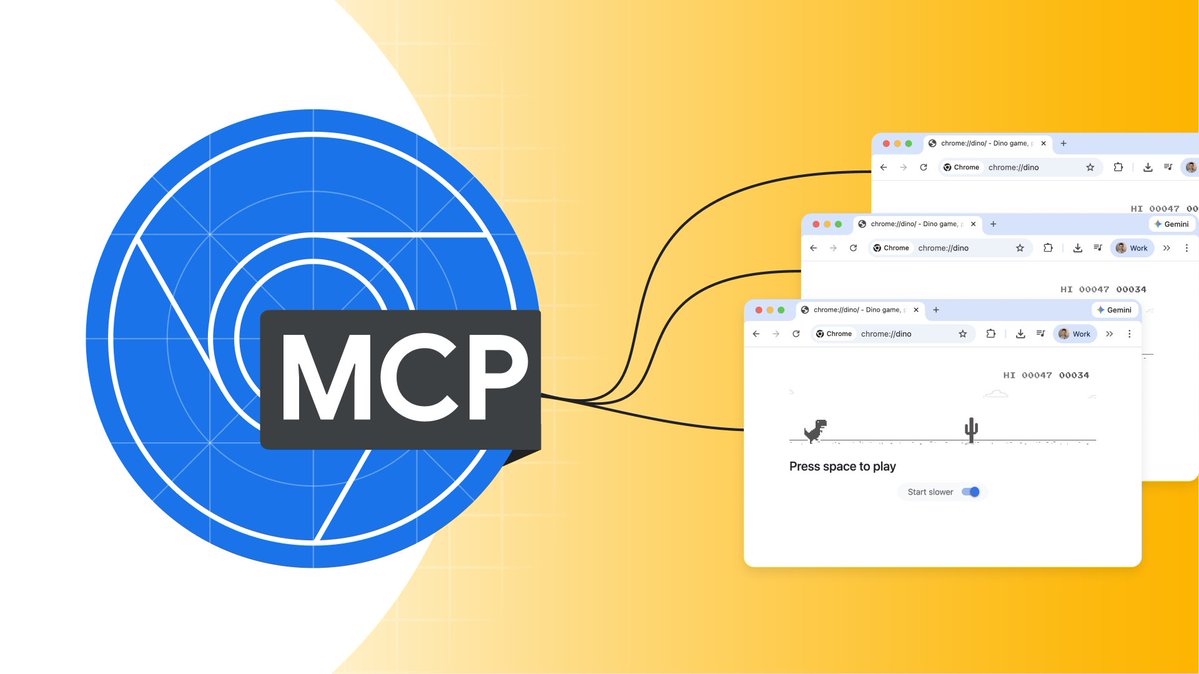
🎥 What's new in DevTools, October edition: https://t.co/BWuPhcF1dC. I am back on screen after I/O Connect in Berlin, Bengaluru & Shanghai with Chrome 152-154, explaining the new memory debugging tools in @ChromeDevTools for agents, Soft nav in the Performance panel and more!
You built a Chrome extension using an AI agent. Now, how do you let that agent test it?
We updated Chrome DevTools for agents so your agent can install extensions & interact with content inside popups automatically → https://t.co/bTAwhqKWdV
Upgrade your workflows with the latest Chrome DevTools advancements across versions 148, 149, and 150. Discover the power of DevTools for agents, now stable, allowing your coding agent to interact with live browsers, run audits, and debug extensions → https://t.co/N2Ej1bzT1U
A few weeks ago I noticed that Linear got slower than it used to. Especially on the new Diffs feature, that we were getting ready to release, it was pretty bad. For days I was running profiles, staring at profiles, bisecting with agents from every direction.
The pattern was clear - we accessed the DOM a ton, which blocked the main threads on style recalcs and layout for 10s or 100s of milliseconds over and over.
I shipped dozens of PRs to get rid of those layout-causing calls, using pretext and whatever tricks the agents and I could come up with. It helped, but only a bit. I was getting desperate.
Generic AI prompts burn tokens guessing at performance issues from raw source code 📉
Chrome DevTools for agents fixes this. Let your coding agent run real performance traces and agentic Lighthouse audits to catch actual speed, accessibility, and SEO blockers directly in the browser → https://t.co/At2jQYyL7G
#GoogleIO
Chrome DevTools for agents is now stable! 🏇 Don't miss out, and give your agent access to your website's runtime (console logs, network requests, ...), rather than just the static code. Deep dive from last week's #GoogleIO: https://t.co/a86wIAez0Q
We are bringing the latest web announcements to #GoogleIO on May 19th at 1:30pm PT to help you build incredible web applications → https://t.co/V7R3S2moyP
Web platform news 🗞️
Landing in Chrome 148: sticky positioning now works on a per-axis basis
This means you can have sticky elements that track different scroll containers on different axes.
(📽️ from @bramus's article, 🔗⬇️)
Spring is here (your location may vary ☃️🌸) and with it What's new in Chrome DevTools 147: Skills and Lighthouse support for Chrome DevTools MCP, auto context selection in AI assistance, code generation in the Console and more. Find it all on https://t.co/NqqWIOoq5C
Me: Debug this INP issue.
AI: I can't see your screen!
Me: Enables DevTools MCP
AI: Analyzed trace. Problem solved 🕵️♂️
Give your agent eyes → https://t.co/7HanXCrWgG
A feature I don't think anyone asked for. Changing scrollbar colour based on scroll-position. Use CSS scroll-based animations, custom CSS properties and
Demo: https://t.co/gQjKzWedYB
Code: https://t.co/dP0wSg8uzP
Probably doesn't work everywhere and probably shouldn't be used anywhere
Nice post by @andreban - https://t.co/Q5TB00946t - it made me think if there is a tool that is "set_preferences" that the LLM will call (with the users permission) - we could start to tailor UIs even more to the user.
Chrome 145 is rolling out now! ✨ It's been a Product Excellence milestone for DevTools but we’ve landed some great updates like Soft Nav markers, line-level profiler timings, and the new Render blocking column in the Network panel 📬 Read the full post: https://t.co/FpPj693ifg
Your AI agent can do more than just write code.
We're exploring how the DevTools MCP server connects your model to Chrome DevTools for live debugging, from fixing high INP to testing complex forms → https://t.co/7s9mIr3FCC