English departments across the @RodillianMAT are working and training together with easy access to the same shared resources.
"Cloud Design Box is allowing us simple resource sharing, it's very intuitive, straightforward and easy to use"
How frustrating is it when you can’t find the right file or document?
SharePoint search can save you hours of time.
Our COO Darren Hemming demonstrates how 👇
https://t.co/wTVkZYUhxb
#MicrosoftSharePoint#Productivity#Ops#BusinessOps
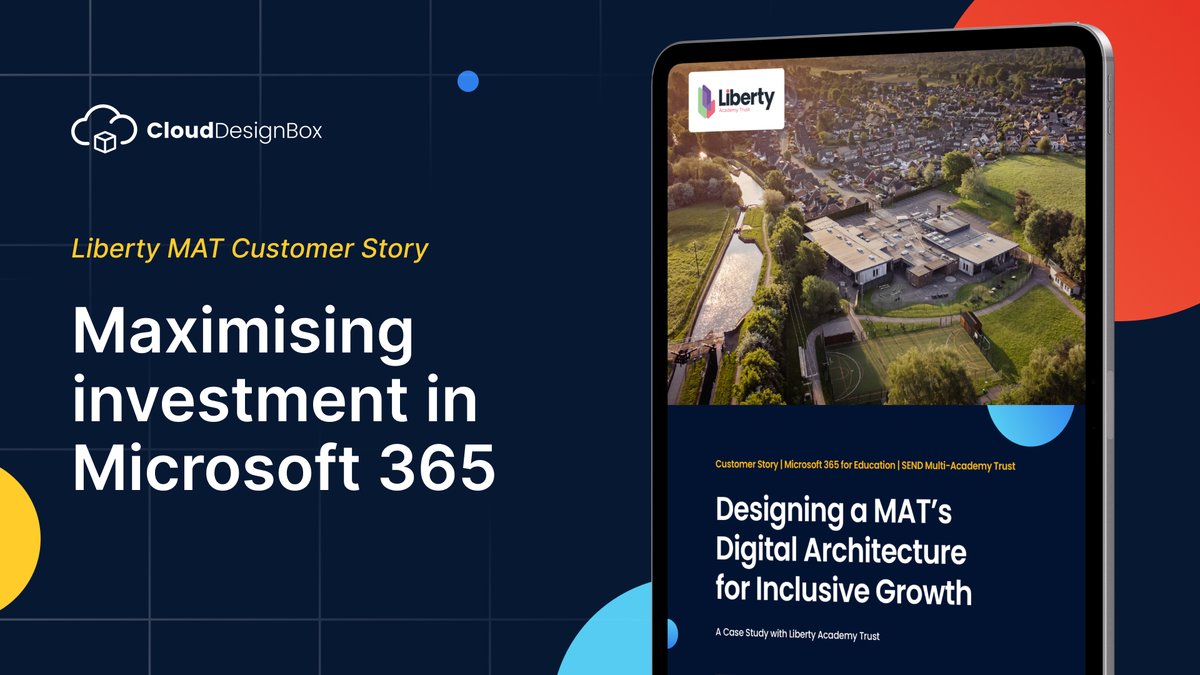
How do schools make the most out of their investment into #Microsoft365?
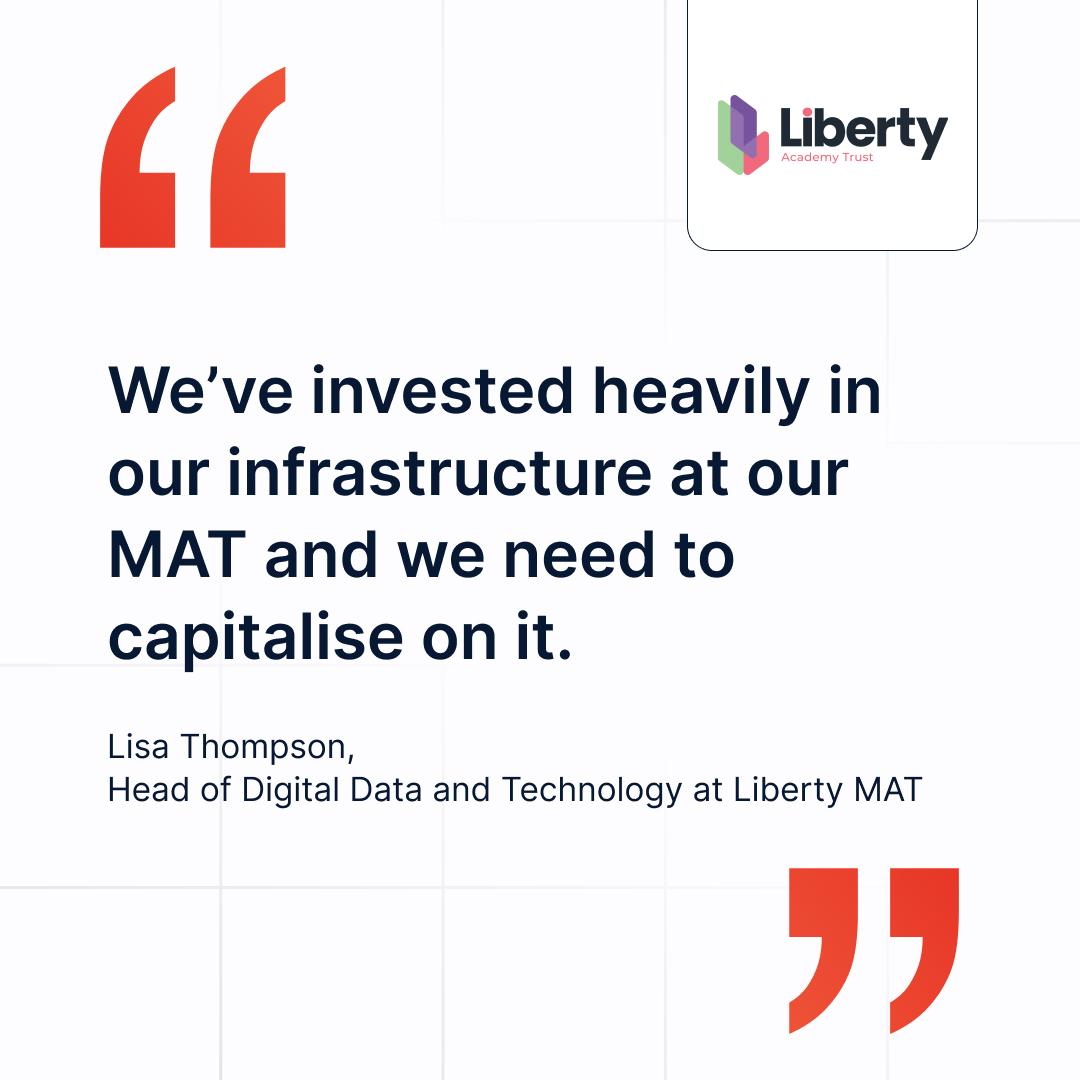
@LibertyTrustUK developed a Digital Literacy Programme for its staff, supported by our Cloud Design Box Training Portal.
Here's how 👇
https://t.co/dAGylFPLPe
#MicrosoftEdu#EdTech
🤔 Common FAQs about Teams:
"What's the difference between general, standard and private?"
"Should I create a new channel?"
"Can I limit my team from creating new channels?"
Here, we answer everything. 👇
#MicrosoftTeams#MSTeams#TeamsProductivity
https://t.co/XWDW8dsFKN
This one is for SENCo 👇
Here are some of the best features from Microsoft 365 alongside how Cloud Design Box further enhances tools like SharePoint and Teams for SENCo and SEND learners.
Read now: https://t.co/DMdgj3winN
#SEND#SENCo#SENDCoordinator#SENDLearning
Many schools face this specific challenge when it comes to parents:
Keeping them in the loop about homework.
Here's how Cloud Design Box and @HaldorEdu fixes that. 👇
https://t.co/uzcmsO3B8R
#MicrosoftEdu#UKSchools
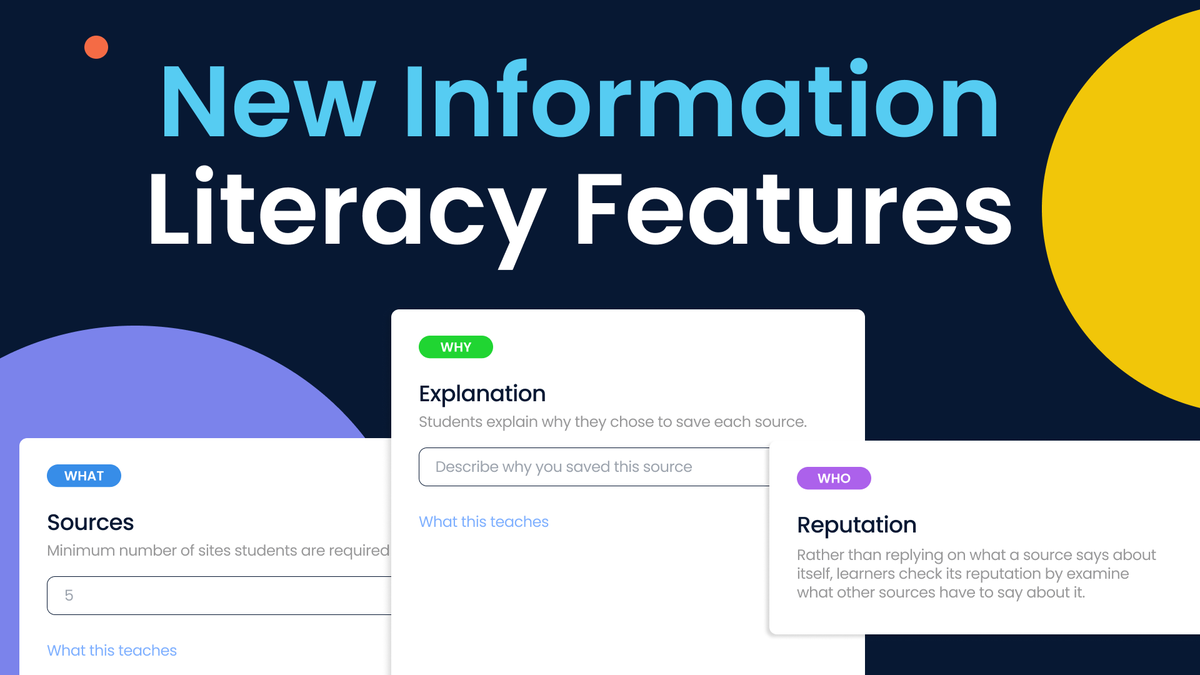
How can we ensure students use AI responsibly?
Verifying sources, understanding context and thinking critically are essential skills.
Here's how Microsoft supports this learning. 👇
https://t.co/2x4DV9qI0R
#Microsoft365#Microsoft#MicrosoftTeams
“How do I know that I’m looking at the latest version of a document?”
A common question we get asked by those new to SharePoint.
Our top tips 👇
https://t.co/Ot0ypaJwWE
#Microsoft365#SharePoint#Operations
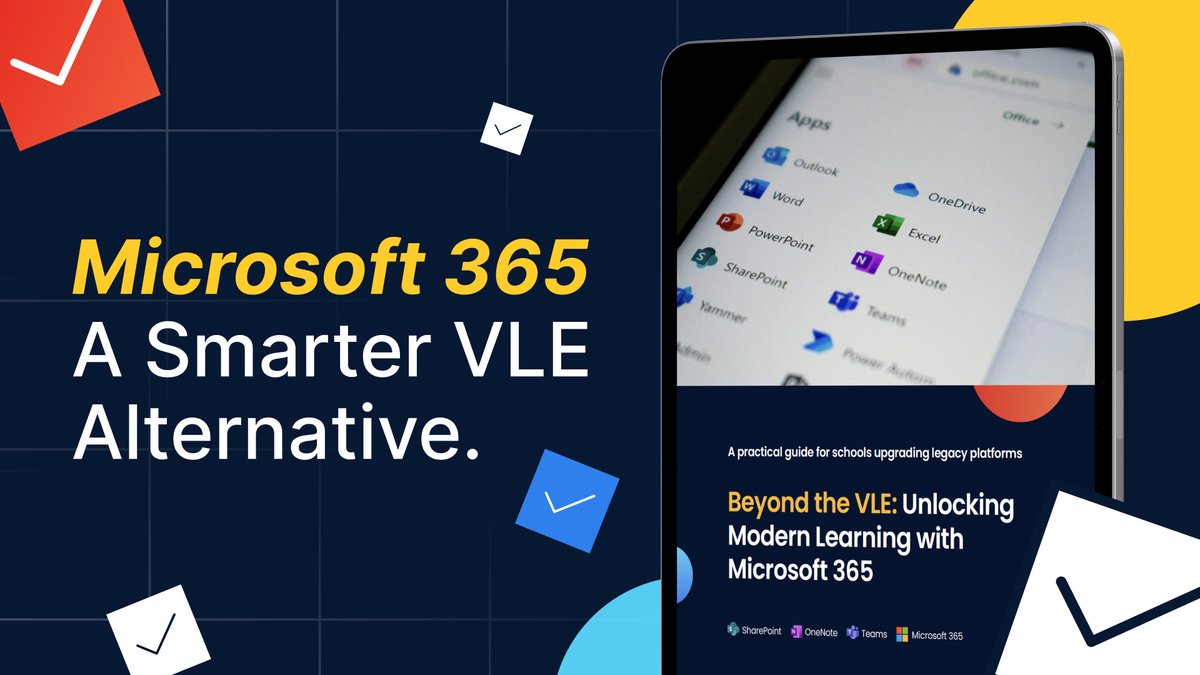
Does your VLE offer what you need?
If you’re at the point where your VLE feels restrictive, dated or hard to maintain, this guide is for you. ⬇️
https://t.co/X7LyRGBoPF
#VLE#DigitalLearning#VirtualLearning
We supported King’s Ely to roll out a Microsoft Teams and SharePoint-based intranet:
The impact:
✅ Increased engagement.
✅ Improved communication.
✅ Secure and easy access to resources.
#Microsoft365#MicrosoftEdu#EdTech
This school saw a 15% increase in classes using assignments with Cloud Design Box.
@ArkBoulton has been able to overcome its most pressing challenges when setting and tracking homework.
Full story:
https://t.co/AruKssMJuf
#MicrosoftEdu#Homework#DigitalLearning#EdTech
💡 Make @ArborEdu house points instantly visible on your SharePoint intranet, live and up to date.
Here, Support Consultant Shannon shows you how.
Watch now ⬇️
https://t.co/aarhZyWvmd
#Arbor#ArborEdu#SharePoint#EdTech#Schools
Why build a Digital Literacy Programme for staff?
“We’ve got a great resource, but it’s only great if people know how to use it." - Lisa Thompson, Head of Digital Data and Technology at @LibertyTrustUK.
https://t.co/dAGylFPLPe
#EdTech#MicrosoftEdu#Microsoft365
Cloud Design Box 🤝 @HaldorEdu = easily sharing homework with parents.
When the two systems come together, schools get the best of both worlds – automation and parental engagement.
Here's how:
https://t.co/uzcmsO3B8R
#MicrosoftEdu#UKSchools#EdTech
NEW FEATURE ⚡️
Assignment Analytics gives you insights into how homework is being set, engaged with and completed.
Check it out here 👇
https://t.co/pJamsc7msT
#SLTChat#SLT#EducationandSchools#UKSchools
Ever wish you had a time machine? 🤖
Well, if you're a CDB customer, you do!
James shows you our Class Time Machine feature - a really quick and easy way of finding last year's Teams without having to look into your archive section.
#MicorosftTeams#ClassTeams