🎉GIF PARTY 🎉
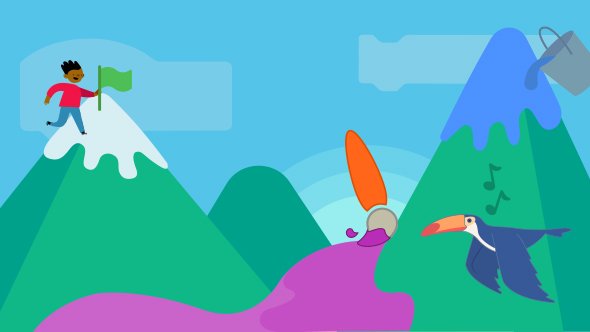
Scratch 3.0 is almost ready! As we add the finishing touches, https://t.co/iCs8FwVK4z will be unavailable briefly from 7AM ET until the early afternoon. In the meantime, we’re hosting a GIF party!
Who else is ready for #Scratch3? Reply with your GIF reaction! ⬇️
🎉1 day until #Scratch3! 😺
Q: How can newcomers get started?
A: 3.0 is designed to make getting started with coding easier. Newcomers can view a short “Getting Started” tutorial, available by clicking the "Tutorials" button.
More Scratch 3.0 FAQ: https://t.co/Q5e1P6cHiH
🎉 2 days until #Scratch3 😺
Q: Will 3.0 be available in different languages?
A: Yes. To change the language of your editor, click on the “globe” icon in the top navigation bar then click on the dropdown to select a language.
More Scratch 3.0 FAQ: https://t.co/Q5e1P5V6r9
Scratch 3.0 will launch with an updated and improved backpack tool! 🎒 As part of this update, items that are currently in your backpack will be removed. You can save items by pulling them into a Scratch project before Jan 2. This project explains how: https://t.co/LgnfLk0Pul
Scratch 3.0 launches on January 2, 2019! To help you prepare, we're hosting a webinar this week to highlight new features and answer your questions. To participate, simply join the webinar at your preferred time on Nov. 8, using this link: https://t.co/GFzbKWWhJw
Scratch 3.0 in coming January 2019! This new version works in all modern browsers across a broader range of devices, including tablets.
Learn about what else you can expect: https://t.co/ECrTUSsEBr
Earlier this year, we announced our plans for Scratch 3.0 - the next generation of Scratch. Today, we are excited to launch the Scratch 3.0 Beta at https://t.co/CUWdJYRvNJ!
Learn more: https://t.co/ECrTUSsEBr