@SimplyRahmanify Hi. everything's running fine. It's kinda like you go through Ometv and meet different kinds of weird guys to teach your "not so moral" AI.
@LylacGames And you need to rig the path onto the control bones. Remember to keep it smoth; don't let any single path point be 100% influenced by a single control bone.
@LylacGames You need a straight tail. Then, add a bone to it and split it into 30 to 40 small bones. After that, create a path (make sure the path has a few more points), and constrain those small bones to the path.
@saewooh My personal choice is to use heavy post-processing and pixelation to further enhance the style and cover up some issues. It depends on what effect you want to achieve.
@saewooh There is an option in Spine called "Snap to Pixel". Once checked, Spine will automatically handle the movement of pixel art based on skeletal animation. After that, all you need to do is create bones for the hair, skinning, and add physics constraints.
@oyasumi_wkshop btw I haven't been able to find anything else online about this specific workflow and was getting a little worried, but knowing that someone else is taking the exact same approach makes my goal much clearer.
@oyasumi_wkshop This looks amazing! I think not fixing the pixel fringes is the right call, because the correct approach is definitely to import the bytes to ensure it can dynamically respond to parameters, rather than using image sequences.
@H8KUcom Yeah, that’s what I’m doing right now—the pixels are scaled up by 8x. The real issue is how I handled the animation. I rushed it before, so things like swords or clothing only follow a very limited number of bones.
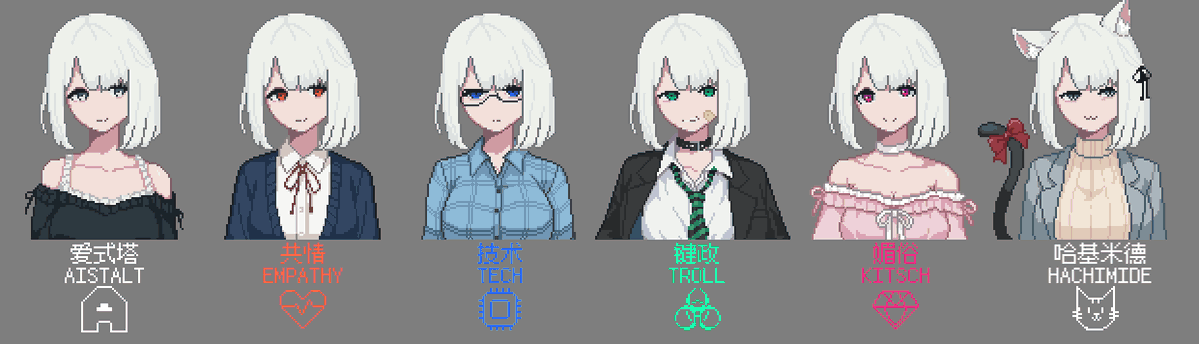
Tried to cut corners with post-processing + Spine + low FPS. Realized I'd be better off doing nothing and just settling for fake pixels. But settling for fake pixels just feels wrong... Annoying. #gamedev#indiedev#indiegame