Day 16 of becoming a Data Analyst till I get a job: Power Query.
It's an Excel tool that automates cleaning.
Use it when you clean the same data over and over.
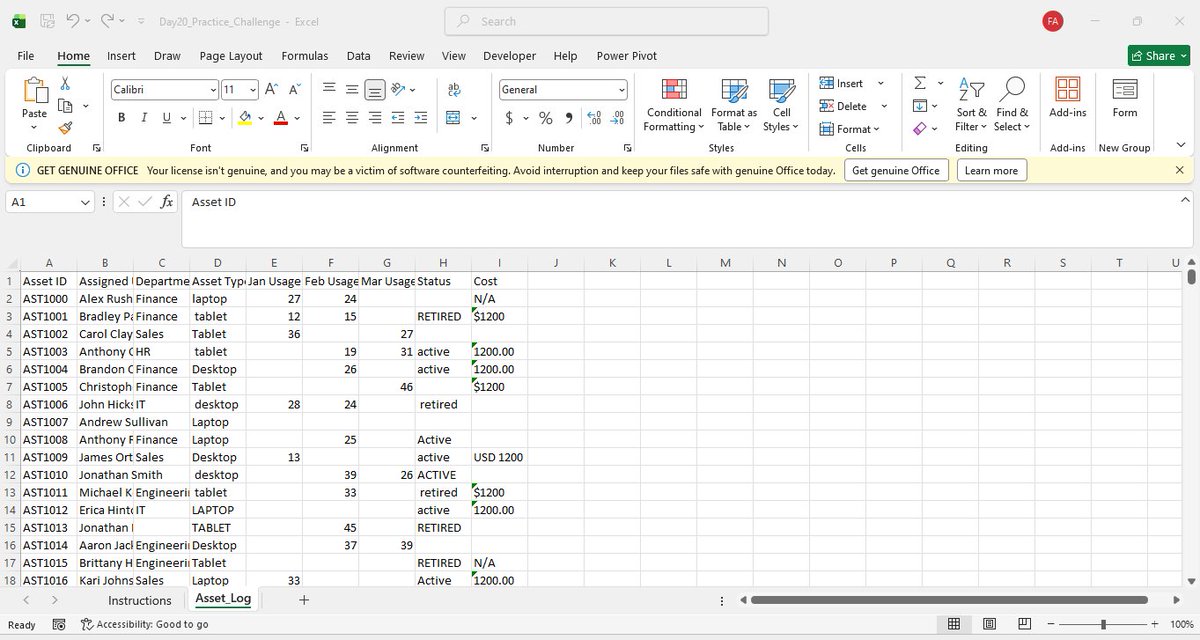
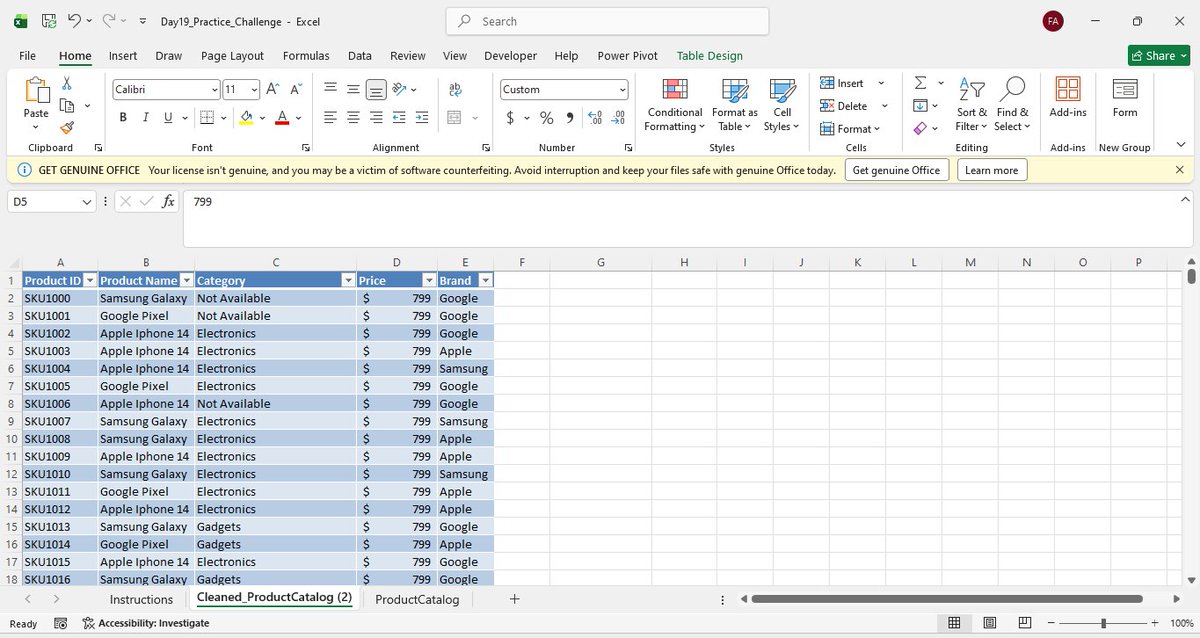
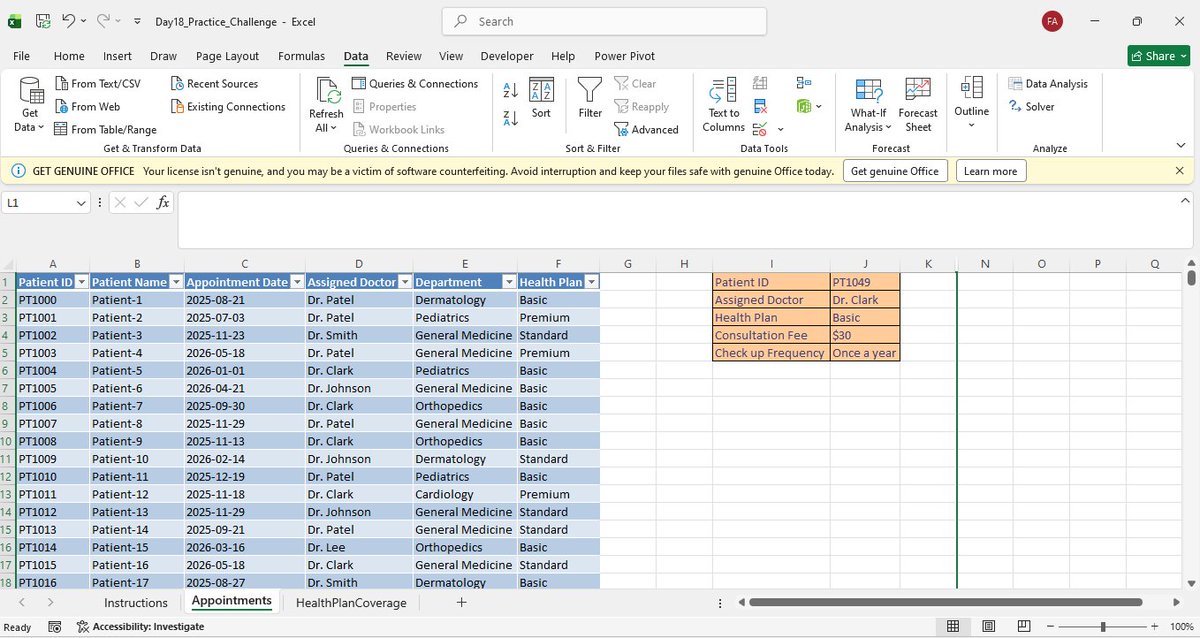
Today I used it to:
remove duplicates
fix inconsistent cases
convert cost from text to number
remove extra spaces
Day 15 of becoming a Data Analyst till I get a job:
Data cleaning.
Real world data is messy.
Today I practiced:
removing duplicates
standardizing
TRIM for extra spaces
Find & Replace for spelling
This is 80% of the job.
#dataanalyst#dataanalytics#tech#LearningInPublic
Day 14 of becoming a Data Analyst till I get a job
Xlookup
XLOOKUP behaves like VLOOKUP, HLOOKUP, and INDEX MATCH.
But those have problems:
1. VLOOKUP only searches left to right. Lookup value has to be on the left. If columns change, it breaks because it relies on column
numbers.
2. HLOOKUP only searches top to bottom. Lookup has to be above the data.
3. INDEX MATCH is good, but too complicated
XLOOKUP fixes all of it:
- Look left to right and up and down on any table
- No column numbers
- One simple formula
- Still reusable even if table
Day 13 of becoming a Data Analyst till I get a job
INDEX and MATCH.
INDEX returns a value from a specific position in a range.
MATCH returns the position of a value in a range.
Combined together, they are used to lookup values.
Still learning and building.
#LearningInPublic
Day 12 of becoming a Data Analyst till I get a job.
Topic: PivotTables
Today was all about PivotTables. I used them to answer real business questions from raw data.
Below was my task
#LearnInPublic#dataanalyst#dataanalytics#Excel#tech