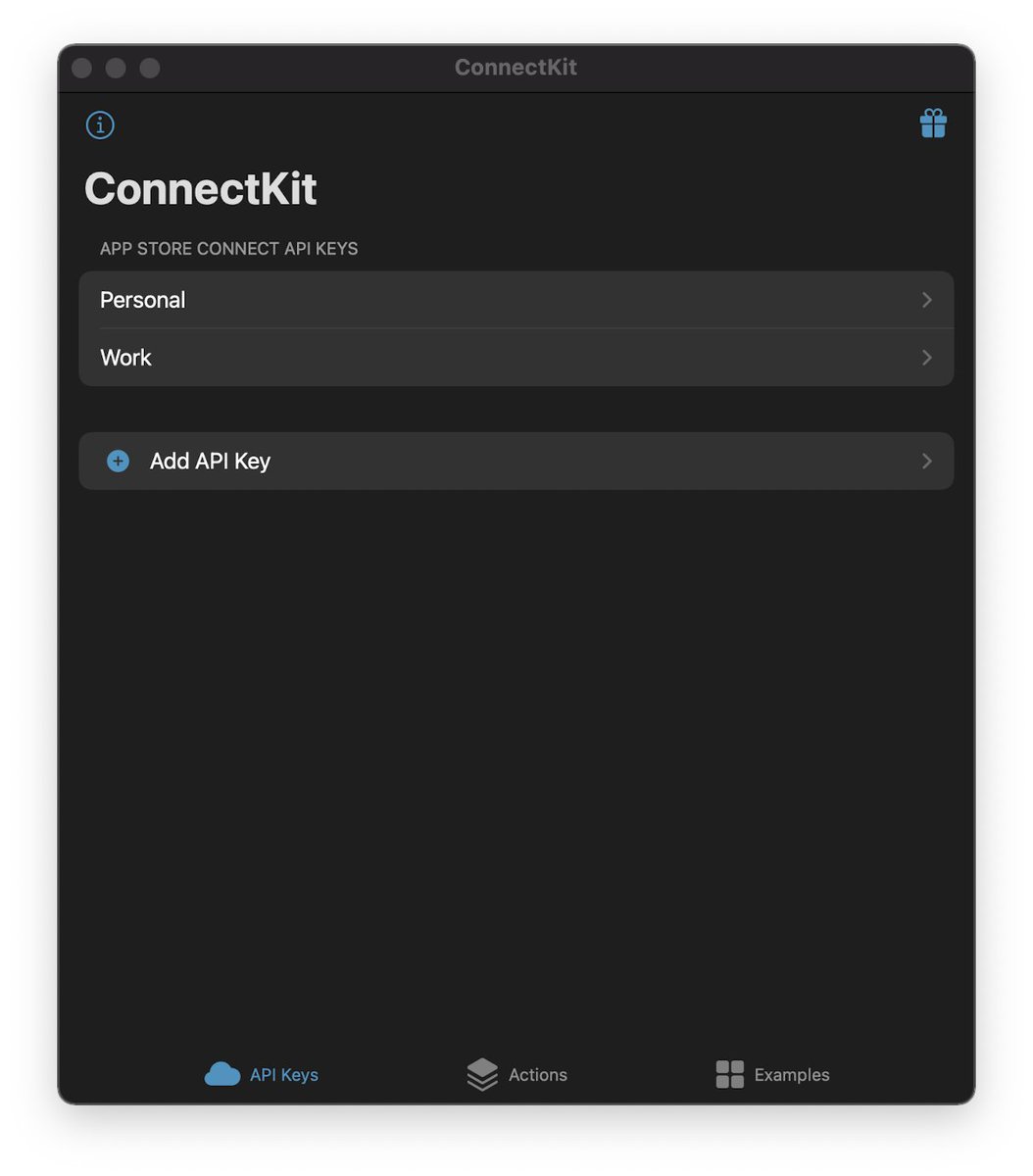
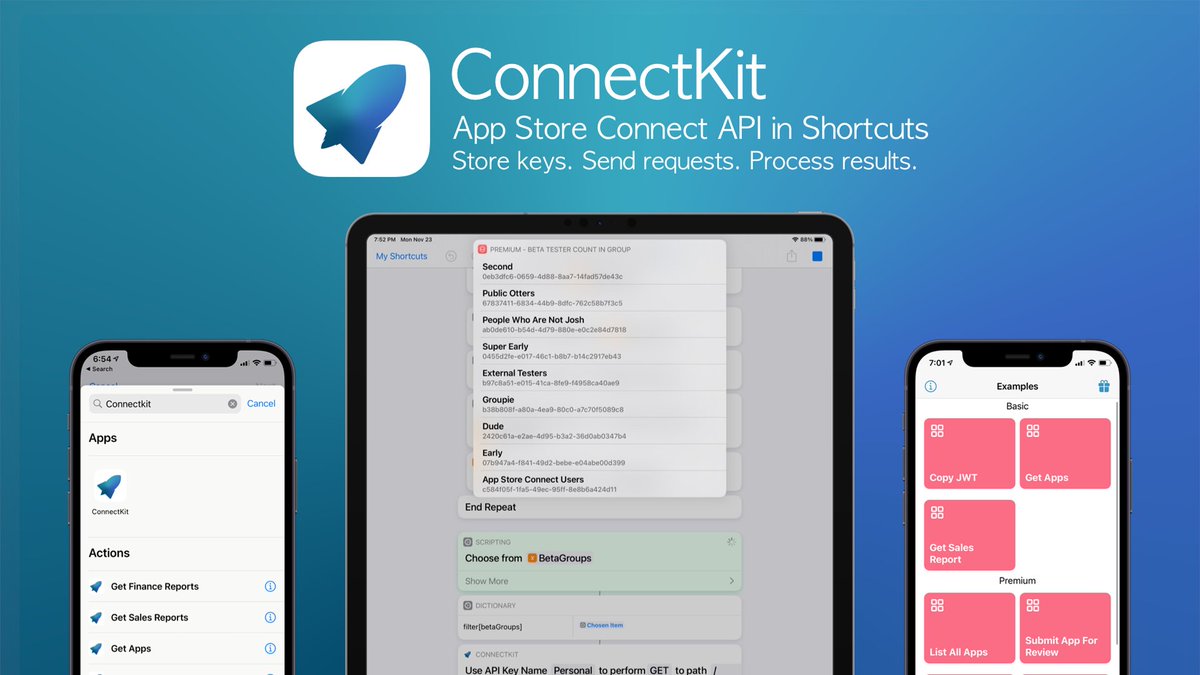
The easiest way to access App Store Connect API in iOS Shortcuts 🚀 Securely store API Keys. Send authorized API requests. Do cool things with the results.
Hello! Today we're introducing ConnectKit, a powerful React component library for adding a user-friendly wallet connection experience to your app.
It comes with sensible defaults out of the box so you can focus on building. Now available in public beta:
https://t.co/UU983P4Syl
Next version of @ConnectKitApp is going to be 🔥🔥🔥
New Actions Teaser #1:
✅ List and filter App Store Versions
✅ Manually release developer pending versions
Stay tuned to this 🧵 for more updates 👀
Yeaaahhh, buddy! @ConnectKitApp is working for macOS Shortcuts 🥳 #WWDC21 All actions work and all API Keys synced from iCloud
Interacting with the App Store Connect API got even easier 😉 Will be adding more actions for updating metadata, screenshots, and submitting apps 💪
Episode 125 is out 🎉
This week we're chatting about Apple's new AirPods Max, spring cleaning, and our plans for Orbit!
Picks of the week are #iOSDevHappyHour, @ConnectKitApp, and Magnet (by @crowdcafe) 🧑💻👩💻👨💻📱🧲
https://t.co/lI9aMfkfDJ
🎁1⃣5⃣🎁
[iOS] After two days to play, it's time to work! 💻💪
Thanks to @ConnectKitApp, manage App Store Connect from your shortcuts!
During the next 24 hours, all IAPs are -50% 💸
👉https://t.co/mf9Mx5T5Nq
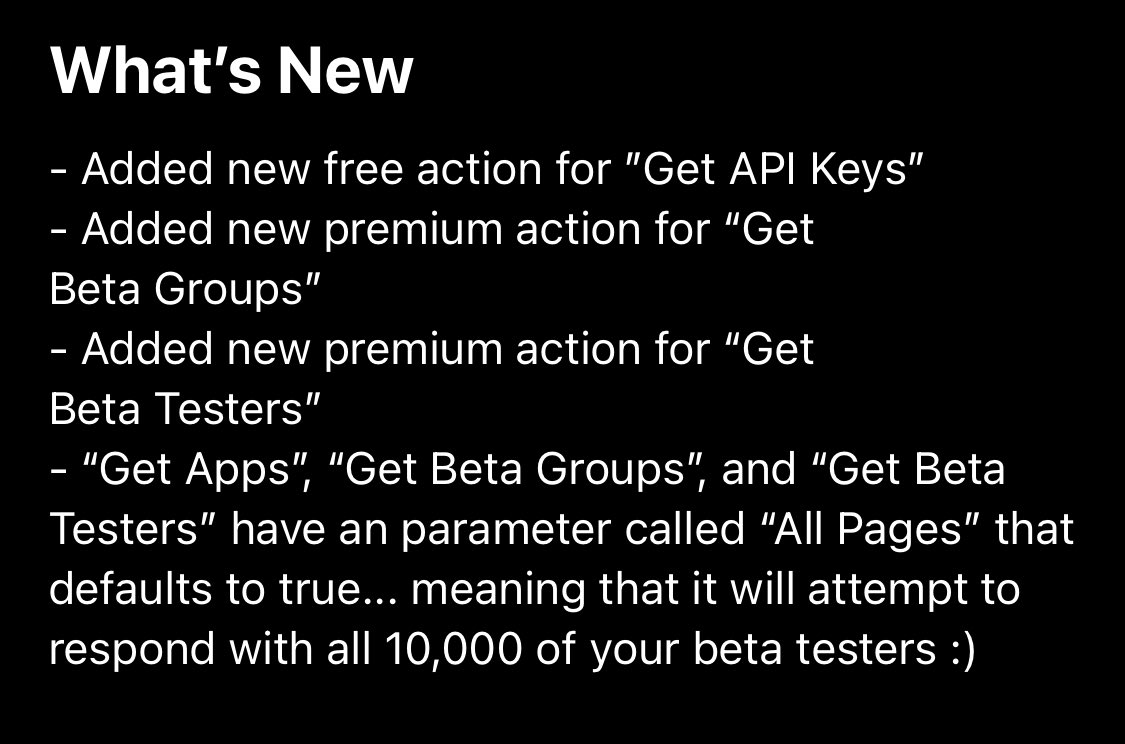
📣 Version 1.1.0 is released
✅ Iterate over API Keys
✅ Get beta groups and testers
✅ New parameter to fetch all pages (for actions like get apps, get beta groups, and get beta testers)
Even more 🔥 coming soon in 1.2.0 😉
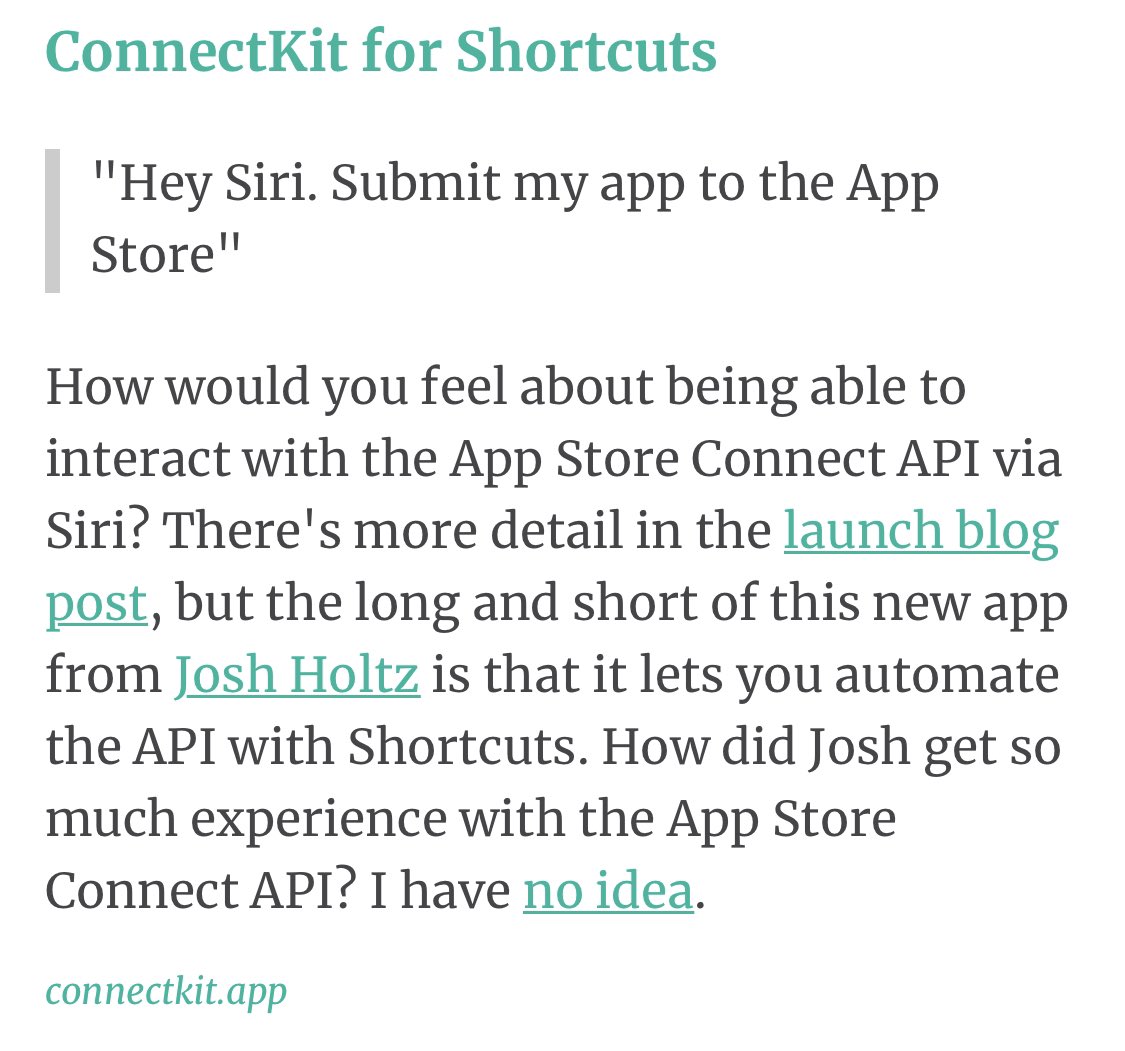
Oh goodness, @ConnectKitApp is also on @iOSDevWeekly 🤯
Thanks so much, @daveverwer! 🥰
I also wonder where I got the App Store Connect API experience from 😉
@harrygthompson Dang! That does seem like something on Apple’s side then 😔 I’ll might poke some other developers to see if they are seeing the same thing you are!
@harrygthompson@chartyios Thank you so much! So happy to hear you love it 🥰 Please reach out if you ever have any issues, questions, or feature requests!
@harrygthompson@chartyios It’s in the finance reports section of App Store Connect dashboard under your entity name (which I think is top left)
I’ll add an item to the FAQ page on the website on how to find this with screenshots!
@harrygthompson@chartyios The examples have been updated! You should see "Charty Monthly Units (v2)" and "Charty Daily Units (v2)" if you force close the app and reopen it (ooof) in the example 😇 These will now prompt you to sent your vendor number with instructions on where to find it 💪
@harrygthompson@chartyios It looks I may have put my personal vendor number in the Shortcut 🤦♂️ Did you happen to change that at all? It’s in the parameters in the “Get Sales Report” action.
I will have to update my examples so that it prompts you to enter that when you download it!
Welcome, new followers! Please let me know if you have any issues or questions when using ConnectKit 😊
Also... version 1.0.2 just got put to “In Review” so let’s hope it get’s approved quickly this time 😅