6) Select payment option by clicking on the field. It will displays payment confirmation.
7) Under Remita Status, Click “Pay Now”.
8) Confirm your details.
9) Click “Proceed To Payment” button.
10) Enter your ATM card details.
#nysc#nyscbenue@benuenysc#dolar#batchb
HOW TO CHECK NYSC RELOCATION STATUS
If you applied for redeployment, follow the steps below to check your NYSC relocation status:
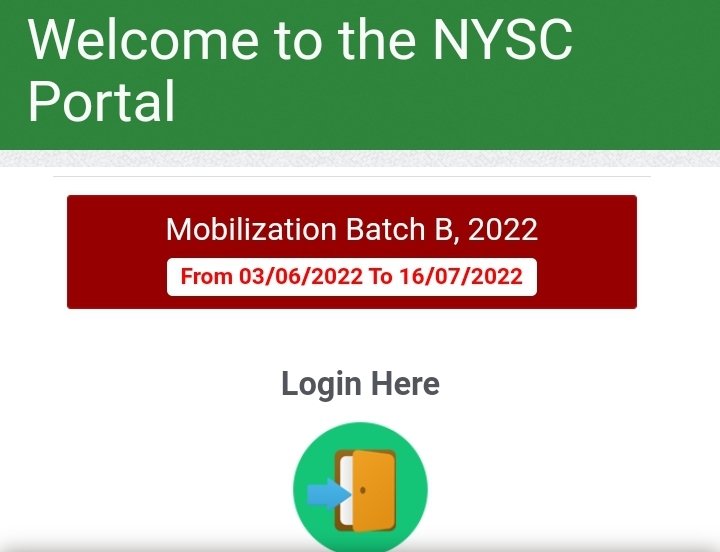
1) Go to the NYSC portal at https://t.co/2r8uwfZfF3.
2) Login to your dashboard with your email address and Password.
HOW TO CHECK NYSC RELOCATION STATUS
If you applied for redeployment, follow the steps below to check your NYSC relocation status:
1) Go to the NYSC portal at https://t.co/2r8uwfZfF3.
2) Login to your dashboard with your email address and Password.
6) Select payment option by clicking on the field. It will displays payment confirmation.
7) Under Remita Status, Click “Pay Now”.
8) Confirm your details.
9) Click “Proceed To Payment” button.
10) Enter your ATM card details.
#nysc#nyscbenue@benuenysc#dolar#batchb