Countdown Widget for iOS 27 is out today. Here is what changed.
You can now share a countdown as an image card with its icon, name, date and how long is left. Notes work the same way.
Siri and Shortcuts can also answer questions about your countdowns: what is next and how long is left, how many are coming up, how many have passed, all of it narrowed to a week, a month or a year.
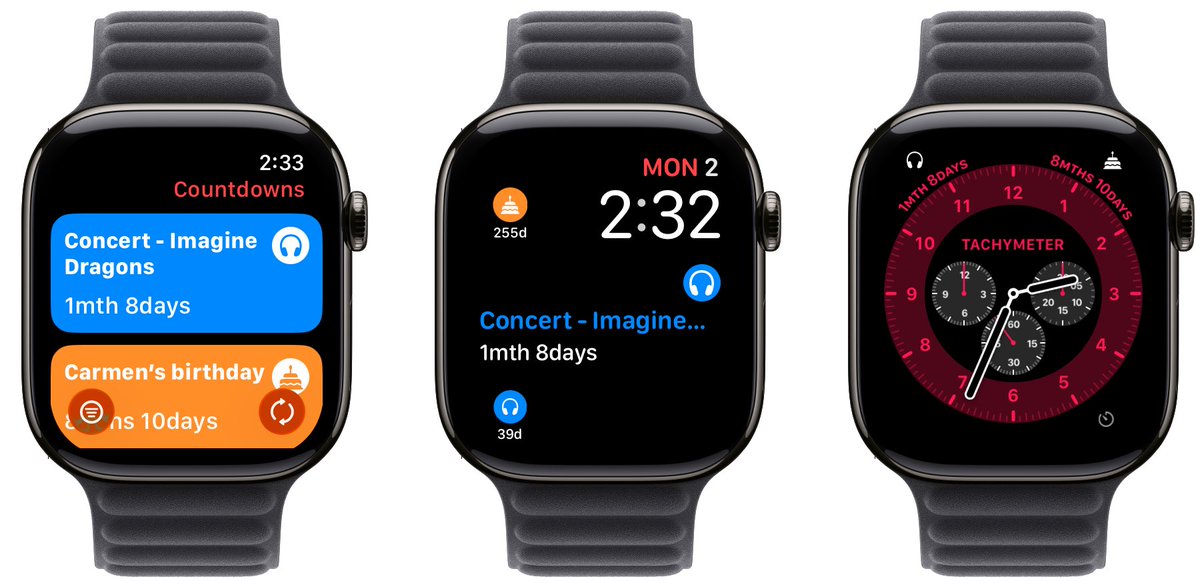
Countdown Widget is now on Apple Watch!
See your most important events right on your watch face. Every complication supported. Days, date, or live real-time countdown. Syncs automatically with your iPhone.
Your wrist always knows what's next.
Countdown Widget 1.3.3 is here! You can now keep your countdowns live on the Lock Screen and Dynamic Island with Live Activities, watching the seconds tick away as your event gets closer.
Plus, you’ll now see a real-time countdown directly on the event page.
Automatic countdown widget
Filter your countdowns by category or tag for a more focused view.
Perfect for keeping work, personal, or travel events organized right on your Home or Lock Screen.
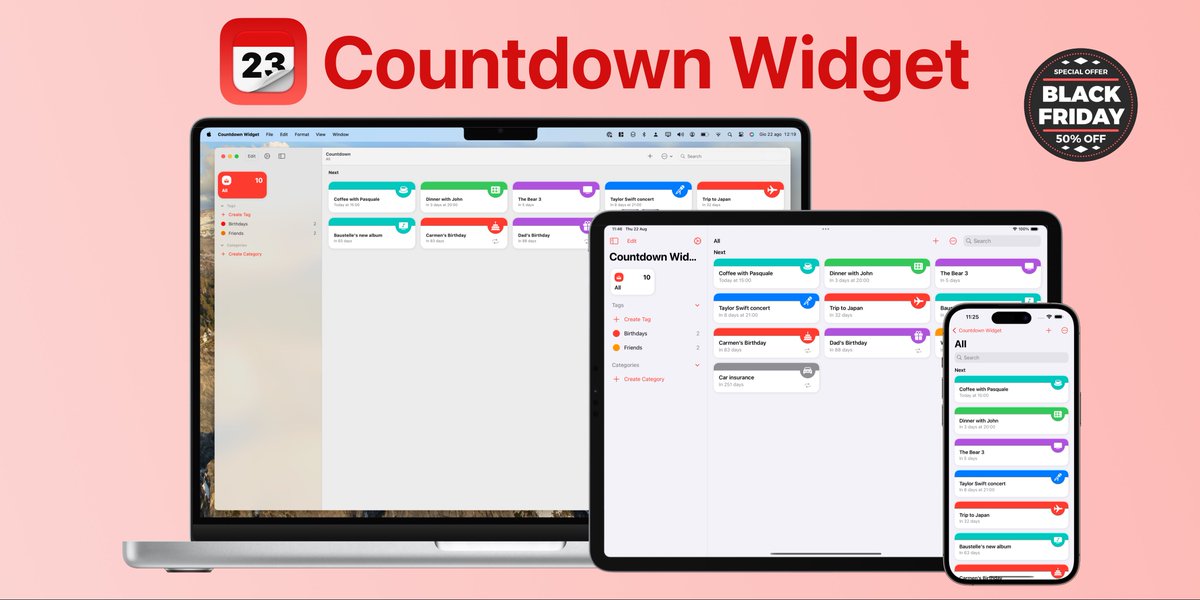
⏳ Black Friday Sale!
Make every moment count with Countdown Widget Pro.
Get it now for just $2.79 (50% off the Lifetime Pro version)!
- Pro Lifetime: $5.49 ➡️ $2.79
Create beautiful countdowns for your most important moments.
📥 https://t.co/zNY5rj8I8F
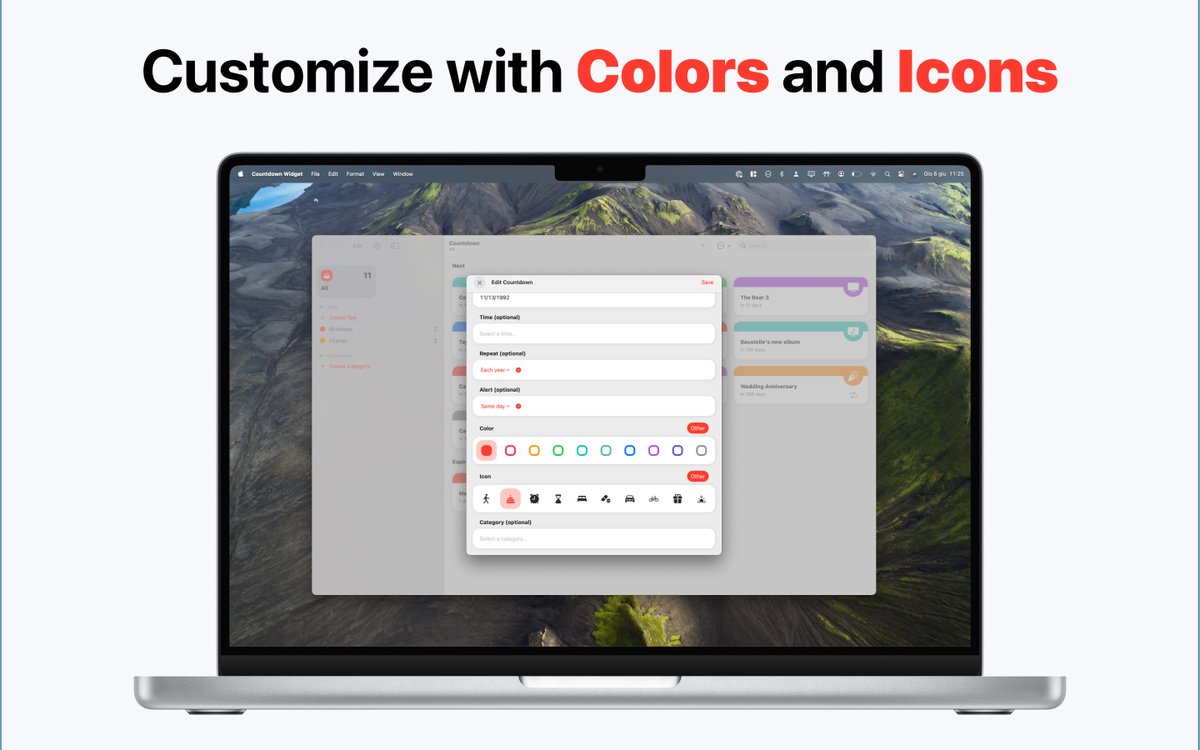
Introducing Countdown Widget 1.1 for iPhone, iPad and Mac which introduces the support to iOS 18 and macOS Sequoia, adds Control Widgets, a new icon with Light, Tinded and Dark mode support and many new features. Discover them now by downloading the app!
https://t.co/zkX7ViDFe0
You can download Countdown Widget for free and try alle the features. If you like the app, you can unlock unlimited events with a single In-App Purchase.
https://t.co/tg1aCpytKy
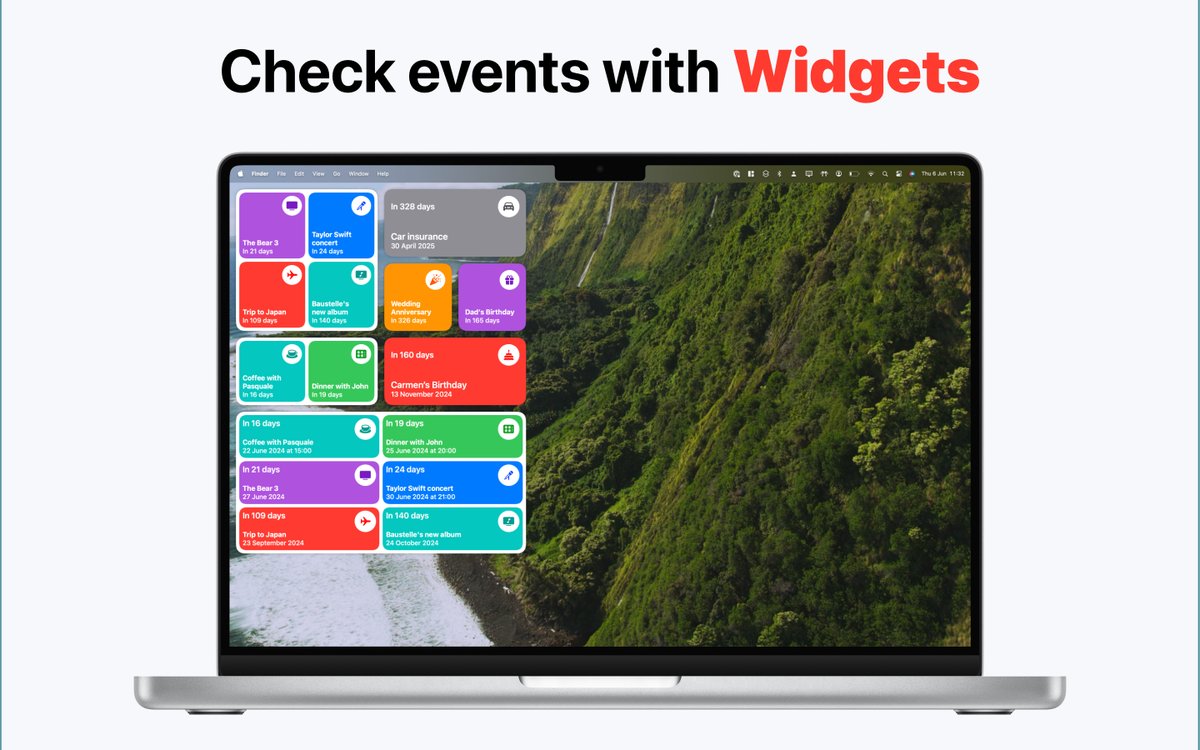
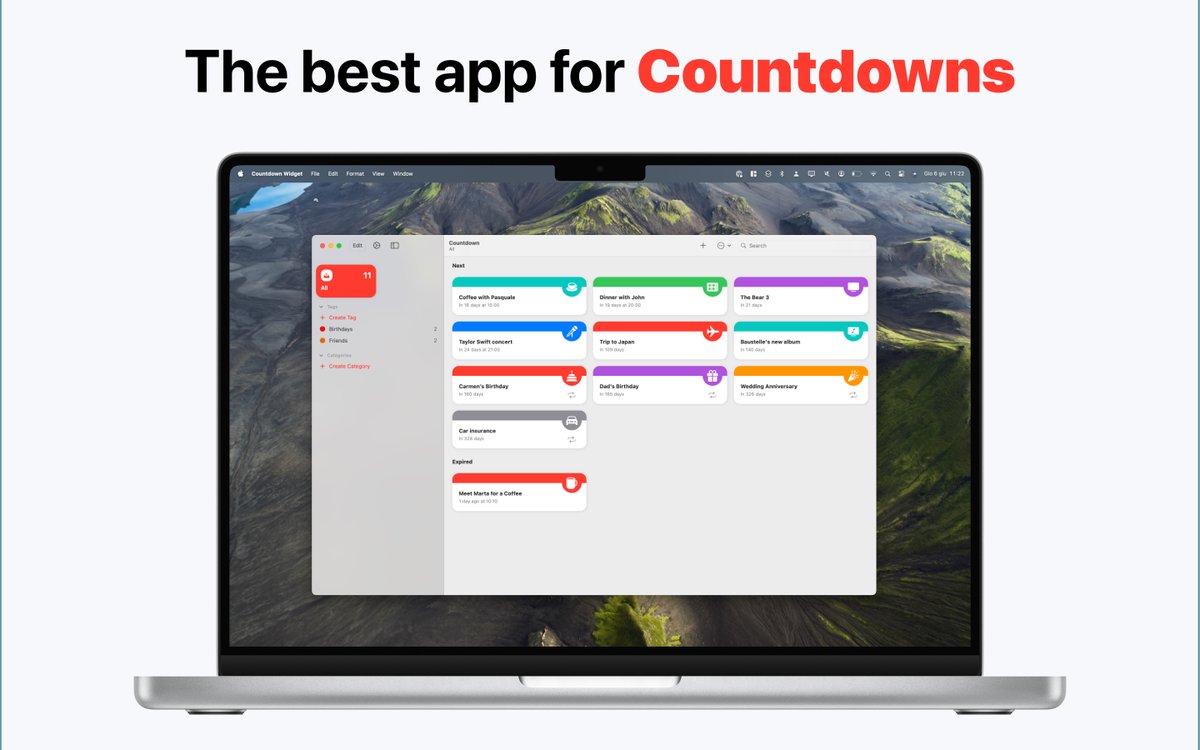
Hi 👋 I’m Countdown Widget, a new app for iPhone, iPad and Mac that will help you to set countdowns to your special events. The key feature is to be able to add Widgets to your Home Screen and Lock Screen so that you always have your upcoming events at your fingertips.
#apps#ios
Set reminders and enable notifications to receive an alert when an event is coming. Furthermore Countdown Widget does not collect your personal information or track you in any way. Track your countdowns should be fun, not another reason to worry about data privacy.