Put #MicrosoftTeams & #M365 to work for your organization with our powerful NITRO Studio, custom applications, or pre-made applications like NITRO Help Desk.
"It still works" isn't a support plan.
Your InfoPath forms can't be updated in SharePoint Online anymore, and nobody is patching them.
Pick the ones tied to approvals and money, and move those first.
https://t.co/cXY87dwQu7
#InfoPath#SharePoint
Who chases the approver when a SharePoint request stalls?
NITRO Studio does: approvers respond from a Microsoft Teams card, stalled requests can escalate, and a debugger lets you step through a workflow on a test item.
https://t.co/yh7a3Ua3tS
#SharePoint#WorkflowAutomation
If you've spent years building in Nintex, the tool isn't what you built. Your processes are.
Settle 3 questions first:
- Which workflows do we keep?
- Which can we simplify?
- Can old and new run side by side?
https://t.co/GhenGJVson
#Nintex
Two years: the gap between Microsoft shutting the 2013 workflow engine for new SharePoint Online tenants and for existing ones.
Sounds generous until you count your workflows.
The plan: Rank them, then rebuild the top five first.
https://t.co/6qKgqLnUPl
#SharePointDesigner
Whoever built your company's first InfoPath form never got a thank-you.
Years later, hundreds of people still use it.
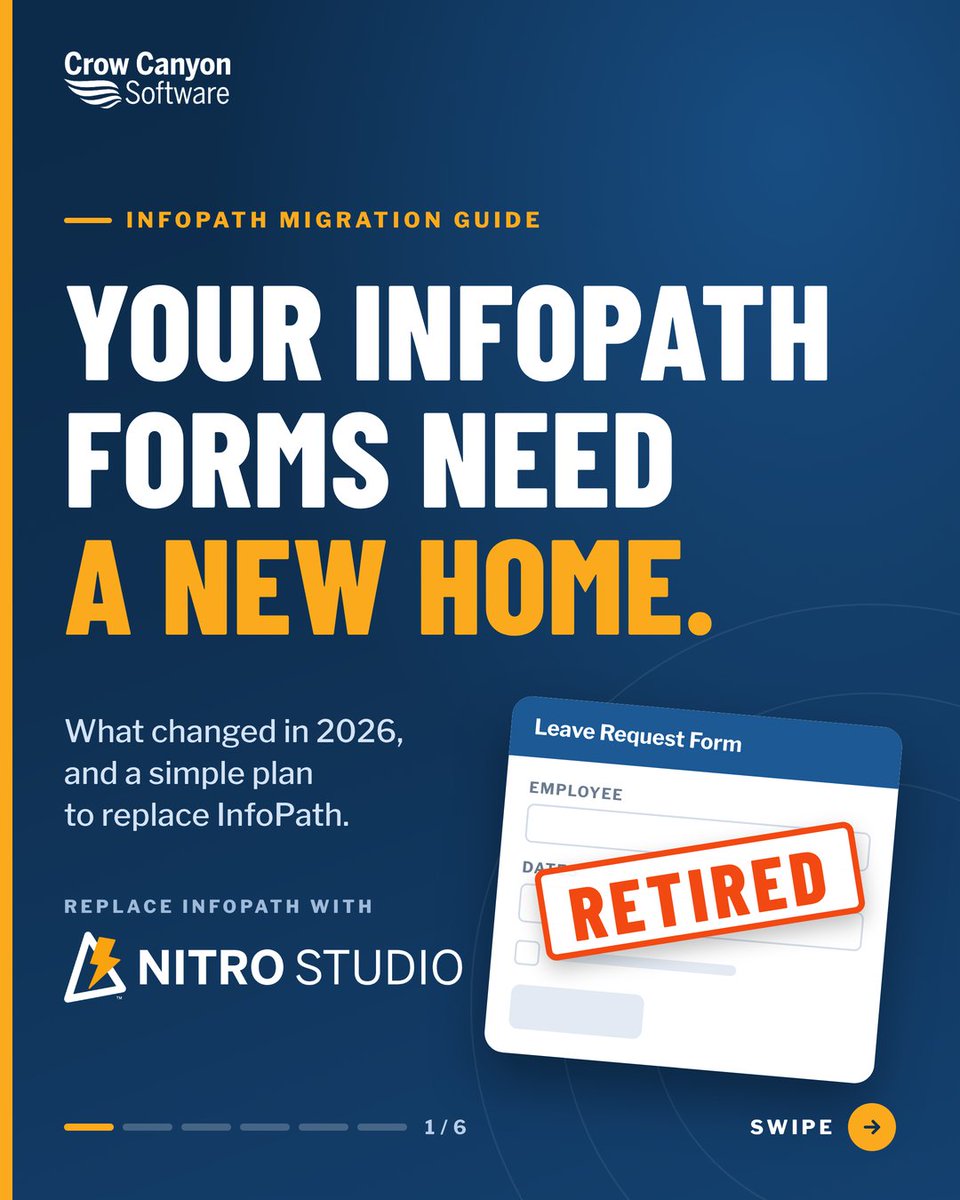
Now that InfoPath Forms Services is retired, start with the forms your colleagues would miss first.
https://t.co/Moo9N6rU7e
#InfoPath#SharePoint
Running GCC High or an air-gapped network? Your help desk has to run there too.
NITRO Help Desk does: one queue for email, Teams, portal and phone/SMS requests, with auto-assignment and SLA escalations, all on SharePoint and Teams.
https://t.co/hx0ubkKc2l
#GovTech#ITHelpDesk
Still running Nintex Workflow for O365? Here's a 90-day plan:
Days 1 to 15: list every workflow
Days 16 to 30: rank by consequence
Days 31 to 75: rebuild and test
Days 76 to 90: retire the old ones
👉 Plan your Nintex migration:
https://t.co/NL5kYN7W1N
#Nintex#SharePoint
Inherited InfoPath forms? List every one you know. Then go find the ones you forgot.
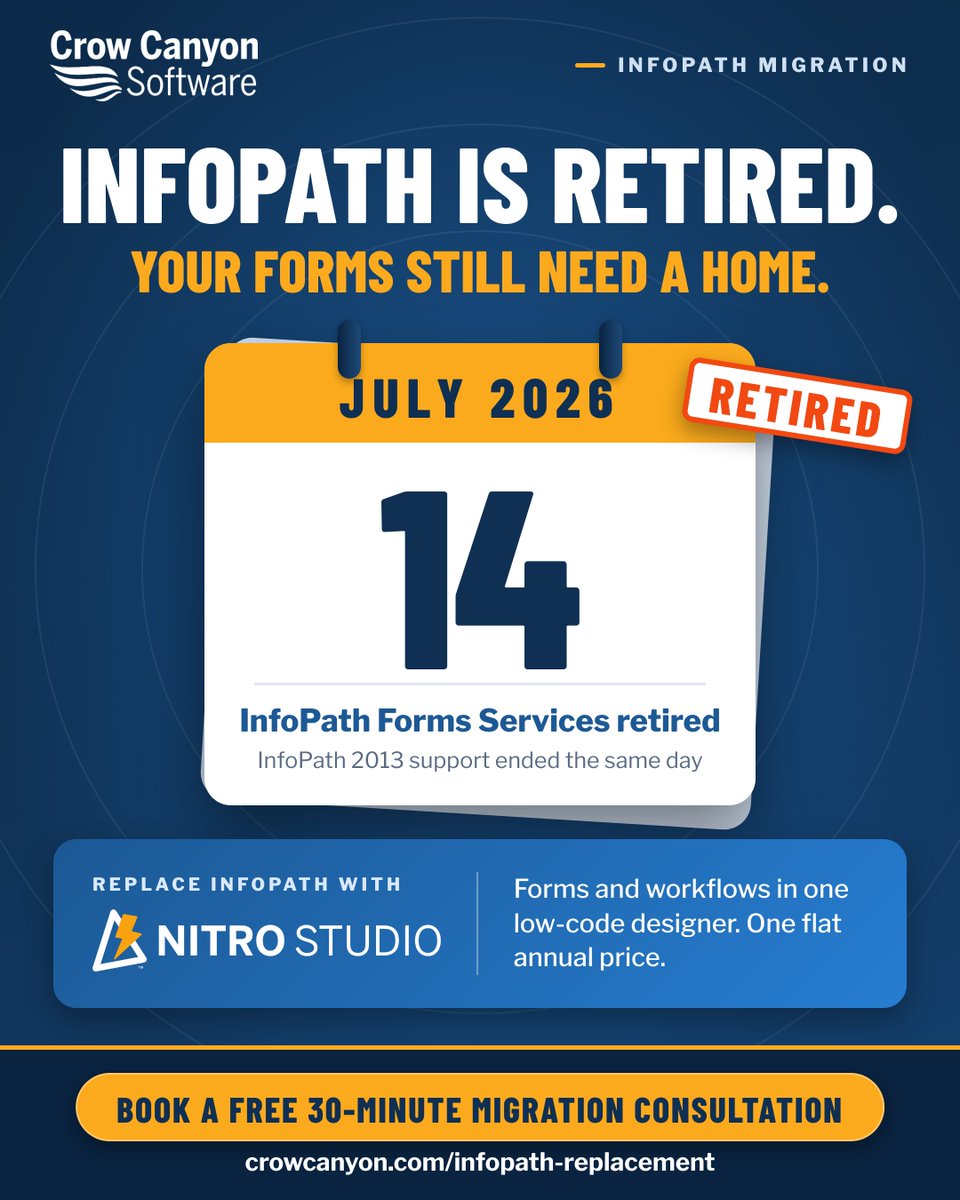
Those are the ones breaking since InfoPath Forms Services left SharePoint Online on July 14.
Free 30-min consultation: https://t.co/vwNulEMgKG
#InfoPath#SharePoint
If a form still gets printed, signed and scanned, it's ready for an upgrade.
With NITRO Studio, the team that owns the process can rebuild it online with e-signatures and sign-off steps, using no-code/low-code tools on SharePoint.
https://t.co/e38GOnTQq3
#NITROStudio#LowCode
On July 14, InfoPath Forms Services retired, that means existing forms can't be updated and republished anymore, and the service they relied on is gone.
Not sure what to do next? We're here to help.
Contact us: https://t.co/tXIzbQ672O
#InfoPath#Microsoft365#SharePoint
The riskiest workflow in your environment may have been built by someone who no longer works there.
Get its description from the people who depend on it, not the old logic, then rebuild it.
NITRO Studio gives your team a no-code way to rebuild.
#SharePoint#Microsoft365
Air-gapped network? Cloud-only software can't follow you there.
Our NITRO apps can. Help desk, service desk, asset management, purchasing and workflow automation, built on SharePoint for on-prem, air-gapped, GCC and GCC High.
https://t.co/vqVKUXlnnr
#GovTech#Microsoft365
Discover 5 ways NITRO Help Desk for IT can help streamline ticket management, automate workflows, and improve IT support within your Microsoft environment.
Make IT support more efficient. 🚀
#BusinessStrategy#BusinessAutomation
Learn how to build multi-level approval workflows to streamline requests and simplify approval processes.
Read the blog: https://t.co/ZCEsRfgvWC
#BusinessAutomation#WorkflowAutomation
No-code/low-code isn’t just about building without developers.
It’s about helping businesses build faster, automate repetitive work, adapt processes, and turn ideas into solutions.
Here are 5 ways it can change the way your business works.
#business#WorkflowAutomation
Building forms in SharePoint? You have more options than you might think. From native SharePoint Forms to Power Apps and advanced form solutions, each approach has its strengths.
Read the full guide.
https://t.co/WR2V03FKvD
#business#automation#sharepoint
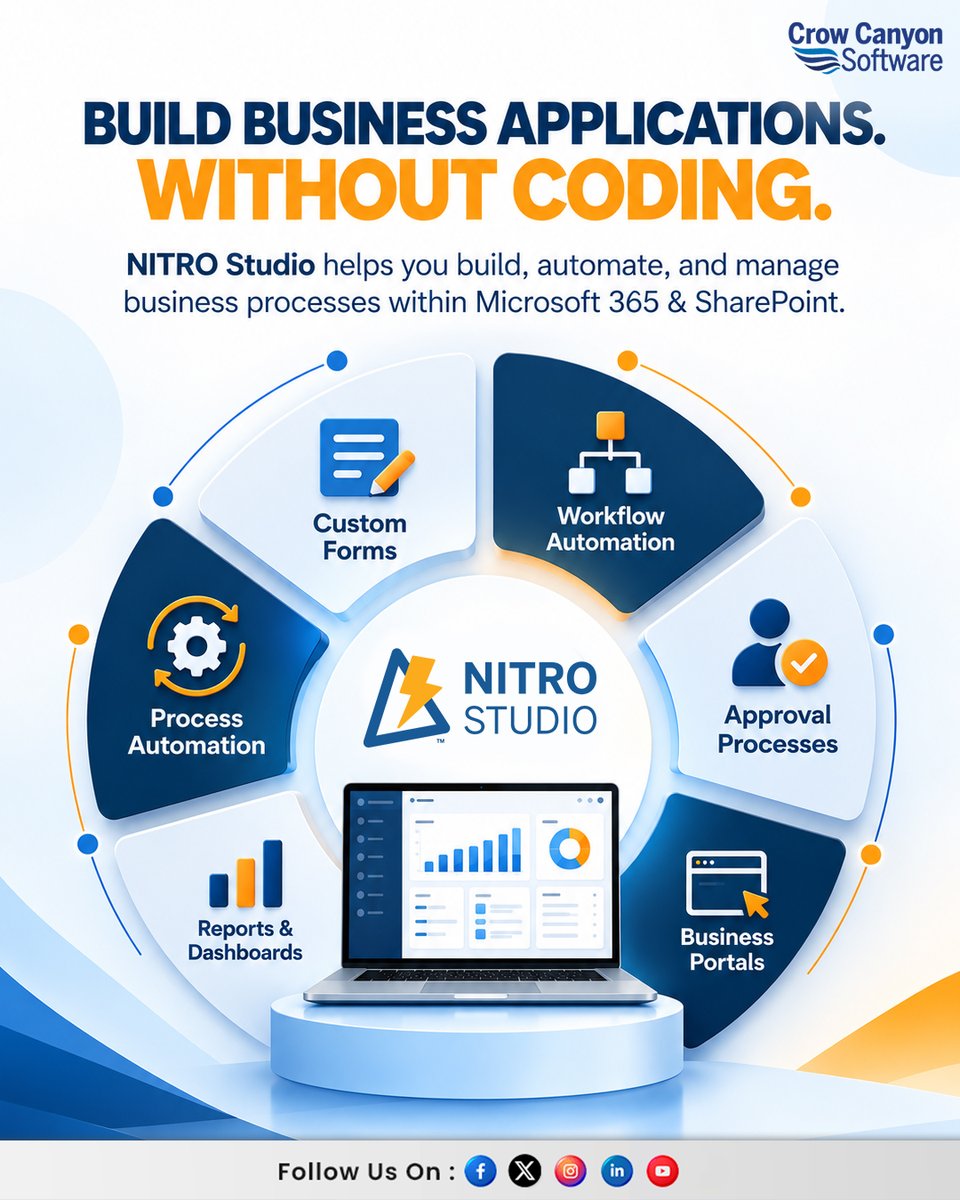
What if building a business application didn’t have to start with code?
Build forms. Automate workflows. Streamline approvals. Create portals.
All within Microsoft 365 & SharePoint.
#sharepoint#BusinessAutomation
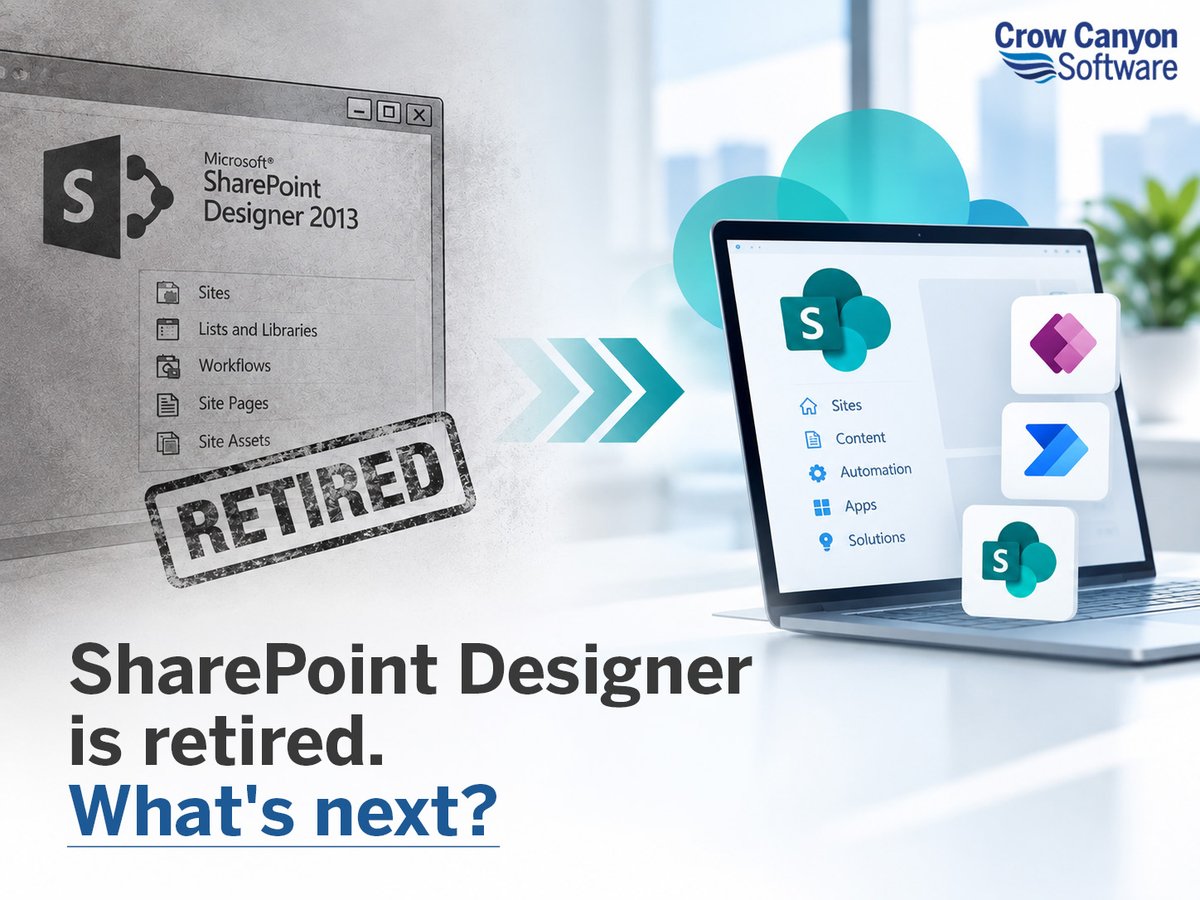
SharePoint Designer is retired. What's next?
Explore the key capabilities to look for in a replacement, and how NITRO Studio brings workflows, forms, automation, and Microsoft 365 integration together.
Read the blog → https://t.co/xbIXKT4tgh
#sharepoint#BusinessSoftware