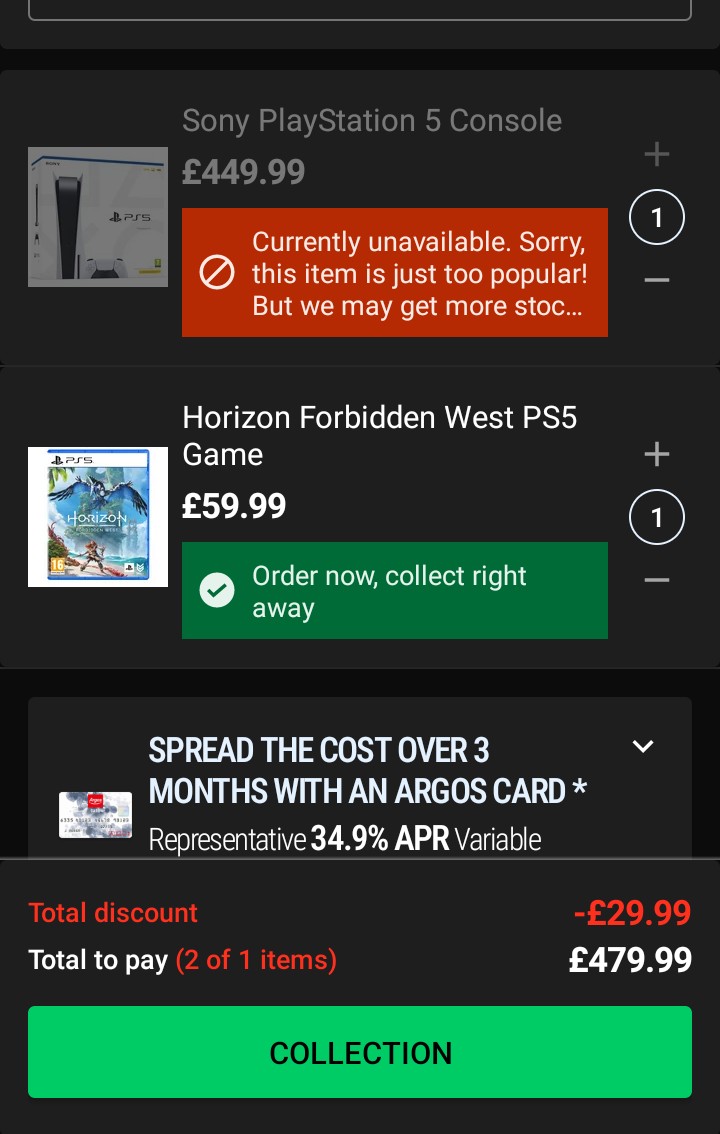
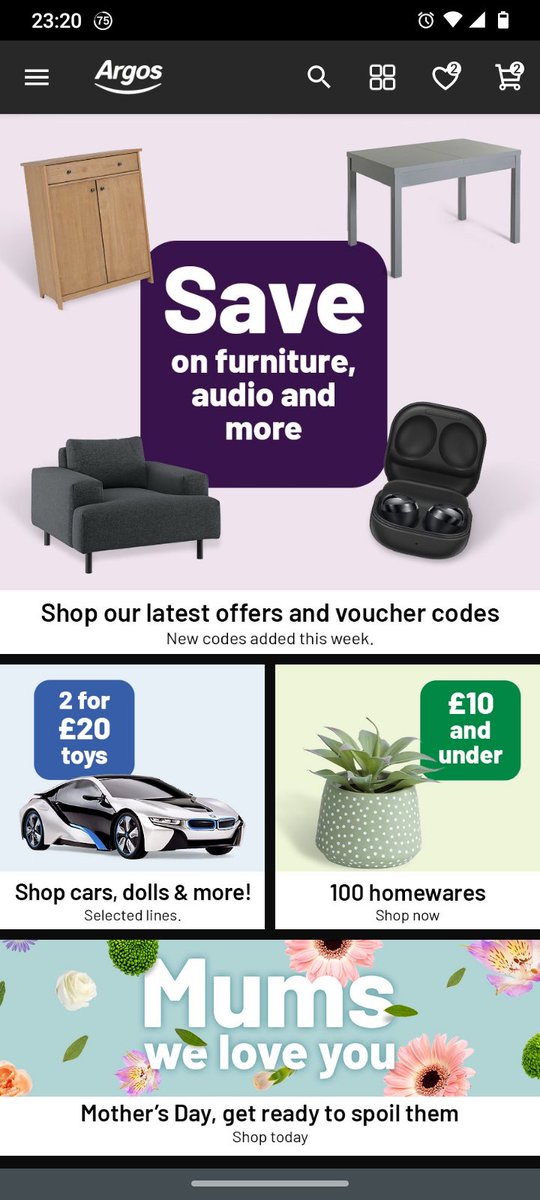
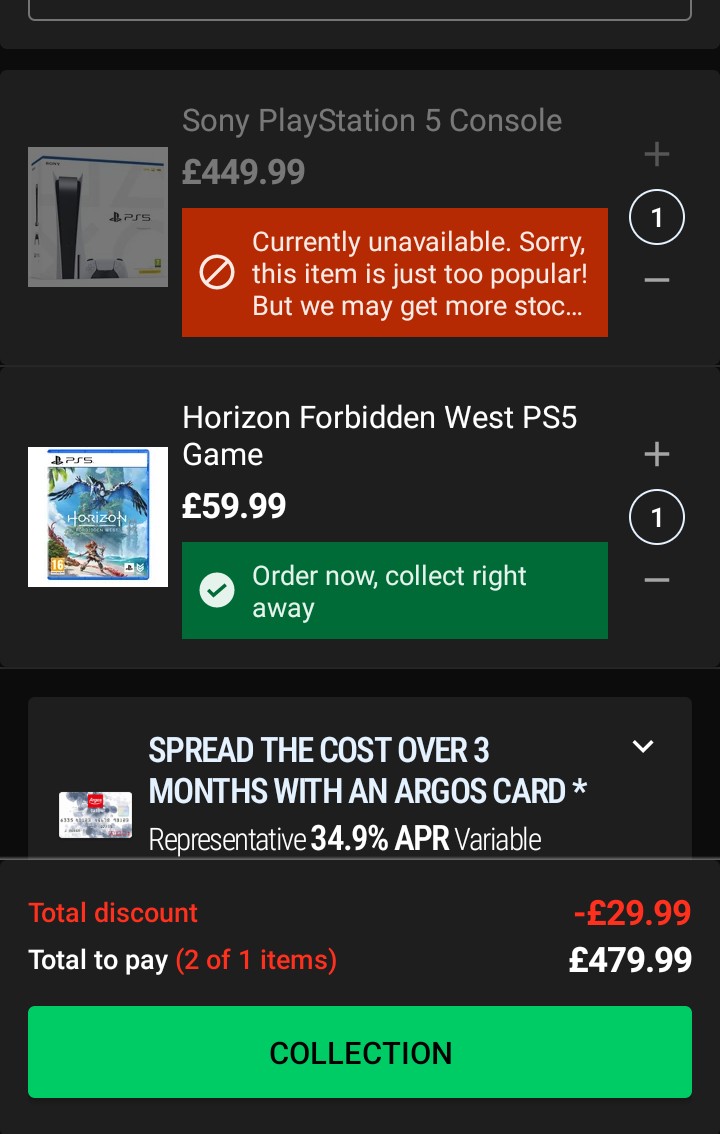
@utdjimuk@PS5StockAlertUK 1. Use PC Argos web store on regular web browser, log in..
Add bundle to cart.
2. Now use Argos phone App, do not use web browser page.
3. In app log in and check out....Just ignore errors and do check out.
@amebling@PS5StockAlertUK This was happening to me as well for the first 30-45 min.
1. Use PC web browser Argos store, log in and add the Bundle to cart.
2. Download/use ArgosApp(NOT web store). Log in and check out with the mobile phone app (mine is Motorola android).
@Jacktheflippa@Callum22446625@PS5StockAlertUK Indeed, did not work for me for 30min.
But I kept on going.
I did it all wrog at first, hehe.
Need to use the ArgosApp on phone, not just the regular web browser.