Think before you click. There we said it.
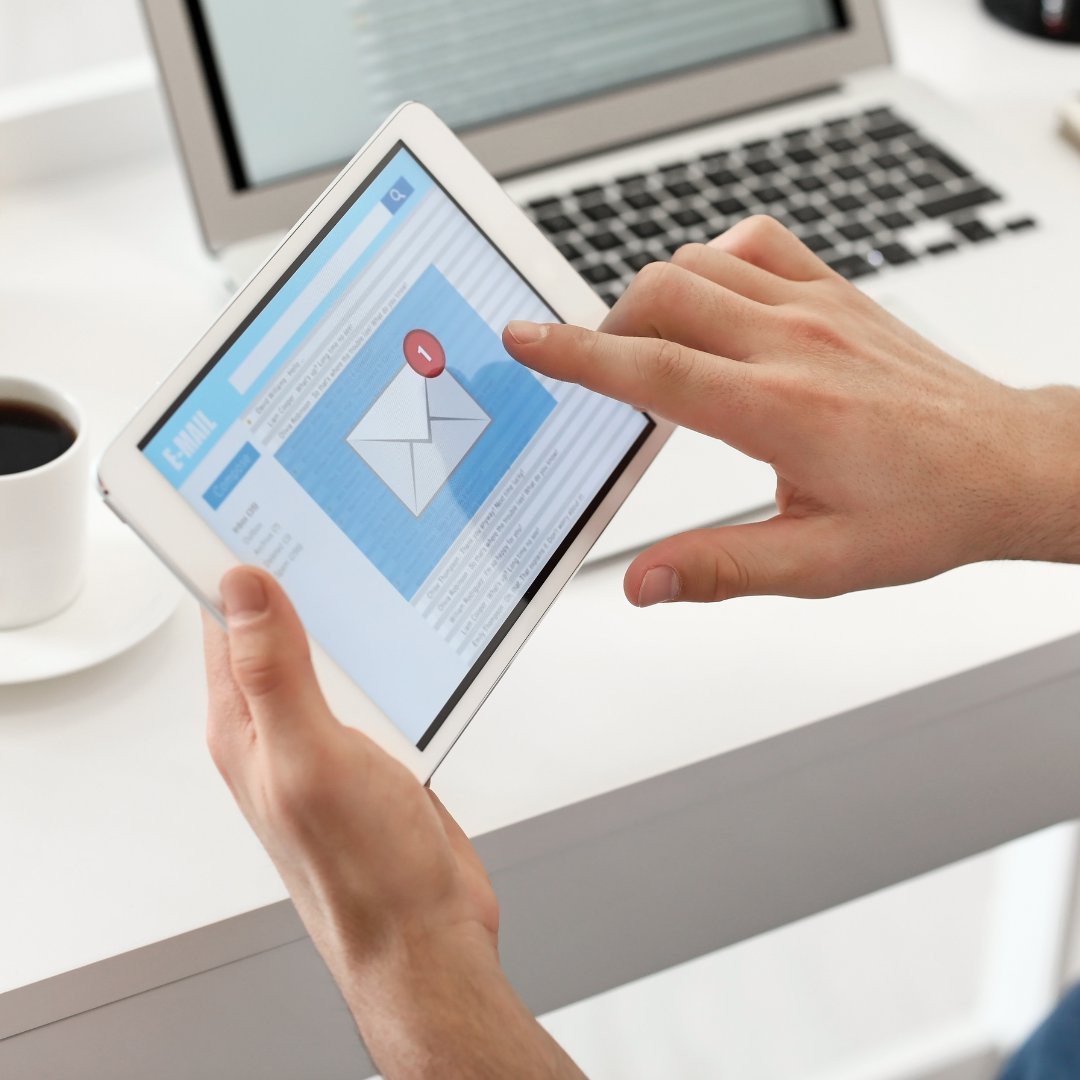
Phishing emails are getting more sophisticated each day.
If it’s a link you don’t recognize, asking you to update your information or submit a payment, trust your instincts and think before you click. We all need to Phight the Phish!
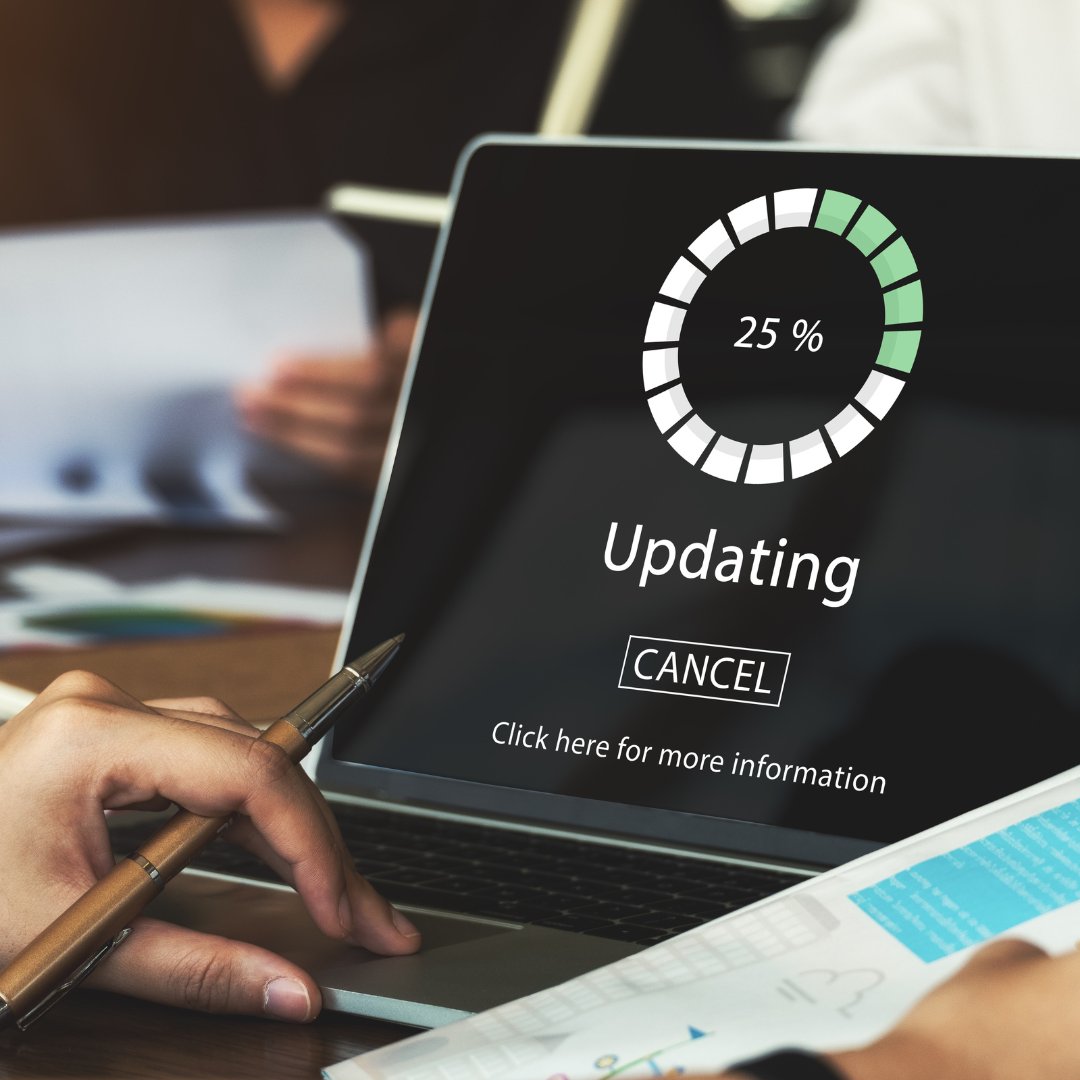
This is your sign to turn on automatic software updates!
Cyber attackers will exploit the flaws in your system. Software updates or patches are commonly issued and most of them contain security updates.
#cybersecurity#cybertips#CyberHawaii#MFA
Multi-factor authentication adds an additional step to logging into your accounts to confirm who you really are.
MFA uses at least two identity components to authenticate a user’s identity including: something you know; something you have; and something you are.
Phishing emails are currently one of the most common risks to the average user.
The goal of a phishing email is to gain information about you, steal money from you, or install malware on your device. Be suspicious of all unexpected emails.
#cybersecurity#CyberHawaii#phishing
What does it mean to be cyber ready?
It’s when you (& your employees) know what to do to
prevent, respond, and recover from a cyber incident and it’s outlined in your incident response plan.
#CyberReadiness#CyberReady#CyberHawaii
Awareness is key when it comes to preventing a cyber incident and improving your cybersecurity.
One way you can bring awareness is to advocate for longer passwords. Encourage using a passphrase, three or more words together.
#cybersecurity#cybertips#cyberhawaii#passwords
What is cybersecurity?
Cybersecurity is protecting your networks, devices, and data from unauthorized access or criminal use and ensuring the confidentiality, integrity, and availability of your information.
#cybersecurity#cybertips#cyberhawaii
Back up your information. Contacts, financial data, photos, videos, and other mobile device data to another device or cloud service in case your device is compromised, and you have to reset to factory settings.
Stop auto connecting. Some devices automatically seek and connect to available wireless networks. This instant connection opens the door for cyber criminals to remotely access your devices. Disable these features to connect to a safe network.
Are you prepared and ready to respond if a data breach or cyberattack occurs?
Prepare your organization with Cyber Ready Hawaii, a free program for SMEs and nonprofits. Visit https://t.co/9W9AotwBAq
Always use a strong password that is unique to each account. Use simple, long, and memorable phrases to create strong passwords.
If you think you’ll have trouble remembering multiple passwords, consider using a reputable password manager.
#holidays#passwords#CyberHawaii
Use a credit card rather than a debit card. Credit cards usually offer some protection against identity theft and may limit the monetary amount you will be responsible for paying.
#cybersecurity#holidays#card#online#CyberHawaii
Verify the legitimacy of the website by looking at its URL. To show a website is secure, your web browser should show a locked padlock and its URL begins with “https”.
#cybersecurity#holidays#verify#online#CyberHawaii
Cyber criminals look for vulnerabilities in systems and devices as a way to access your data.
Ensure you’re operating at the most current software and if you have the option to, enable automatic software updates.
#cybersecurity#holidays#updates#online#CyberHawaii
Multi-Factor Authentication or MFA adds an additional step to logging into your account by verifying the user logging in is actually you.
One way MFA verifies your identity is through a one-time pine sent to either a mobile device, email or a phone call.
#cybersecurity#MFA