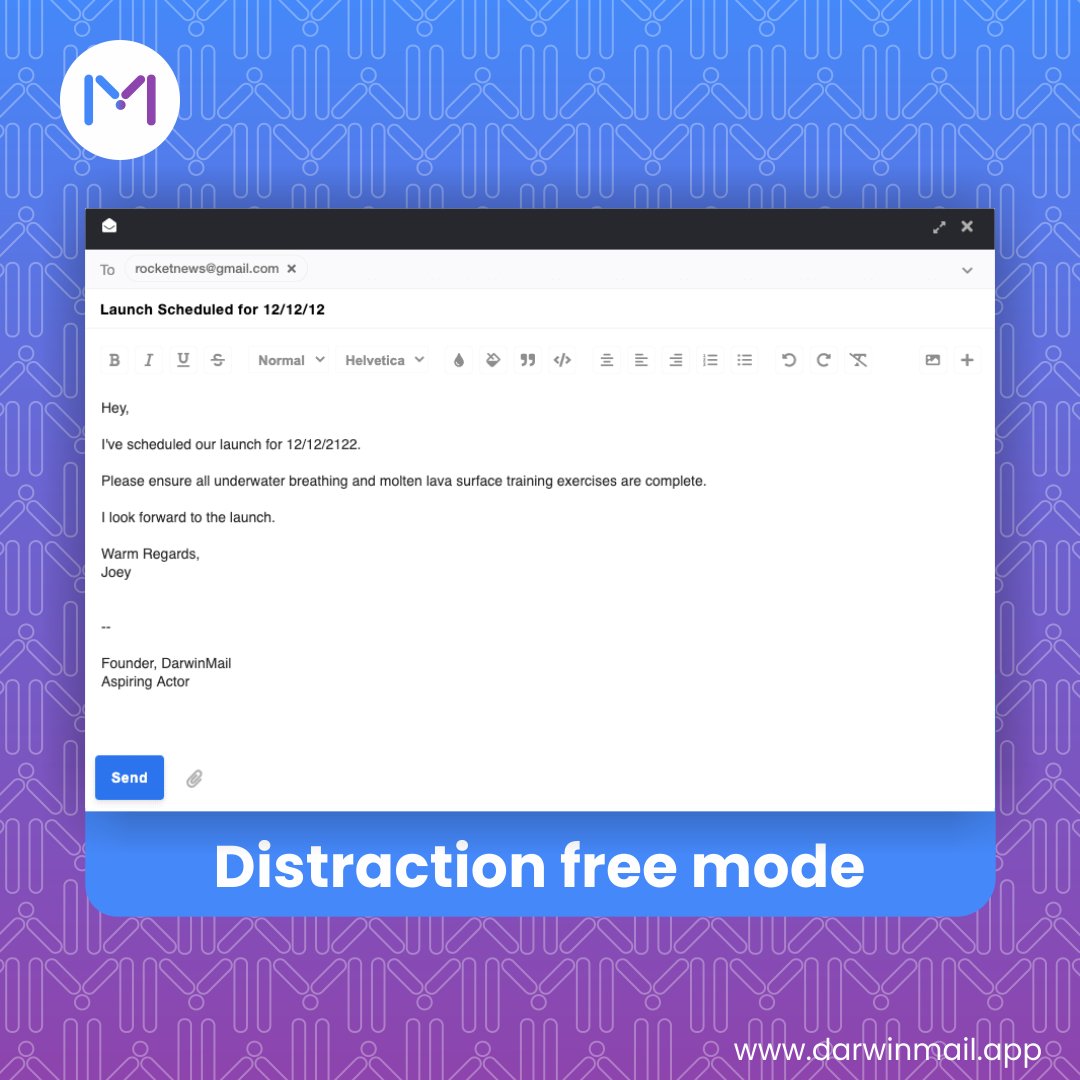
The distraction-free mode makes it a lot easier for you to compose mails without, well, distraction! It's also great for getting through your emails at record speed.
You subscribe to several newsletters – such as on fitness and business, but you barely read them, and you don't want to delete them either.. Instead, what you can do is set your email to automatically archive them to different labels (folders).
When writing emails, say what you mean, be clear, and be concise. Why? Writing short helps the people who read your message get to the point and process their email more efficiently. They may pick up on your tone and reply in kind, which will make life easier for you.
The first thing to do when you open your inbox is scan to see what you can delete. Is it junk? If so, throw it out. All messages you identify as unimportant should be trashed. When you delete irrelevant messages immediately, you make it easier to see the remaining messages.
If you frequently check email on your phone, you can save a time by processing messages while you're mobile. Even if you just make it a habit to delete junk, you can benefit from having a streamlined inbox when you get back to the office.
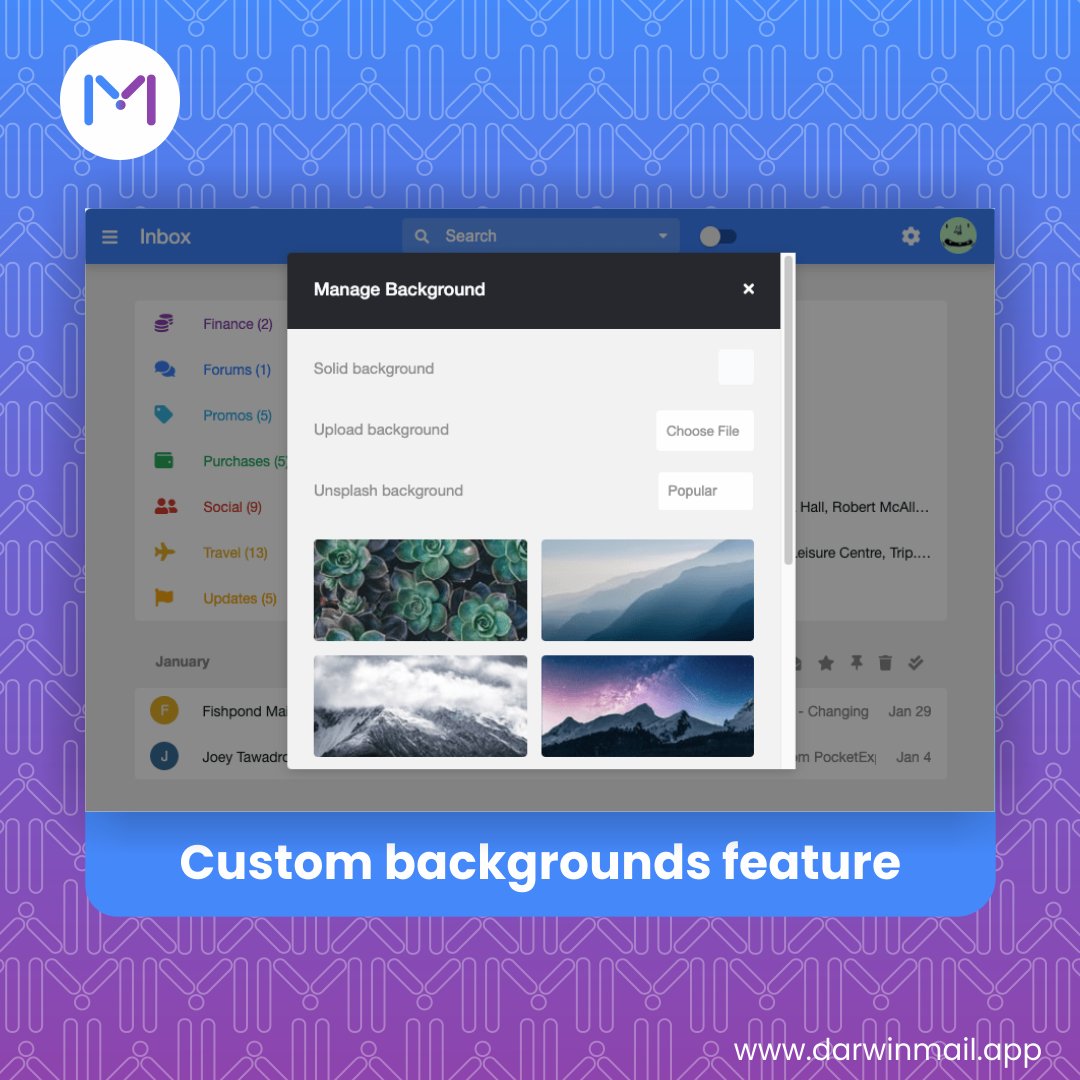
You should set up a customized background because... well, because you can! Customize your inbox to your tastes and feel better whenever you open your email!
Newsletters are a great way to stay connected to interests, but they quickly pile up. If you have not read a particular recurring mailing in several issues, stop your subscription. Limit your subscription to only those you regularly read. This reduces the bulk in your inbox.
You want to get back to that email later? Swipe left to snooze. You want to archive? Swipe right. Quick swipe actions that you can customize will allow you enjoy the DarwinMail app even more than you currently do!
An undeleted email is often a good intention that has gone unfulfilled. Know when to let go. Don't hang onto messages if you will likely never do anything with them. Leaving unimportant messages in your inbox is highly unproductive and distracting.
To streamline your email management, use rules that sort, flag, move and organize your messages. While it will take some time to create rules that support the way you use email, once you have them created, you can cut down on a significant part of your email processing time.
Imagine sending an email to a client without spelling their name correctly! The worst mistakes can happen to the very best of us, and our Undo Send feature can take it all back so it never happened in the first place!
I have some amazing news!...
DarwinMail is live on @AppSumo 🥳
https://t.co/zR9epArxBm
👉 You can get a DarwinMail lifetime deal right now... for only $29 🎉
If you have any questions feel free to reply here or jump into the comments on the deal page!✌️
#appsumo, #sumoling
So you've unsubscribed from those magazines you followed during your Jurassic Park phase, but now there are about 3,000 unread emails clogging up space! Our bulk actions feature will help you delete them with fewer clicks than you'd have imagined.