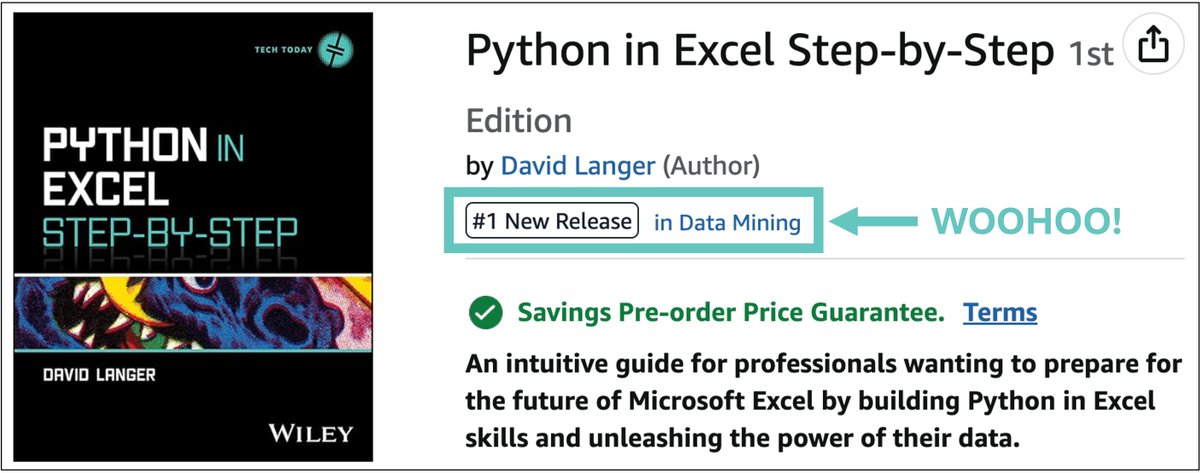
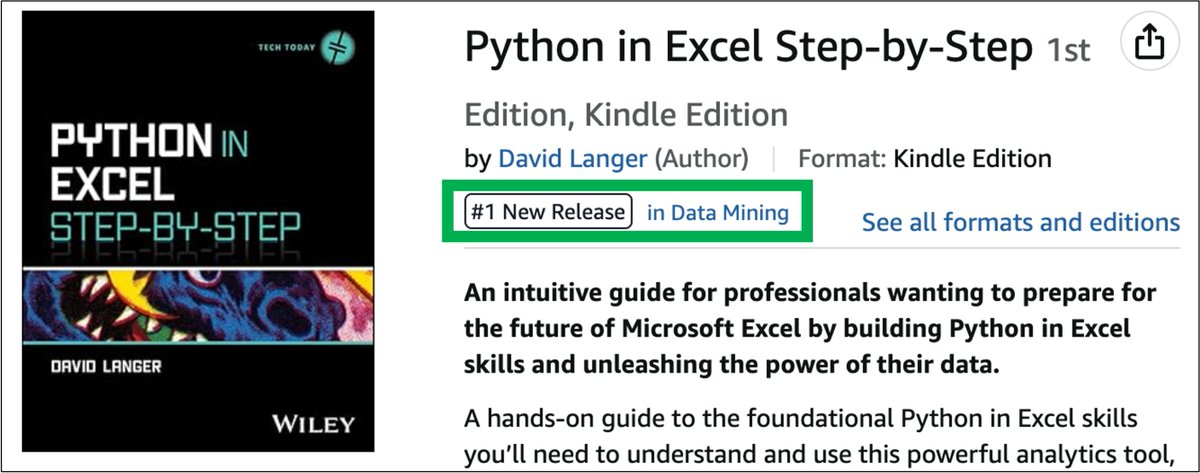
As an author, there's nothing quite like waking up to some good news from Amazon!
Back in May of 2023, I saw an early version of Python in Excel for the first time.
immediately knew I wanted to be a part of the most significant upgrade in Excel's analytics capabilities ever.
And it didn't stop there.
I'm not your typical Microsoft Excel MVP.
I wrote a book for Excel users, and it doesn't cover:
Charts
Formulas
PivotTables
My book teaches professionals to leverage the most important feature added to Excel in a very long time.
Possibly of all time.
That feature is Python in Excel.
And it's how top Excel users will partner deeply with Copilot in 2026 and unleash the power of their data using AI.
Such a great way to start 2026!
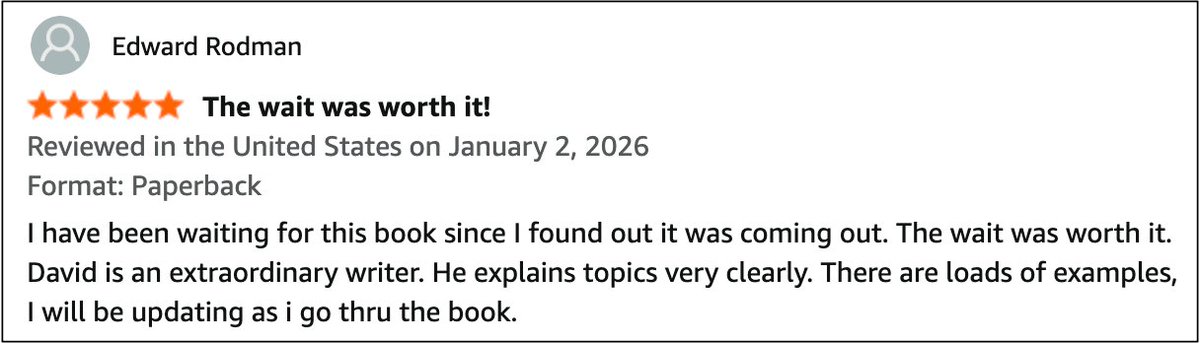
Not only did I get this great news from Amazon, but I received the following DM about my book this morning:
"I got it and its great. You really do explain things in a easy to understand manner. One thing i realized is the Python Editor in excel reminds me of a Jupyter notebook. In my earlier getting my feet wet I only used the formula bar which was a hinderance. The Python editor is so much better. Thank you for your work."
As a first-time technology author, you hope to write a book that will help many professionals build their skills and advance their careers.
So, not surprisingly, feedback like the above goes a long way to help my nervousness.
Happy New Year!
While I don't like to share personal things on social media, I'm going to make a rare exception here.
It was always my mother's dream for me to be a published author.
Unfortunately, she passed away before my book deal became a reality.
This is for you, Mom.
I did a thing!
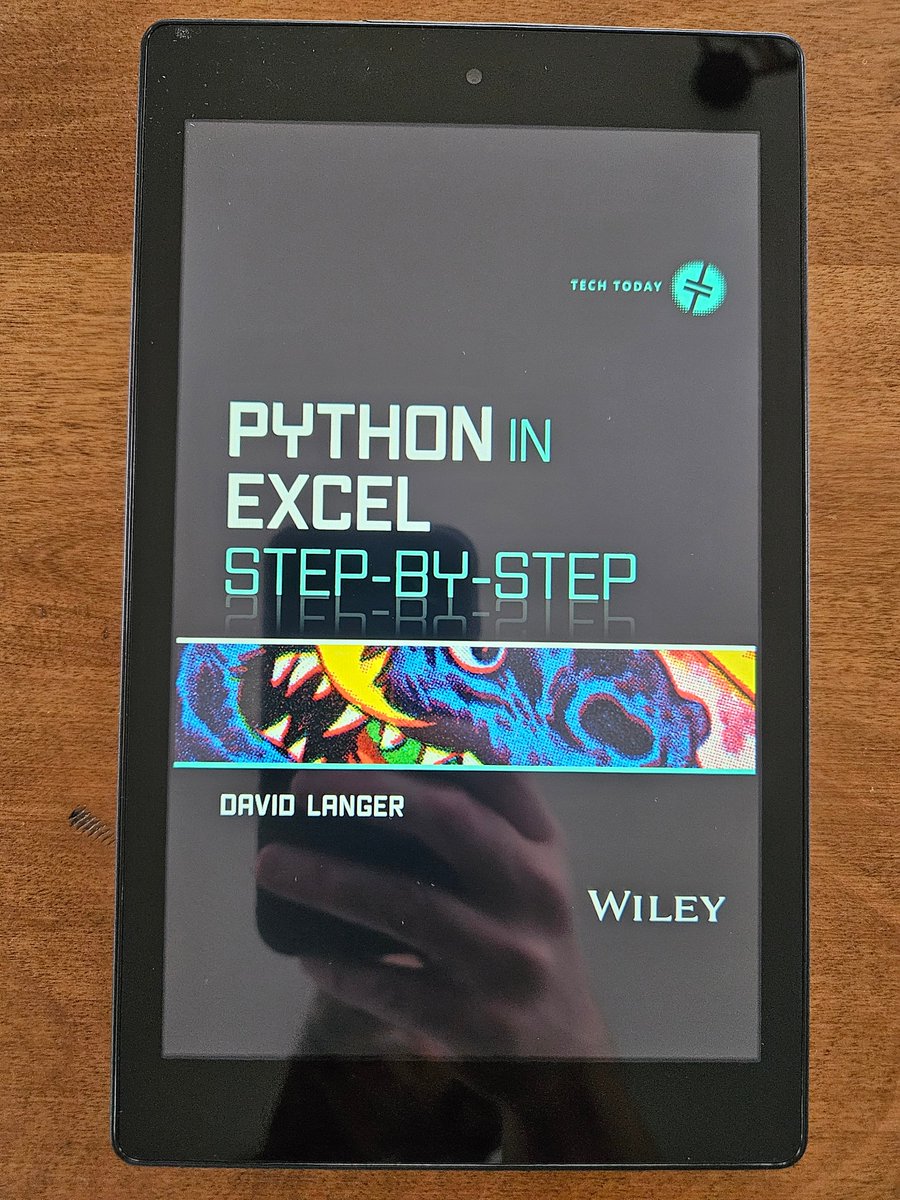
As a first-time author, nothing makes a book more real than holding a physical copy in your hands.
It's been more than 1 year since I started working on Python in Excel Step-by-Step, and (if you can't tell) I'm so excited for all the work to become real.
However, I can't claim all the credit for the book. I had the support of many people who made this book possible:
Rockstar literary agent (highly recommended)
Patient and supportive publisher
The Python in Excel team
Superb editors
When I first got access to Copilot in Excel's "advanced analysis" mode, I quickly saw Microsoft's vision for Excel's future.
For professionals building Python analytics skills, the future of Excel lies in a deep partnership with Copilot AI to unleash the power of their data.
My book is the first step in building the skills for Excel's AI-powered future.
It uses your existing knowledge of Excel to help you learn the Python foundation you need - fast.
As an author, there's nothing quite like waking up to some good news from Amazon!
Back in May of 2023, I saw an early version of Python in Excel for the first time.
immediately knew I wanted to be a part of the most significant upgrade in Excel's analytics capabilities ever.
And it didn't stop there.
I teach professionals data science.
Not to be "Data Scientists."
Sound strange?
In 2025, it really shouldn't.
And you know why.
AI has changed employer expectations of what's possible.
Here's an example - asking Copilot in Excel to perform a customer segmentation analysis.
Your employer knows this can be done.
But what they don't know is that you must have the requisite knowledge to partner with AI to do it right.
In 2025, top Microsoft Excel users know that building analytics skills is the key to unleashing the power of their data using AI.
Just in case you haven't heard, Microsoft is investing heavily in Excel to incorporate Microsoft's Copilot AI technology.
At a high level, Microsoft has two goals for Copilot in Excel:
The magic that makes this possible is Excel's new Python formula feature.
The combination of Copilot and Python in Excel is like chocolate and peanut butter - better together.
By prompting the AI, you can partner deeply with Copilot to:
- Use powerful statistical forecasting techniques, such as SARIMA.
-Mine your data for hidden structures using cluster analysis.
- Use machine learning to predict customer churn.
The future of Excel is knowing how to guide AI to analyze your data.
The images below are a perfect example of what's possible when you invest in building analytics skills with Python.
The images come from last week's edition of my free email newsletter.
What the images show is how, with the right analytics skills, you can quickly prompt the Copilot AI to generate code to find optimal forecasting models for your data.
Forecasting models that are usually better than anything you can create using native Excel features like the FORECAST.ETS() function.
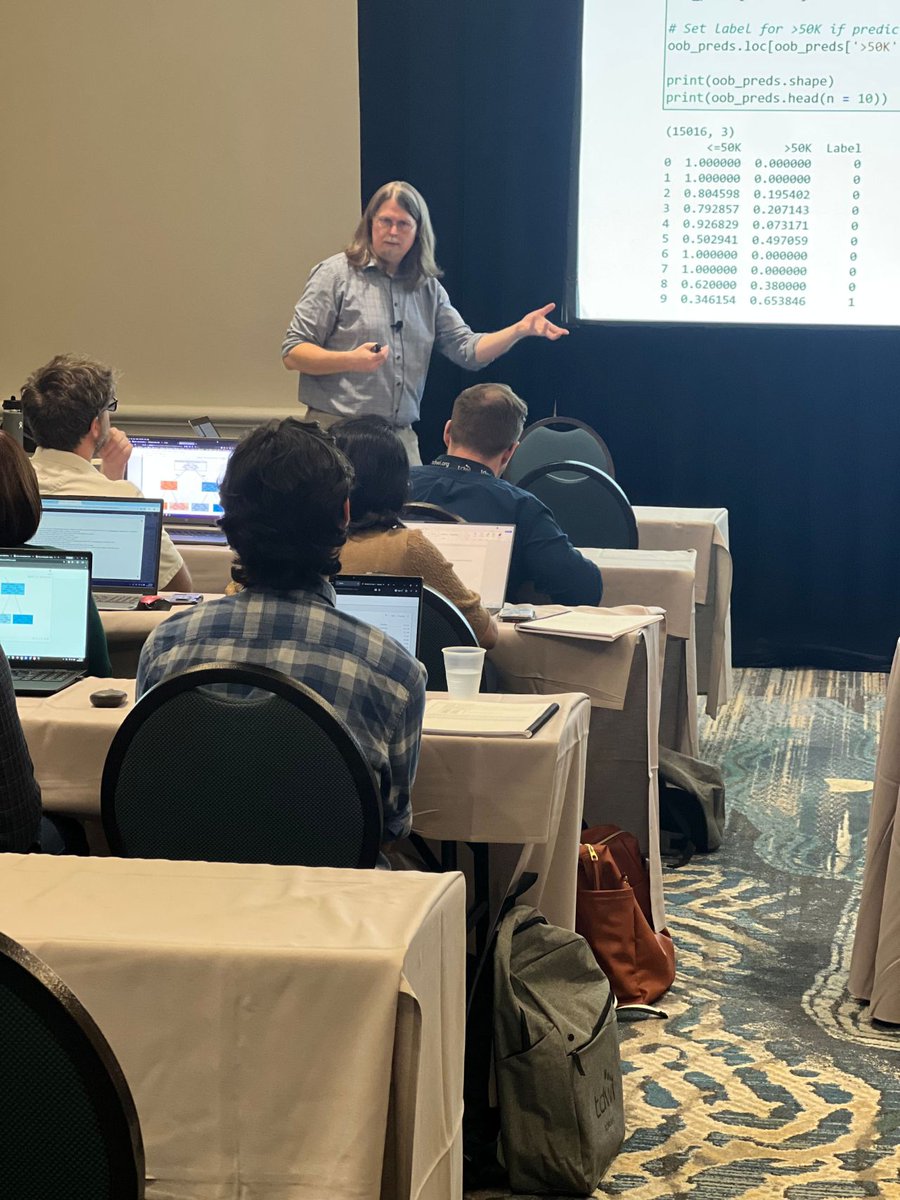
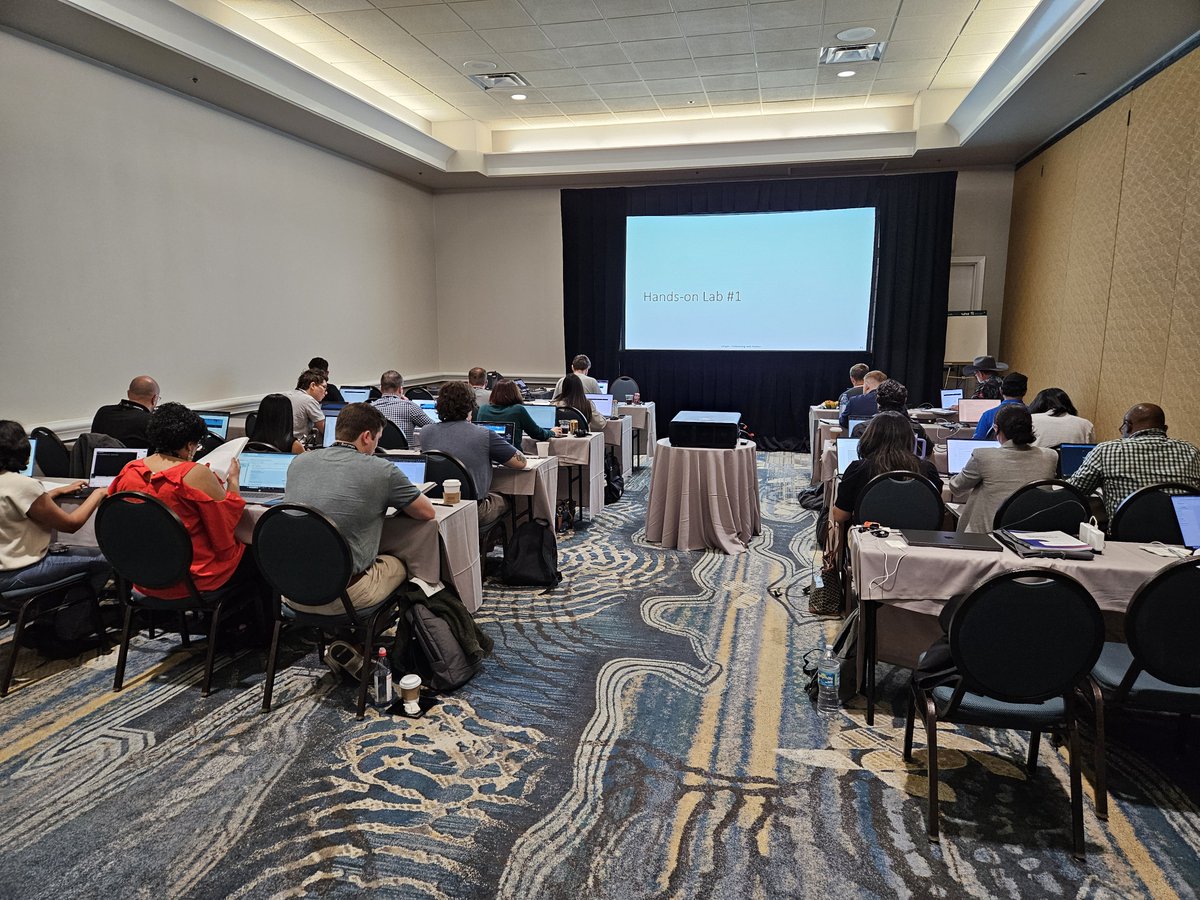
Over the course of three days and 15 hands-on labs, these professionals built real-world ML skills with:
Decision trees & random forests
Time series forecasting
Text analytics
If your team is ready to build data science skills the fun and easy way, send me a DM and let's discuss a customized curriculum.
To all the professionals who attended my classes, THANK YOU, and safe travels back home.
That's a wrap!
It's been a privilege to help so many professionals build hands-on machine learning skills at TDWI Orlando over the past 3 days.
This is the best part of my job.