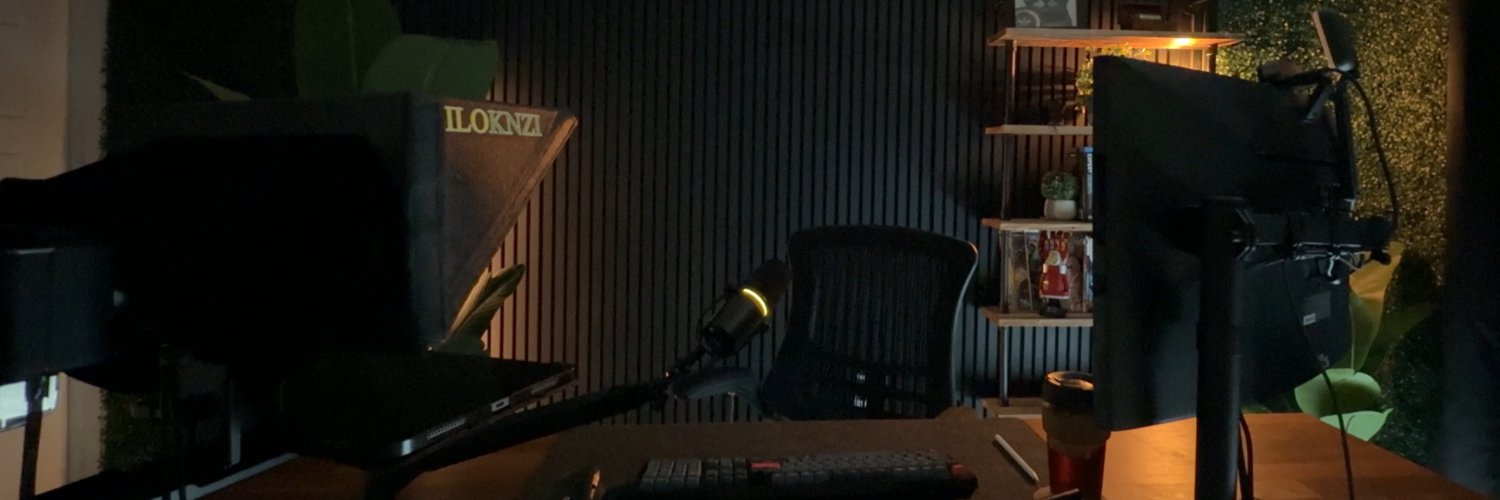
Day 1 of Building Zenpost to $50k MRR.
$0 ⬜️⬜️⬜️⬜️⬜️⬜️⬜️⬜️⬜️⬜️ $50K
Today's revenue = $0
I'll be posting BTS of the journey every day.
Let's build together
#buildinpublic#saas#tech#vibecoding
@ziscolwp Thanks, man 🙏
The video chat doesn’t record everything so no clip markers needed.
The Host and Guest set up a clip-worthy moment and then the Host clicks to Record and Stop. Which creates a near publish-ready clip.
The Guest sees the topic panel and progress in real-time.
🔥 Let's build the best interview clipping tool out there, share we?
Today's vibe code is around the Remote Interview product in Zenpost.
It's the one tool I get the most interest in because it lets you record social clips from a video call.
Here's what needs work...
After the Host clicks "Prep To Record" it goes to this view 👇
That lets the Host prep the video frame for recording.
Clicking record captures the social clip and puts it into the Editor.
The Chat mode needs a screen share option though...
Updated Zenpost's Remote Interview to have a "chat mode" as the default view.
Chat Mode let's the host/guest chat in a more "Google Meet" style view.
And then when the Host is ready to record a clip, they click on the "Prep To Record" button which switches to the record view...
Want to make viral green screen videos like Gary Vee but don't know how?
Zenpost makes it simple to record, edit, and publish.
Join the waitlist: https://t.co/JW9pZq9A3r
80% of your content's success is in the hook.
But finding and saving high-performing hooks?
Ain't nobody got time for that!
Well... now you do with Zenpost. Check it out
Now you can save Hook Templates you find from high-performing videos directly into your Swipe File.
Just click on the "Save Hook Template" button, give it a title, select the Hook Type, and click Save.
✅ Discover hooks
✅ Save hooks
Now let's build applying hooks...
Today's vibe code build: Hooks 🪝
Zenpost is all about quickly and easily creating short-form viral video content.
Your video's hook (verbal & visual) is 80% of its success.
Here's what I'm building:
1. Discover hooks
2. Save hooks
3. Apply hooks
Let's get building 👇
Spent some time reworking the Video Analyzer results page in Zenpost...
Now it auto-generates a Hook Template from the identified hook in the video transcript.
This sets it up nicely for saving the that hook template to your Swipe File.
Which is next...