Happy to announce that we are now out of the beta stage and have officially moved to a stable build (v1.0.0).
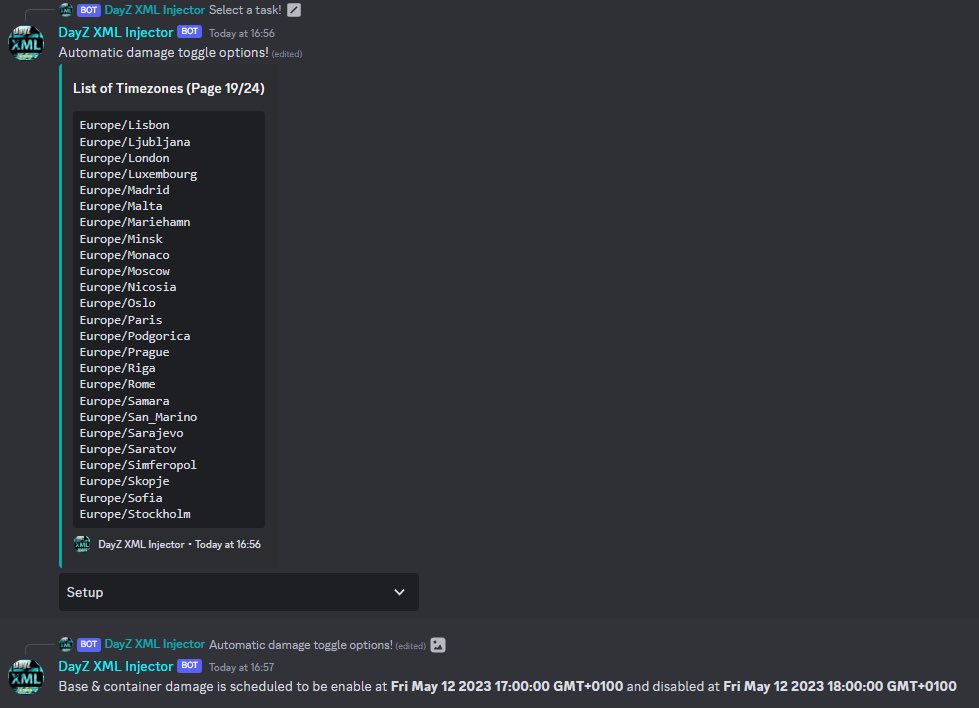
Along with this is an automatic task system that was implemented allowing users to setup status feeds and schedule automatic damage setting changes.
Our ‘getfiles’ command has been overhauled. Now requested server files are compressed and sent as a .zip file. This includes the #dayz server name mission name and a timestamp of when it was downloaded. It’s perfect for backing up your Custom, Database, Environment or main mission files.
Here’s a sneak peak of a new subscriber command added yesterday. This command automatically scans and fixes common vanilla issues in your #DayZ server files. Join the discord to checkout more commands and features available. https://t.co/t2h22puHrl
May 9th!👀
"Preparation is key to survival, and as the frost sets in, only those with Ice in their veins and Fire in their hearts will endure."
Keep an eye on the DayZ community as they hold the keys to the official announcement.
#DayZFrostline#DayZUnite
⚠️📢Hello Survivors,
Today, we are deploying a patch for the 1.23 update.
PC servers will go down at 13:00 CET.
#Playstation and #Xbox servers will go down at 14:00 CET.
Each will take approx. 1 hour.
📖Patch notes:
PC: https://t.co/S7xmOtRPWW
Console: https://t.co/wy56Hg0n8o
With #DayZ 1.23 implementing spawn gear support for console, we have updated our “add” command. Adding a new load out option, giving users a choice of 12 preset files that can be added directly to their server.
All Commands have been updated to support the new #DayZ 1.23 release.
Easily get the 1.23 vanilla folders or files by using our community command “/vanilla”.
Check out our newest feature, an automatic upload system allowing server owners to schedule any #DayZ game server file to be uploaded at a specific date and time. The user gets notified when the file has been uploaded and can easily delete any old schedules through the remove menu.
Here’s a couple of new commands and features added today.
The first is the new “rename” command which allows users to rename their custom json files. While also editing the gameplays spawner array, making it even easier for users to rename their files.
The second is a new announcement feature allowing the user to send an announcement to a specified discord channel when stopping or restarting their servers through the bot, making it easy to notify members of the servers state change.
Take a look at our new community command that was added recently, a boost command that allows users to multiply or divide any #DayZ types.xml files spawn values.
Take a look at all of the current #Dayz XML Injector tutorial videos made by our partners over at gcode down below.
Don’t forget to like and subscribe.
https://t.co/qtoCo8Via6
Checkout the gcode community here: https://t.co/DvXjSBC75S
Here’s a quick tutorial video made by our partners over at Gcode, showcasing one of the #DayZ XML Injectors community commands.
How to EASILY create Custom EventGroups using the DayZ XML Injector Bot --> https://t.co/ItaS65ZQzJ
All Commands have been updated to support the new #DayZ 1.22 release.
Easily get the 1.22 vanilla files by using our community command “/vanilla” and selecting the file option.