While supporting clients I see a lot of their inboxes, often with hundreds or even thousands of unread emails. For those who are tired of living with an overflowing Inbox and want to stop using it like a storage container, see our blog for a top tips https://t.co/O3eWYSbFR9
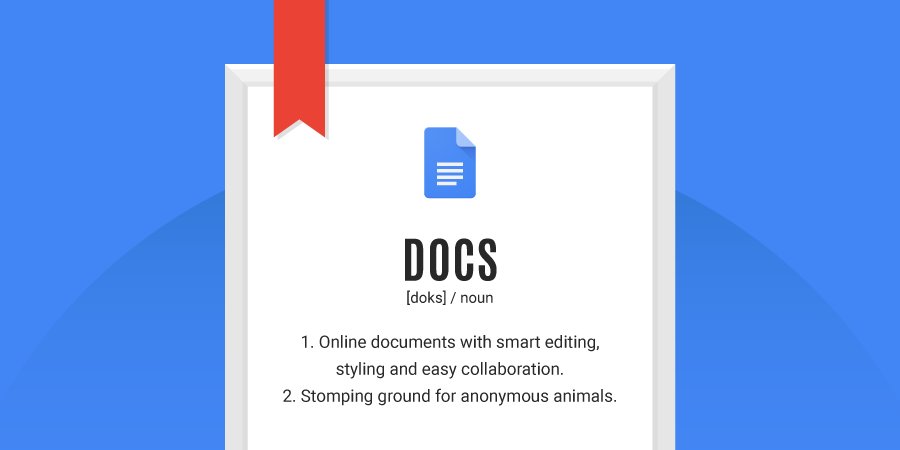
A document has no name... until you get to writing. Clicking "Untitled document" in the top left corner of your @googledocs will auto-fill your file name. #TipTuesday
"The new @gmail is actually overflowing with options that can simplify your workflow and make your inbox easier to manage."—@Computerworld
https://t.co/d2MHvwyfLH
"Not only will this help save time when writing emails, @Google says it will help reduce the chance of you sending off something with a grammar or spelling error." More on Smart Compose via @verge ↓
https://t.co/o8TiddJRBS
The IT Support Professional Certificate can be a launchpad to a career in #ITCert, all you have to do is start. Learn more → https://t.co/eIzjJNaQoU #GrowWithGoogle
Emails added to your Task list will include subject lines and links to the messages. Check them out on the right side of your @gmail window.
https://t.co/aCMlcDxsUG
Rolling out today, Android users can try Google Lens to do things like create a contact from a business card or get more info about a famous landmark. To start, make sure you have the latest version of the Google Photos app for Android: https://t.co/KCChxQG6Qm
Coming soon to iOS
AMP for Email (coming soon to @gmail) will make it possible for info to be kept up-to-date easily, so content is accurate when a user looks at it. https://t.co/LYa0zFnSGY