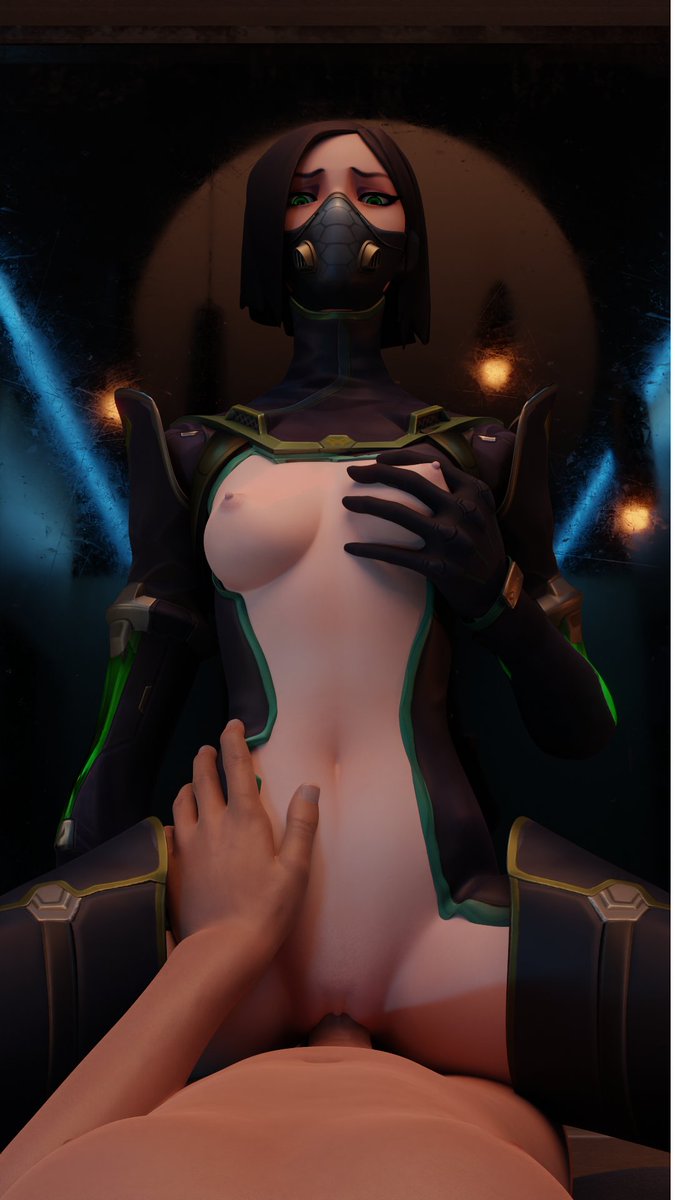
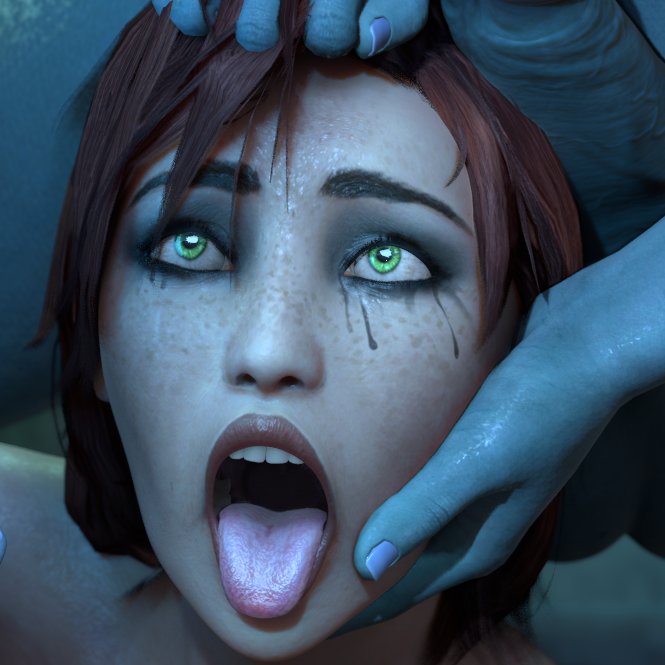
After requests by 3 ppl (And my personal bias😏), here's Viper, from Valorant
Model By: @ForceballFx@Yeero3D, @its_gergless
The backgroud (wich is actually a map) was made by: @Rigid3d
@Rotffanboy Pratice your drawing, and you should try Blender, you will probably face some problems because it is a complex software, but that's the magic, face problems, learn how to fix those problems, and see every render getting better than the previous one.
@Rotffanboy About the first one, open your posed model, click on the armature, press A to select all bones (Or select them all manually), press Alt+R, then Alt+G and finally Alt+S, this will undo every rotation/scale/translations on the model, making it go to the default pose
@Glitterballeri1 O ato de legítima defesa raramente é reconhecido em casos como esse, a lei em sí no Brasil nunca leva em contexto o todo, só a ação, oq significa que teve mais peso ela matar ele do que o fato de que ela fez isso pra defender a própria vida, uma justiça muito injusta.
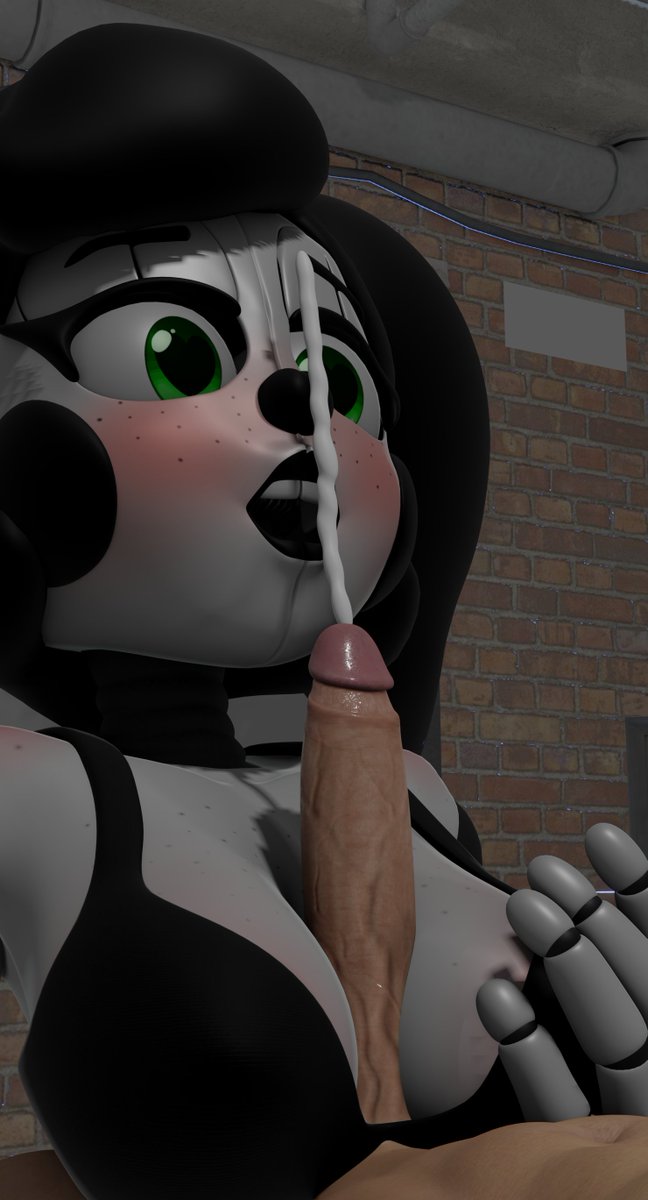
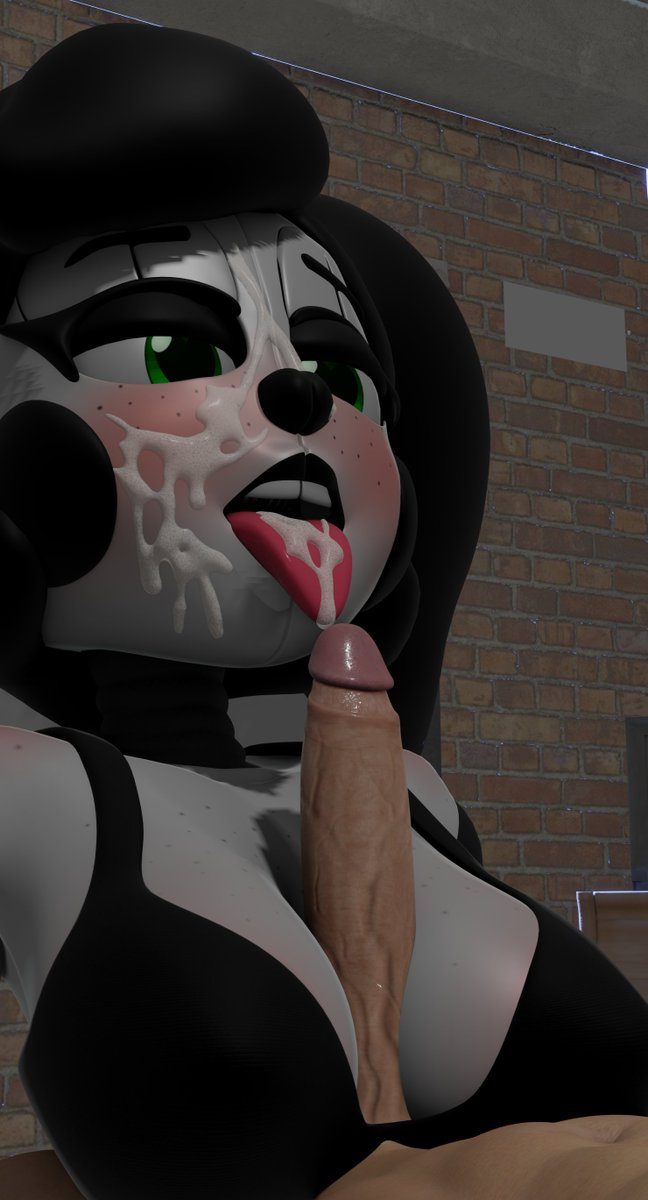
My first renders using Blender (1 week to learn at least the basics of geometry nodes), anyway, i have a list of requests (Most from my friends) so you guys will see some random models here and there on my future posts.
#fnaf#nsfw#circusbaby#rule34#fnaf34
@CircusBooby69 No, you just need to select the curve (wich will be created when you move the material to the scene) and go to edit mode, select the draw tool, and select the surface option to draw on the model.
@CircusBooby69 And there's Rigid3d's method using metaballs (one of the meshes that comes with Blender) wich is simple once you get the hang of it https://t.co/4UTmvFWfUe
@CircusBooby69 This dude (Miki3dx) created a method that do all this process instantly for you, so you just need to draw it on the model, one of the best projects on Smutbase so far: https://t.co/rPfBqspEvv