GetNetly waitlist is live.
QR business cards that save directly to contact apps. No recipient apps needed. No monthly subscriptions.
Early access: $24 lifetime (regular $40)
Join: https://t.co/Kt0rXTTsJr
What if you never had to manually test your app again?
His agent now opens the browser itself, clicks through every flow, checks docker logs, queries the db to verify data - and if something's broken, it figures out why, fixes it, and runs everything again.
He got there in 3 stages. Shared the exact prompt that made it work. 👇
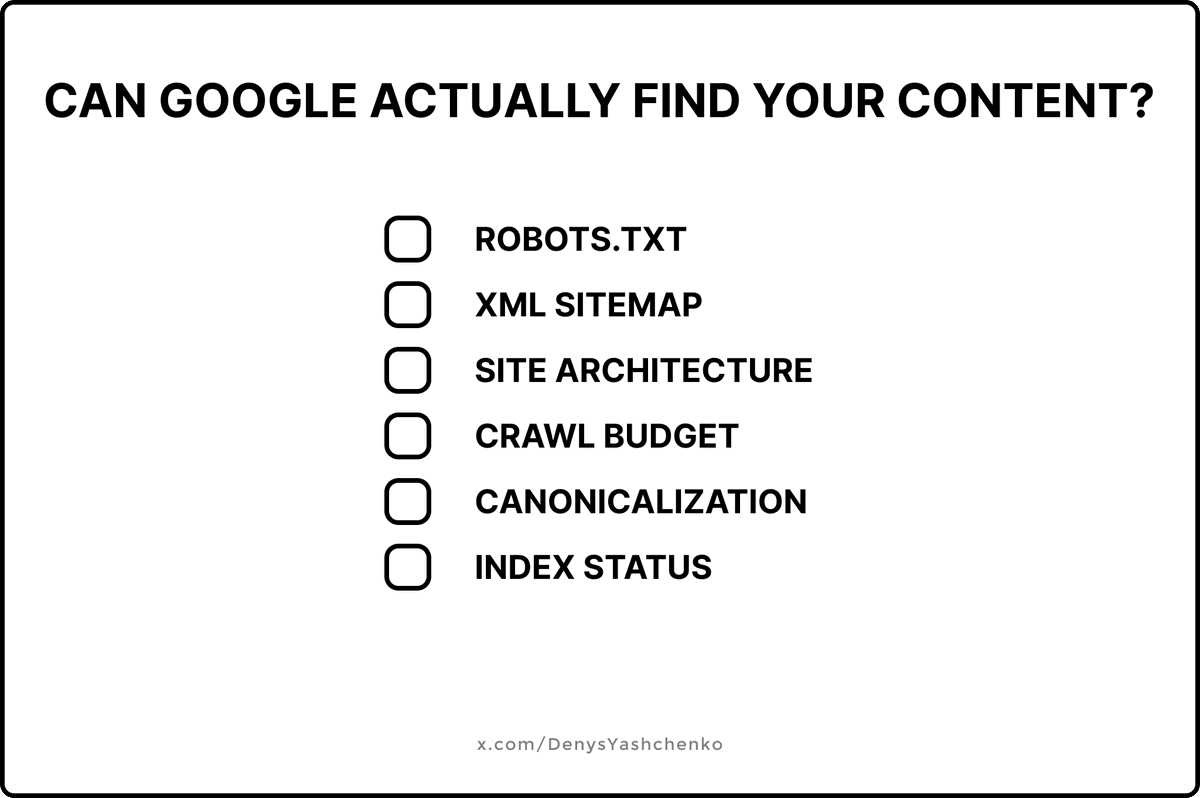
Why is your great content invisible to Google?
Because Google can't rank what it can't find.
Here's what I check first on every audit:
Robots.txt: One wrong line here can block your entire site. I've seen companies lose 80% of traffic because someone pushed "Disallow: /" to production. Always verify your important pages aren't accidentally blocked.
XML Sitemap: Not just "does it exist" - is it submitted to Search Console? Does it only include pages you actually want indexed? Is it updated when you publish? A stale sitemap is almost worse than none.
Site Architecture: If your best content is buried 5+ clicks from the homepage, Google treats it as unimportant. Flat architecture wins. Every key page should be reachable in 3 clicks max.
Crawl Budget: Redirect chains, infinite scroll without pagination, parameter URLs spinning up duplicates - all of this wastes Google's time on your site. Clean it up or watch your new content get ignored.
Canonicalization: HTTP vs HTTPS. www vs non-www. Trailing slash vs no slash. Pick one and enforce it everywhere. I've seen sites with 4 versions of every page competing against each other.
Index Status: Run site:https://t.co/ilE2SeIWWQ right now. Compare what Google has indexed vs what you expect.
The gap usually tells the whole story.
Fix crawlability first. Everything else comes after.
This is step 1 of my audit process. Been fixing these issues for 8 years - follow for the rest.
Stuck on yours? DM me.
What if you never had to manually test your app again?
His agent now opens the browser itself, clicks through every flow, checks docker logs, queries the db to verify data - and if something's broken, it figures out why, fixes it, and runs everything again.
He got there in 3 stages. Shared the exact prompt that made it work. 👇
My agent now tests the way I would.
That didn't happen overnight. My approach to writing software has shifted through 3 stages.
Stage 1: I stopped writing code and started writing prompts. Still managed every step manually.
Stage 2: I started planning features end to end (brainstorm, refine, add implementation details), then let the agent build it on autopilot. After that I'd manually test and fix issues with prompts.
Stage 3 (now): I still plan and brainstorm. The agent still builds on autopilot. But now it also tests the way I would, end to end. Open a browser. Click through the UI. Check if anything looks off. Check backend logs in Docker. Query the database to verify data is correct. If something's broken, diagnose it, fix it, re-test. The agent does all of that now.
The capabilities are there.
The stack: Claude Code Chrome extension for browser automation, Docker MCP for container logs, Postgres MCP for DB verification, all running through one Claude Code skill.
A skill is basically a set of instructions that teaches the agent how to do a specific job using available tools. Instead of prompting every time, you define the workflow once and the agent follows it.
The important part: don't write the skill manually. Give your agent a prompt to build it, so it explores your codebase and bakes in your project's specifics (routes, services, DB schema, user flows).
Here's the prompt I used to create mine 👇
Why is your great content invisible to Google?
Because Google can't rank what it can't find.
Here's what I check first on every audit:
Robots.txt: One wrong line here can block your entire site. I've seen companies lose 80% of traffic because someone pushed "Disallow: /" to production. Always verify your important pages aren't accidentally blocked.
XML Sitemap: Not just "does it exist" - is it submitted to Search Console? Does it only include pages you actually want indexed? Is it updated when you publish? A stale sitemap is almost worse than none.
Site Architecture: If your best content is buried 5+ clicks from the homepage, Google treats it as unimportant. Flat architecture wins. Every key page should be reachable in 3 clicks max.
Crawl Budget: Redirect chains, infinite scroll without pagination, parameter URLs spinning up duplicates - all of this wastes Google's time on your site. Clean it up or watch your new content get ignored.
Canonicalization: HTTP vs HTTPS. www vs non-www. Trailing slash vs no slash. Pick one and enforce it everywhere. I've seen sites with 4 versions of every page competing against each other.
Index Status: Run site:https://t.co/ilE2SeIWWQ right now. Compare what Google has indexed vs what you expect.
The gap usually tells the whole story.
Fix crawlability first. Everything else comes after.
This is step 1 of my audit process. Been fixing these issues for 8 years - follow for the rest.
Stuck on yours? DM me.
Why does your competitor outrank you with worse content?
Because SEO isn't about who writes best - it's about who builds best:
- Crawlability & indexation
- Fast load times
- Optimized titles & H1s
- Smart internal linking
Great content + broken SEO = invisible.
Want my full SEO audit checklist? Drop a comment and I'll send it to you.
@ipivto I tried that too, but it wasn't very successful for me. My problem is that I can't stop scrolling, so I decided to leave myself with nothing to scroll. It's working for me now :)
3-4 hours daily on Instagram. I knew it was wrecking my focus, but actually deleting it? That was the hardest part.
For months I'd tell myself "just 5 minutes" then look up and an hour was gone. Endless scrolling through stories, reels, random posts from people I barely knew.
My code sessions kept getting interrupted. I'd be deep in a React component, hit a small bug, and somehow my brain would go "quick Instagram break" - then boom, there goes my flow state.
The wake-up call was rough: I checked my screen time and saw 4.2 hours in one day. On a work day. That's half my coding time just... gone.
Finally deleted it 3 weeks ago. Sat there for like 5 minutes just staring at the Instagram icon. Couldn't find the courage to actually do it.
Now my mornings are quiet again. This calm, focused energy I didn't know I was missing - it just showed up. Writing tweets, reading books, coding, chasing new ideas - suddenly everything feels possible. The brain is a weird, beautiful thing.
Now that I think about diving into this topic a bit more, I'm interested in what else I'm missing about my brain.
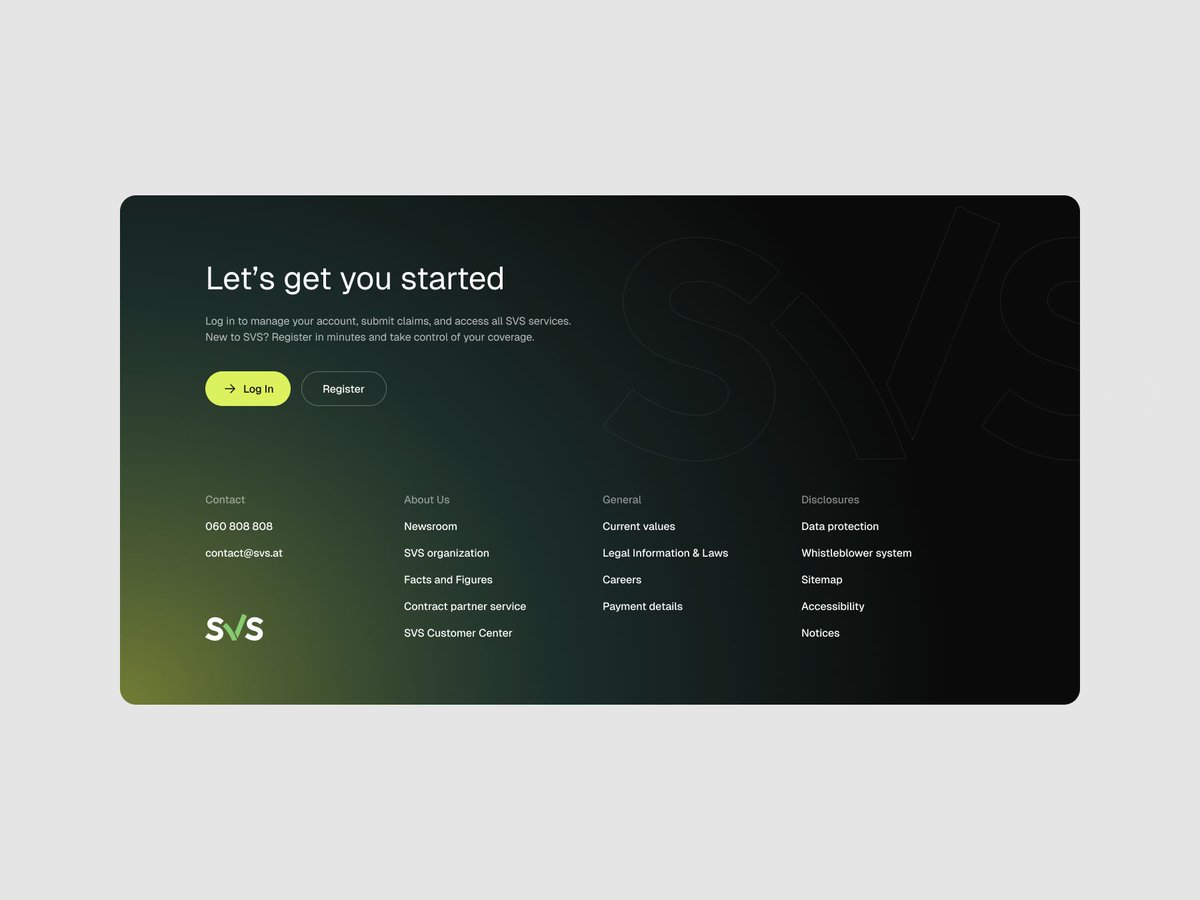
Every landing page needs two safety nets: A CTA that follows you. And a footer that catches everyone else.
- The floating CTA: Always visible. One clear action. No scrolling back up to find it.
- The final CTA: For people who read everything but haven't converted yet. Last chance to remove doubt or guide them to the next step.
- The footer: Where people look when they can't find what they need. Not decorative. Functional.
If someone scrolls to your footer, they're either converting or leaving. Make it easy for them to stay.
been thinking about CTAs lately while working on GetNetly
your button text matters way more than you think
instead of "sign up" or "get started", try telling people what they actually get
like "create your digital card" feels different than just "start free trial"
people don't care about signing up - they care about solving their problem
so when I write buttons now, I ask: what's the actual benefit here?
not "download" → "get instant contact sharing"
not "subscribe" → "never lose a contact again"
sounds simple but it works
what do your CTAs say right now?
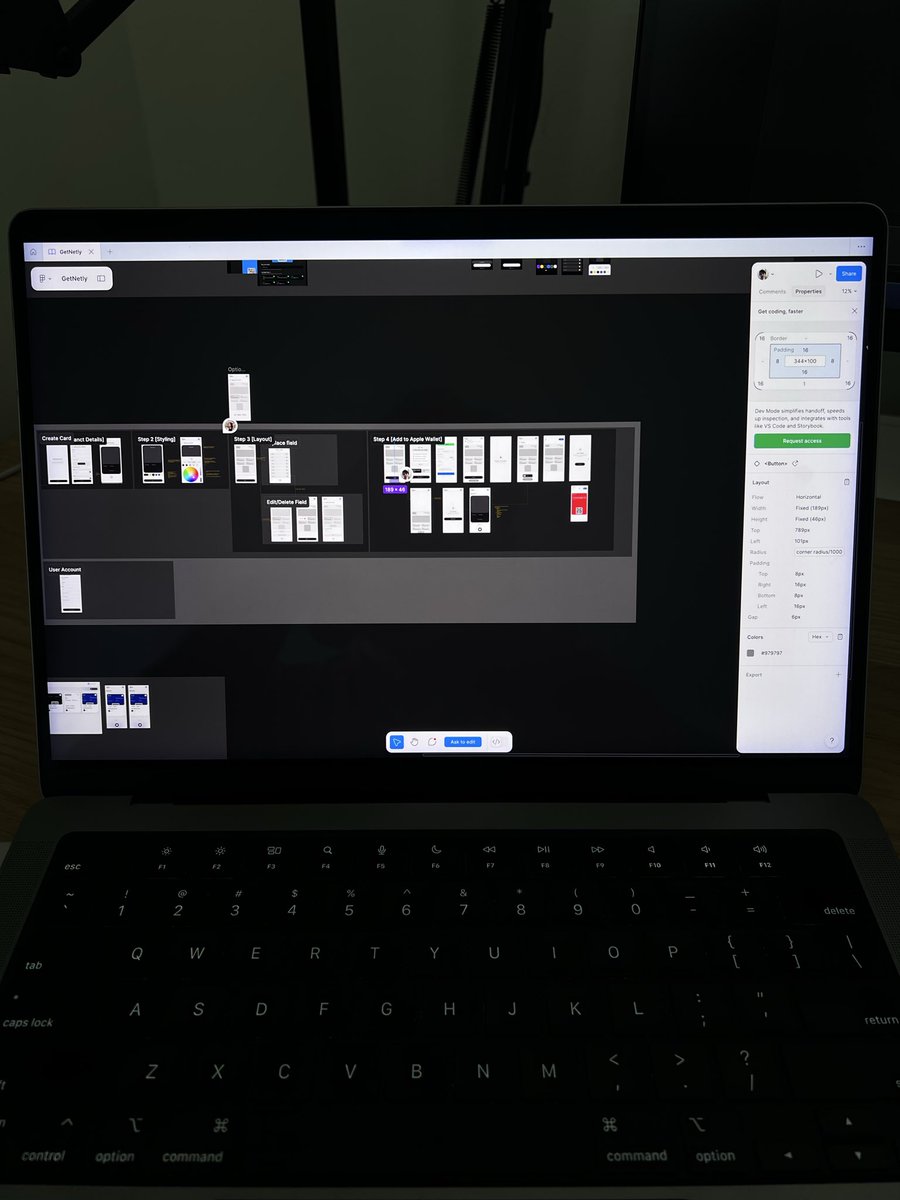
Validated a fresh card creation flow for GetNetly today - wild to see how far this thing has evolved from a simple idea to actually collaborating with a designer on real flows and designs. Can't wait for you to try it.
Finally cracked the networking problem: QR codes that actually save contacts straight to your phone instead of just opening another browser tab you'll forget about.
Yesterday drained me completely. Managed to squeeze in 15 minutes on my side project before crashing.
Funny how that tiny window felt like a win instead of a failure.
Some days you sprint. Other days you crawl forward. Both count as progress.