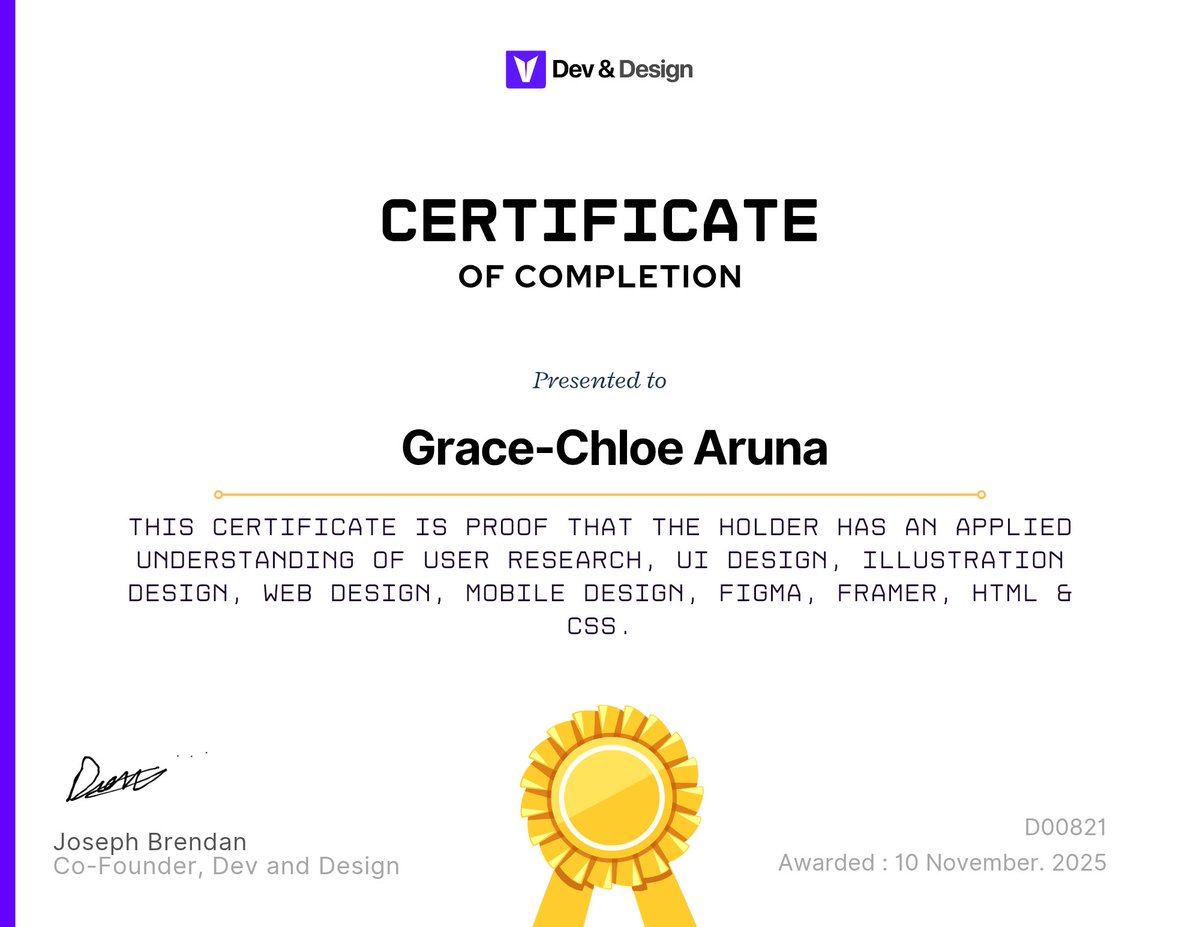
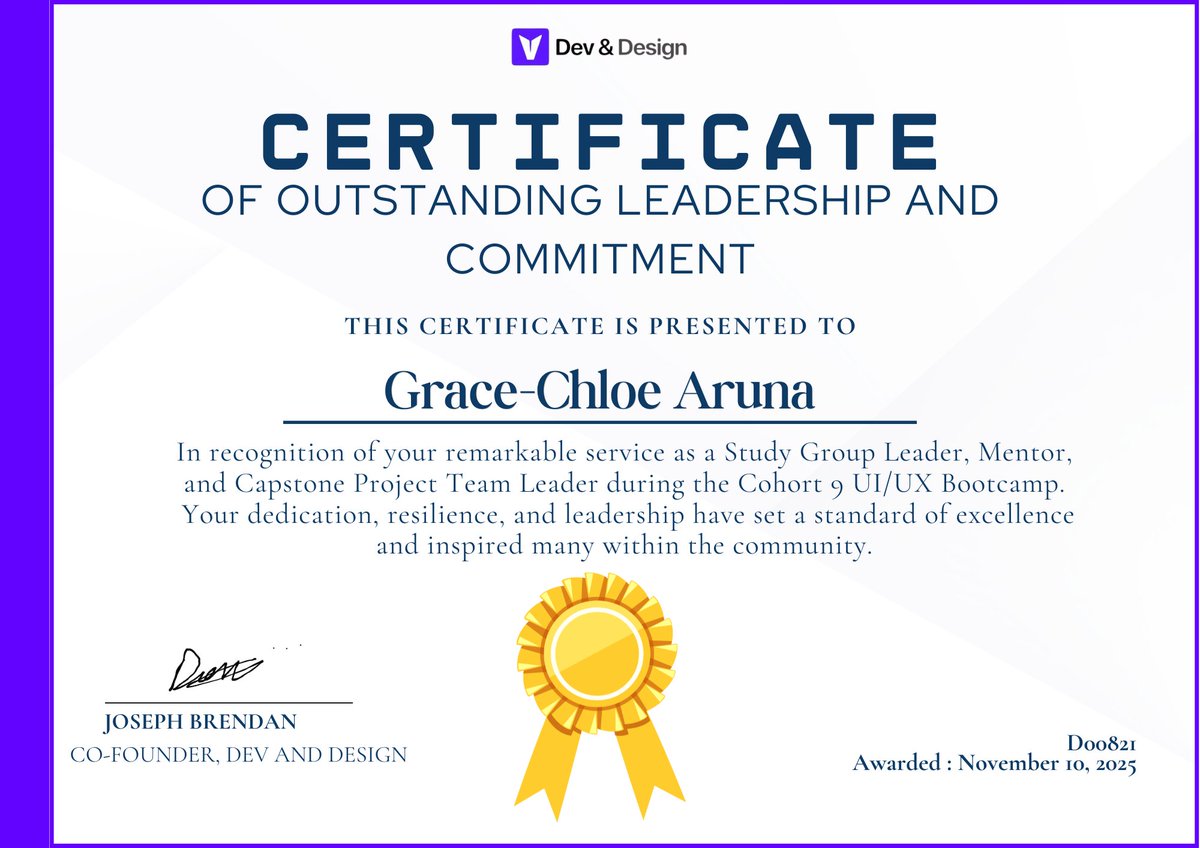
Completed the journey! I'm now certified in UI/UX and Mentorship after months of work.
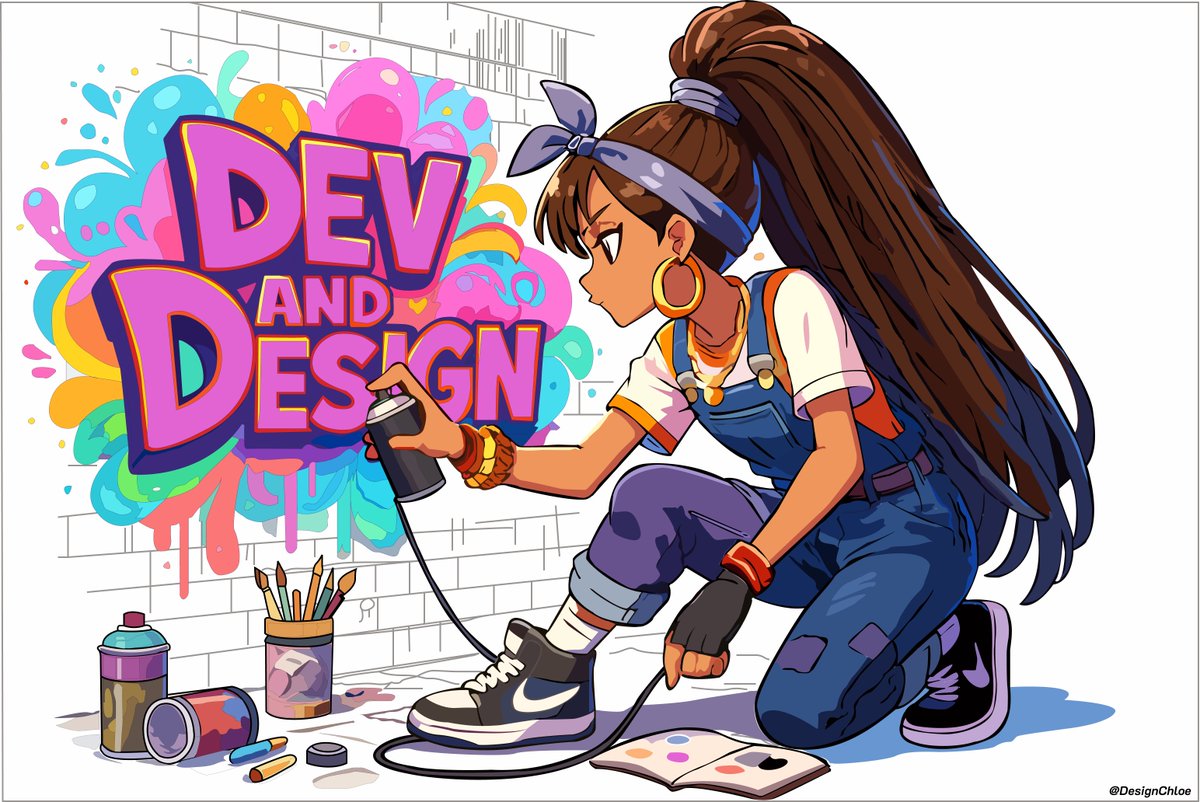
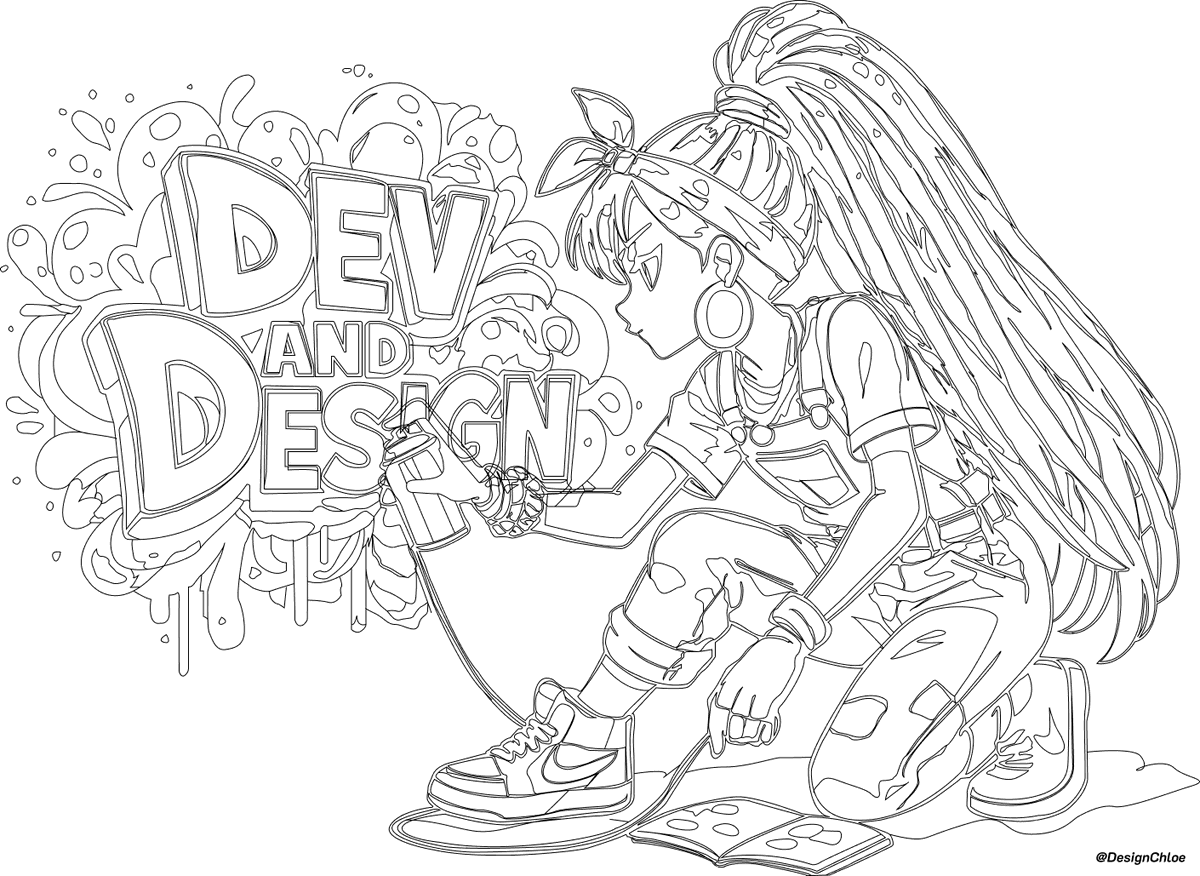
This illustration is one of my proudest achievements; it truly captures how much my creativity, discipline, and confidence have grown. #Design#UIUX#Illustration
The future belongs to those who prepare for it.
As we look ahead to 2026, growth starts with intention and continuous learning.
At @VigourTech, we believe skills are the foundation of innovation, impact, and sustainable success.
For all UI UX Designers Looking To Win In 2026
Read This
- You Don't need to be artistic. Just Create. Art is not the only result of creation. Just create
- Quantity over quality. The best way to create quality designs is to create so many designs. Focus on quantity over quality
- Put Yourself out here on X and LinkedIn. Talk about what you do and post it. Add motion to the presentations that you post here
- Put that camera in your face more. You're into a visual craft. You are into a craft that is superficial. Show your face more often and talk about your processes. It seduces trust out of potential clients.
- Do not listen to criticism. Just design and shape your journey. The only important thing is, design. Be courageous to use AI for improvements and criticisms.
- Imposter syndrome is real. But you know what's more real? You. So believe in you and show up. Let the imposter syndrome stay there. It will fade away. So send those emails, send that pitch, join that hackathon, apply for that gig, apply for that Job, talk to that founder on LinkedIn, showcase your work.
- Get into vibe coding. Learn UI design properly and know the nomenclatures well. Also understand workflows really well and you will do great at vibe coding. Use cursor or Figma Make
- Work life balance in your 20s? Fvck it. You may argue with me but you will accept it one day. Show me one worthwhile creation that was built on the backs of work life balance
- Those in Nigeria wanting to relocate. Vibe Code and start a saas on the side that can generate little money. Don't joke with conferences, speaking, community work, hackathons, etc. then apply to accelerators as much as you can. One acceptance and you're good for relocation in many cases
- Finally, creativity is not a gift. It's a sum state of repeated processes and obsession. Nobody is more creative than you by nature. You're not obsessed enough yet
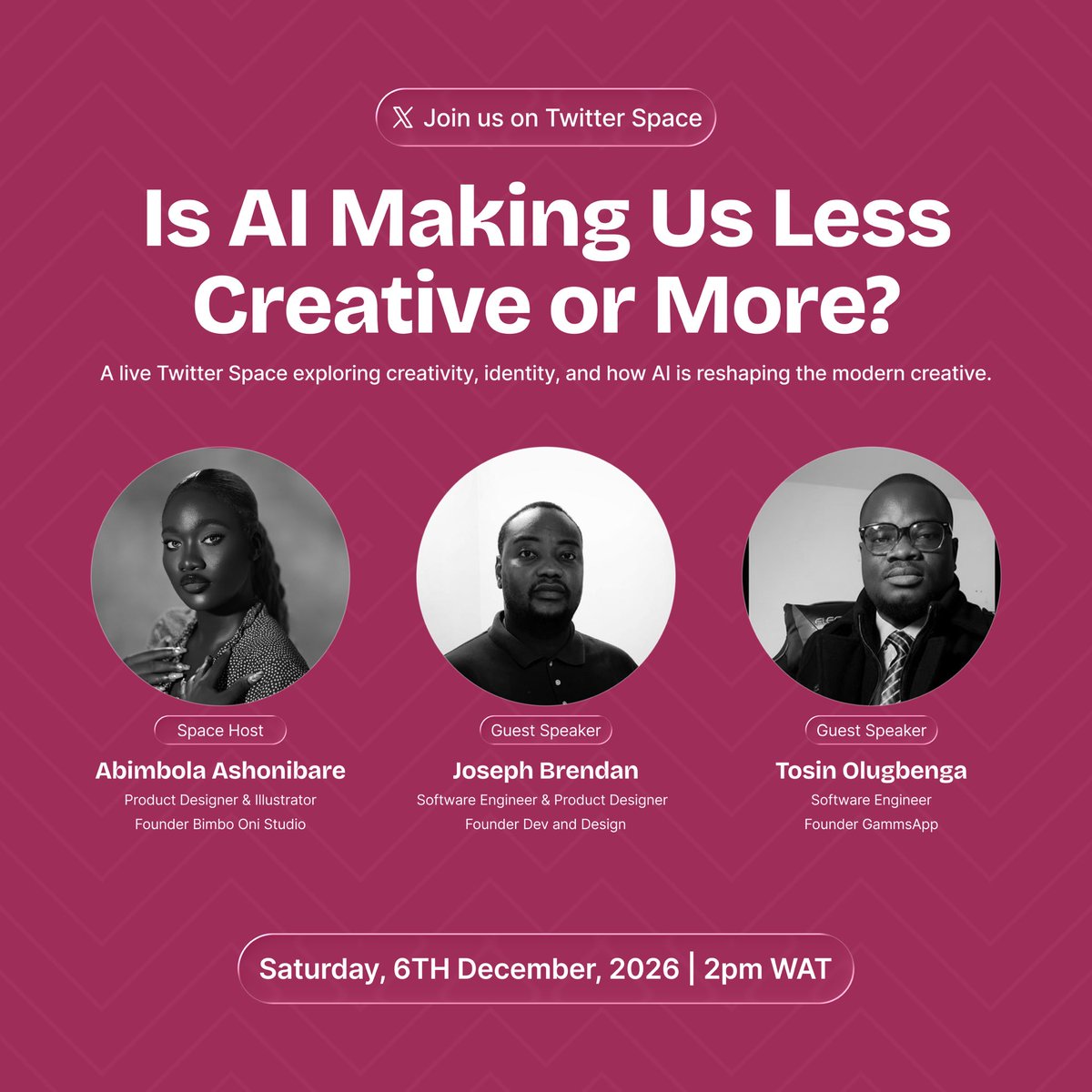
Does Using AI Make You Less Of A Creative, Or Is That Just A Myth?
Tomorrow, I’m hosting a Twitter Space with two amazing guests @Joe_brendan_@TosinOlugbenga to unpack the truth about:
✨ Creativity
✨ AI tools
✨ Skill vs. identity
✨ What “real” creativity means in 2025
✨ Whether AI limits or unlocks your potential
If you’ve ever felt guilty for using AI or unsure if your creativity still “counts,” this conversation is for you.
Set a reminder, you don’t want to miss it!
https://t.co/VvGtZUqST4
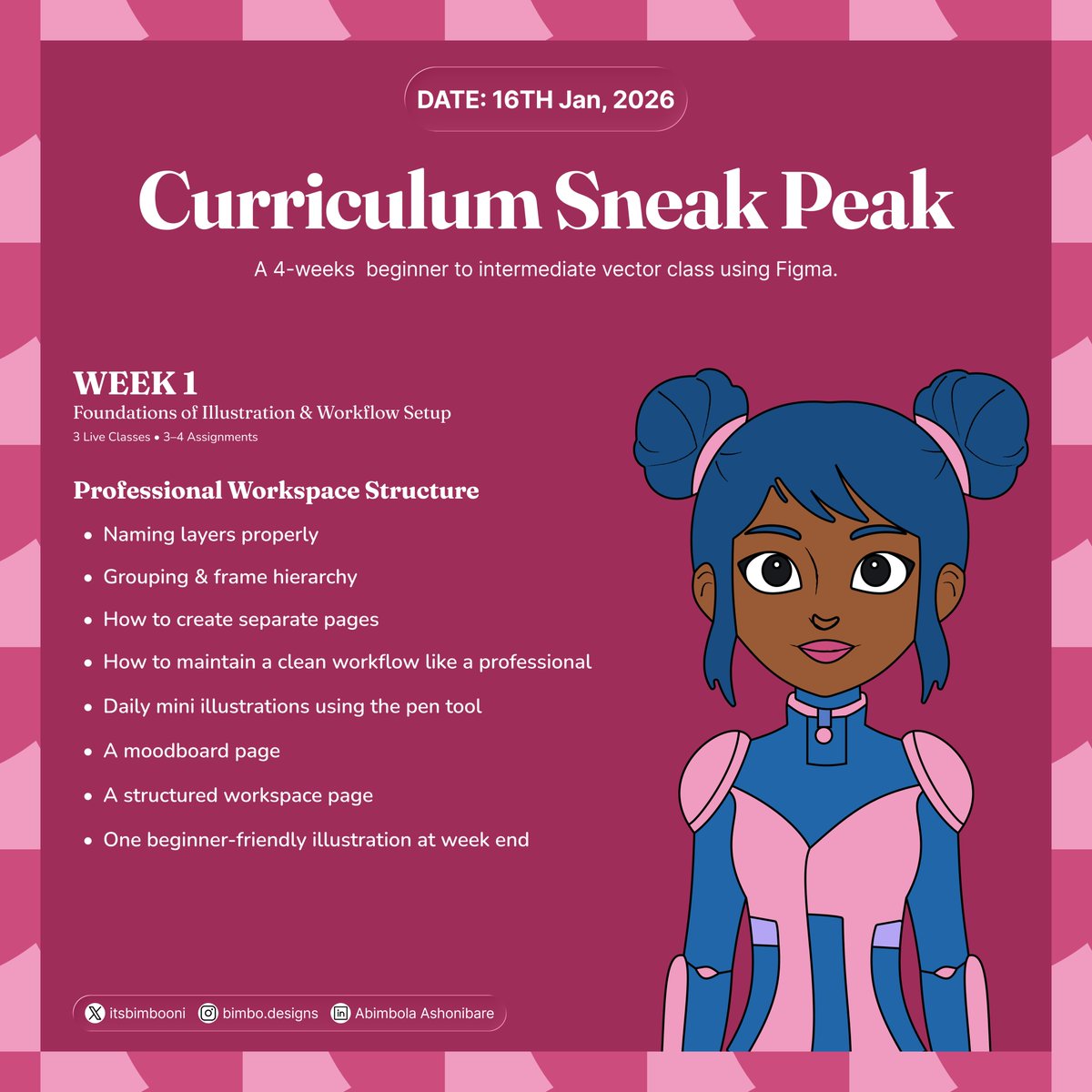
Illustration Class Curriculum Outline
This 4-week beginner class is designed for absolute beginners and early intermediates who want to learn digital illustration using Figma, even if they “can’t draw.”
Students will learn:
1. Figma as an illustration tool
2. Core illustration principles
3. Pen tool mastery
4. AI-assisted idea development
5. Clean visual execution
6. Workflow structure
7. Professional file organization
8. Exporting for social media
9. How to develop a consistent style
By week 4, students will:
- Have over 20 illustrations in their portfolio
- Complete a capstone project
- Present their capstone project on demo day
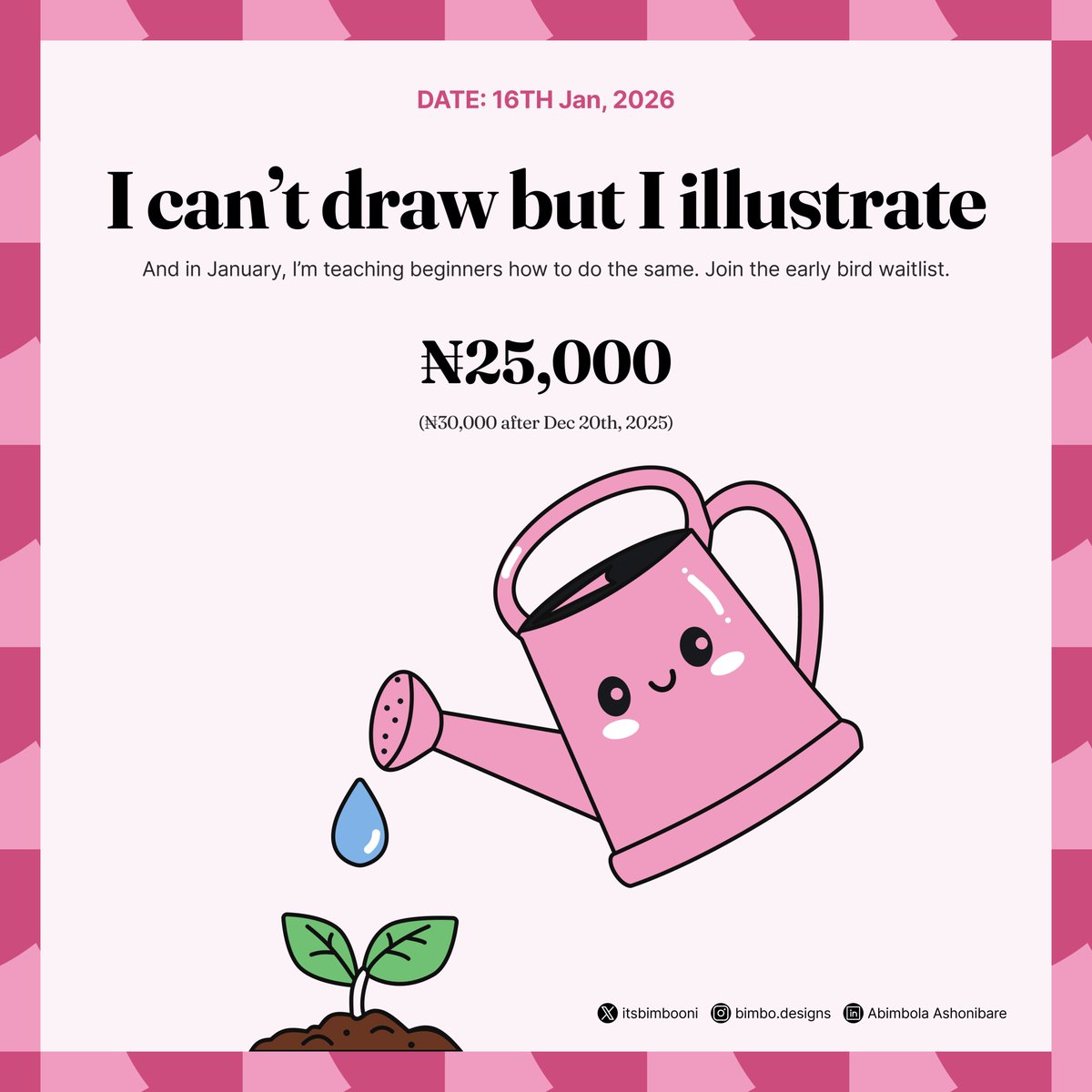
For ₦25,000 (valid till Dec 20th 2026) you can join us. Comment "INTERESTED" and I'll send you the waitlist link.
@itsbimbooni@TosinOlugbenga Hi! I design clean, conversion-focused products with fast, end-to-end execution. My Recent work includes
• MamaBloom – redesigned key flows + improved onboarding clarity
• Sumri – enhanced UI/UX for smoother task flow
Here is link to my portfolio:
https://t.co/BVsTfm3YbN
Figma Is More Powerful Than You Think
Many still see Figma as “just a UI/UX tool.”
But its illustration capabilities are mind-blowing:
• Textures
• Gradients
• Shadows
• Blend modes
• Layer stacking
• Precise controls
• Export flexibility
• Infinite colors
• AI enhancements
If you want to illustrate without an iPad, without Procreate, and without pressure sensitivity, @figma is the tool.
Let me show you how to master it.
Your Lack of Drawing Skills Is Not the Barrier. Ignorance Is.
I taught over 200 students at the @devanddesignhq bootcamp last weekend. The biggest lesson?
Most people want to illustrate but believe they need drawing skills to start. Drawing skills are a plus, but not a must.
“I can’t draw, yet I illustrate beautifully.” This will be you after my class. Let me guide you and show what you’re capable of.
In January, I’m teaching beginners to illustrate confidently using @figma, simple techniques, and AI, even if you can’t draw a straight line.
2026 is the year you upskill. This is your chance to unlock your creativity.
Comment “INTERESTED” and I’ll send you the waitlist link.