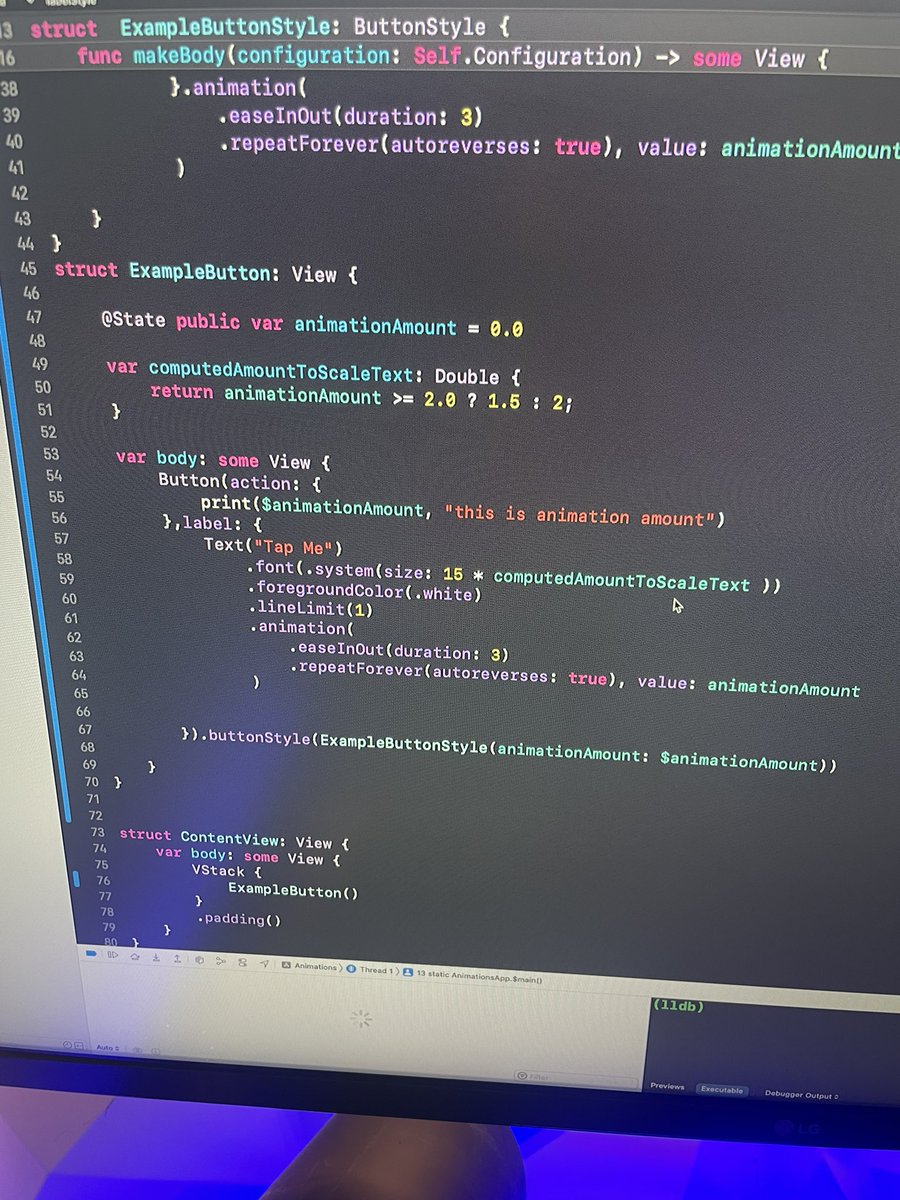
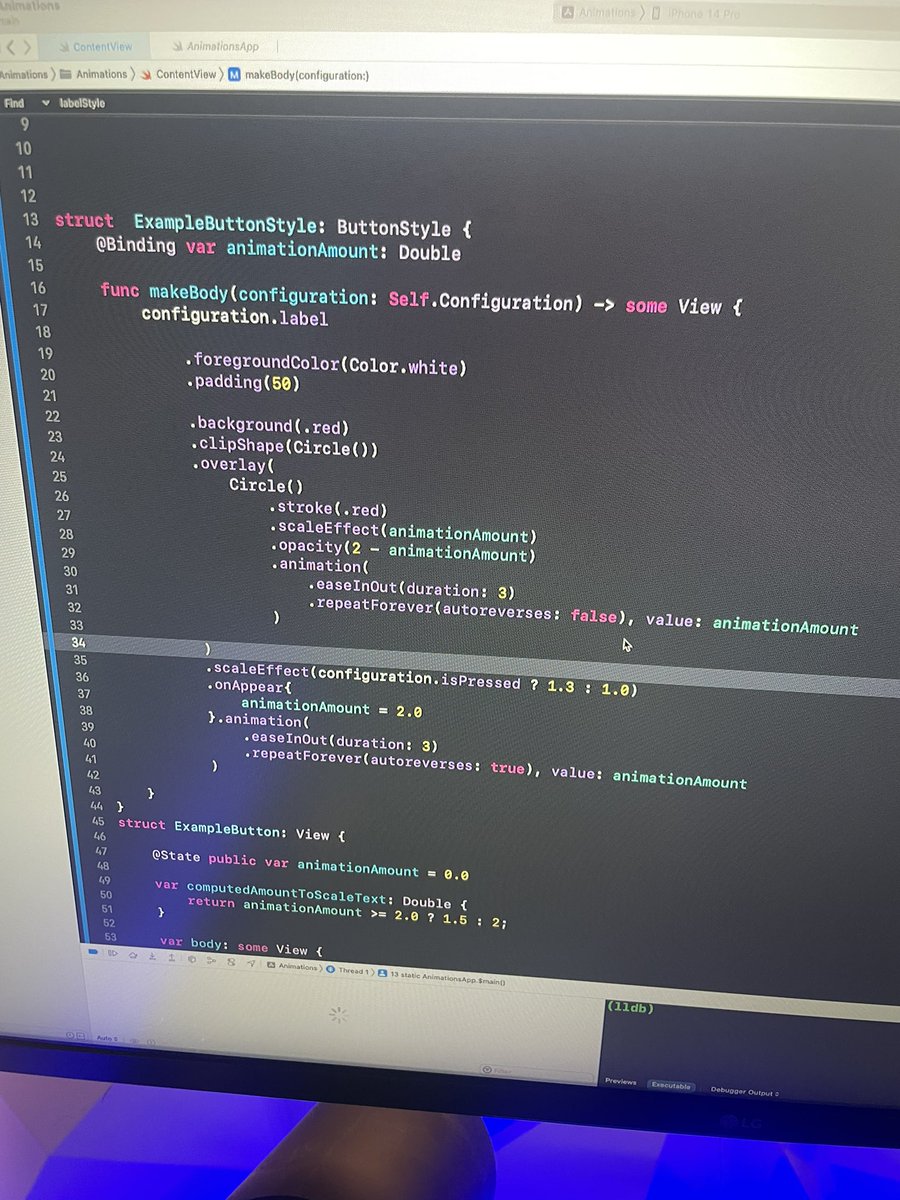
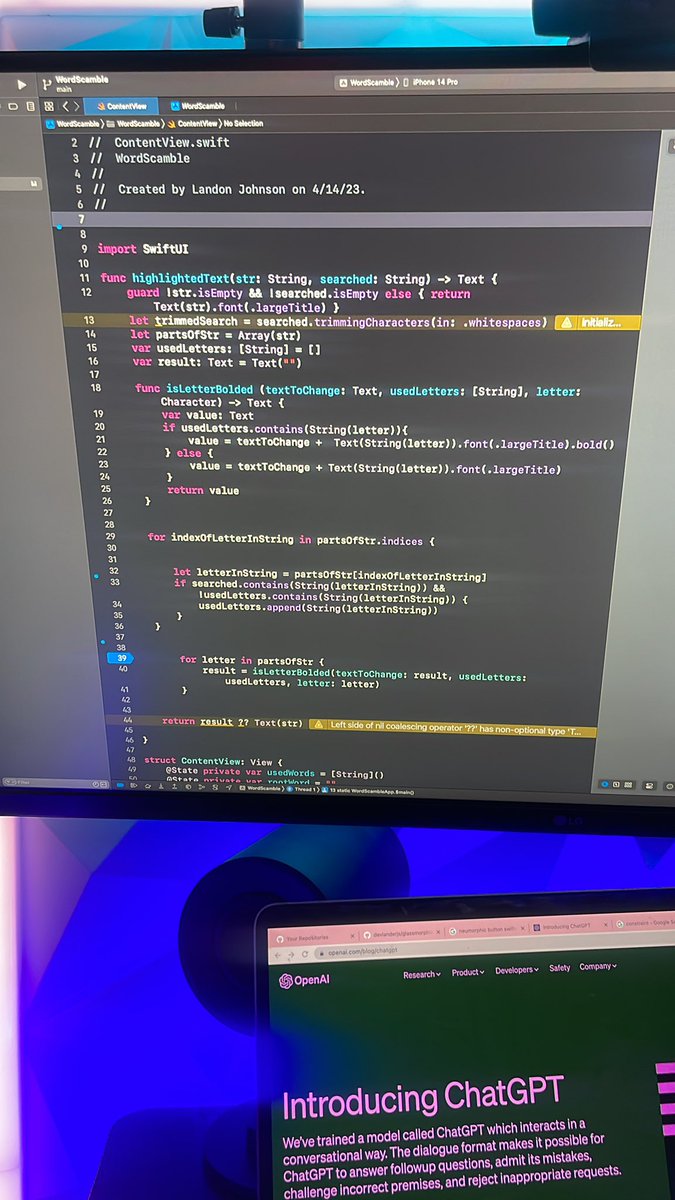
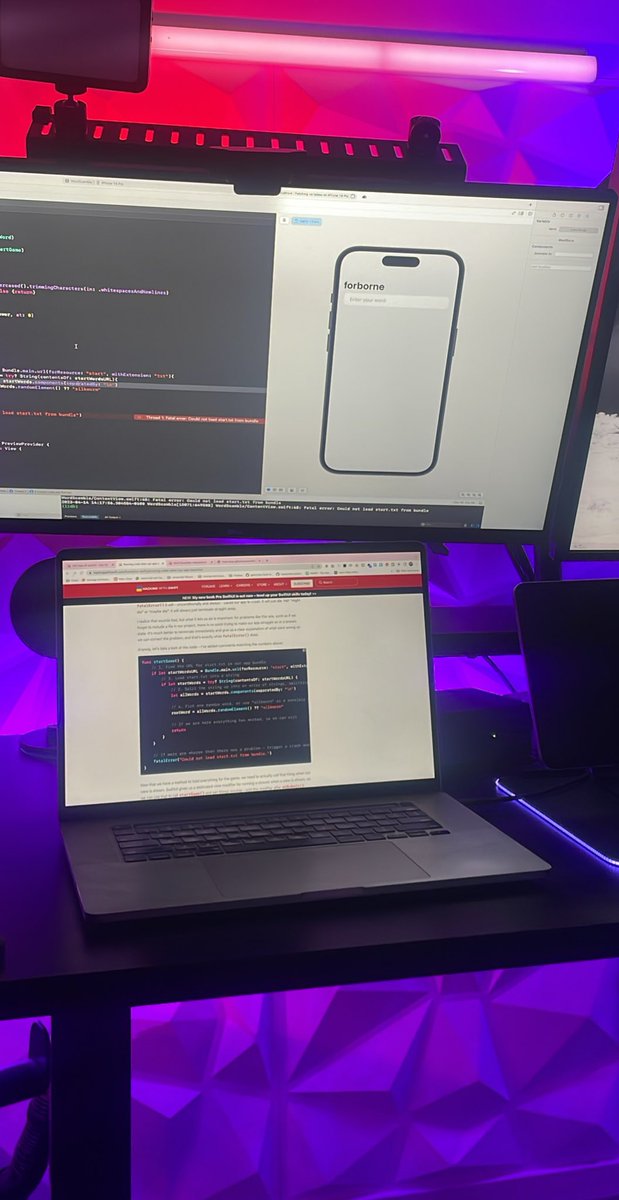
Currently on Day 29 of 100 days of #swiftui.
✅Learned how to run a function when a view mounts with the onAppear modifier
✅Learned how to access files that are in my my project using Bundle.main.url
✅Learning about cool ways that SwiftUI can handle strings
#buildinpublic
@ios_dev_alb I understand this. Its one thing working on your own projects, its another thing trading your time creating things that you might not necessarily be passionate about
I’m almost done with Day 27 of 100 days of SwiftUI.
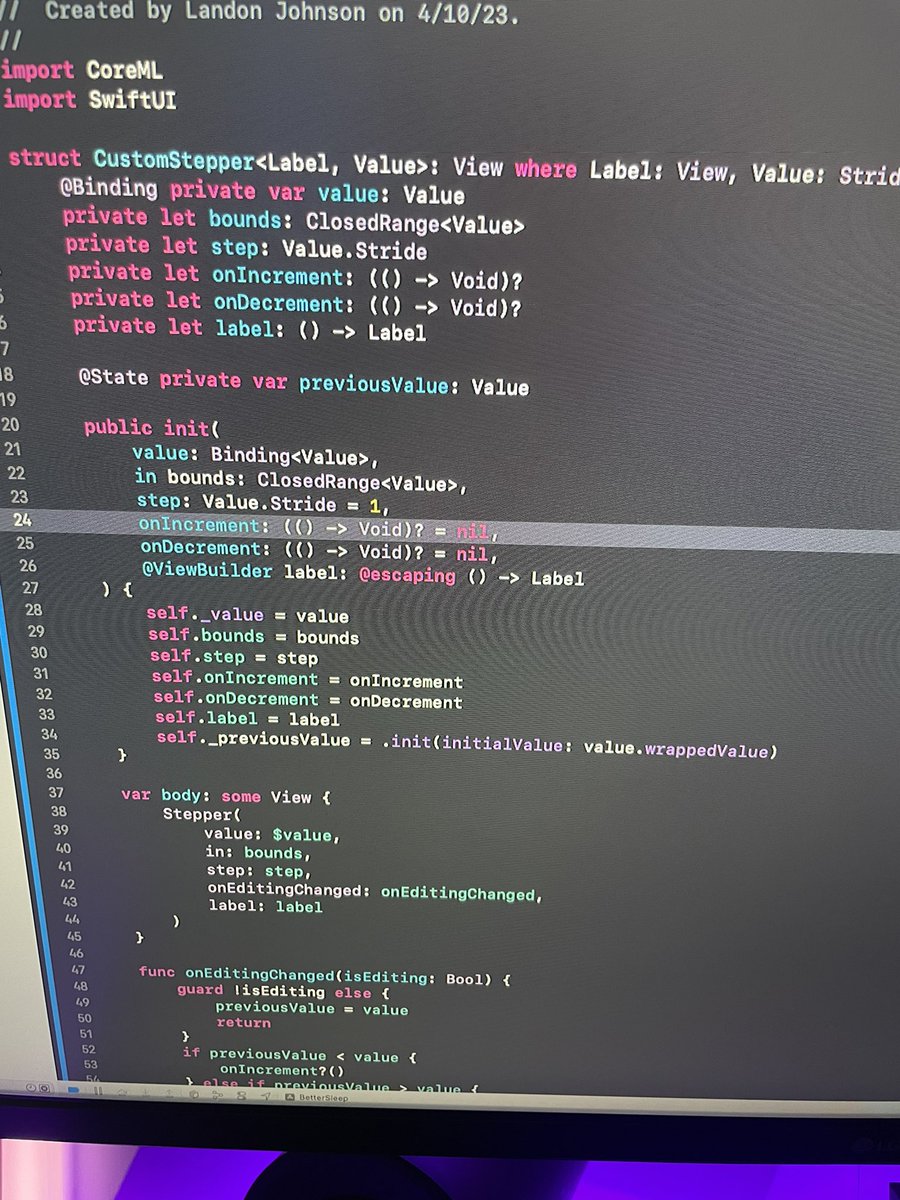
✅ Connected SwiftUI to CoreML
✅ Used custom stepper so when the user changes caffeine intake, or the time they wake up, we run a calculation on what time the user should go to bed using Core ML Model
#swiftui#iosdev
Question for all the #iosdevs out there. Is there a way I can apply a blur to everything under my card, using a custom color and not using any built-in iOS materials (like ultraThinMaterial)? Or possibly allowing UIBlurEffect to take in a custom color? #buildinpublic#swiftui