Web app developer since 1996. I rescue abandoned Laravel & PHP apps, build custom WordPress plugins, and fix slow or hacked sites. No jargon, just plain talk.
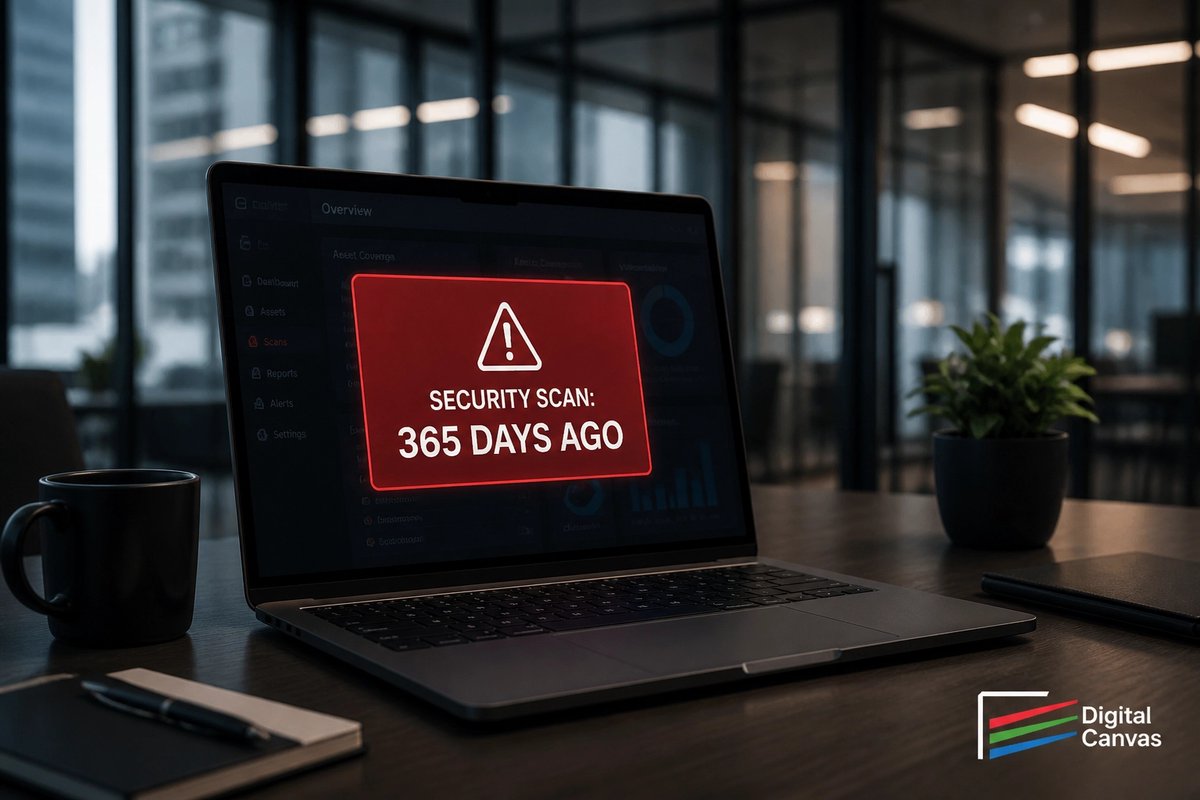
"I scanned my site last year, so it's secure." Myth busted!
Vulnerabilities are discovered every day. In the world of web security, a year-old scan is basically ancient history. Constant monitoring is the only way to stay ahead.
#WebSecurity
"I don't need to scan my site for malware."
Reality: If you aren't scanning, you're flying blind. Malware doesn't always break your site: it often just hides there, stealing data or resources. Don't wait for a crash to check your site's health. #WebsiteSecurity
Critical PHP update: 8.5.12, 8.4.27, 8.3.36 & 8.2.35 fix two critical vulnerabilities that can allow unauthenticated remote code execution. All PHP users: update immediately. Full advisory on https://t.co/jiyOHun3TF. #PHP
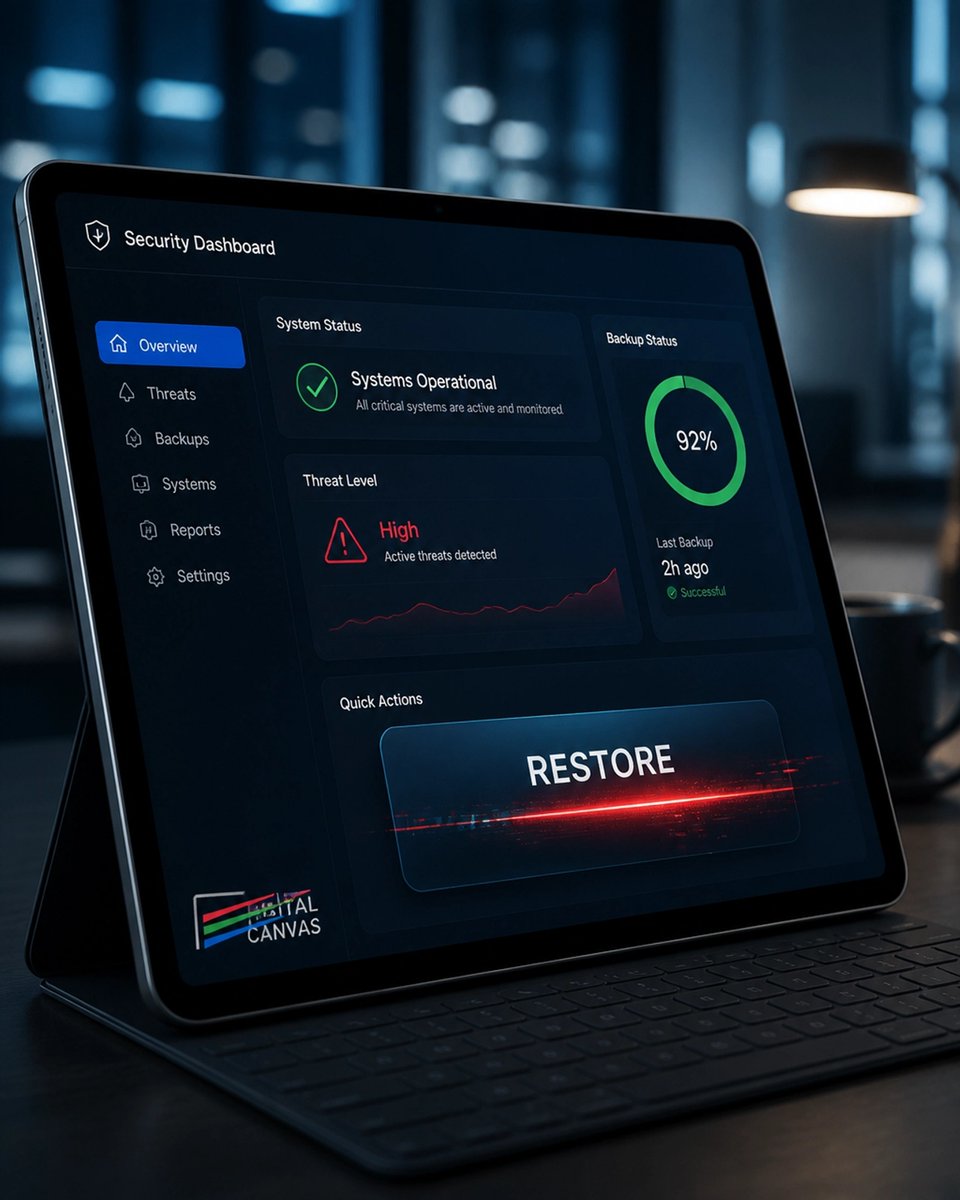
Security Myth 13: "I have a backup, so a hack is no big deal."
Restoring a backup often just restores the security hole the hacker used. It’s like inviting them back through the same open window. You have to fix the leak before you dry the floor.
#CyberSecurity
A security plugin is like an alarm system: it tells you when someone is breaking in, but it doesn't lock the doors for you. If your code isn't patched, you're still at risk. Don't mistake a notification for protection. #WebSecurity
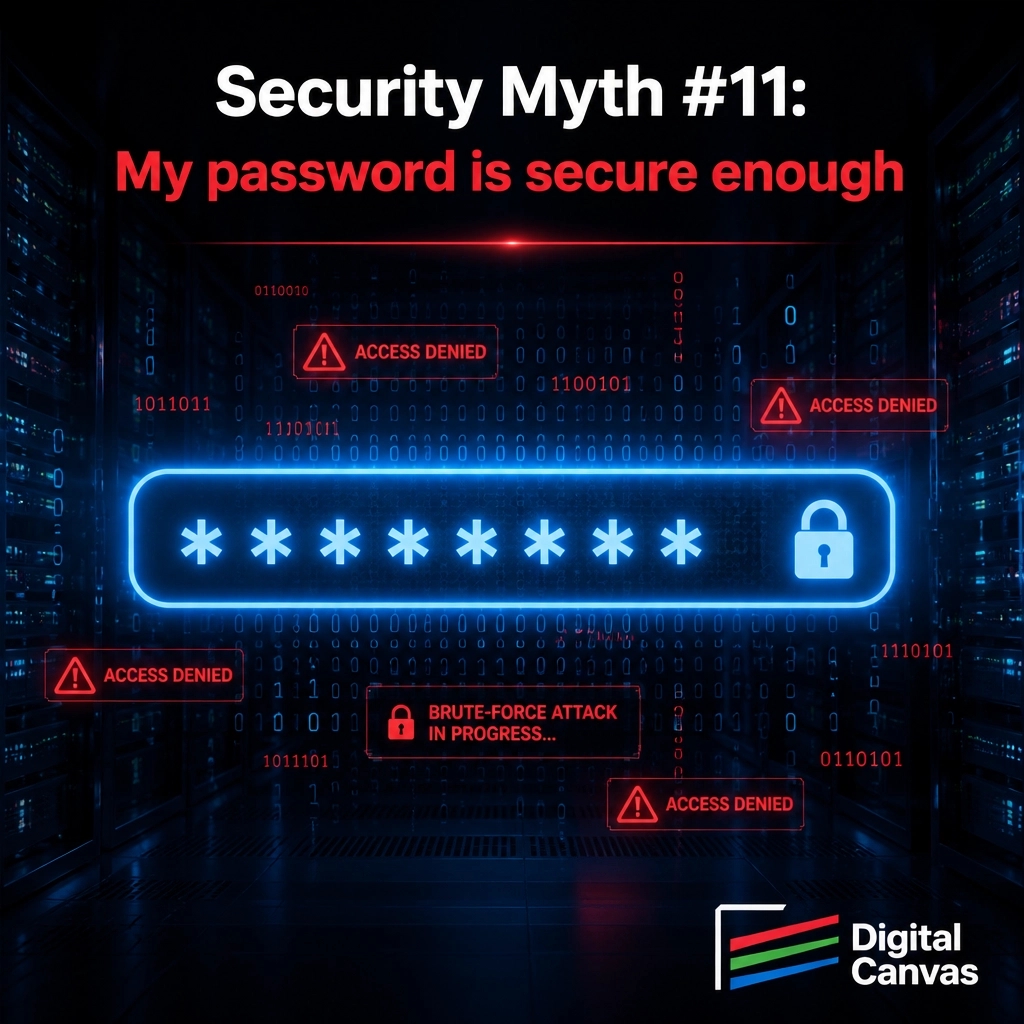
Myth 11: "My password is secure enough."
Reality: Brute-force bots don't care how complex your password is. Without MFA or rate-limiting, your site is still vulnerable. Security is about multiple layers, not just one long string of text. 🛡️
#WebSecurity
Laravel 12 didn’t break: it just stopped being maintained. Bug-fix support ended Aug 13; security updates run through Feb 24, 2027. Plan your upgrade while there’s time. Digital Canvas can help. #Laravel
PHP 8.2 support ends Dec 31, 2026. After that, no more patches. Upgrading doesn’t mean a rewrite: careful steps now beat a rushed December. Need a PHP/Laravel upgrade? Digital Canvas can help. #PHP
Security Myth 9: "I don't use Microsoft, so I don't get viruses."
Hackers follow data. Linux and PHP are targets. Your OS isn't a shield.
Read more: https://t.co/2HeBO7xgEx #WebSecurity
Security Myth 8: "My host handles security."
They lock the server door, but your code is your job. Plugins and logins need attention too.
Full article: https://t.co/2HeBO7xgEx #WebSecurity
Myth: My developer "built-in" security, so I'm done.
Reality: Security isn't a one-time checkbox; it’s an ongoing process. New threats appear every day, and your site needs regular maintenance to stay safe. It's a garden to tend, not a wall to build. #CyberSecurity
CVE-2026-49972: shell.php.jpg can pass upload checks: but become dangerous when a server executes anything containing .php. Validation is half the job. Server configuration is the other half. #Laravel
Old AWS credentials can linger long after someone leaves. Review access, remove what no longer belongs, and keep cloud costs predictable( with no surprise access.) #DevOps
Security Myth 5: "There's nothing valuable on my site."
Hackers want your server's power for botnets and mining. Every site has value.
Full article: https://t.co/2HeBO7xgEx #CyberSecurity
An aging app isn't automatically a rewrite. Rescue it when the core is sound and changes are manageable. Rewrite when every fix adds cost and the foundation blocks progress. Start with facts, not fear. #WebDevelopment
A WordPress requirement unique to your business shouldn't be forced into an ill-fitting plugin. A purpose-built custom plugin can fit the workflow cleanly. #WordPress
Tip 2: I check the .gitignore, scan Git history for leaked secrets, and read the commit messages. A clean repo makes every handoff safer. #WebDevelopment
Think your admin login makes storing credit cards safe? It’s a common myth: and a huge liability. Raw payment data should never sit on your server. Protect your business by using a secure payment gateway instead. #WebSecurity
Think backups make a hack no big deal? Restoring a backup puts the same vulnerability back. You aren't fixing the root problem, just resetting the clock for the next attack. Secure your code first. #CyberSecurity
Think that padlock icon means your site is unhackable? Think again. SSL only secures data while it’s moving. It doesn’t protect your actual code or server from an attack. Don't let a certificate give you a false sense of security. #WebSecurity