OPPO Find X9 Ultra - Camera Review:
The Zoom King has Arrived.
In this dedicated camera review of the Find X9 Ultra, I'll talk about my findings in the past few weeks of testing it.
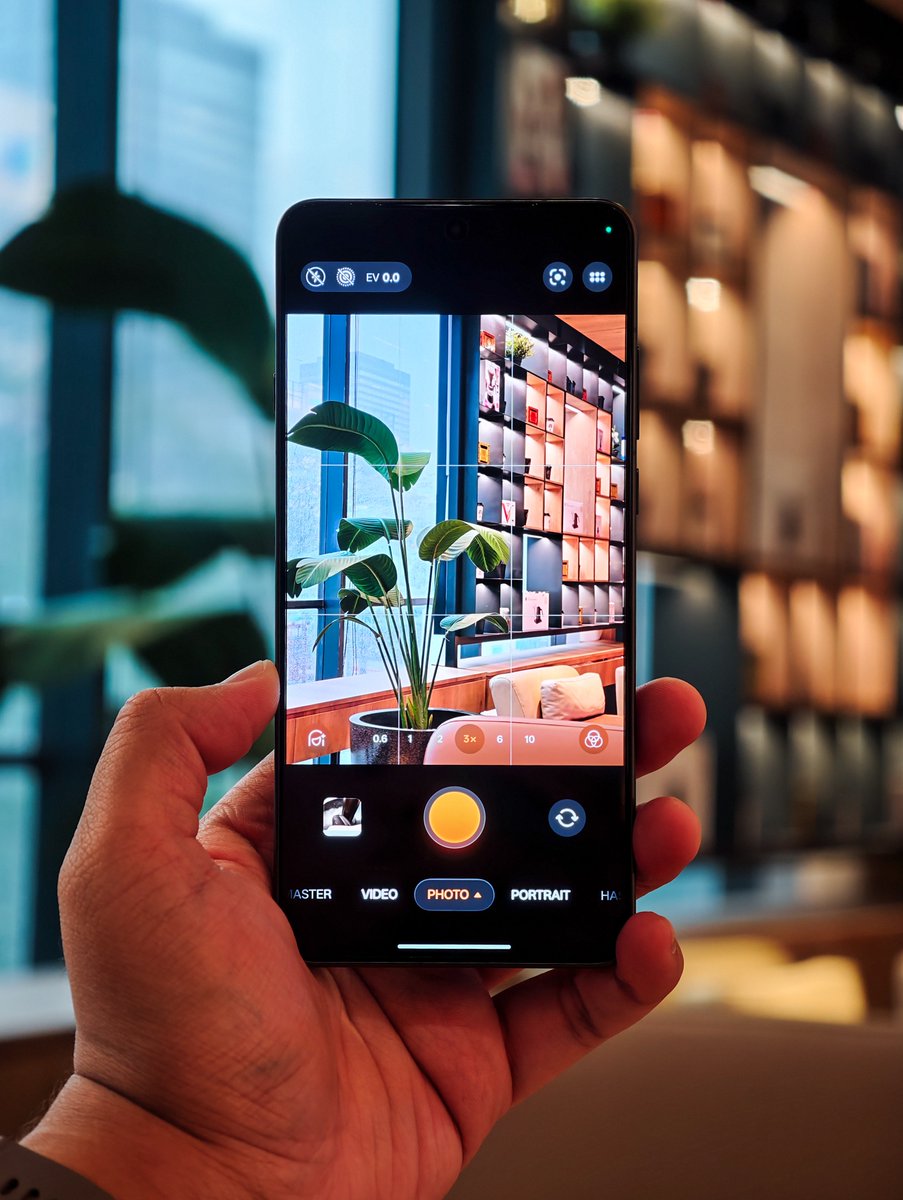
As you know, camera system is the biggest change on the OPPO Find X9 Ultra.
They have upgraded every single one of the rear camera lenses on the Find X9 Ultra, as all of the sensors are either newer (better) or bigger.
This phone comes with a rear camera system that consists of five lenses:
• 200MP “Hasselblad Ultra-Sensing Main Camera” (23 mm): Sony LYT-901 sensor, 1/1.12” size, 0.70 µm pixel size, Aperture F/1.5, OIS
• 200MP “Hasselblad 3x Ultra-Sensing Telephoto” (70 mm): OmniVision OV52A sensor, 1/1.28” size, 0.60 µm pixel size, Aperture F/2.2, CIPA 7.0-level OIS, 15 cm MFD
• 50MP “Hasselblad 10x Ultra-Sensing Telephoto” (230 mm): Samsung ISOCELL JNL sensor, 1/2.75” pixel size, Aperture F/3.5, Sensor-shift OIS
• 50MP Ultra-wide Camera (14 mm): Sony LYT-600 sensor, 1/1.95” size, 0.80 µm pixel size, Aperture F/2.0
• 24-channel True Colour Camera, 3.2MP multispectral pixels, Aperture F/2.4
The Find X9 Ultra also has a selfie camera that uses Samsung’s ISOCELL JN5 sensor. It has F/2.4 Aperture with 21 mm focal length.
And yes, just like the previous two Ultra flagship phones from OPPO, this phone still keeps the two periscope telephoto camera solution.
It is still one-of-a-kind to this day, and that makes the entire camera array extremely strong.
To sum everything up, the Find X9 Ultra comes with:
✅ Sony’s first 200MP camera sensor
✅ World’s largest 3x telephoto sensor on a phone, with the widest aperture
✅ World’s best 10x telephoto lens
✅ Upgraded ultra-wide camera sensor
✅ A new multispectral camera with a wider FoV, higher dynamic range, and lower power consumption
✅ Dual Nano Lens coating applied to the inside and outside parts of the lens to achieve better optical clarity and scratch resistance
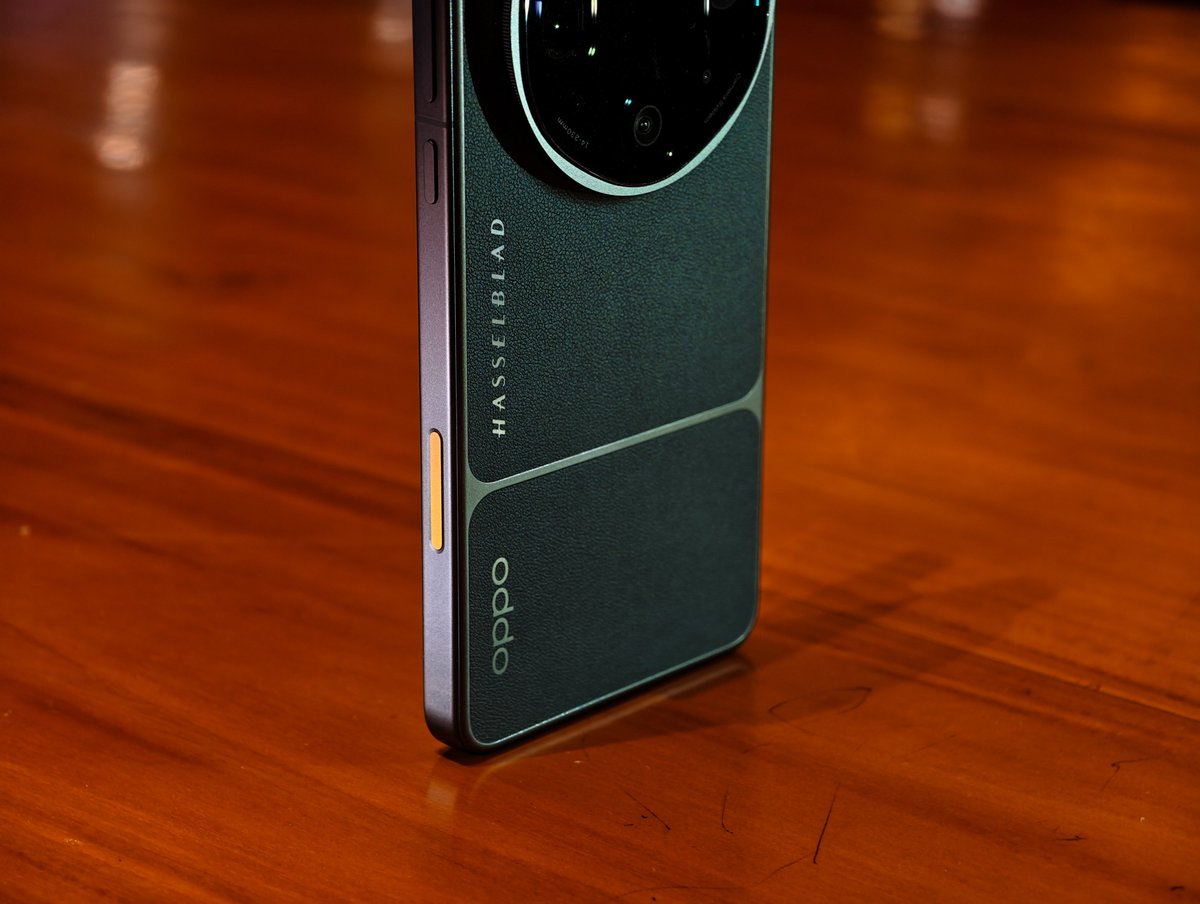
Also, the new Quick Button for camera control comes in this orange colour for both colour variants.
You can still do things like:
✅ Double-press to open the camera app
✅ Light-press to focus, full-press to capture/record
✅ Swipe left/right for zooming in/out (landscape mode only)
The only drawback that I can say about this button is how prone it is to accidental swipes, leading to unwanted zoom in/out while capturing a photo in landscape mode for some angles/orientations.
But, it does feel very responsive to use despite the drawbacks. The animations are awesome, too!
Now, let’s dive into the real deal: the camera performance of the OPPO Find X9 Ultra! 👇
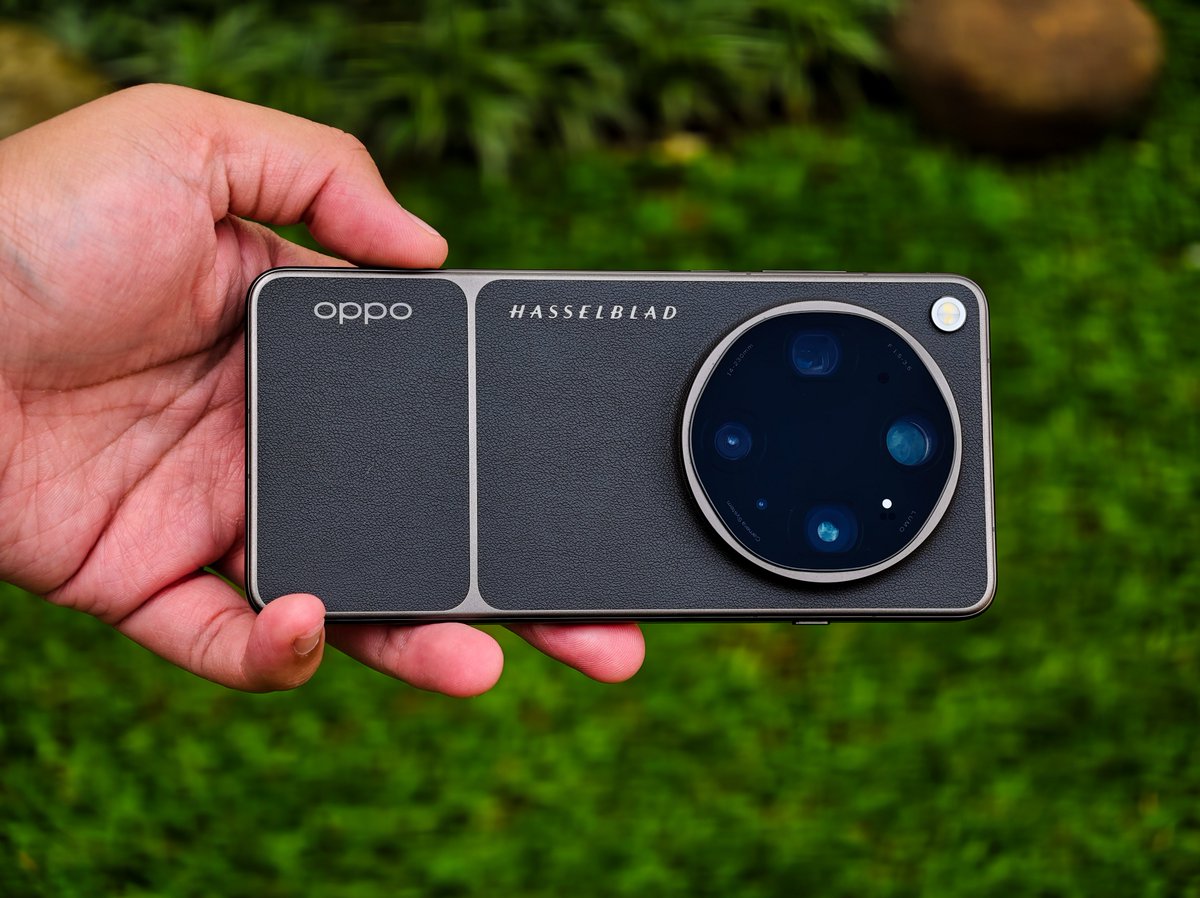
A design comparison of the #OPPOFindX5Pro and the brand new #OPPOFindX9Ultra. I love @oppo for their design experiments, each new smartphone is beautiful in its own way 🖤🤍
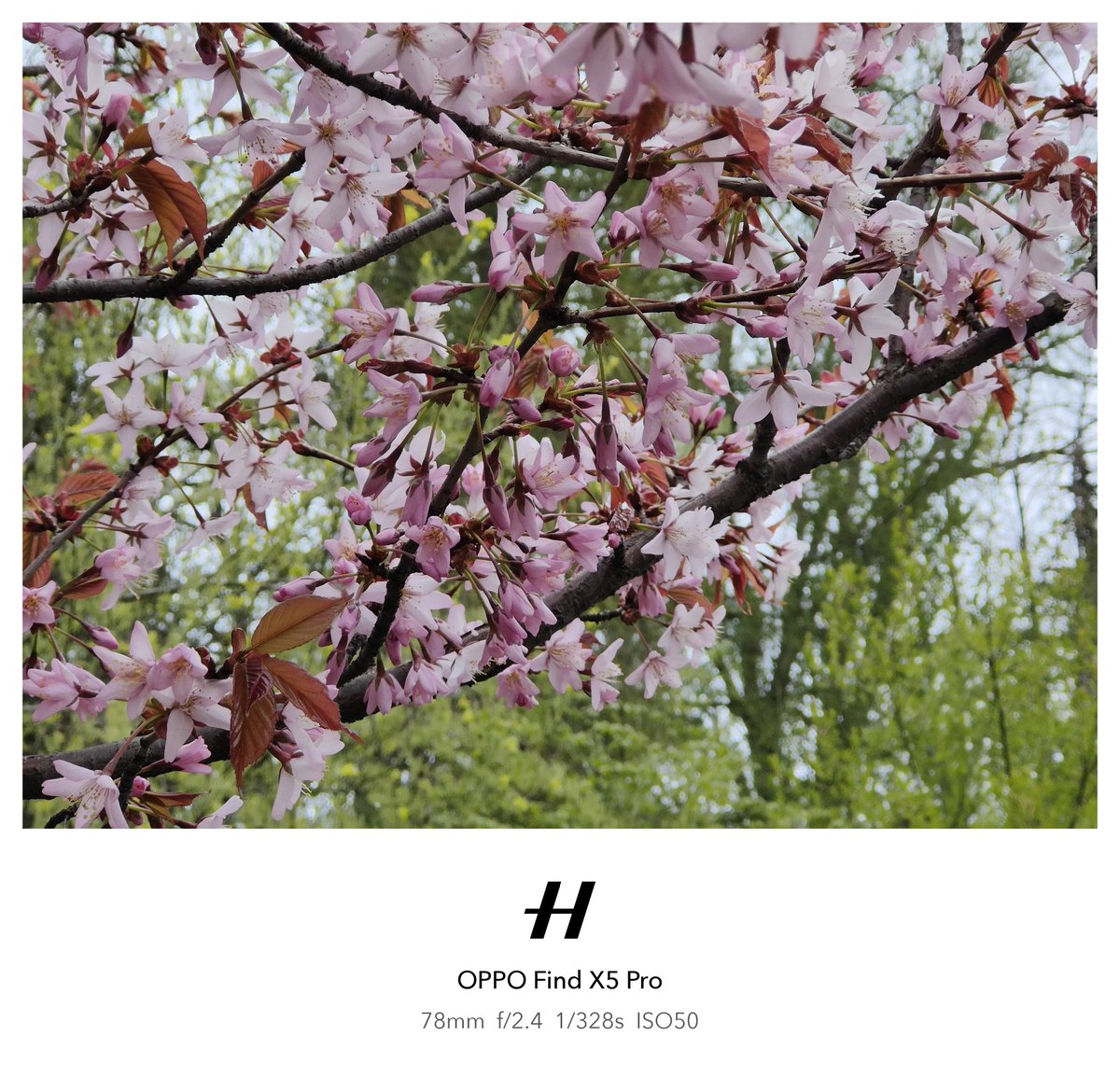
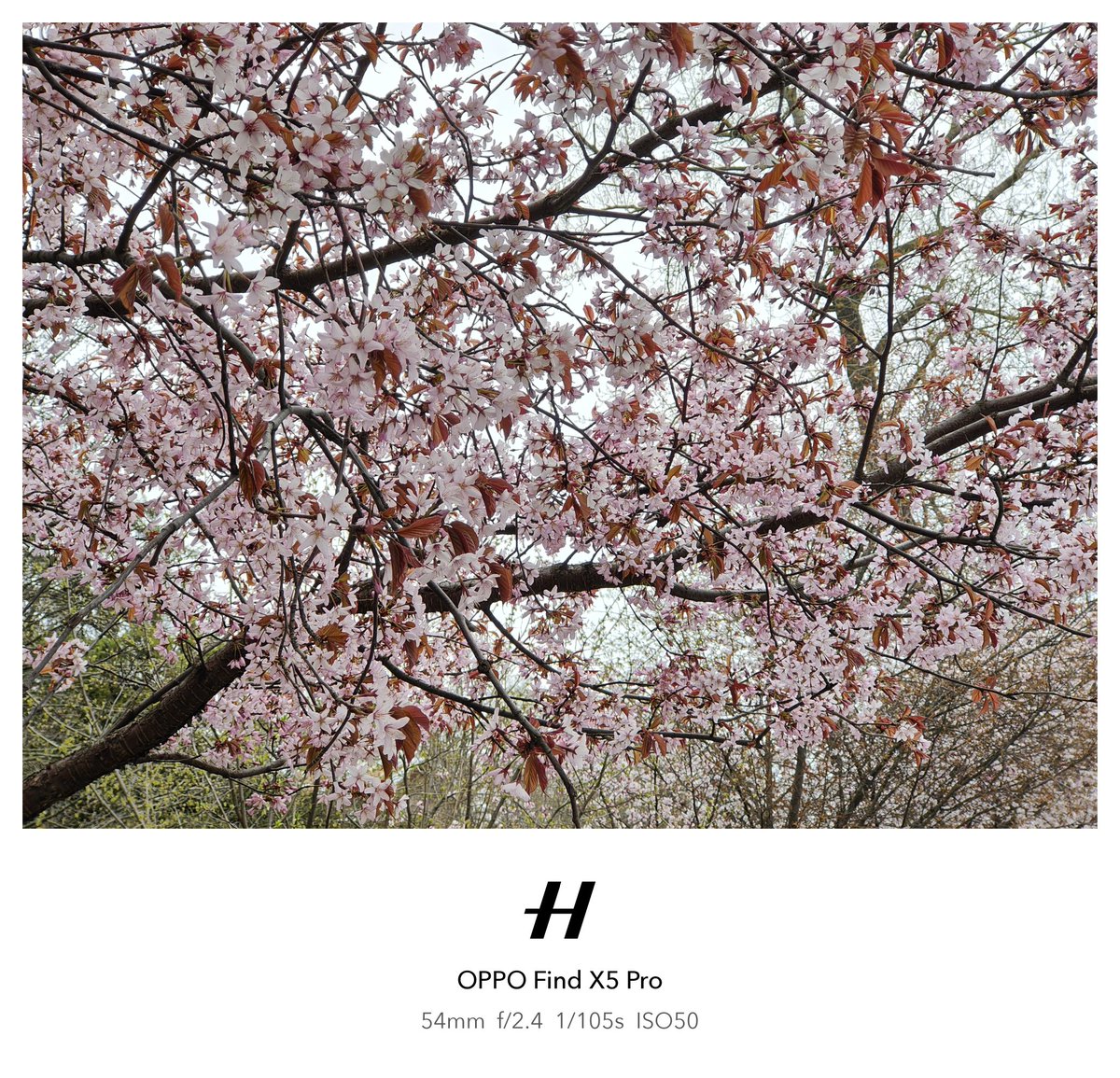
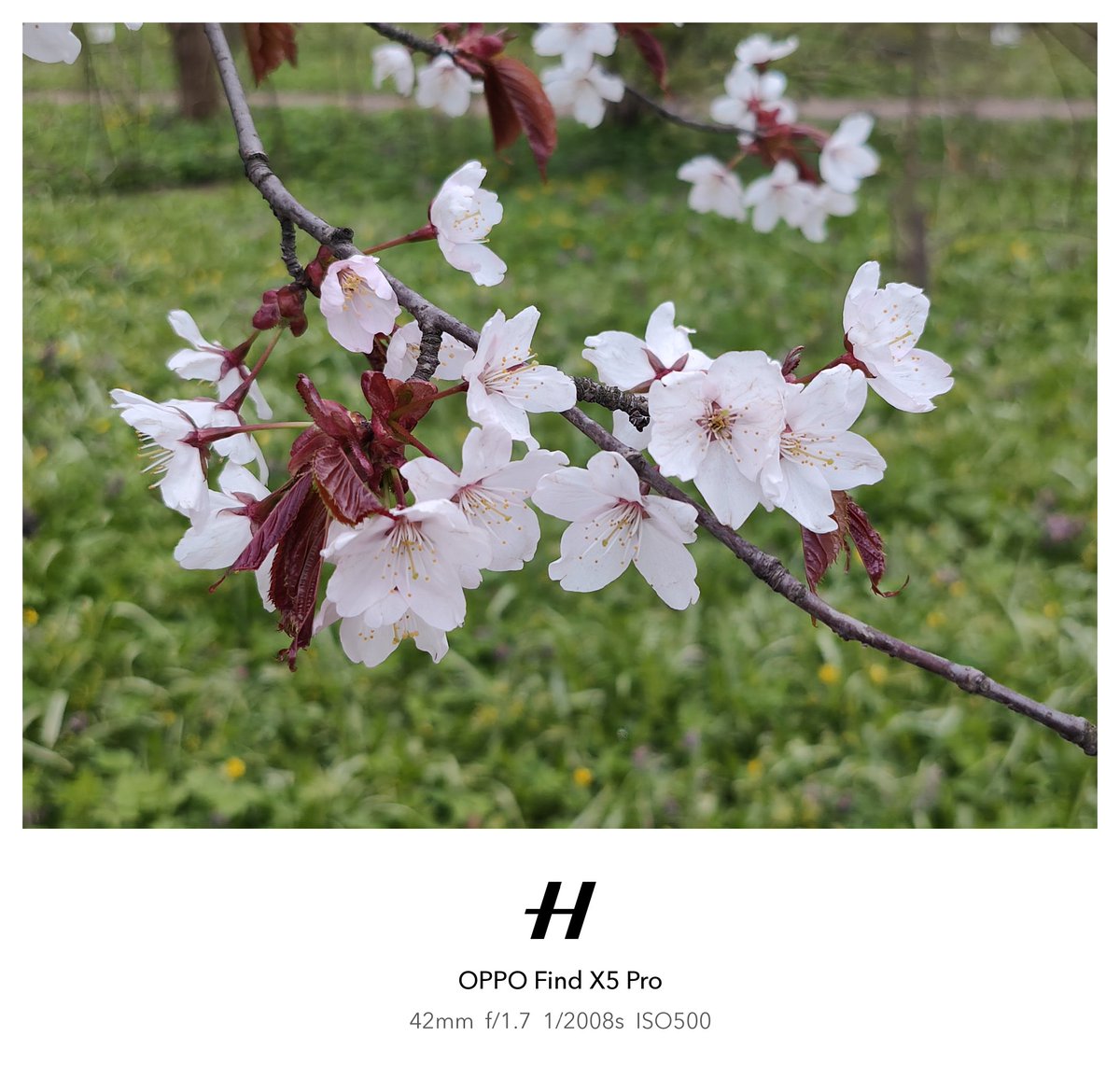
This is exactly why I love spring, sakura 🌸📸 Old Find X5 Pro still does the job. Oh, I can't imagine how this would look on #OPPOFindX9Ultra#ShotOnSnapdragon