This video is to show you how to connect a MacBook to a monitor with lid closed, and keep your external display working with Dockteck 5 in 1 USB C Hub.
Just need to hook your power adapter and your mouse to get the external dispaly.
Click https://t.co/LTsyeUKrXF to see more.
USB C to VGA HDMI Adapter, Dockteck USB Type C to HDMI (4K 60Hz) VGA (1080P 60Hz) Converter
If you love it, if you need it, just go ahead!
https://t.co/2zmxgHGMua
If you have purchased the latest Thunderbolt 4 laptop, feel free to consider Dockteck USB C dock, and Thunderbolt 3 Dock, or even the coming Thunderbolt 4 Dock!
If the cable marked a "Thunderbolt " Logo, it would be Thunderbolt cable. If not, that cable probably was a USB C 2.0, USB 3.1 Gen1(5Gbps), USB 3.1 Gen 2 cable(10Gbps).
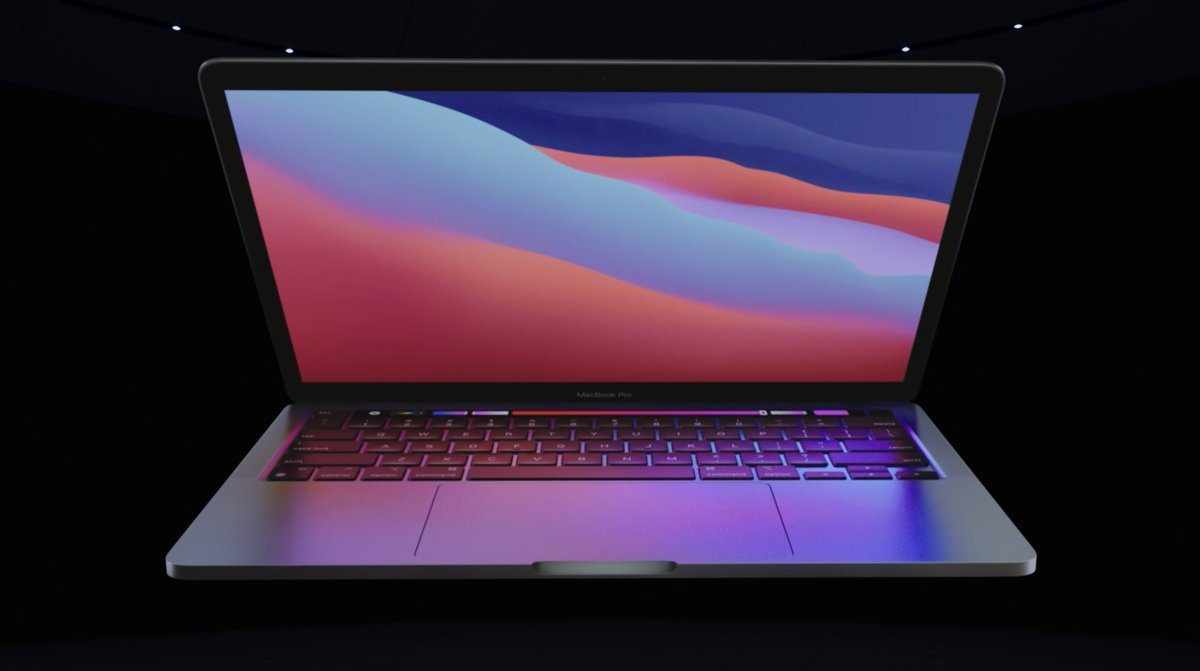
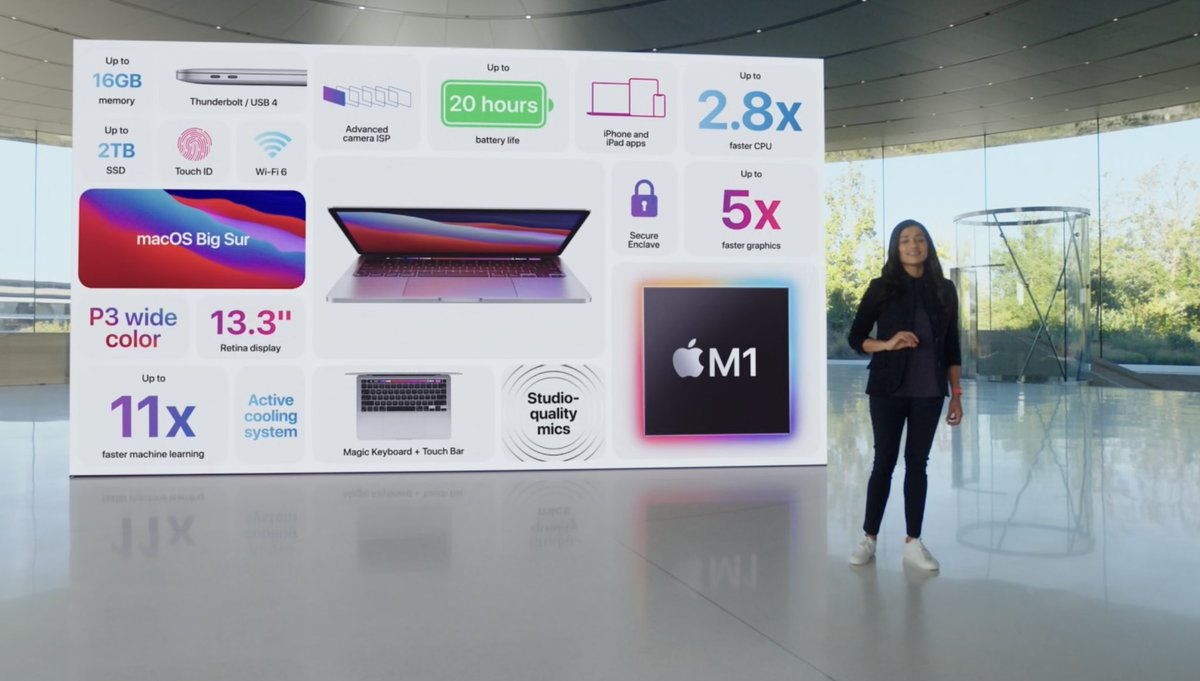
We noticed that the new MacBook Pro 13" M1 has the Thunderbolt 3 port and USB 4 port. When you guys need to purchase the USB C dock, just think of Dockteck.
Why your MacBook Pro does not support 4K 60HZ when you were connecting a USB C hub? Because the antique Mac models support DisplayPort 1.2 protocol, however the latest Mac models support DisplayPort 1.4 protocol. https://t.co/lWnam0irDd #MacBookPro#macbookair#imac#macmini