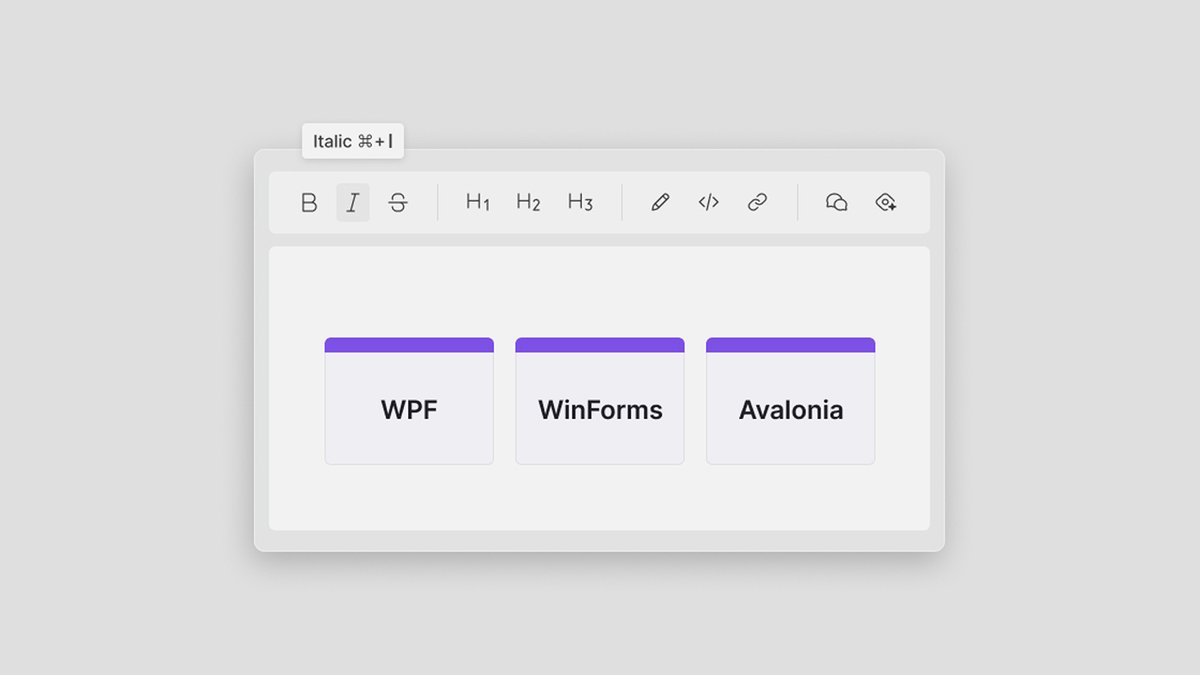
📝 An HTML editor for your .NET app
Embed Quill with DotNetBrowser to edit HTML using a native toolbar, check spelling, and export to PDF. Our tutorial builds an Avalonia app and explains how to adapt it for WPF and WinForms.
👉 Read more: https://t.co/qDYGfXQIJa
⚙️ DotNetBrowser 4.4.1 is out!
In this release, we upgraded #Chromium to a newer version, which introduces 9 security fixes.
🔗 Learn more: https://t.co/umxAGOqbjZ
🆓 Get a free 30-day trial: https://t.co/xIIpSvnoh6
📉 Monitor product prices and stock with C#
Build a background monitor with DotNetBrowser: read JavaScript-rendered prices, track availability, and send Discord alerts when they change.
👉 Read more: https://t.co/VeYomvBeg1
🔧 Running Chromium in a Windows service
Generate PDFs, take screenshots, and extract page data with DotNetBrowser, without an interactive desktop. Our new C# tutorial covers building and deploying the service.
👉 Read more: https://t.co/6UGOBZa06I
🌐 From WebView2 to DotNetBrowser: Part 2
Continue the migration with C# examples for proxy settings, authentication, cookies, profiles, context menus, downloads, printing, DevTools, and Chrome extensions.
👉 Read more: https://t.co/10latDQee2
🌐 Creating a guard-railed browser for Claude in .NET
Use DotNetBrowser to let Claude read pages and fill forms, with site allowlists, blocked downloads and pop-ups, and user approval before form submissions.
👉 Read more: https://t.co/mxy1jarI5Y
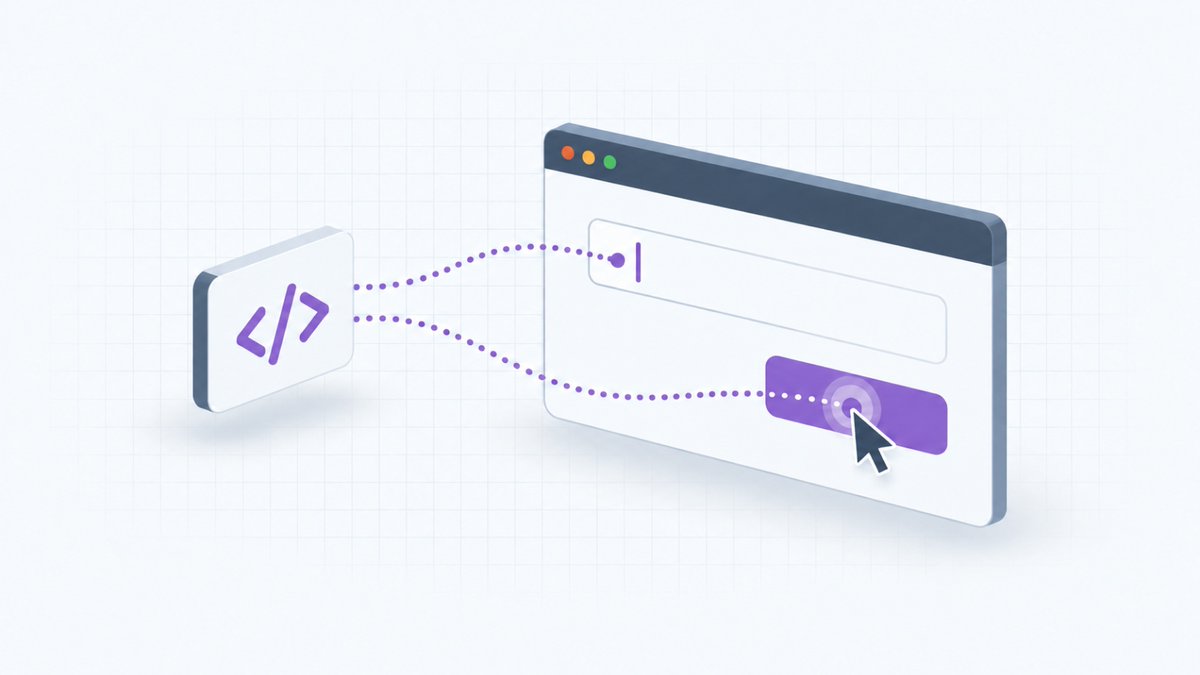
⌨️ Simulating mouse and keyboard input with DotNetBrowser
Learn how to type into web forms and click buttons from C#, with WPF examples for DotNetBrowser and CefSharp, plus a look at WebView2.
👉 Read more: https://t.co/BYVkOS8qTu