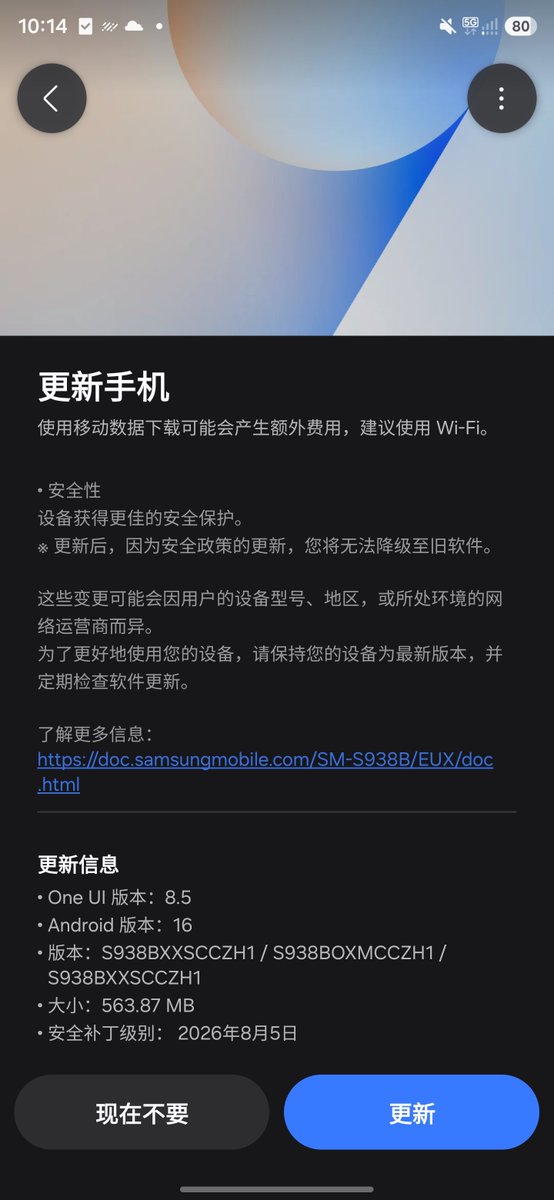
@YuoIvan@sammygurus Not while temp root is active, but once you reboot, temp root is gone and Samsung Wallet works completely fine. It doesn't unlock the bootloader or trip Knox
@YuoIvan@sammygurus U only need temp root to bypass the Samsung Health 'Set features' password. After setting it up, a simple reboot reverts the phone back to normal with zero issues, and your tweaks stay
@GalaxyTechie You can use shortcut-creation software to enable the new document scanning feature—originally available only on the S25 and later models—within One UI 8.5 on the S24 series.
@GalaxyTechie I have tested this: when your Samsung account region is set to China, Bixby—whether it is the Global or Chinese version—does not utilize Perplexity. However, when your Samsung account is registered to a region outside of China, even the Chinese version of Bixby uses Perplexity.