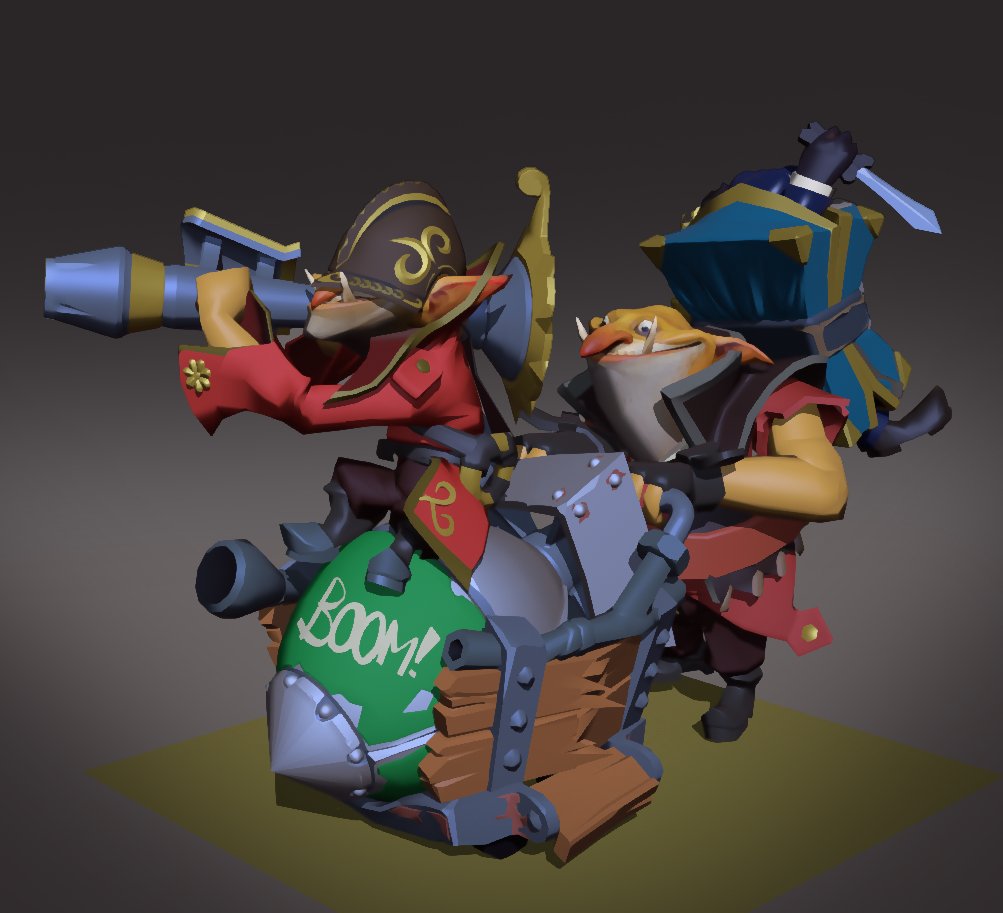
I have submitted over 300 items to the Steam Workshop over the years. Most of which for #TF2 , I bunched up my favorite ones into an Artstation page. Check it out! https://t.co/uI4l9DYhRX
@nodesandnoodles@DKesserich Changing the player settings does indeed affect all textures, but it allows the conversion toggle for each one. Changing to linear is the first thing I do usually as it solves a lot of interpolation based issues, (especially prominent in LUTs as u've found :) )
@nodesandnoodles@DKesserich 3. Move the unity project to linear space if its not already, in the player settings, then mark the texture as non srgb in its im.settings
If you want to keep it in gamma space then apply a manual gamma to linear conversion in the shader
@nodesandnoodles@DKesserich There are some ideas that come to mind:
1. Lock each vertex on its respective uv texel center in blender via "UV -> round to pixels -> center", make sure that you have the VAT loaded in blender or that your script already puts it in the center beforehand
@DKesserich@nodesandnoodles For Unity, it'd be "dont compress" UVs and Vertex indices in the model import settings and build settings.
As well as setting the texture format to non srgb , compression: none and NPOT(if needed) for the VAT imlort settongs. Might want to use a high precision format as well.






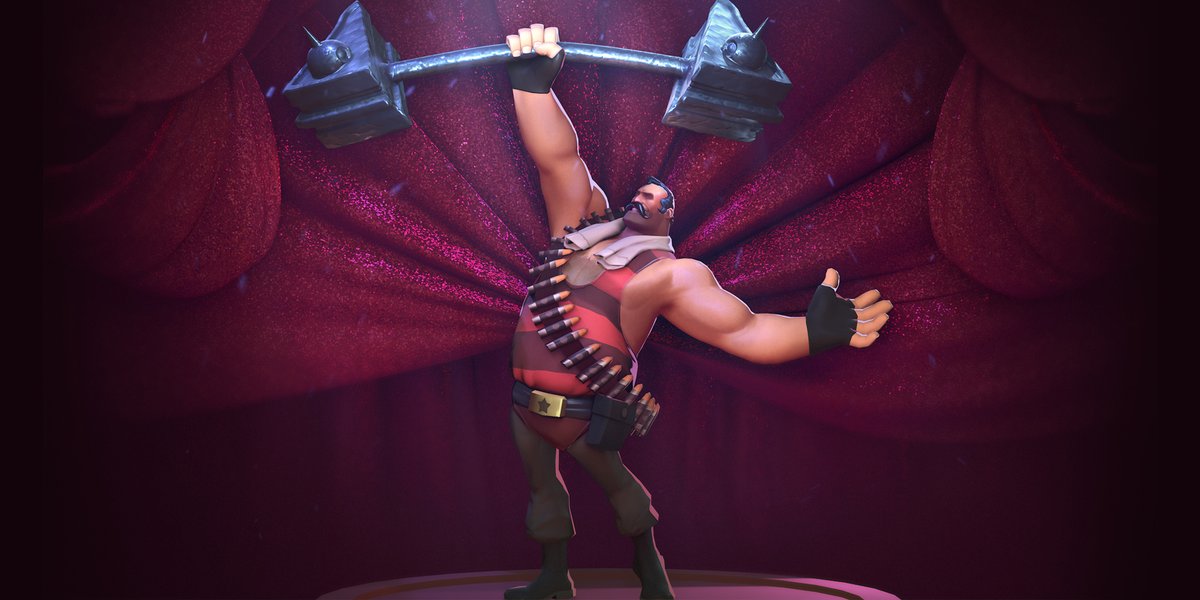
![Ducksink's tweet photo. Fun fact- this poster was made up of 3 different scenes that I spliced together in comp. Go check out our new set! :] https://t.co/Rck2UaPKB3](https://pbs.twimg.com/media/GX2pHwAaUAMcGme.jpg)





