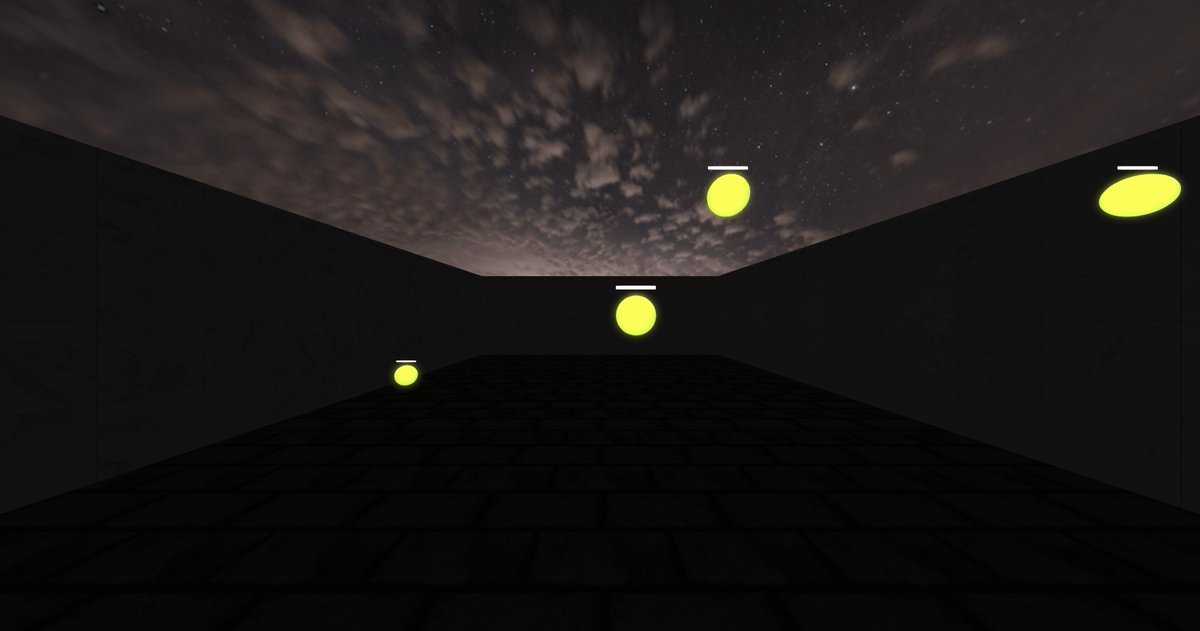
r3d MicroTrack V3 Smooth - 1286 | #1 [EasyAim Trainer]
Not an insane score and not the cleanest i could get, just wanted to showcase this scen that i made and i think its pretty useful for new players to improve their tracking.
@miradivision@EasyAimTrainer
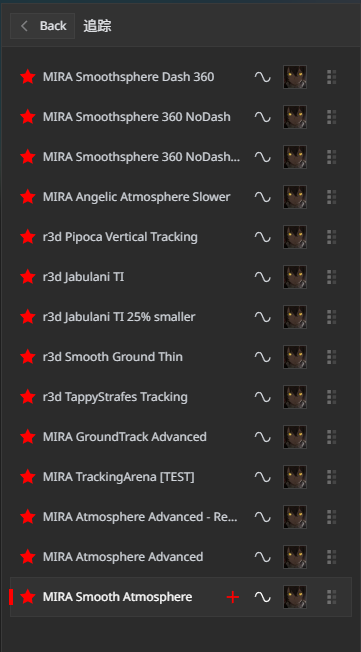
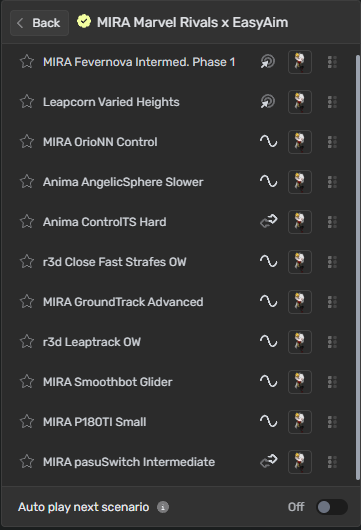
Playlist made on @EasyAimTrainer today.
A mix of Smoothness and Target Reading, pretty good tracking practice.
Name of the playlist for searching in game: 追踪
EASYAIM UPDATE 1.2.3:
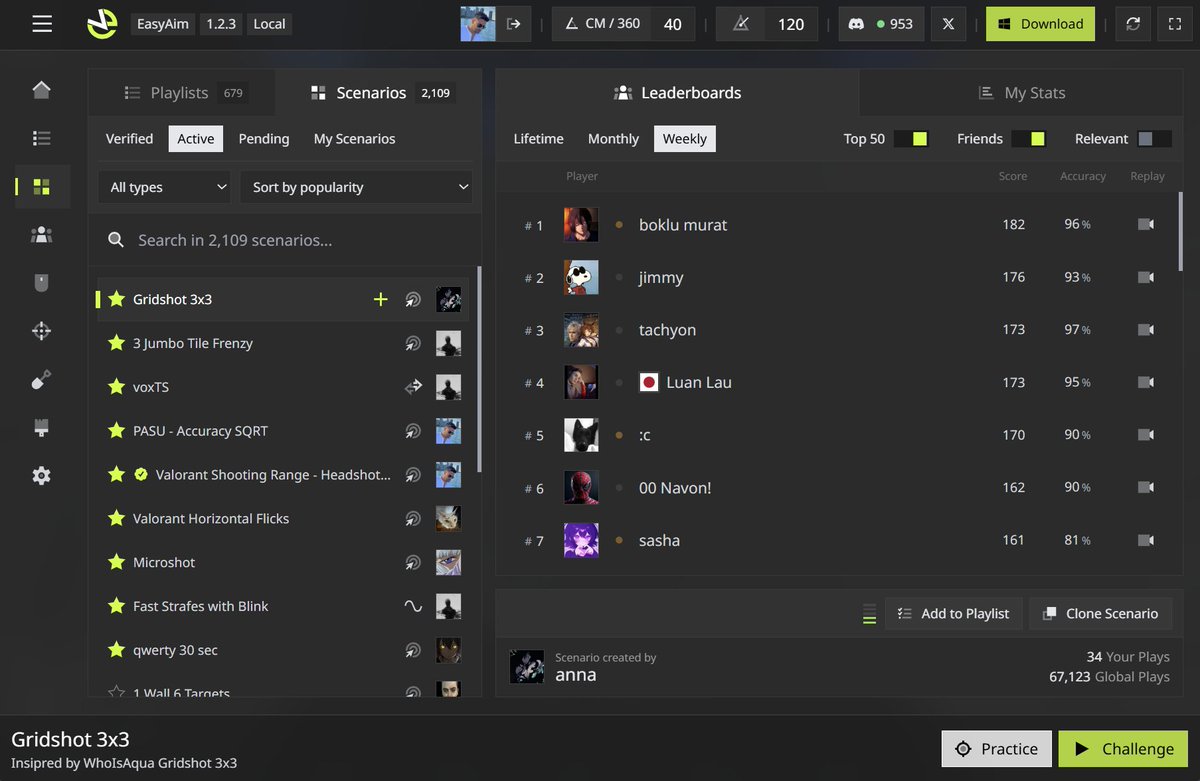
- The weekly, monthly and lifetime leaderboards is fully available on all scenarios.
- You can change your sensitivity from the top navbar and change the game it's using.
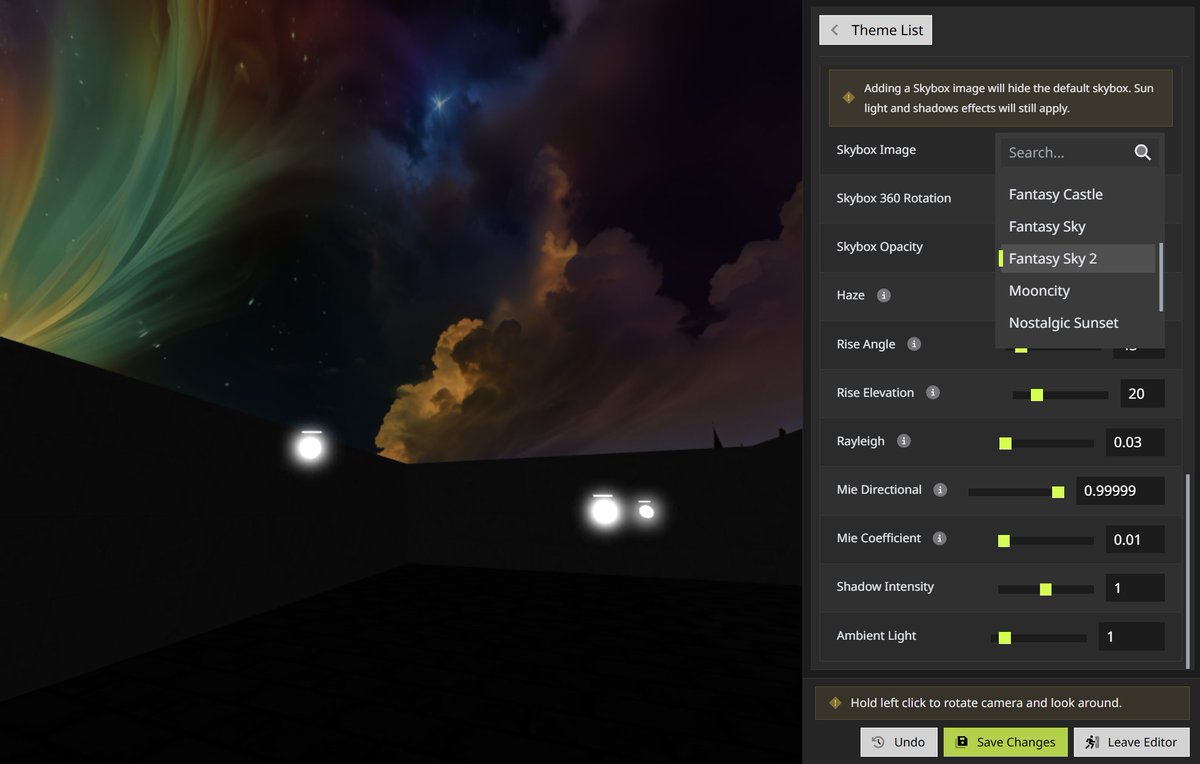
- Added 10 more skyboxes.
- UI fully revamped and available for all devices desktop, tablets and mobile.
Upcoming:
- Profile ranks.
- Upload your own sounds (Works on app and web).
Visit https://t.co/wt5VCJ5rAy to play the latest update!
We listen to your feedback and suggestions and we are available always here and on Discord https://t.co/FKN2MuQDla
not a crazy score at all, just a scenario idea that @redcantaim executed rly well and i liked it a lot!
def worth a try
MIRA Smoothsphere Blink - 32429
@EasyAimTrainer@miradivision
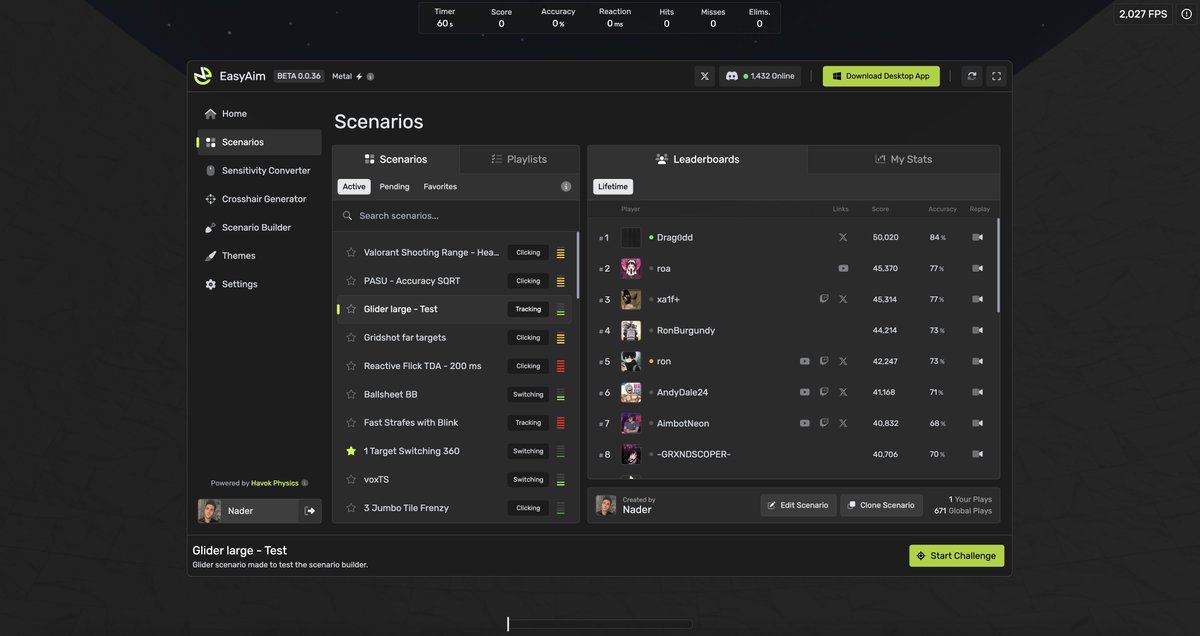
EasyAim is fully supported on all phones and tablets, iOS and Android with fullscreen mode and gyro support as well.
Note: Any games you play on mobile/tablet, will be listed on the mobile leaderboards not the PC ones.
Also, portable gaming devices like #Asus Ally are also fully supported since their joystick/controller is fully compatible with #EasyAim.
UPDATE 🚀
After a long wait, a new EasyAim update is finally out!
Build 1.2.0 + Desktop Launcher 0.1.0 are live.
EasyAim is now available on all platforms — Web, iOS, Android, Windows, macOS (Intel & Apple Silicon), and Linux (X11 & Wayland).
What’s new:
• Leaderboards can now be filtered by Lifetime / Monthly / Weekly
• Massive replay system overhaul + UI revamp
• Fully customizable HUD — move the scorebar, FPS box, pace meter, and more
• New Pace Meter to track your best runs in real time (fully customizable)
• Tons of visual customization: skylights, glow, blur, hover & hit colors, skyboxes
• On-the-fly sensitivity changes from the top bar (PC)
• Practice Mode (infinite time, no scores saved)
• MSAA anti-aliasing + sound latency optimizations
• Controller support across all platforms
• Full mobile support (touch, gyro, PWA fullscreen)
• 4k & 8k polling rate mouse support
We’ve also submitted EasyAim to Steam, waiting on approval 👀
This update is huge, and there’s more coming.
If you run into issues or have feature ideas, let us know, we actually read and ship your feedback.
Detailed updates:
- You can change your sensitivity on the go from the top bar! (To disable that box, go to settings -> HUD)
- Added 2 new games to the sensitivity converter, FragPunk and Strinova. Thank you @whiteneve for the suggestion!
- Mobile full support on the browser, finger movements and fire.
- Mac desktop app supported for Intel and Apple Silicon chips.
- Gyro support for Mobile is available now with sensitivity controls.
- EasyAim pages are fully responsive on mobile.
- PWA is availabe on both iOS and Android with fullscreen support and all mobile app features. (Open easyaim on your browser, then click on save to home screen and click "Install App")
- Added undo button to any settings you change, without having to undo all settings.
- Added arrow switches so you can change walls textures without having to click dropdown to allow you to see textures faster.
- Added Menu FPS. You can now change max FPS the game renders while you are in the menu (not playing).
- Added pace meter, so you can beat your best score. It's fully customizable, colors, size, position and transparency for each section.
- Added an extra options to the scorebox above where you can change it ti simple box. You can also now change the background color and opacity for both the standard and simple scorebox view.
- Added glow effect. You can change the color and how glowy the targets are.
- Custom skyboxes has been added. And will be available on the next push update.
- The theme edit is now only on the right side, you can select the theme then edit it. You can also look around while you are in the theme editor. We also added the "Save" button in the theme editor to save time from leaving the editor and saving.
- Pause is disabled during challenge runs. If you pause the scenario it will restart once you resume.
- Added MSAA anti-aliasing support for much cleaner graphics.
- Added extra target colors affects.
- Added "on hover color" option so when you aim at a target, it can change color.
- Added skybox opacity, so you can make the skybox transparent if you want to still see the real sun/moon behind the sky.
- Added a wall collision sound. So you can assign a sound when a target hit the floor or a wall it can make sound.
- Optimizations to the sounds. Reduced latency of sound starts. Also, eliminate sound override the hit sound during that frame. If you hit a target and it dies, it will run eliminate sound instead of hit sound.
- Added panning sound to the targets collisions so when targets hit a wall and a sound is selected you can hear which target hit the wall.
- Added practice mode. In practice mode, you can play with infinite time. Score and replay will not be posted or stored. This is for practice only.
- EasyAim is fully supported on Linux (Wayland & X11).
- Mouse still locked for few moments until the score is submitted. This will help to avoid mouse exiting the game when the game suddenly ends and will keep your cursor locked so you can stop clicking and back to use the menu.
- EasyAim supports all type of controllers now. It's compatible in-app and on the browser and on any operating system.
- Crosshair on hit marker is implemented in real time. When you hit a target while having a marker layer, it will make that layer visible.
- Fullscreen is fully working on every Android desktop app now. No toolbars. Make sure you open https://t.co/wt5VCJ5rAy then click on "Save to homescreen" then "Install App".
- My Stats page changed and became more compact. Last run vs Best run are in the same box now with comparison score. Note: If your score is your best, you will see only your best score with a note "Your last run was the best"
- You can change your sensitivity and measured game from the top navbar without having to go to the settings page! (PC only)
- Auto resize now works on app and web for PC. The menu size will auto adjust and zoom based on the width.
- You can now filter the leaderboards by lifetime, monthly, and weekly. You can also set the default filtering from your control panel.
- 4k and 8k polling rate mouses are now supported.
Bug fixes:
- Download crosshair image as PNG.
- Detect vsync on/off improved.
- Google Analytics events can trigger a stutter during a round. Removed during runs.
- Fixed the issue where touch sensitivity used to impact gyro motion sensitivity. Now they are functioning separately.
- We fixed the marker issue. Keep in mind that marker crosshair layers only show up when you hit a target.
- Player spawn angles in scenario builder is fixed.
@Christo38969637 We did a lot of performance updates. One of the best update we did is now the mouse movements are being shared through shared memory instead of sending them to the renderer thread in messages. The input latency should be the lowest vs other games. Use LDAT for more debugging.
Eu e o @OrioNNFps fizemos um remake da playlist da MIRA de Marvel Rivals x Overwatch 2 no @EasyAimTrainer. A playlist tem um nivel intermediário para que possa ser utilizada por todos os niveis de jogadores.
Playlist Link: https://t.co/bokgJKzcPB
Bom grind!!