New! Connection with freight exchange platform Timocom
With a connection between EasyTrans and Timocom, you can post a freight offer on the online freight exchange directly of Timocom from EasyTrans. Transport companies can respond to the offer. More info: https://t.co/54zDzGF4Li
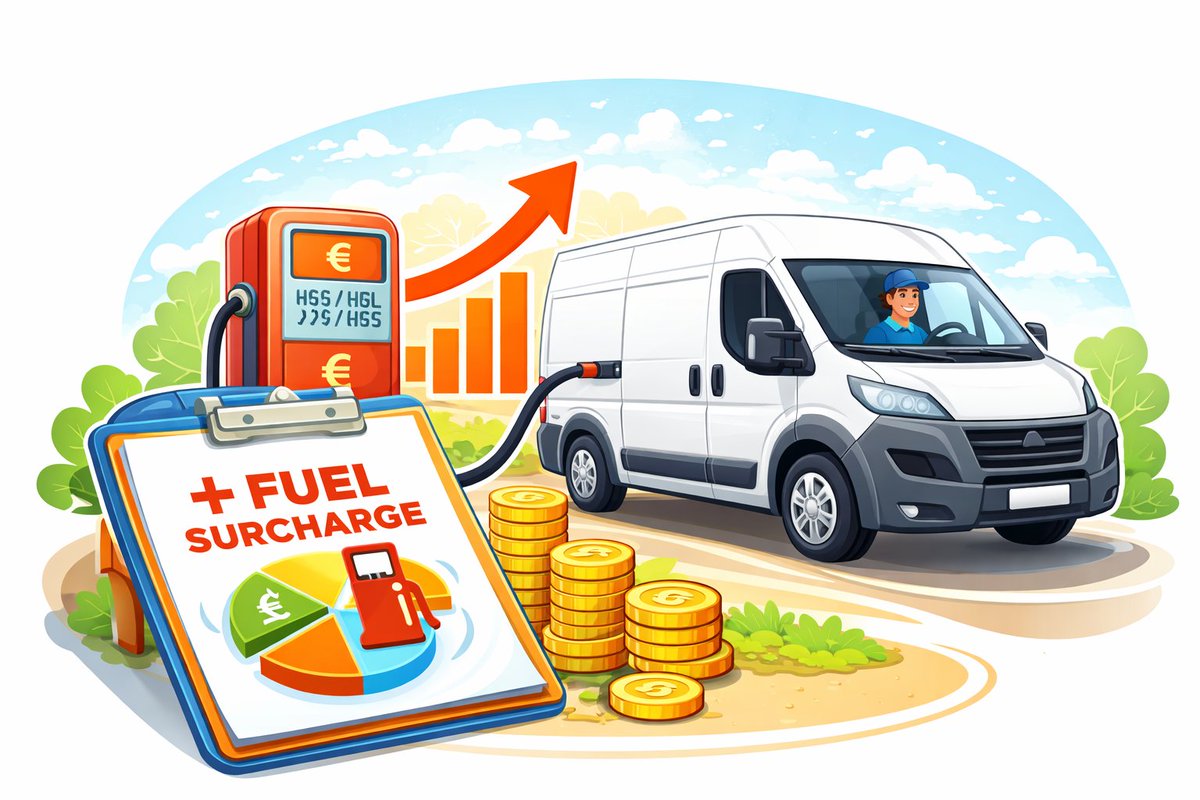
Many transport companies are now having to charge a fuel surcharge. The ‘Fuel surcharge’ rate type is used for this purpose. For each rate, you can specify whether or not a fuel surcharge should be applied. https://t.co/ORoZo2PbtJ
From the Premium package of EasyTrans onwards, you have access to an extensive export function. The export function allows you to export data from EasyTrans to various file types, filtering by period, customer, product, carrier, vehicle, and order status. https://t.co/w994ymFb3n
The online knowledge base contains detailed explanations about EasyTrans Software products. It includes information about the setup of the Transport Management System as well as explanations about how to use certain functions. https://t.co/KqizVVpGvy
Smart Logistics Manager is stopping. Looking for the perfect alternative? Try out EasyTrans! Have a look at our website https://t.co/S6pEMoEZ6m for more info.
EasyTrans also offers full integration with CX/HX https://t.co/VqptlSfySD and SDCN.
Best wishes for 2026!
To finish the old order year and start the new year, we have added some tips for you to your EasyTrans environment. These tips can be found on your 'Home' page under 'Messages'. If you have questions, our Support Department will also be there for you in 2026
On behalf of our entire team, we wish you a Merry Christmas and a healthy and successful 2026!
One last tip this year: It is possible to adjust rates without copying the product. With this option, all rates of the current product are adjusted. More info: https://t.co/mCPCt5jDjG
A new release of EasyTrans is ready for use! You may have read it in our newsletter, but your Transport Management System is provided with the latest update, Release 4.13. Read all about it in the Release notes: https://t.co/eKclPsqtrF
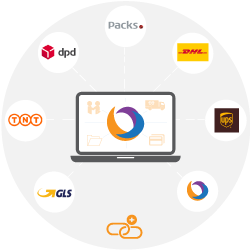
Did you know that EasyTrans has connections with various external carriers? This allows you to register shipments quickly and easily. Take a look at our website to see the logistics service providers we offer. https://t.co/g0MH9U1R0O you want to use this, please let us know.
Sign off with multiple transport documents!
If a digital signature has been saved via the Drivers App, you can send one or more digitally signed transport documents when signing off the order.
If you want to use this, please let us know.
With the link between EasyTrans and Courier Exchange, you can easily place a transport order (load) on the Courier Exchange platform. Other transport companies can respond directly to your offer. https://t.co/VqptlSfySD
If you want to use this connection, please let us know.
If you want to import multiple goods for 1 order, repeat the order line, adjusting the info in the number to height fields and keeping other fields the same. Add the column “Rate type no.” to your import file. Want to use it? Let us know.
The SMS module can be used to send short text messages to the sender or receiver of an order. For example, to send an ETA when the package will arrive, with a pre-defined text. https://t.co/Vvowx1pmA7 you would like to use this module, please let us know.
It is possible to add the ‘Planner’ column to the order overview.
When you create a new order, it defaults to the user who is logged in. Of course, you can change the planner in the order to another user.
Since the latest release, it is possible to create multiple contacts/drivers with a carriers. The order can then be assigned to the contact person/driver. For each contact person, you can specify whether they have access to the Carrier Portal or the Driver App.
When you email a transport order to the carrier, you can now also attach a Transport Order as a PDF. You can set this up in the menu Settings > General > tab Order e-mails. Would you like to use this feature as well? Send us an e-mail!
Invoicing by product!
Sometimes you only need to invoice the orders of a specific product. This additional filter is now available when creating invoices. Only products, which orders are ready for invoicing (Status ‘checked’), are displayed.
New! Link with Samsara's on-board computers! Orders can be sent to the on-board computer as activities. The activities can be handled by the driver with the data from the question path being automatically processed in EasyTrans. https://t.co/kC7NdDduJD
Best wishes for 2025!
To finish the old order year and start the new year right, we have added some tips for you to your EasyTrans environment. These tips can be found on your 'Home' page under 'Messages'.
On behalf of our entire team, we wish you a Merry Christmas and a healthy and successful 2025!
One last tip this year: It is possible to adjust rates without copying the product. With this option, all rates of the current product are adjusted. The change applies to all new orders