Easily share newsletters, forms, and flyers by generating instant QR codes directly within Google Chrome—no extra extensions required!
https://t.co/QmsOe91o0n
Easily share newsletters, forms, and flyers by generating instant QR codes directly within Google Chrome—no extra extensions required!
https://t.co/QmsOe91o0n
Explain and Send Screenshots is available as a Chrome extension for CCS users. Install it to streamline your workflow with high-quality screen captures and seamless sharing.
https://t.co/h53lZa0GKg
The Rev Up Your AI Use training is a self-paced course designed to help CCS staff safely streamline their workflows with AI best practices, ultimately unlocking access to the specialized Google NotebookLM tool.
https://t.co/Mf5tSni2RZ
Revision History helps CCS Teaching Staff track and support high-level student scholarship.
The tool promotes transparency, tracks student effort, and monitors progress in real time. It allows for timely feedback,...
https://t.co/1X4kK2ASxl
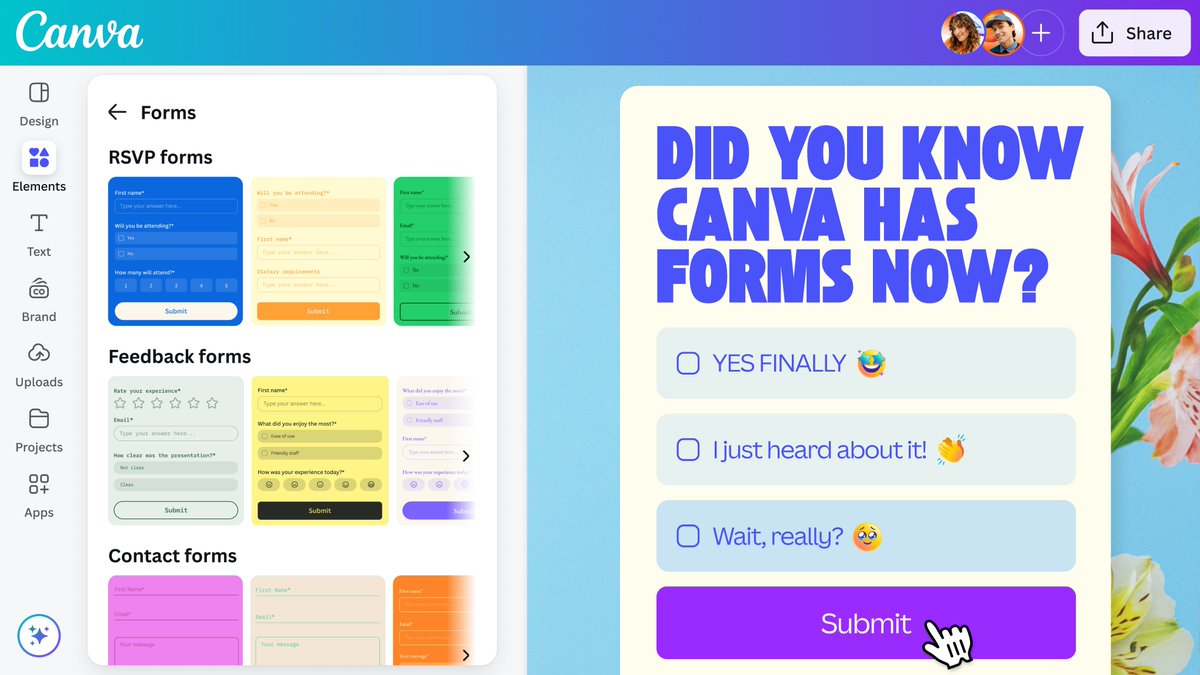
Ready to make a splash with your designs? Dive into the powerful features of Canva for teaching and learning with Fizztastic Canva Tools for Teachers!
https://t.co/ysC2KwNOkg