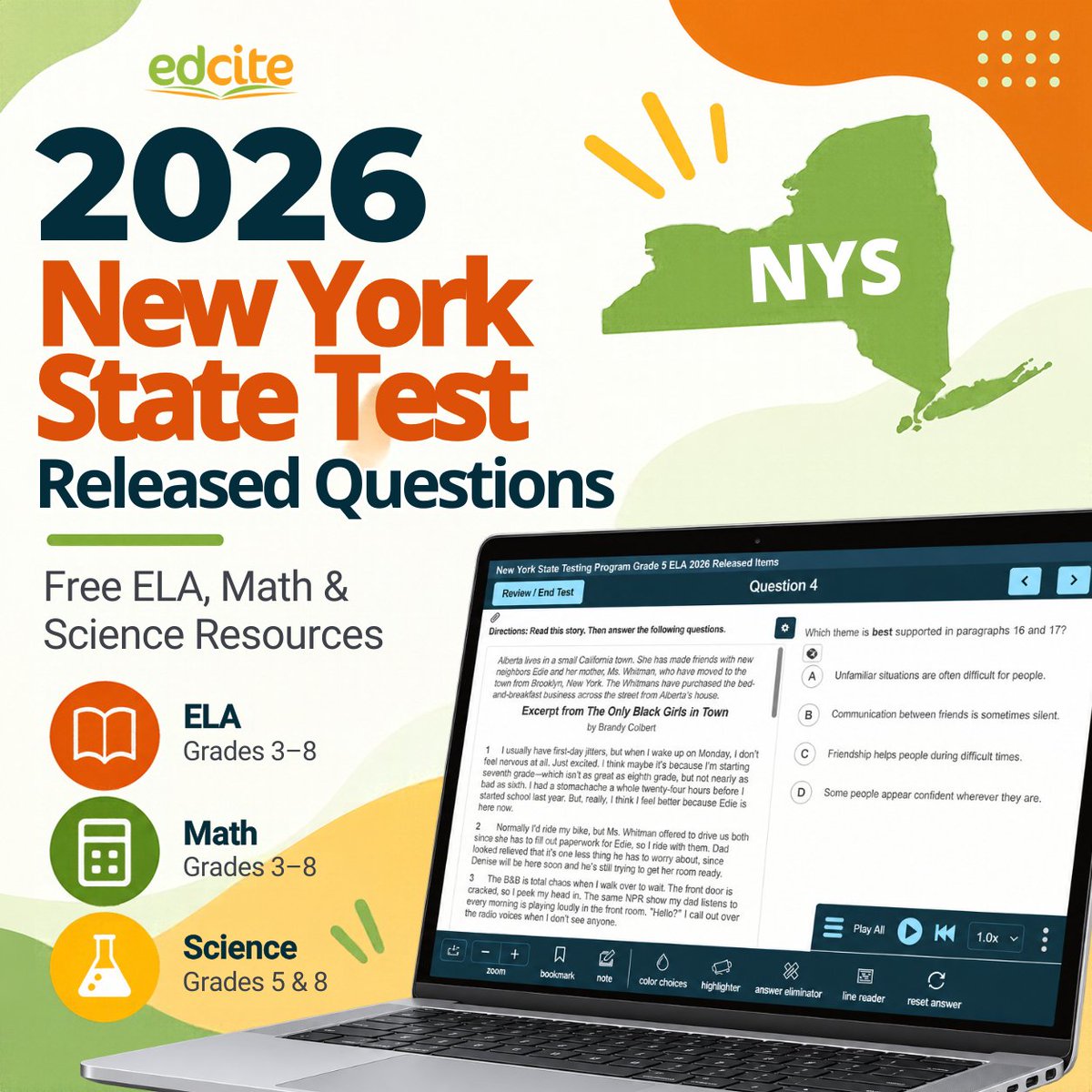
The 2026 New York State Test released questions are now available on Edcite!
Teachers can access free released questions from the Spring 2026 assessments:
✔️ ELA: Grades 3-8
✔️ Math: Grades 3-8
✔️ Science: Grades 5 & 8
Preview questions, assign assessments, and use results to guide instruction.
Learn more and access the released questions: https://t.co/aBtzjganY1
California educators: The 2026 California School Dashboard and statewide CAASPP and ELPAC results will be released together on October 15.
As you prepare to review the new data, we put together five questions worth exploring, from differences between student groups and schools to what’s changing in this year’s Dashboard.
Read the guide:
https://t.co/oG0XFeVJRR
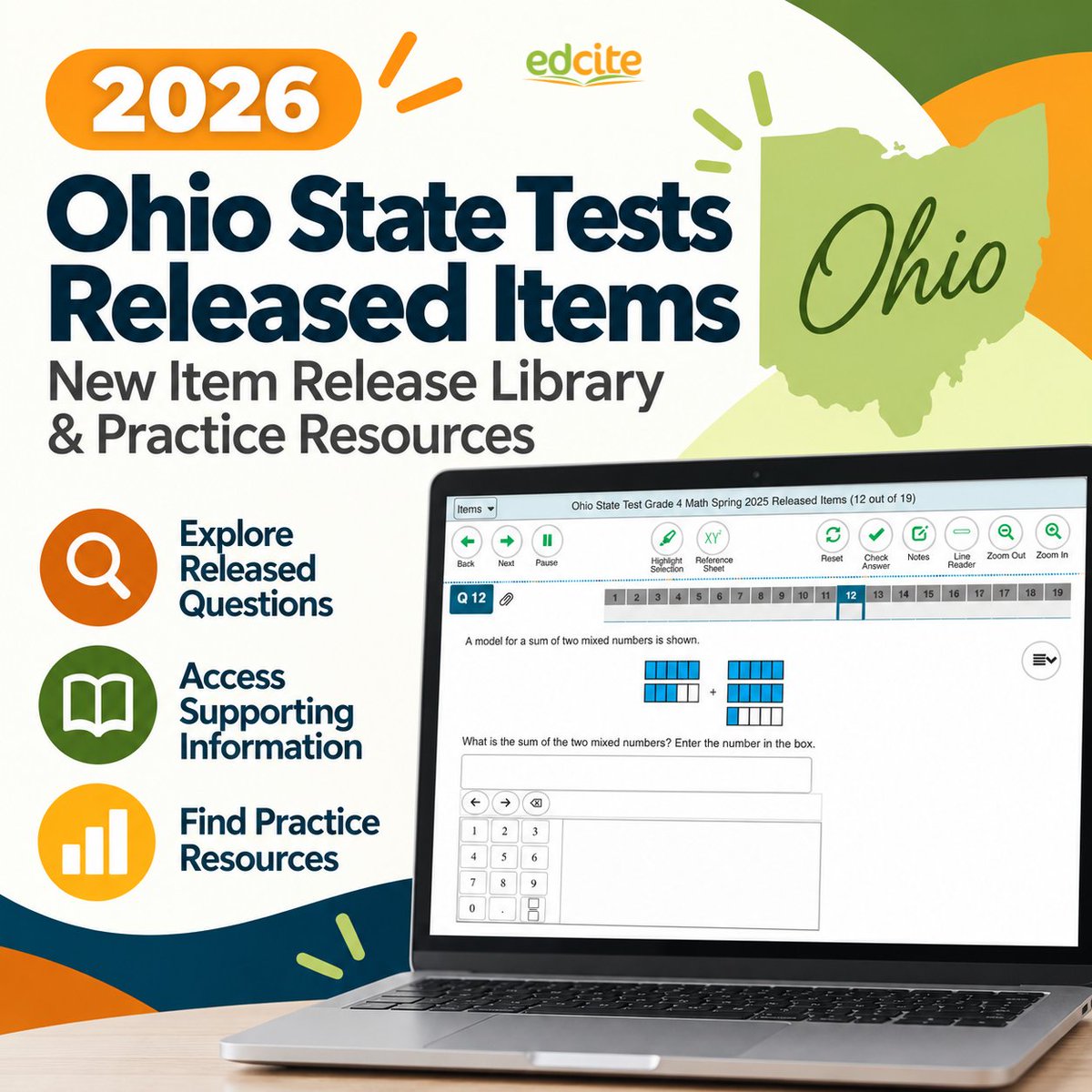
Ohio educators: There’s a new way to access released Ohio State Test questions for 2026.
Ohio introduced a new Item Release Library that brings released questions together with information like standards, scoring information, and sample responses.
We put together a quick guide to what changed and where you can find released OST questions and practice resources.
Read it here:
https://t.co/5bfV6DpJEt
What’s the difference between an interim assessment, a benchmark assessment, and a common assessment?
Depending on the school or district, those terms can mean slightly different things.
In our latest guide, we break down:
• What interim and benchmark assessments are
• How they differ from formative and summative assessments
• Where common assessments fit
• What makes interim assessment data useful
• How schools and districts can use the results to adjust instruction
Ultimately, the goal isn’t just to collect more data: it’s to give educators useful information while there’s still time to act on it.
Read the guide: https://t.co/g0GDkpMADy
Massachusetts educators: 2026 MCAS released test questions are now available.
DESE has released questions across ELA, mathematics, science and technology/engineering, civics, Biology, and Introductory Physics, along with scoring guides and samples of actual student work.
We pulled together the latest resources, including:
• What questions were released for 2026
• Sample student work and scoring guides
• 2026 released MCAS questions available in Edcite
• What’s changing for Grades 3-8 ELA in 2027
Explore the 2026 MCAS resources: https://t.co/ezP0z42goP
There’s more to digital assessment than multiple choice.
With Edcite, students can graph, highlight evidence, label images, build equations, drag and drop responses, explain their thinking, and attach their work. Edcite also includes tools for capturing and processing student work completed offline.
Explore what’s possible with 60+ technology-enhanced and interactive question types:
https://t.co/W8PdFS77hR
Texas teachers: the 2026 STAAR released test questions are now available from TEA.
We put together a quick guide to the new TEA resources, along with additional free STAAR practice you can use with students throughout the year.
👉 https://t.co/pvejeps2mE
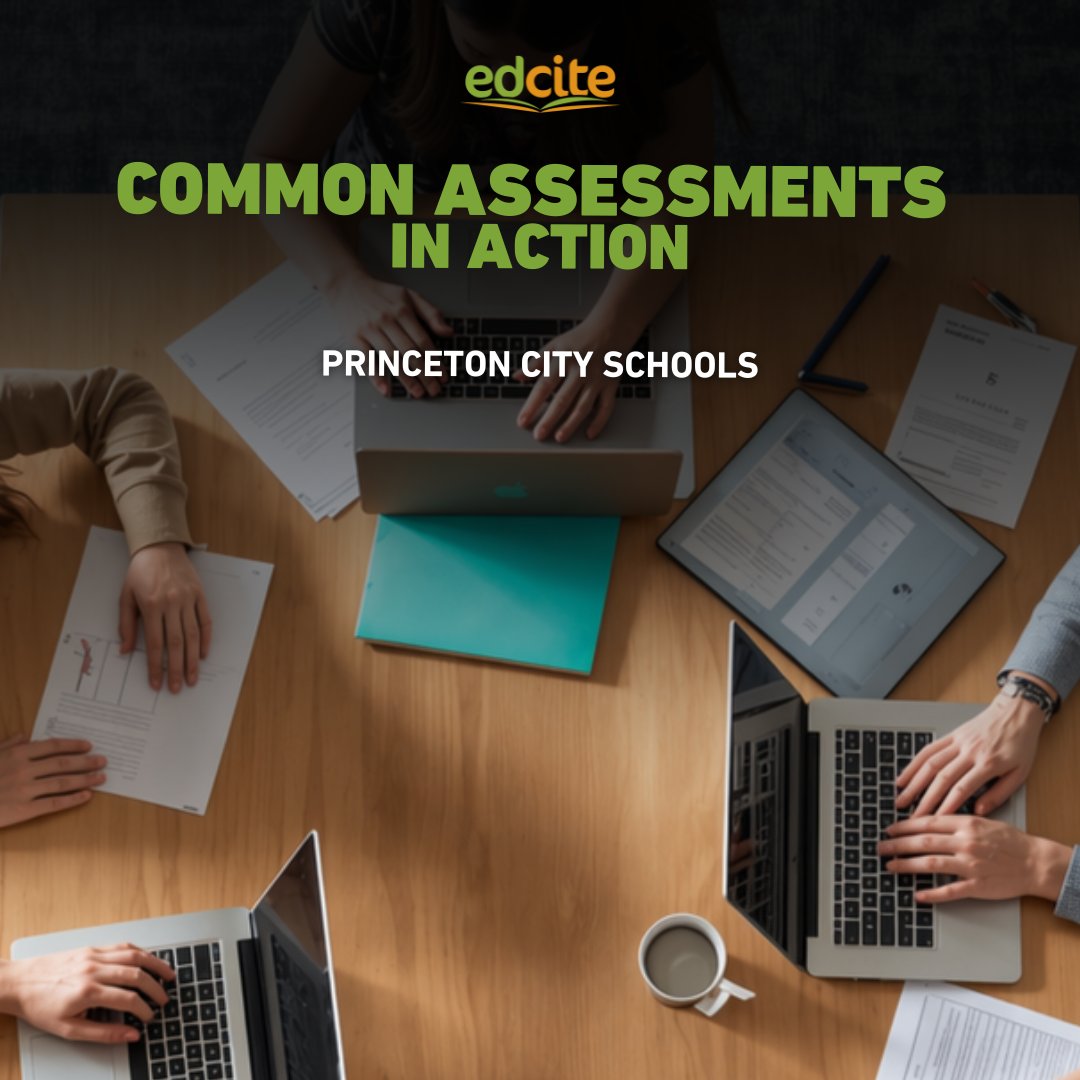
Most schools use common assessments.
But using them to improve instruction takes the right process.
At Princeton City Schools, Teacher-Based Teams work together to:
✔️ Build shared assessments
✔️ Review student results
✔️ Adjust instruction based on what students need
This approach helps turn assessments into a tool for learning, not just measurement.
Read the full story:
https://t.co/ddbl6OgGjB
#EdTech #K12 #CommonAssessments
Students often struggle on state tests, not because they don’t know the content, but because the format feels unfamiliar.
In Edcite, students can practice with 60+ technology-enhanced question types, including:
• multi-select
• drag and drop
• hot text
• math input
• constructed response
• table and grid
Give students practice that makes test day feel familiar.
Because confidence comes from familiarity.
👉 See Edcite in action: https://t.co/dzgIqeINMs
#EdTech #K12 #Assessment
DC is rolling out DC CAPE 2.0 in 2026-2027.
Key shift:
👉 Computer-adaptive testing
The result is more precise insight, fewer questions, and less testing time.
Read more:
https://t.co/pkEE01DlhN
#EdTech#K12#Assessment
Just sent your first assignment?
Now what?
See progress in real time, spot patterns after submission, and take your next instructional step.
Here’s a simple 3-step approach:
✔️ Check Live Progress while students are working
✔️ Scan for patterns after submission
✔️ Take one next step
👉 https://t.co/bGk4PVriqb
Texas is replacing STAAR.
The new Student Success Tool (SST) introduces:
➡️ BOY, MOY, EOY testing
➡️ Adaptive assessments
➡️ Growth-focused data
This is a big shift from one high-stakes test ➡️ continuous progress monitoring.
What schools need to know 👇
https://t.co/oALTVVgz1j
#STAAR #SST #TEKS
Send assignments to your students in seconds.
With Edcite, you can quickly find ready-to-use activities, preview them, and assign them to your class in just a few clicks.
Less time building. More time teaching.
#EdTech#K12#Teachers
Not sure what to assign first in Edcite?
A simple way to get started:
1⃣ Assign a ready-to-use assignment
2⃣ Try tweaking an existing assignment to make it your own
3⃣ Create your own when you’re ready
Quick to set up. Immediate insight into student understanding.
👉 https://t.co/5Ebi2UfRGA
#edtech #teaching
Edcite Quick Tip: Create a multiple choice question in seconds.
Here’s how teachers can quickly build an auto-graded question in Edcite.
#edtech#teachers
Examples of data districts are tracking with this tool include intervention progress monitoring, behavior observations, and results from offline reading assessments.
Not all student data comes from digital assessments.
With Edcite's Custom District Data Tool, districts can collect intervention data, behavioral observations, and offline assessment results in one secure place, giving educators a more complete picture of student progress. 📊
#EdTech #K12Education
Kentucky educators - the 2025 KSA released items are now on Edcite!
Assign KSA-aligned ELA, Math, Science, and Social Studies questions to:
✅ Practice real KSA item types and online tools
✅ Identify priority skills before spring testing
✅ Check readiness with quick, actionable data
Explore the 2025 Kentucky State Assessments: https://t.co/gD5AYoJc10
#KSA2025 #KentuckyTeachers #KYEducation
Pre- and post-testing is one of the clearest ways to measure student growth - when assessments are aligned, meaningful, and easy to analyze.
In this webinar, we show how educators can use Edcite to design standards-aligned pre- and post-assessments that deliver actionable growth data.
If your team is looking for clearer, more meaningful insight into student learning, this session is for you. 👇
#edchat #assessment #EdTech