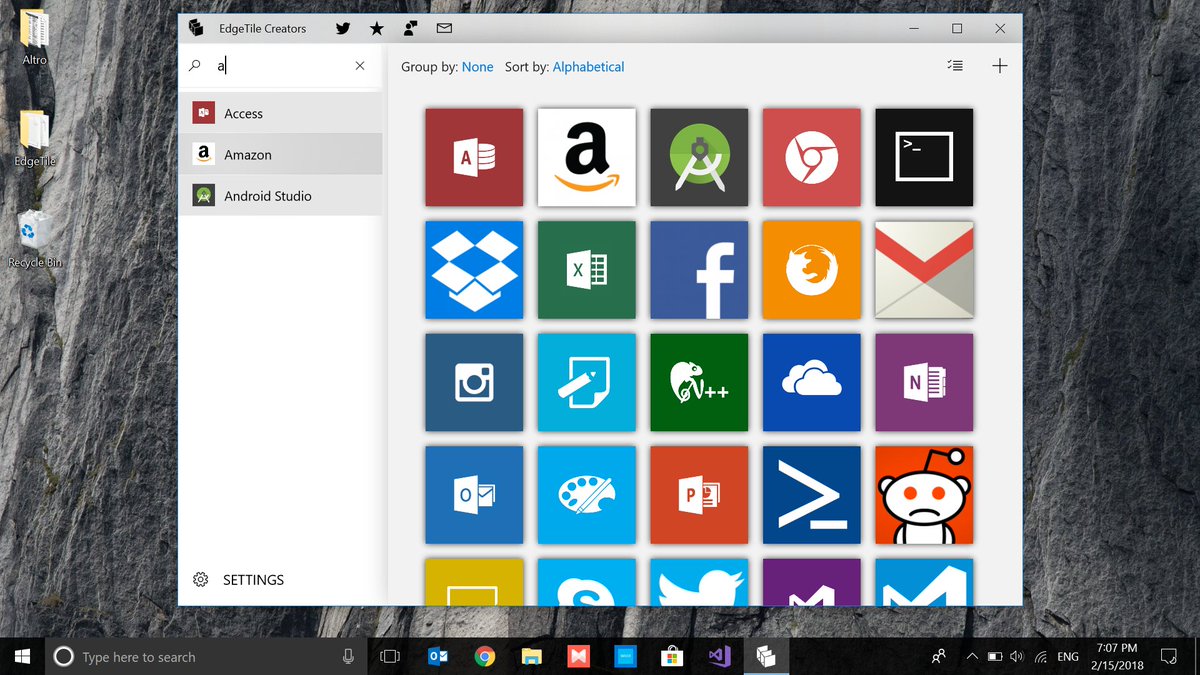
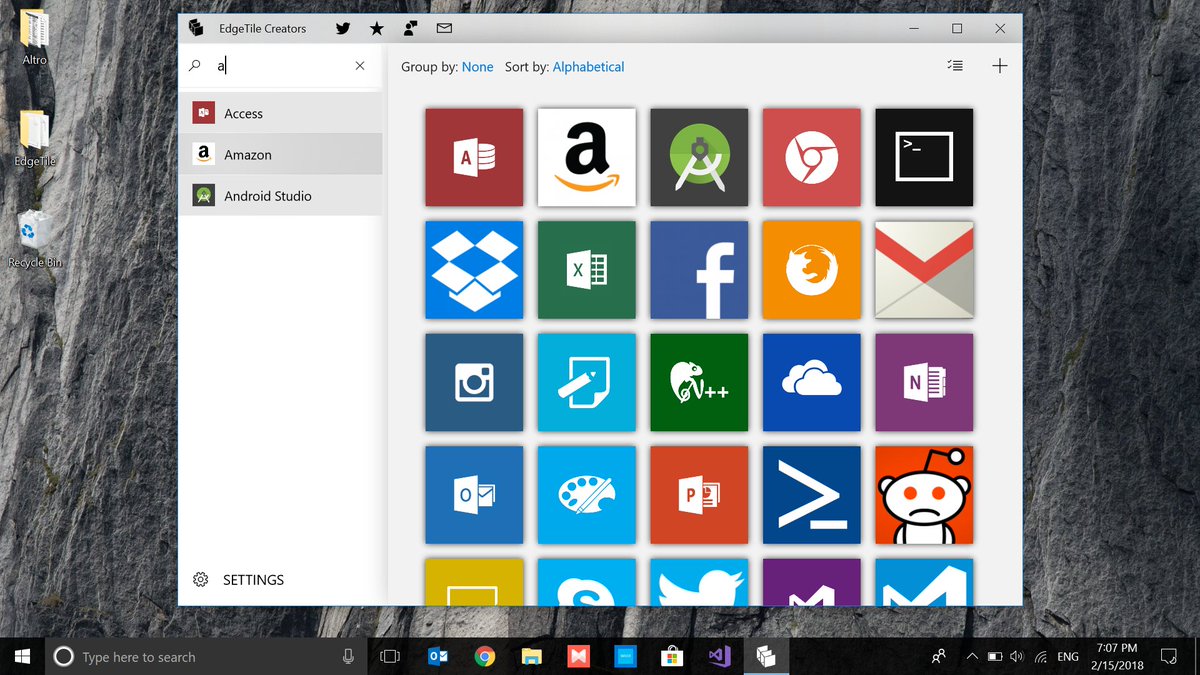
EdgeTile Creators has just been published to the Microsoft Store! https://t.co/rtXARPcBJG
Style your Start Screen with custom Tiles to your programs, files, folders and websites. No third-party apps needed, no windows popping up: the easiest to use Tile management app.
The Windows 10 Start Menu can be customized with different tiles to represent your favorite apps, games, and websites. But what if you want more control over how they look? Read this: https://t.co/yyZO0qOah6
@VirtualBoost93 Hi! Working on a fix. Seems like it's not as simple to resolve as I initially supposed. For now you can "ignore" the non-launching EdgeTile and use normally the working one.
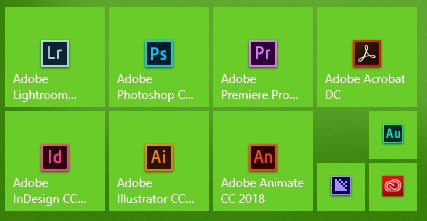
How to make your #windows10 start menu even cleaner? Install @EdgeTileCreator and make custom tiles. Here's my #adobe@creativecloud folder before and after. Much easier to read and launch the proper app!
@UndarkAido Every Win32 process may or may not be related to a window and getting an handle to that window isn't always feasible and highly subject to how that app was designed by the developer. Rigth now I had to remove that prediction logic since it was causing more troubles than benefits.
Update 1.2.2.0 is out with some new cool features.
Changelog:
- App repackaging to improve stability
- Add "Run as administrator" option
- Update Top Bar, Menu, Tiles Grid with respect to Fluent Design System
- Fix a minor bug preventing some executable files from being launched
@UndarkAido Hi, unfortunately that's the nature of Windows 10 launcher. Launched processes are not always directly tied to their window. By the way on version 1.2.1, I introduced a fix to try get the window and move it in foreground. Just ensure "Launch .exe" is checked and
Update 1.2.1.0 currently in certification.
Changelog:
- Add "Support" section
- Change label titles in Launcher Section
- Set File/Exe Tiles to launch on foreground
- Remove Side Menu transparency when collapsed
- Fix a bug crashing the app when importing old Tile Backups format