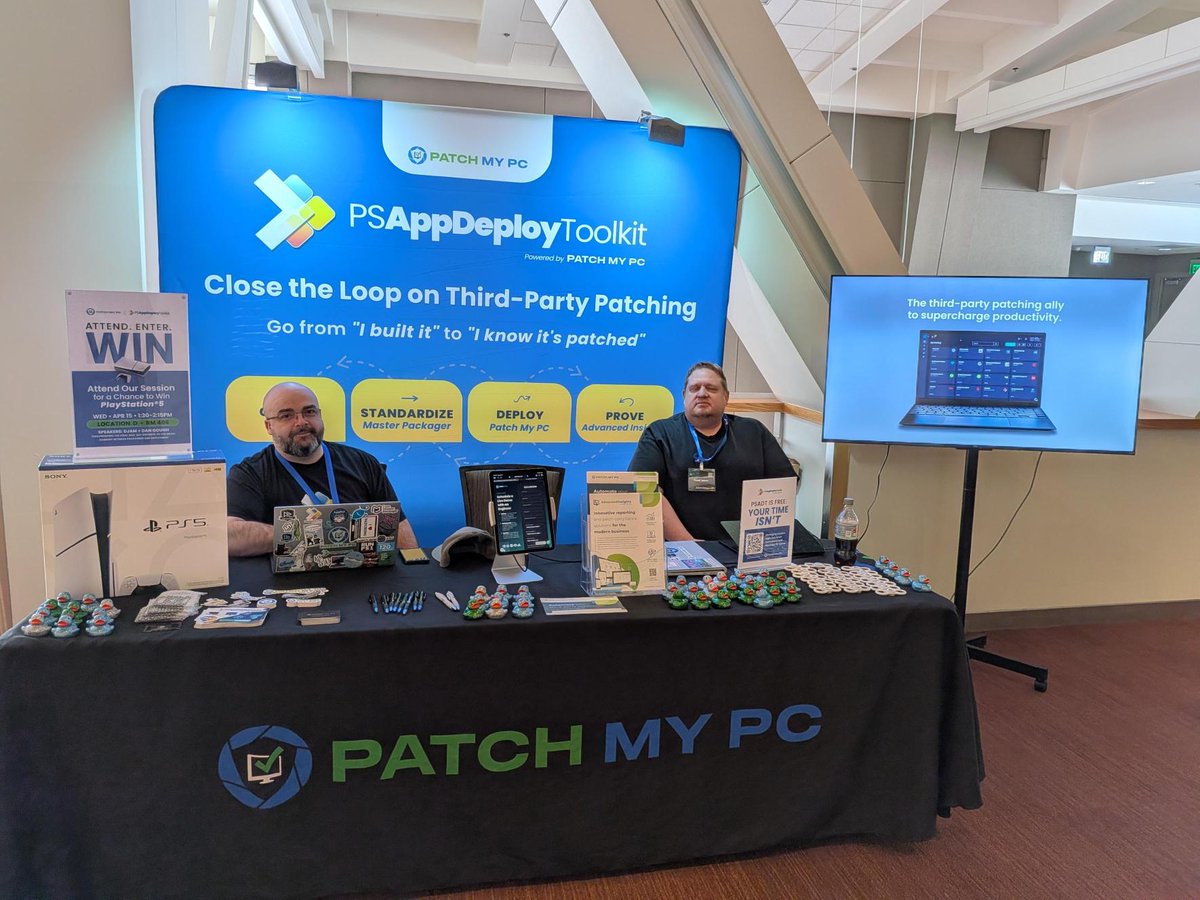
Great time at @PSHSummit last week 👏
Huge thanks to the organizers and everyone who stopped by!
Highlight: @MasterPackager 26.2.9601 is live 🎉
Now integrated with #PatchMyPC to upload custom apps to the PMPC Cloud portal.
✔ Faster uploads
✔ Less risk with automation
✔ Reusable deployments
#PowerShell #PSADT #MSIntune #ITCommunity
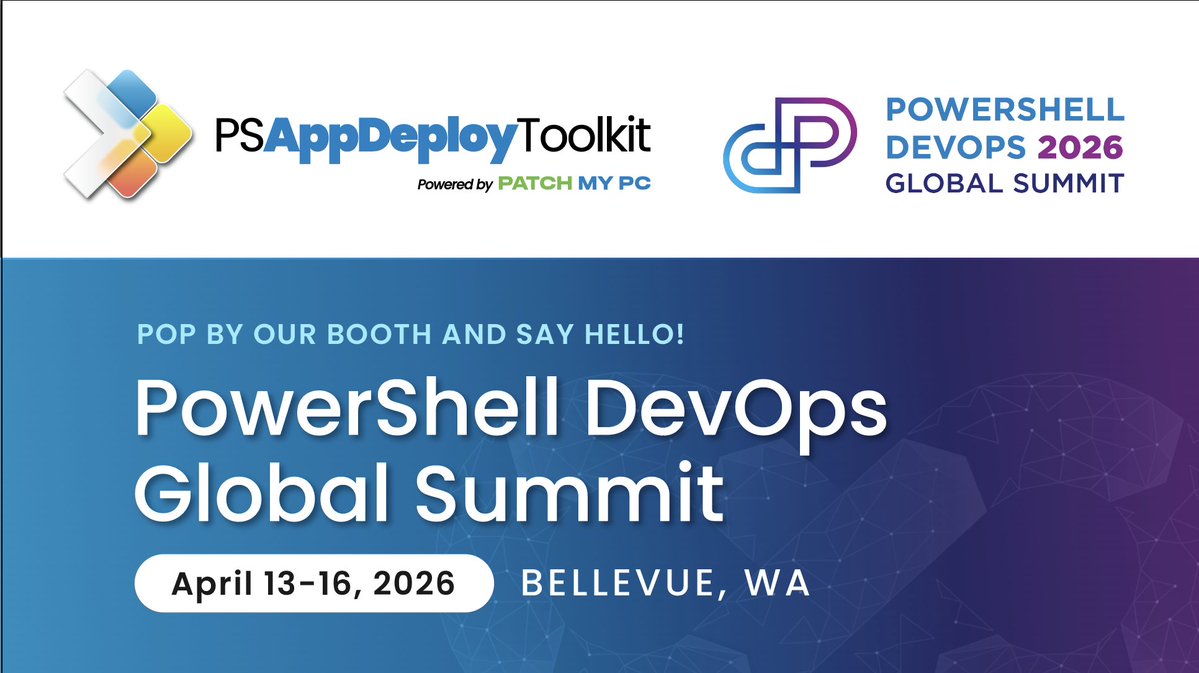
@PSHSummit is almost here 👀
We’re bringing something big for the #PSADT community 👉 @MasterPackager integration
✅ Makes custom app deployment repeatable
✅ Adds guardrails to error-prone processes
✅ Prevents your environment from turning into a dusty little script museum
Because you can script everything, but you shouldn’t have to.
Come find us next week! 🤓
#PSHSummit26 #PowerShell #EndpointManagement
Why do we need to repackage for @MSIntune ? Register to learn more from @MasterPackager You will get access to the webinar replays and a chance to win a $100 Amazon Gift Card.
https://t.co/hRGeZaRzJM
Master Packager 26.1.9574 is here! 🚀
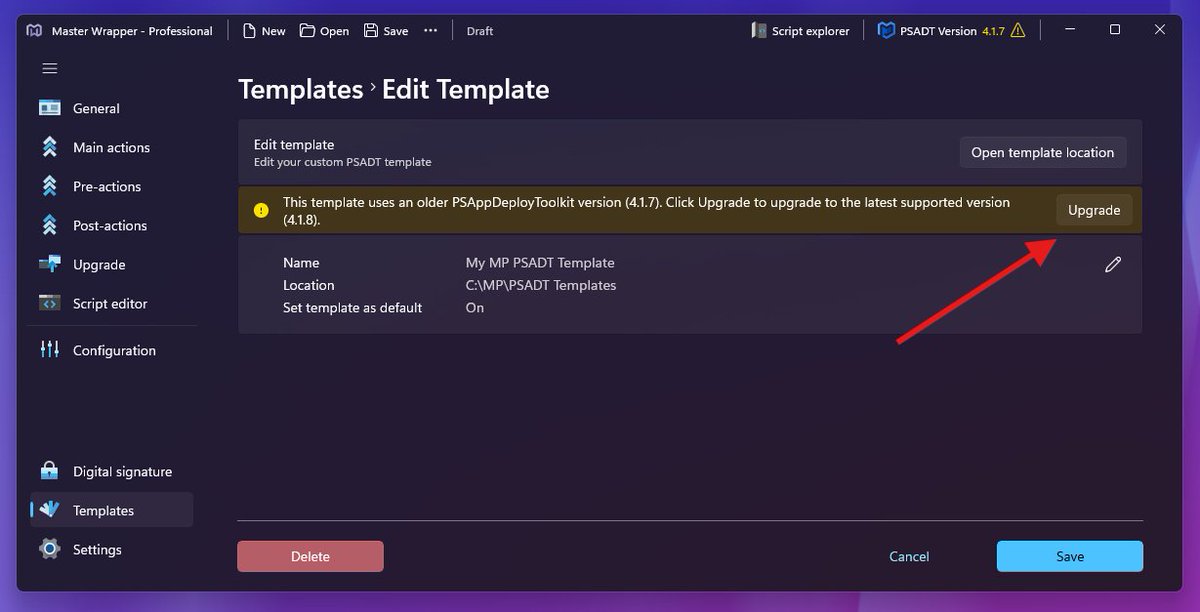
- PSAppDeployToolkit (PSADT) 4.1.8 support
- Upgrade your existing PSADT 4.x packages and PSADT templates to the latest with one click
- Multiple detection type support in Master Wrapper
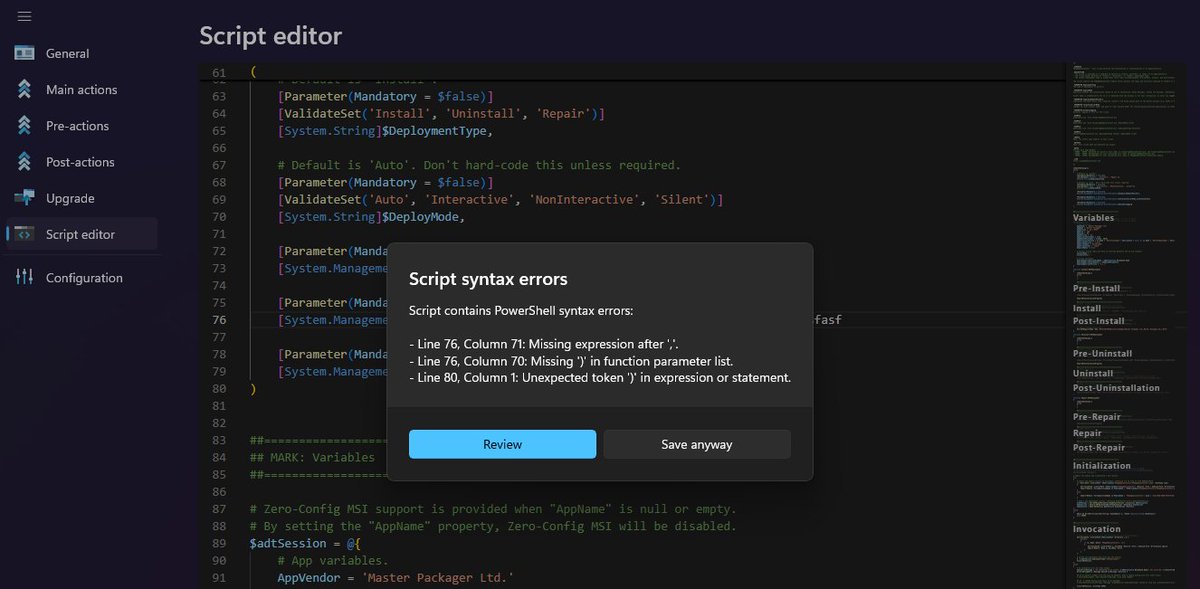
- PSADT script syntax error validation
- Fixed all reported and discovered issues
Read the full release notes here:
https://t.co/jaCqx7dYgi
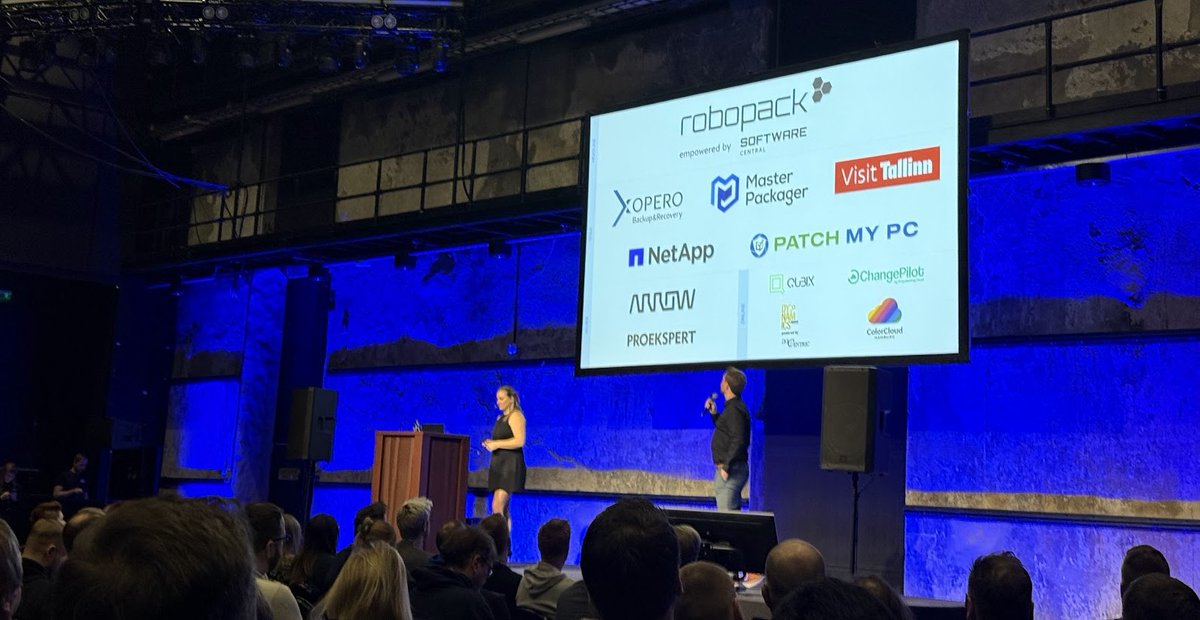
Cloud Tech Tallinn Conference - It was fun!
This was the fourth year that @CTechTallinn took place in chilly Estonia, and it was our first time attending. It was a short three-hour drive from Latvia, where the Master Packager team is based.
Every year, we try to support the community by sponsoring one to three events. These are great opportunities to share our knowledge and show off our software capabilities during sessions and at our booth. Our good friends from @_Robopack and @PatchMyPC were there as well.
The event took place in the Tallinn Creative Hub. This industrial-looking historic building used to be a boiler house for a power plant. Its 700-square-meter boiler room still contains two giant boilers that played a huge role in the city’s industrial history. @EdijsPerkums and I had a great view of them; as video game fans, we felt like we were standing right inside a level!
We also got many compliments on our “I am Master Packager” mouse mats. A few attendees even called them “baby yoga mats,” ha ha! :)
Our session on standardizing packaging workflows for Intune attracted a lot of interest. It was great to see so many companies inspired to book a demo and learn the specific steps to bring packaging standardization to their own environments.
Many speakers talked about programming with AI, and we were lucky enough to attend a few sessions ourselves. They were actually fun! Usually, tech sessions can be quite dry, but these speakers were engaging and focused on real-life lessons.
Since this conference attracted so many developers, we saw unexpectedly high interest in the Master Packager Dev solution. This tool lets developers automate MSI and MSIX creation directly within their DevOps CI/CD pipelines. When they heard about the solution, many seemed ready to say, “Sounds amazing, but we probably can’t afford it,” since they’re used to these tools costing thousands of dollars per user. But when they learned our actual pricing, the reaction was usually, “Wow, I’ll take it!”
We’re committed to removing the obstacles that prevent vendors from creating the high-quality Windows application packages that end-users love, enterprises want, and the OS needs.
The next conference we’ll be sponsoring as a Gold partner is our favorite app management event - @appmanagevent . We’ll be there with a booth and a special session, and we hope to see you there in person!
Have an easy or hard package, because you’re a Master Packager!
IT Admins often spend way too much time dealing with icons during app deployment. Let us help with a few tips.
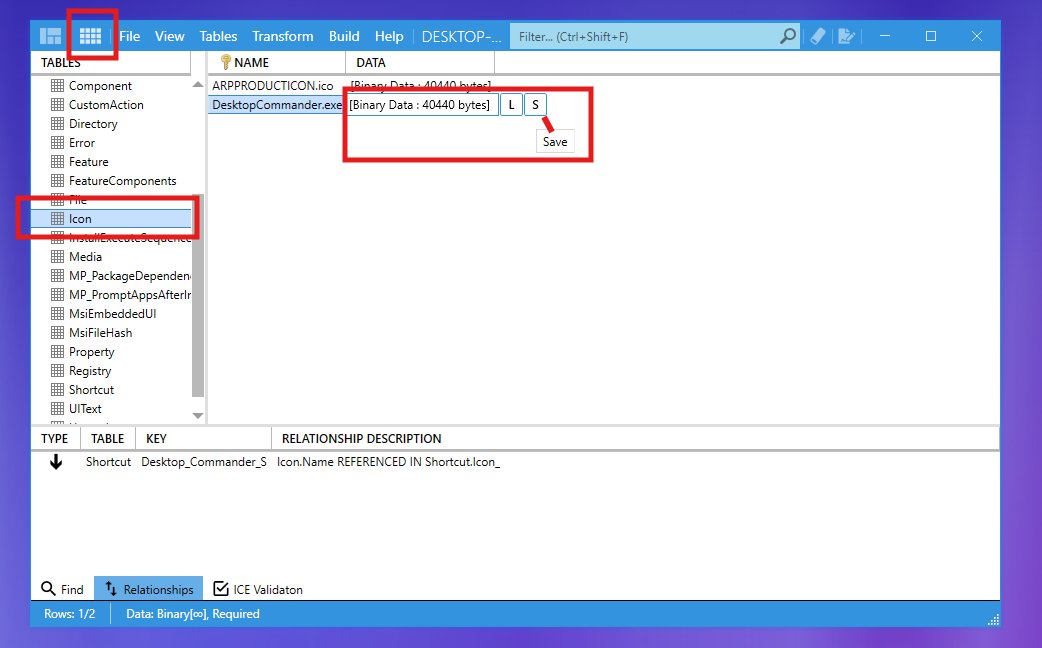
Need an icon from an MSI?
Open the MSI with Master Packager:
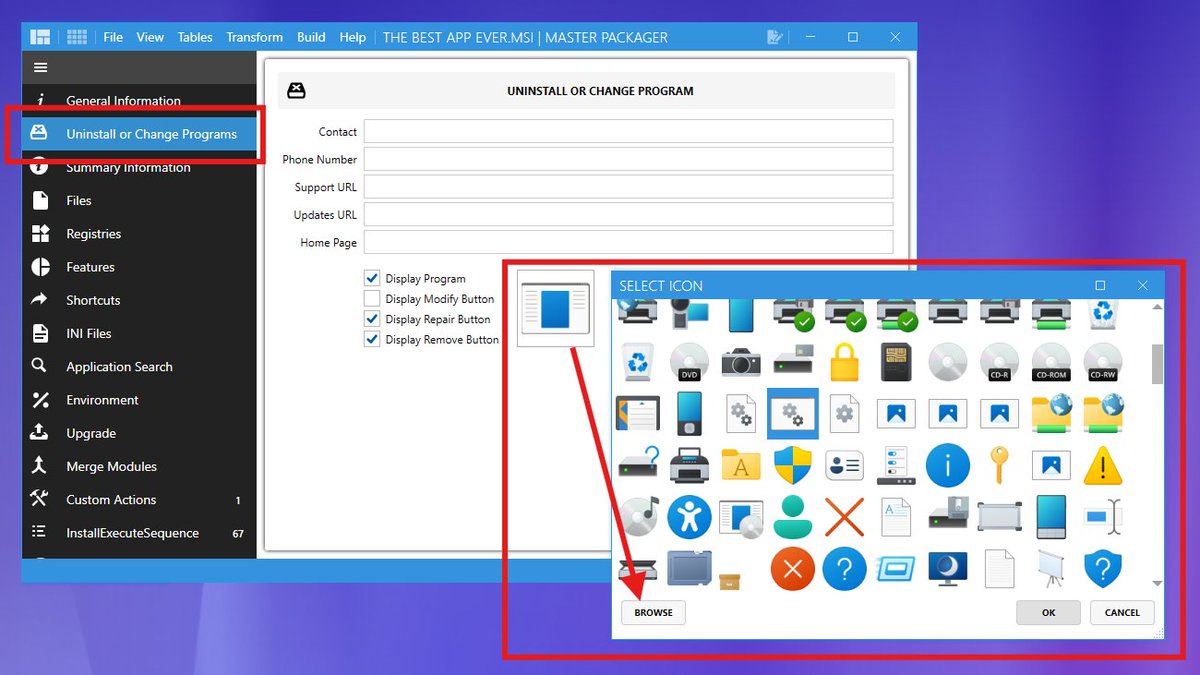
Option 1: Advanced Editor → Uninstall or Change Programs → Click Icon → Export.
Option 2: Table Editor → Icon table → Click DATA column → Save (or Ctrl+C/V).
📤 Want to extract an icon from an EXE/DLL or make your custom MSI look great in Add/Remove Programs by adding an icon?
Advanced Editor → Uninstall or Change Programs → Click Icon → Change → Browse → Select source file (ICO, PNG, DLL, EXE).
ℹ️Icon bonus tip:
For your MSI to have a more native Windows look, load “C:\Windows\System32\imageres.dll” and choose from system icons.
🧙♂️Icon pro tip:
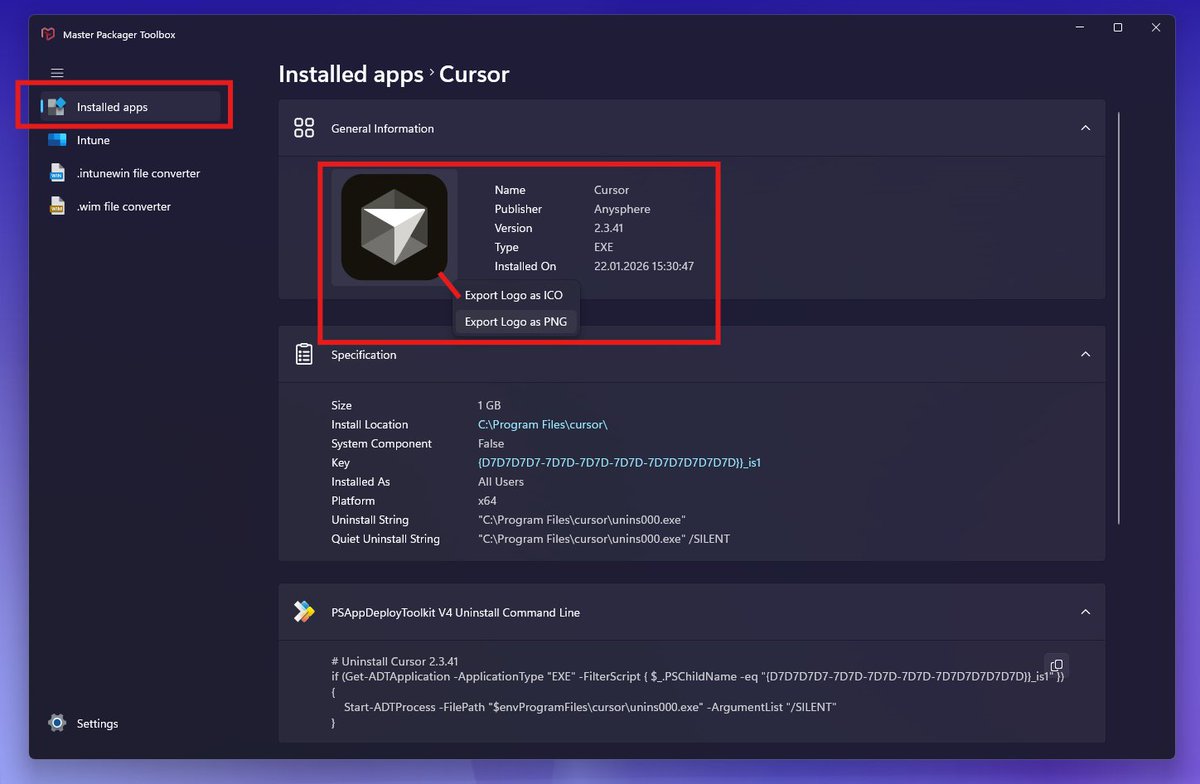
Master Packager Pro users can view all installed apps and export their icons as ICO or PNG instantly.
Friends don`t let friends use anything but the free @masterpackager for @MSIntune Application Management. I`m surprised about the low awareness, they definitely need to go to @mmsmoa
https://t.co/GhkOleWUde
Master Packager 25.7.9392 is here. 🔥
- PSAppDeployToolkit 4.1.5 support in Master Wrapper.
- Stop converting packages into .intunewin. We will do it automatically for you.
- Adding InstallExecuteSequence for MSI Custom Actions got better.
- View all your Win32 Intune packages from the Master Packager Toolbox.
- Fixed all found and reported issues.
Read all about the release here: https://t.co/3R5JpiAhDJ
Let’s have an easy package.
Or hard because you’re Master Packager. 🧙♂️
Today is my last day of 6 years working together with @AdamGrossTX and his team. Unfortunately, C-levels thinks its a good idea to outsource all IT to India. Well, if anyone is looking for an Intune Application Packager Expert please DM and RT. I will be at @mmsmoa in October.
Master Packager 25.6.9356 is now available to everyone. 🚀
What's new?
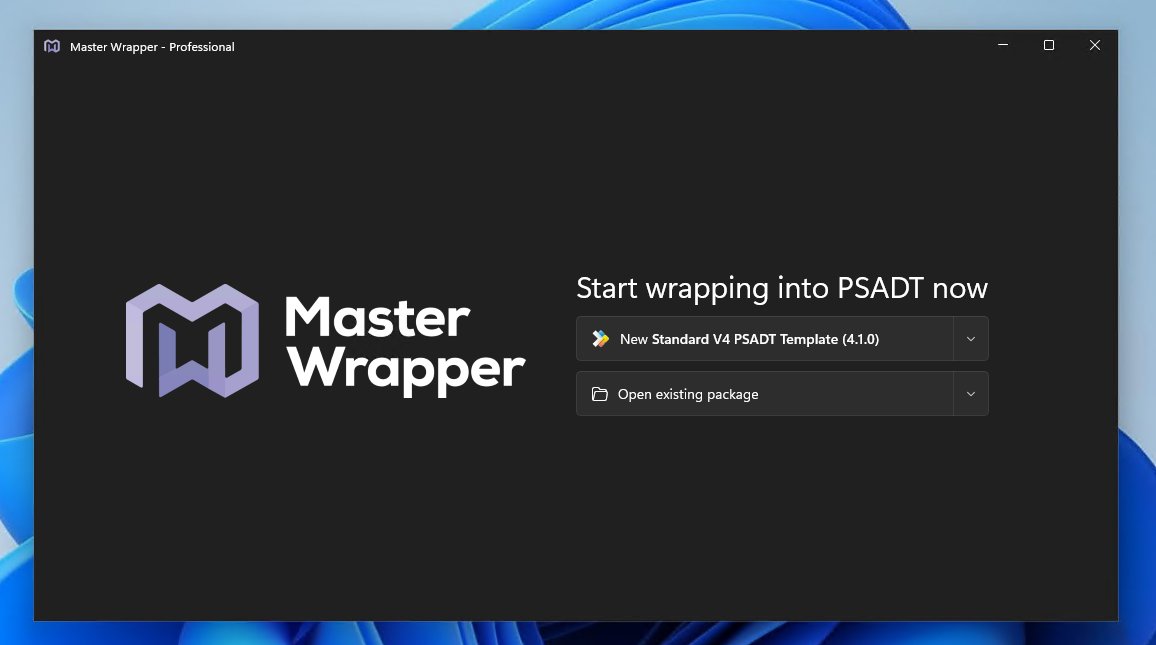
Master Wrapper – The UI for PSAppDeployToolkit now supports PSADT 4.1.
We closely followed the development of PSADT 4.1, helped test it, and built a UI to help app packagers adopt PSADT 4.1 quicker without reading the documentation and studying the changes in the release notes.
This release also includes other improvements along with all reported and discovered bug fixes.
Read all about the new release here: https://t.co/ED5ILW9Xjf
Download the new version here: https://t.co/Su2pIwvMfL
Have an easy package, or hard, because you're a Master Packager. 🙌