How to Create a Handshake Account for New Users
If you are legally residing in the USA, Canada, or UK, you may be eligible to create a Handshake account and get access to projects.
Here is how to get started:
Step 1: Click on the Registration Link
https://t.co/Z0sMs9pauS
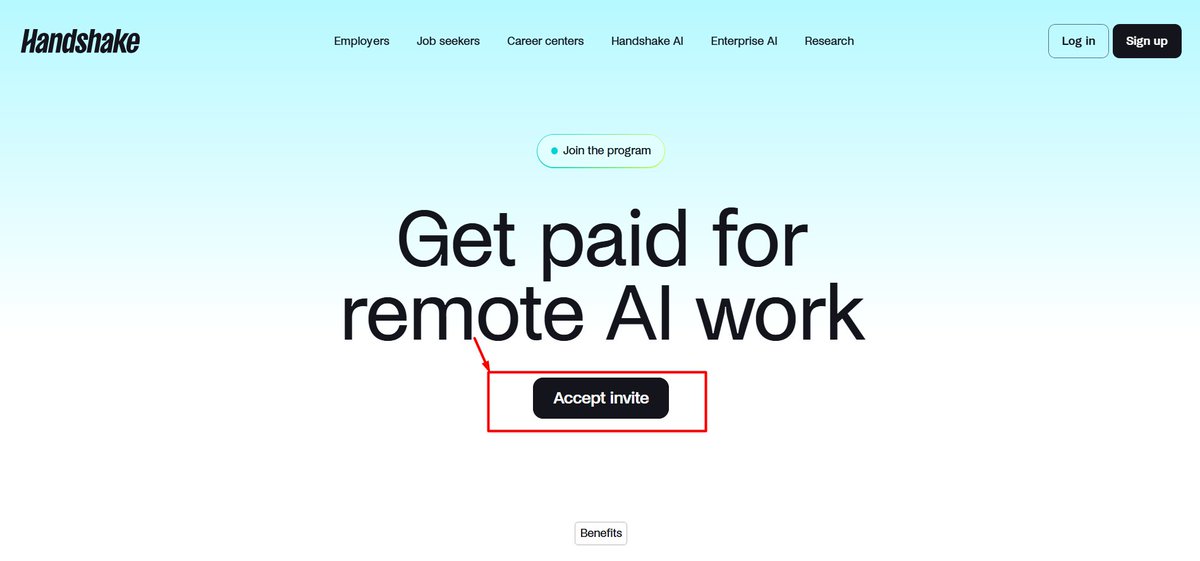
Once you open the link, you will see "Accept Invite." Click on it to proceed.
Step 2: Phone Number Verification
Enter your phone number. You can use a US, Canadian, or UK phone number.
Verify your phone number using the code sent to you.
Step 3: Complete Your Onboarding
This is where things get interesting! Your onboarding information plays an important role in determining whether you qualify for a project after registration.
Start by uploading your CV (Resume). Make sure your CV is unique, professional, and properly structured to highlight your skills, education, and work experience.
Step 4: Fill Out the Onboarding Form
Complete the onboarding form using the information on your CV, including:
- Your current job role
- Your field of work
- Your school or university
- Your graduation year
- Your highest level of education
Make sure all the information you provide is accurate and matches your CV.
Step 5: Work Authorization
Select the country where you are legally authorized to work and provide the required information.
Step 6: Review and Submit
Double-check all your information to ensure everything is correct before submitting your application.
Step 7: Wait for Project Assignment
In some cases, you may receive a project immediately after registration. In other cases, it may take one week, two weeks, or even a month.
Step 8: Verify Your Account and Set Up Payment
Once your account is approved, complete any required identity verification and set up your payment method.
Boom! You're ready to start earning on Handshake once you're assigned a project.🚀
Good luck!
@QueenTea__ For your 50k account what lot size do you use and how many positions?
Because I have a 50k account too but I’m in drawdown now and it’s really frustrating
🎥 Williams Accumulation Distribution (WAD) in cTrader
In this video, we explore the Williams Accumulation Distribution (WAD) in cTrader – an indicator developed by Larry Williams to help assess buying and selling pressure in the market.
You’ll learn where to find the WAD in cTrader, how to customise its levels, visibility and line style, and how it can help show whether the market is in an accumulation or distribution phase.
We also look at how traders use the WAD to:
• Identify accumulation when the indicator is rising
• Identify distribution when the indicator is falling
• Analyse trend direction through price and indicator movement
• Spot bullish and bearish divergence
• Confirm breakouts when the indicator supports the price move
📍 Timecodes:
00:00 Intro
00:09 Introduction: what is the Williams Accumulation Distribution (WAD)
01:24 Where to find the WAD in cTrader and how to customise it
01:40 Using the WAD to identify accumulation and distribution
02:11 Bullish and bearish divergence with the WAD
03:13 Using the WAD to confirm breakouts
- Learn more about the Williams Accumulation Distribution (WAD) - https://t.co/AMa3oGz1FC
- Join Discord - https://t.co/N23Rt86kcx
Don’t forget to like the video and share your thoughts in the comments!
_____________________________________
👉 Start trading with cTrader - https://t.co/chQIER1Ve3 👈