Hi, I'm Ejim Emmanuel Timothy 👋
I'm a Medical Lab Scientist learning Excel in public.
For the next 30 days, I'll learn Excel for 30 minutes a day and share what I learn.
Goal: Data Analysis.
#Excel#DataAnalytics#LearnInPublic#MedicalLabScience#HealthData
Day 11
Today, I worked on Charts.
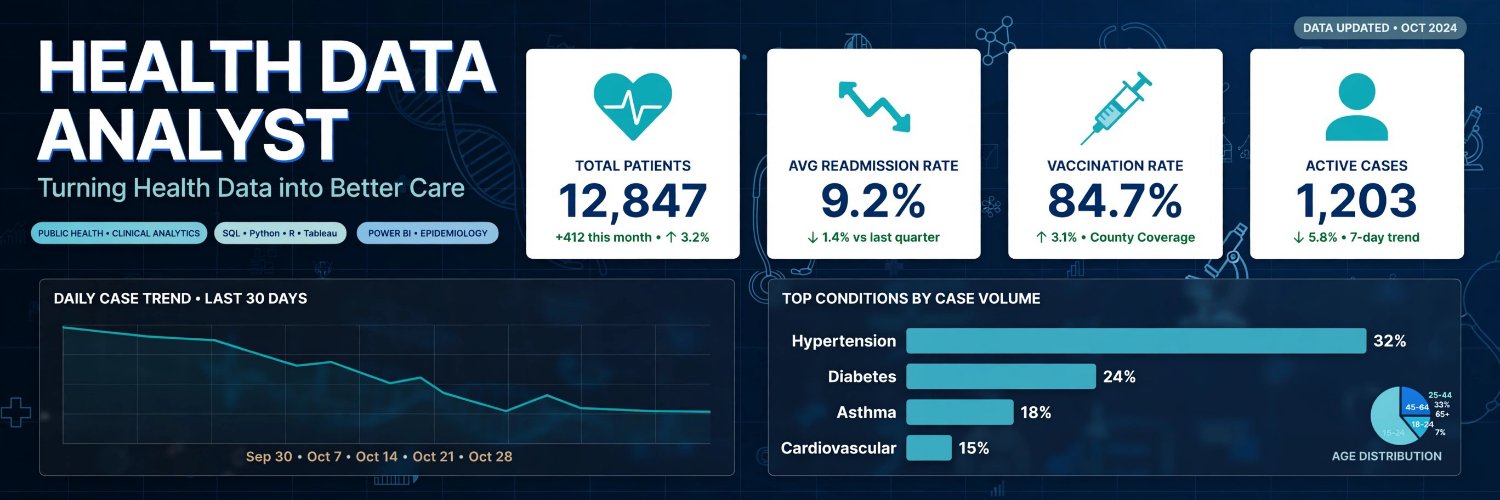
Next, I will be building my first Dashboard. 📊
It has been a steady journey from raw data to charts, and now to a full dashboard. I am learning and improving every day.
#Day11#Excel#DataAnalysis#LearningInPublic#MyFirstDashboard
Day 10
Today: Conditional Formatting + Data Validation.
Learning how to make Excel highlight important stuff by itself, and stop wrong entries before they enter.
#ExcelJourney#DataCleaning#LearningInPublic
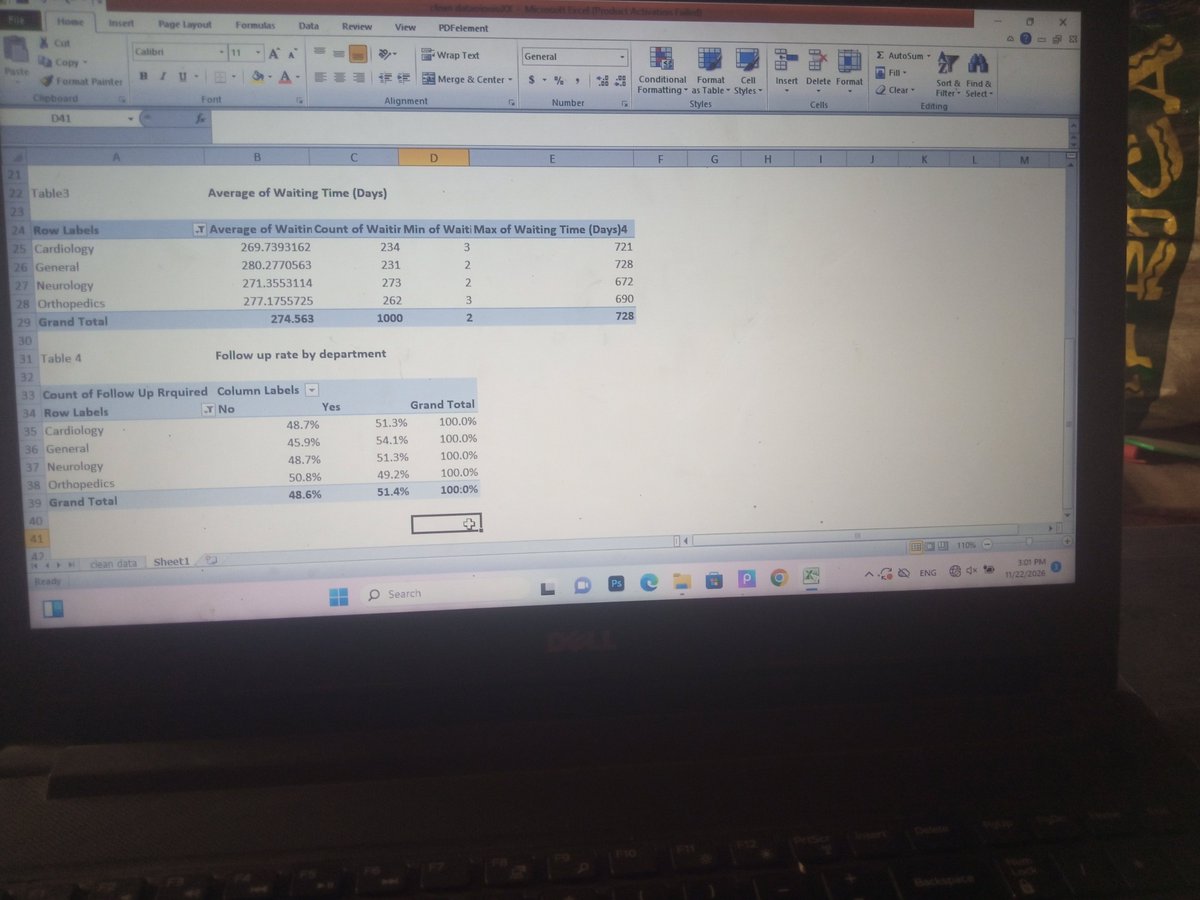
Day 9: Pivot Table hack that saved me today - Change Count to % of Row Total.
Result? General Dept has 54.1% follow-up rate. Highest burden in the hospital.
#ExcelJourney#DataCleaning#LearningInPublic
Week 2, Day 1 of my Data Analysis journey ✅
> I learnt Pivot Tables in Excel.
> Dataset: 1000 hospital patient records.
> I add Rows, Values, and how to change Sum to Average, Min, Max.
> Next: Follow-Up Rate
> #DataAnalysis#Excel#PivotTable#LearningInPublic
7 days + already in Excel ✅
> Day 1: Opened Excel
> Day 2: VLOOKUP
> Day 3: SUM, COUNT, AVERAGE
> Day 4: IF Function
> Day 5: Cleaning Data
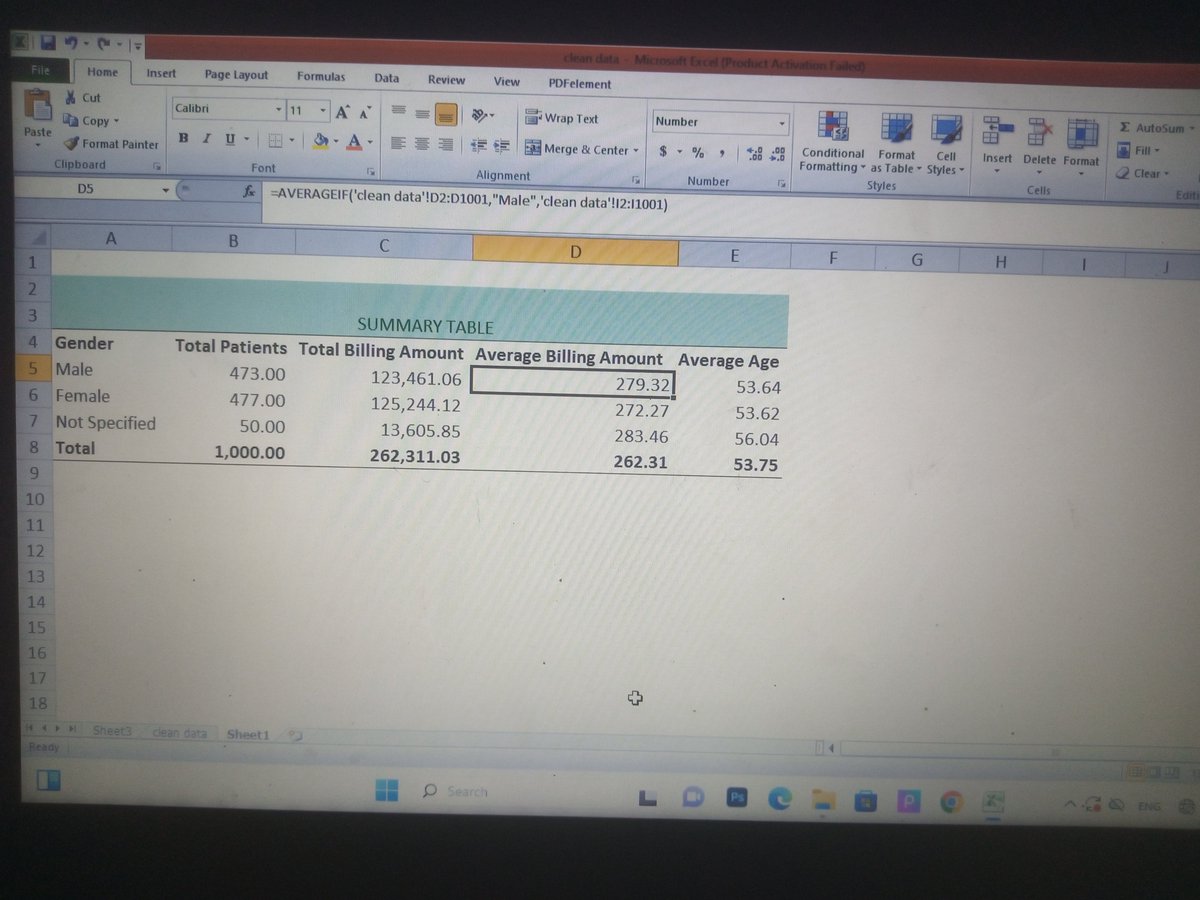
> Day 6: COUNTIF, SUMIF
> Day 7: Pivot Tables
#ExcelJourney#DataCleaning#LearningInPublic
Day 7 —
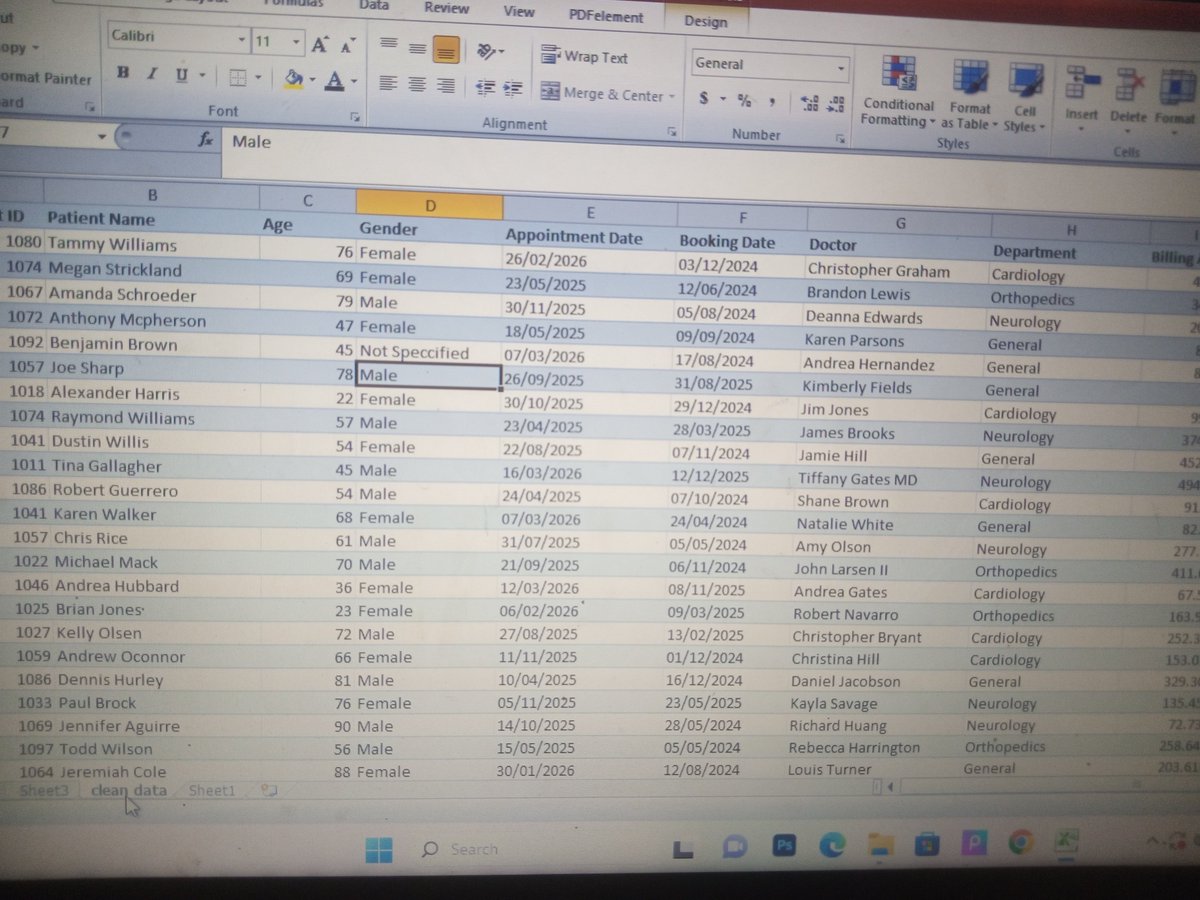
Sorting and Filtering 996 Rows
My table was not recognizing the header row. I recreated it with "My table has headers" selected, and it worked.
I then sorted 996 laboratory records by billing amount and filtered by test name and gender in seconds.
#LearningInPublic
Day 6
I almost deleted the wrong patient today.
Same ID, different name = Fix the ID.
Different ID, same name = Check first.
Same person, different visits = Don't merge rows.
Each row is a VISIT.
Merge the ID, not the row.
#Excel#Day6#DataCleaning#LearningInPublic
Day 4: The billing_amount column with £, $, Rs, £425.8, #VALUE! and #NAME? errors is now fixed.
I cleaned it with SUBSTITUTE, TRIM and VALUE, and it is now clean numbers.
Dirty data should not be rushed. We keep going.
> #Excel#DataAnalytics#LearnInPublic
Day 3: Excel tested me.
I was cleaning billing_amount. I thought I only needed to remove £, $ and Rs.
I kept seeing £425.8, â,-344.26, #VALUE!, #NAME?
I almost gave up.
But I learned: dirty data should not be rushed.
#Day3#ExcelJourney#DataCleaning#LearningInPublic
Day 2/30: Learning Excel in Public
Today: VLOOKUP
I typed the formula, Excel gave me #N/A for all rows.
Codes were correct. Sheet was correct. My table range was wrong.
I fixed it!
And it worked. Malaria parasit appeared.
#Excel#DataAnalytics#LearnInPublic
Day 1/30: Learning Excel in Public
Today I learnt SUM, AVERAGE & IF.
SUM = Add numbers
AVERAGE = Find average
IF = If this, then that
Example: =IF(score>=50,"Pass","Fail")
We move!
Tomorrow: VLOOKUP
#Excel#DataAnalytics#LearnInPublic#MedicalLabScience