Improving #UX for @AzurePortal @Microsoft. Let me know what you love and hate about Azure. Husband, dad, @Seahawks, @Stanford, traveling, #coffee, #redwine
@NathanMcNulty Glad it is helpful Nathan. We are trying to minimize the impact of the MFA rollout. Let me know of any other Azure portal feedback. Happy to hear it all.
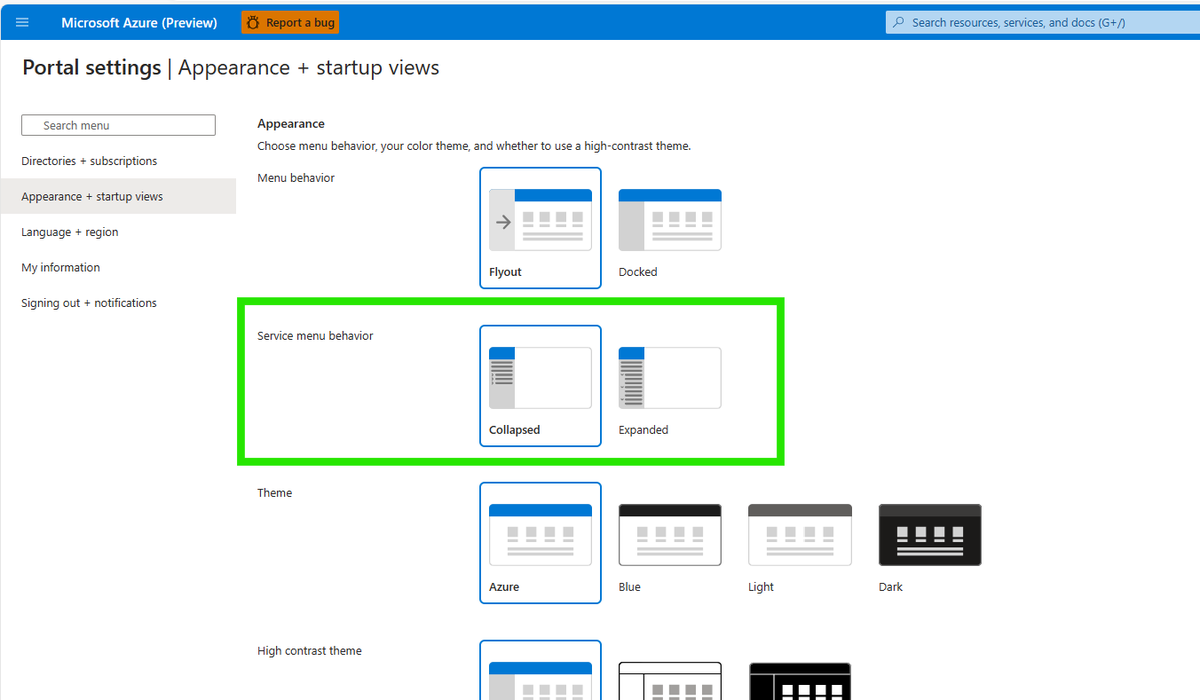
@KimJamia@Azure@AzurePortal You can expand all service menu groups by going to
“Appearance + startup views” in settings and changing the service group behavior to “Expanded”
@Xeeva_D3@Azure Change the portal setting under Appearance + startup views if you want all menus expanded by default. Once expanded, you can collapse the groups you don't use and they will stay collapsed.
@Xeeva_D3@Azure It is a portal setting. The button you are referring to is to expand only the menu you are looking at. The portal setting will change the default for all menus
@maxx_don@wedoAzure There is a setting to have all open by default. The groups also remember if you left them open or closed. You can mark frequently used items as favorites for quick access.
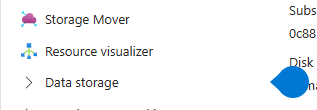
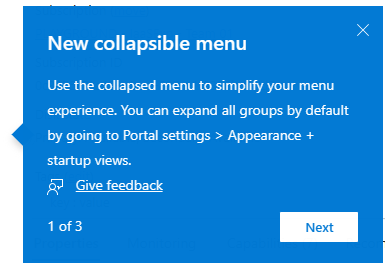
@zpetersen@wedoAzure One thing we tried with this change was the coachmark and teaching bubble to explain the change. Did you not see the "water drop" and popup?
@MMarie@retracement It's not about what I think is cool. Menu clutter is a frequent complaint and favorites a long-standing request. The new menu is flexible for how different users want to work
@albandrod@wedoAzure Before - everyone was forced to do things one way. The new menu is flexible, you can change the default for all open or closed, the groups remember how you left them, so you can hide what you don't use and show what you do. Plus, you can mark favorites for quick access