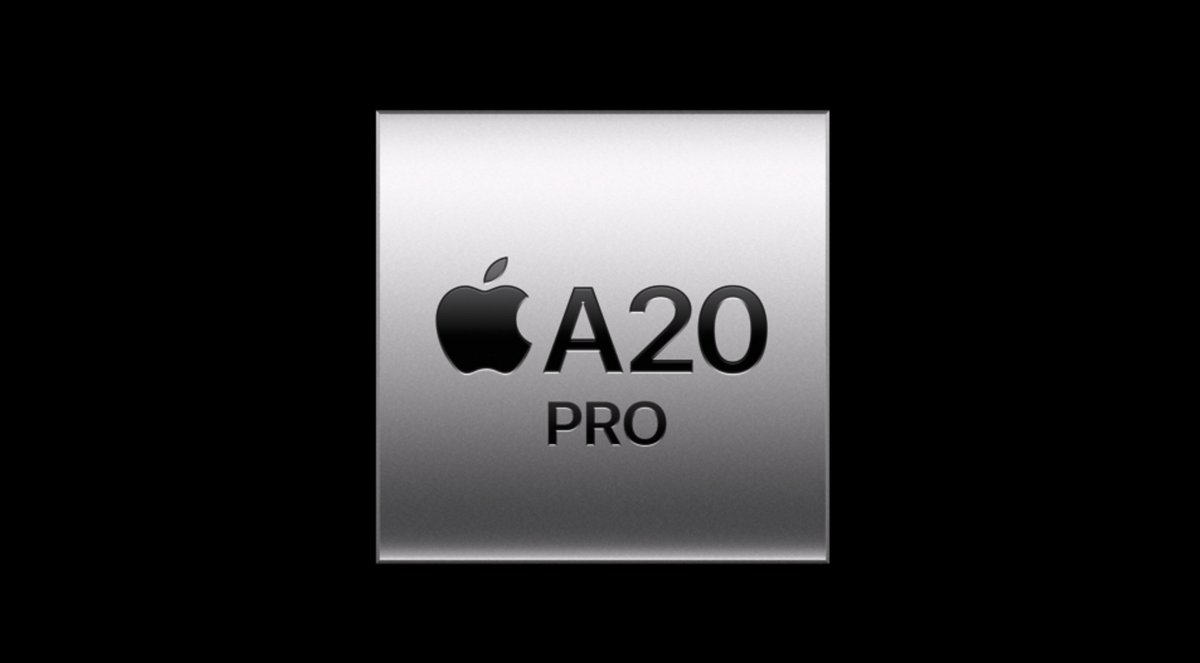
THIS IS BIG!!!
The latest #Android 17 QPR1 update to Pixels seems to have pushed the changes concealing the developer and debugging state from 3rd party apps so,
finally the developers can use the damn banking and other apps had this BS security checks!
More info below:
🐤 Android Canary 2609 is here with a preview of a highly requested security feature: A global lock for Quick Settings!
(As usual, Canary is highly experimental & not recommended for daily use!)
With this new setting, you can require your device to be unlocked to toggle certain Quick Settings. When enabled, your phone must be unlocked to toggle Wi-Fi, Bluetooth, Mobile Data, & Airplane Mode.
Go to Settings > Security & privacy > Device unlock or Settings > Display & touch > Lock screen to enable it.
Please test this feature and tell us your thoughts!
You’re hearing it straight from the pig’s mouth: TWAU Remastered launches October 29 with…
⚙️Technical and Graphics Updates that are kind of a pig deal.
📽️Noir Mode that looks sow good.
🐺Un-boar-lievable, never-before-seen game content.
🐷 Colin has approved of this message.
[Links in bio for more!]
🚗Motion assist is now generally available for devices running Android 17!
If you need to use your Android device while riding as a passenger in a vehicle, motion assist can help reduce motion sickness.
This feature shows small, subtle visual bubbles along your screen edges. These bubbles move in real-time using your phone's motion sensors. They’ll match how the vehicle turns, speeds up, or brakes and help your brain synchronize what your eyes see with what your body feels, making your phone usage more comfortable during travel.
To use motion assist, you’ll need an Android device running Android 17 or higher with Google Play Services updated. To set it up, open Settings, tap your profile > All services, then tap "Motion assist" under "Personal & device safety."
Motion assist currently requires Android 17+ in order for the bubbles to natively render across all system surfaces.
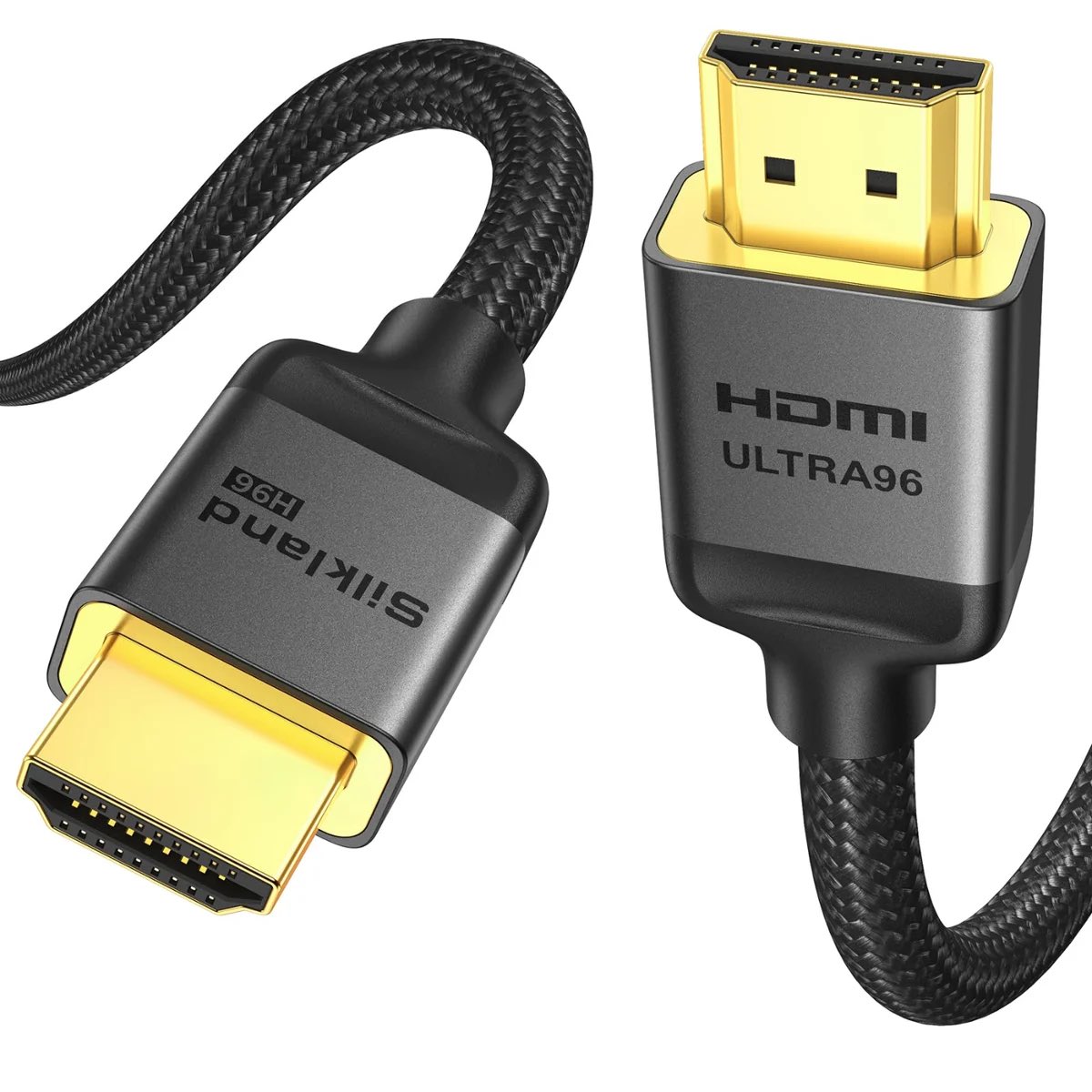
HDMI 2.2 cables are finally hitting the market and can handle up to 96 Gbps of bandwidth.
That’s double HDMI 2.1, so HDMI 2.2 is built for higher resolutions and refresh rates, including 4K at 240Hz.
The first certified cables are already available, with prices starting at around $33 depending on length.
There’s a catch, you won’t get 96 Gbps just by buying the cable, your GPU, TV or monitor also needs to support HDMI 2.2.
So if your setup is still using HDMI 2.1, there’s no real reason to upgrade yet.
The Galaxy S26 Ultra display looks like absolute garbage next to the iQOO 16. Honestly, it looks like shit. The S26 Ultra uses M14 OLED, while the iQOO 16 has moved on to the newer M16 OLED, so the latter already has an advantage at the panel level. But the real disaster is Samsung’s privacy display design. Look at this comparison. The moment you tilt the S26 Ultra, the woman’s skin tone starts turning yellow and green. At wider angles, she almost looks like a ghost. Meanwhile, the iQOO 16 keeps her skin tone remarkably accurate, with excellent clarity and color consistency even from extreme angles.
And please pay attention to this: I did NOT enable Privacy Display. This is the S26 Ultra in its normal display mode. The privacy feature is completely off, yet the viewing angles are already this bad. That means even if you never use Privacy Display at all, you still have to live with the side effects of this optical structure every single day. Tilt the phone a little and colors shift. Skin tones collapse. A flagship display that cannot even maintain basic color consistency at normal viewing angles is simply unacceptable.
The first thing I checked after getting the iQOO 16 was its viewing angle performance, because this issue matters a lot to me. And honestly, I was so happy. This finally feels like a proper flagship OLED again. Then I looked back at my S26 Ultra and almost wanted to cry. Samsung has some of the best OLED technology in the world, and M14 OLED itself is perfectly capable of looking excellent. Yet Samsung sacrificed viewing angles, transparency, and color consistency for a privacy feature that most people will only use occasionally. Ruining hours of daily viewing quality for a feature you may need for a few minutes is absurd.
I really hope other smartphone brands do not blindly copy this trend. Privacy protection can be achieved with software, accessories, or other solutions. Do not destroy the fundamentals of a great display for it. And this is exactly why I am already worried about the S27 Ultra. Even if Samsung upgrades it to M16 OLED, if it keeps the same privacy display structure, I do not expect it to match the clean, transparent, and consistent color performance of the iQOO 16. A great display should first get the basics right: accurate color, clarity, and viewing angles. If a normal human face turns yellow green the moment you tilt the phone, no advanced OLED material can save it.
As confirmed earlier through our official channels, in mid-June of this year, we unexpectedly received notice from PlayStation Studios that they would cancel the PHYSINT project. PHYSINT is an important project both to me personally and to KOJIMA PRODUCTIONS. Determined to keep the project alive, we have spent the last three months searching tirelessly for a new partner. In the course of seeking advice and pursuing negotiations with people across many fields, we found in XBOX a partner with whom we share a common vision for the future, and we have decided to team up with them once again. Please rest assured that development of PHYSINT, our genre-defining action-espionage title, is ongoing and will continue moving forward.
I carefully compared the three foldable phones with the least visible creases right now: the OPPO Find N6, Galaxy Z Fold 8, and Xiaomi 18 Fold.
But if I had to pick the best one out of the three, I’d still choose the Galaxy Z Fold 8. Watch the video and you’ll understand exactly why.




![telltalegames's tweet photo. You’re hearing it straight from the pig’s mouth: TWAU Remastered launches October 29 with…
⚙️Technical and Graphics Updates that are kind of a pig deal.
📽️Noir Mode that looks sow good.
🐺Un-boar-lievable, never-before-seen game content.
🐷 Colin has approved of this message.
[Links in bio for more!]](https://pbs.twimg.com/media/HSWV-TdXAAAViEM.jpg)