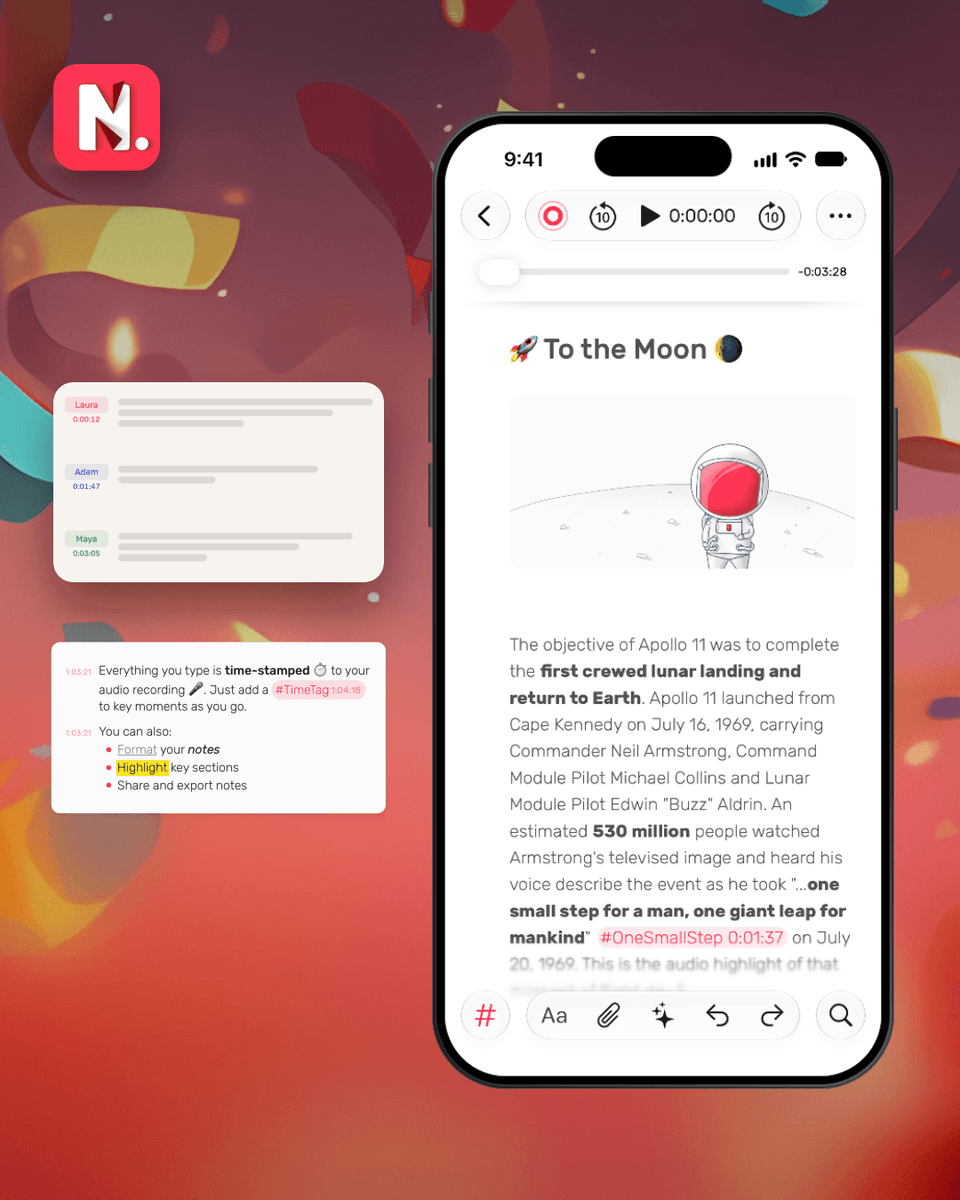
Noted automatically adds timestamps as you type, so you can jump back to any moment in your recording.
Want to write freely? Just turn timestamps off. Your existing ones stay intact. 👌
Who said what? Noted knows. 🎙️
Ever finish a meeting or conversation and struggle to remember who said what?
Noted identifies different speakers and keeps your conversations organised, so you can focus on what’s being said instead of who’s speaking.
Lectures move fast. Your notes don’t have to keep up. Record, take notes, and revisit any explanation with a tap.
Here's how to get more out of every lecture with Noted. 👇
https://t.co/lVyo1TANIx
Keep tapping the text by mistake when listening back?
Turn on Reading Mode in Noted. Your notes stay just as you wrote them, and every timestamp still takes you straight to that moment in the recording.
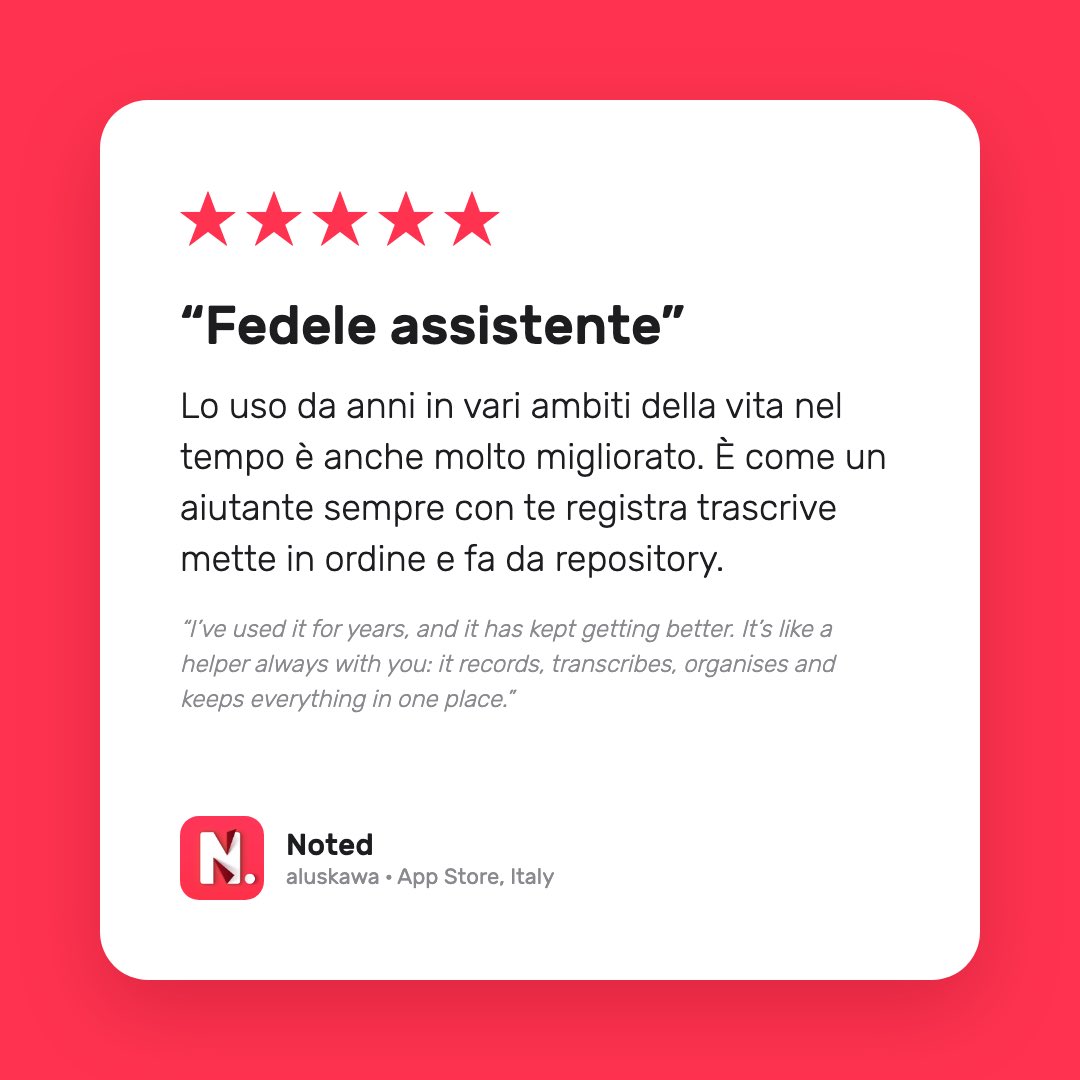
"I've used it for years, and it has kept getting better. It's like a helper always with you: it records, transcribes, organises and keeps everything in one place." ❤️ 🇮🇹
One less step between having an idea and capturing it.
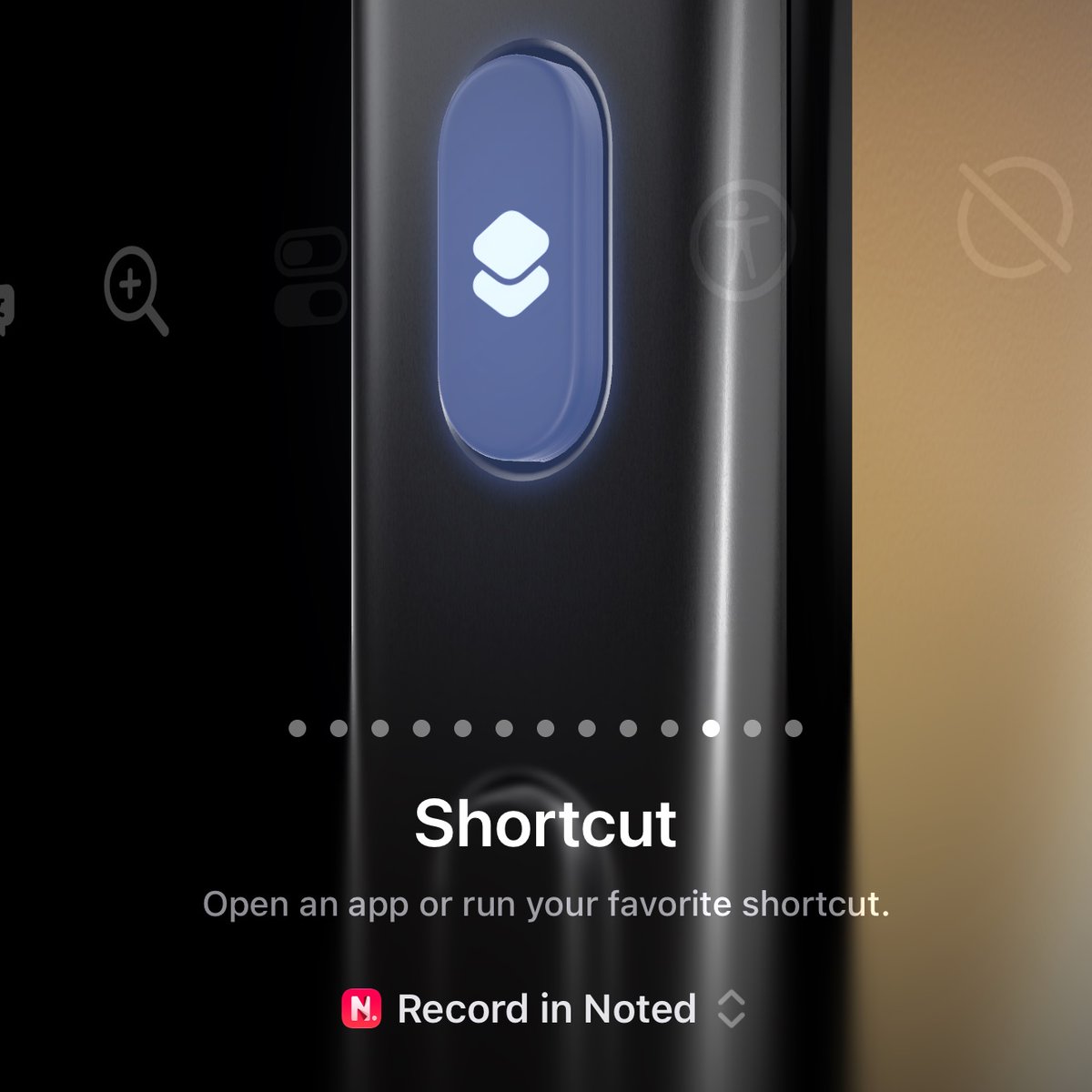
Noted lets you start recording from Control Center, the Action Button, or Siri.
No need to open the app first. 🎙️
Forgot your headphones? 🎧
Noted plays recordings through your iPhone's earpiece, so you can listen back on the train like you're taking a call.
https://t.co/5m9T8Mt0Sh
Noted is ready for the new fold! 📖
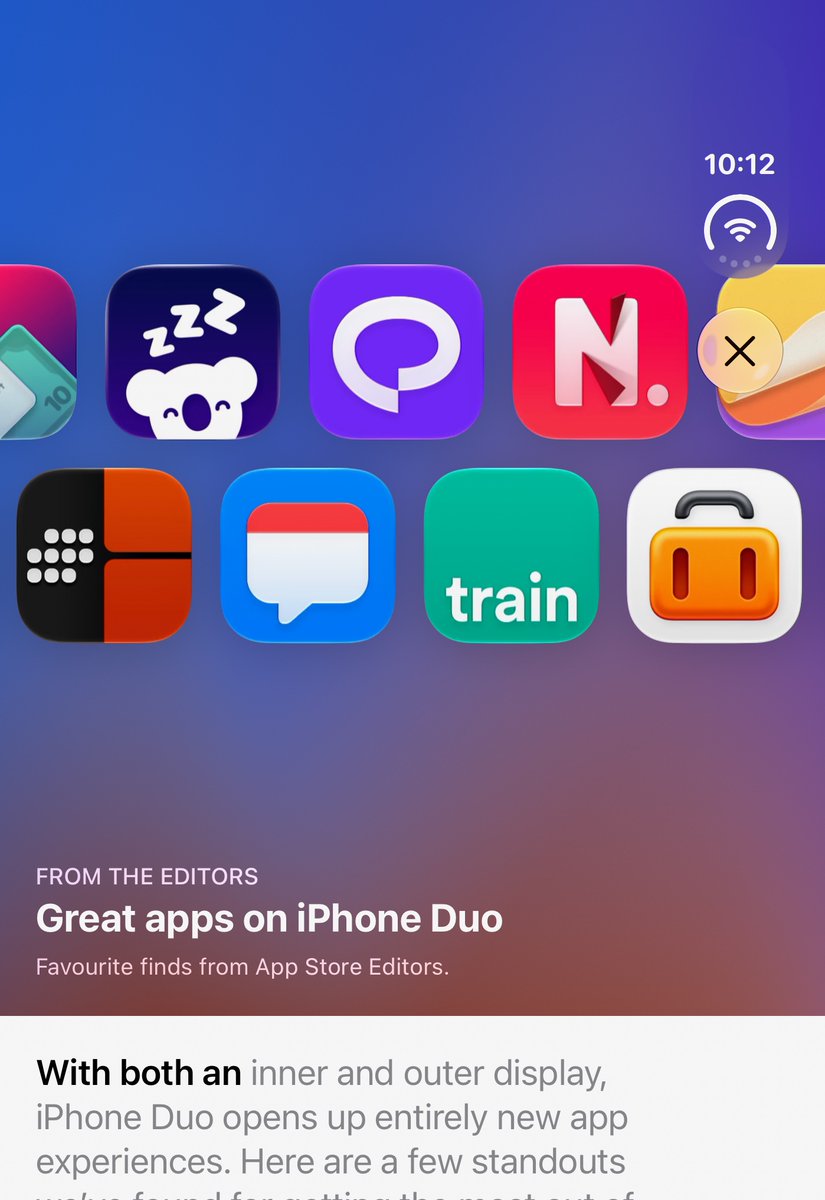
Noted 7.1 is on the App Store now, adapting to the way you hold iPhone Duo. Open it flat, fold it like a book, prop it up on the table, or close it.
Starting a new job comes with a lot to learn. And some things you wish you could hear explained one more time.
Noted helps you capture those explanations and come back to them when you need them.
A little love from Germany 🇩🇪
Thank you to our German users for noticing the hard work that goes into making Noted better.
Every review means a lot and keeps us motivated to keep improving.
More to come! ❤️
Throwback to Noted’s very first App of the Day.
We were so excited when this happened. Looking back, it’s still such a lovely memory.
Really grateful for how far Noted has come since then. 😊
3 tips for meeting minutes in Noted 📝
· Turn on Identify Speakers before recording.
· Add #action to track tasks and hear who said yes.
· Tap ✨ Summarize Note for a first draft.
Have a lovely note-taking day. ❤️