Stop saving images one by one.
Image Downloader Pro scans a page, filters images by size, dimensions, format, and orientation, and downloads exactly what you choose.
Watch it in action and try it free:
https://t.co/sgn4GZsr4E
#ImageDownloader#BrowserExtension
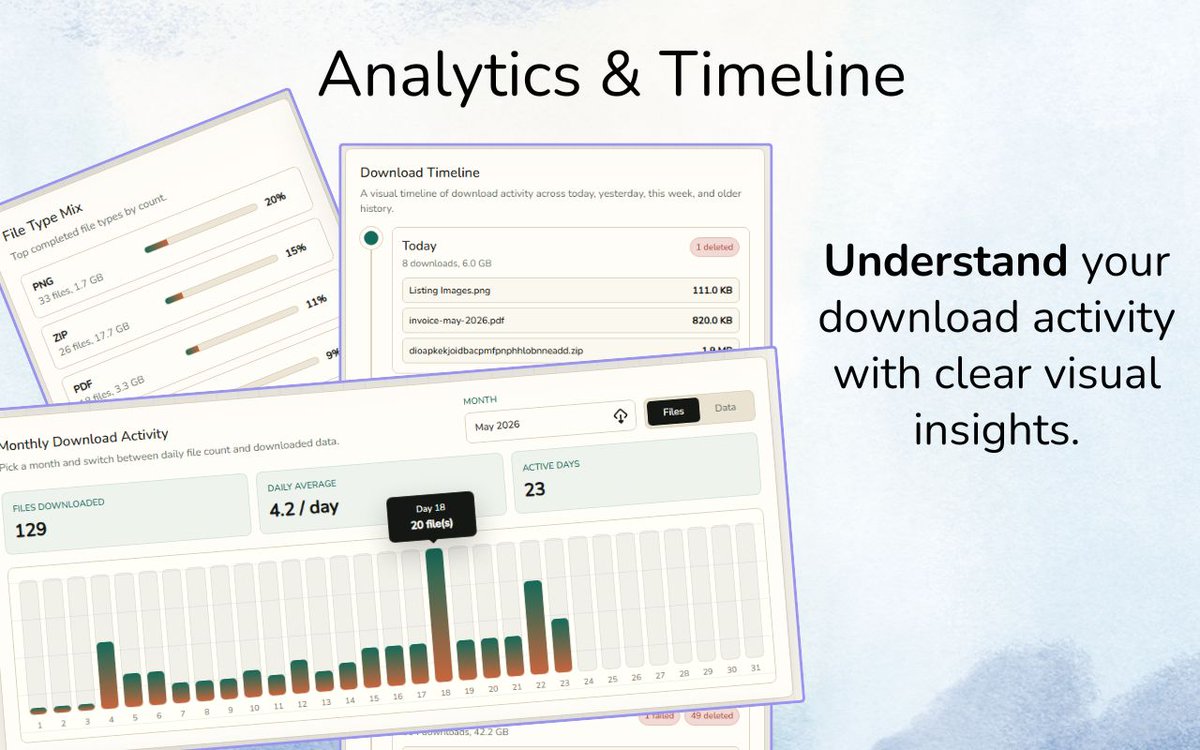
Download history is operational data. Repeated domains, duplicate groups, large files, and failed items can reveal the next rule your workflow needs. FileAtlas keeps that view local and reviewable.
https://t.co/WV379V6Qfp
A filter is a decision made before clutter reaches the folder. Dimensions, orientation, type, size, and pixel count help Image Downloader Pro turn a noisy page into a reviewable shortlist.
https://t.co/CWy9kO8asr
The goal is not to collect every image the page can reveal. It is to build the right batch: useful dimensions, relevant orientation, clean formats, fewer duplicates, and clear names.
https://t.co/CWy9kO8asr
A filename tells you what might download. A preview tells you whether it belongs in the project. GrabAll previews supported images, video, audio, and PDFs before you commit to the selected batch.
https://t.co/fbOjukewPO
A batch is not finished when every file reaches the folder. It is finished when people can understand what is there. Image Downloader Pro Premium adds custom naming templates for a cleaner handoff.
https://t.co/CWy9kO8asr
Five filenames can hide the same visual. Image Downloader Pro Premium adds duplicate hiding and visual-similarity tools so you can review a cleaner candidate set before exporting or downloading.
https://t.co/CWy9kO8asr
A saved scan preserves more than a list of images. It preserves your shortlist and the context of the search. Image Downloader Pro makes image research easier to pause and resume.
https://t.co/CWy9kO8asr
The easiest file to organize is the one that never lands in the wrong folder. FileAtlas can route browser downloads by extension, domain, MIME type, or filename text and keep the activity visible afterward.
https://t.co/WV379V6Qfp
Dimensions remove tiny UI assets. Orientation narrows the composition. Type and size remove the wrong files. Image Downloader Pro turns a crowded page into a shortlist before the download starts.
https://t.co/CWy9kO8asr
One page is a quick task. Twenty pages need a system. Image Downloader Pro Mass Scan can inspect open tabs or imported links and bring the candidates into one place for filtering and review.
https://t.co/CWy9kO8asr
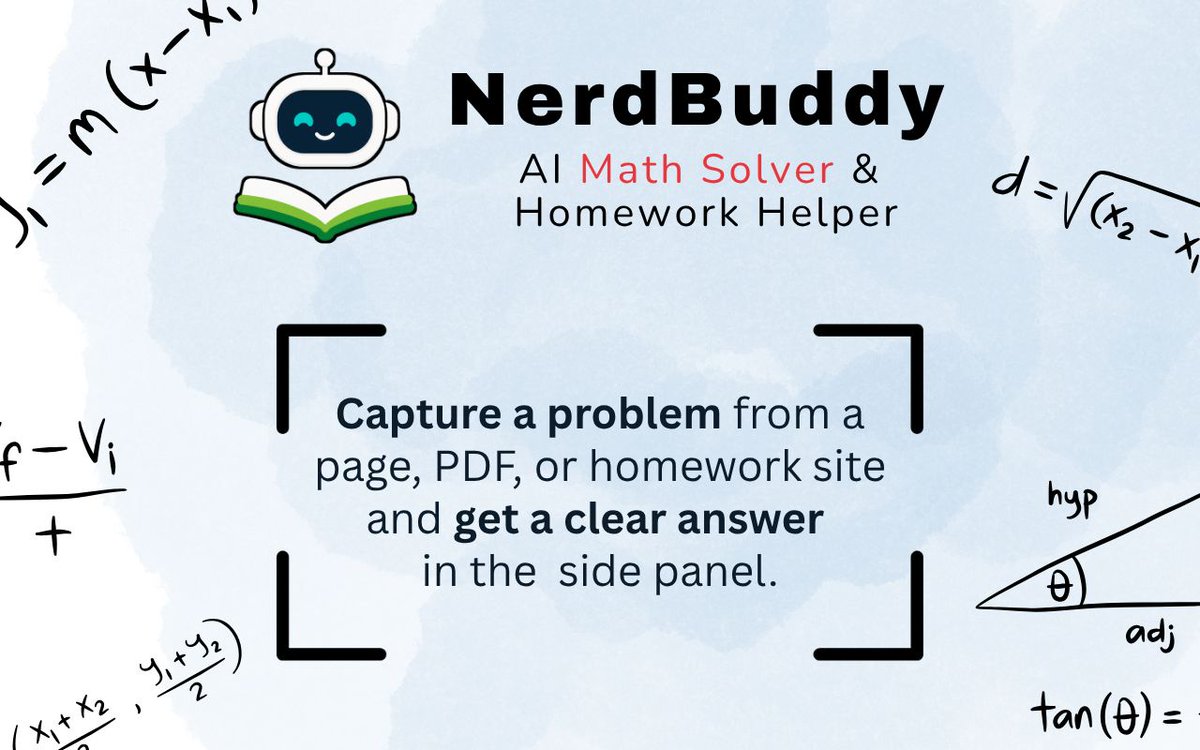
When one line of a math problem stops your progress, retyping the whole exercise adds friction. NerdBuddy lets you capture the exact area on a webpage or PDF preview and inspect a short answer or step-by-step method.
https://t.co/1etqQ1zUD0
The download button is not the important step. The preview is. Image Downloader Pro lets you inspect the candidates first, remove tiny assets and unwanted formats, then save the batch you actually want.
https://t.co/CWy9kO8asr
A useful source may mix PDFs, images, video, audio, spreadsheets, and archives. GrabAll brings browser-accessible files into one view so you can filter, preview, and collect the batch without opening every link.
https://t.co/fbOjukewPO
A product page may contain 80 images, but your project may need only 8. Image Downloader Pro helps you scan, filter, preview, and download the useful set instead of cleaning up the noisy one.
https://t.co/CWy9kO8asr
Month-end asset cleanup: reopen saved scans, export what the project needs, remove duplicate noise, and keep the useful collection organized. Image Downloader Pro makes the workflow easier to resume.
https://t.co/CWy9kO8asr