[Talk]
There is currently some fuss going on about the potential yearly support period landing on the Superhive marketplace.
Basically that would mean: paid updates per year.
Here is an essay about it, I'd be interested to hear your thoughts.
I honestly feel sad that some users are perceiving it as a threat, even comparing it to subscription based models like Adobe.
Most of creators have never charged for a single update (I never have in 10 years), and now they shout at Superhive like it's the devil himself.
- First of all, the changes are not rolled out yet, there may be modifications based on creator's feedback
- Updates will still be optional. Customers can keep the files perpetually, running them on compatible Blender versions as long as possible. Yes, perpetual licenses. No strings attached. While Adobe, Autodesk and others are not.
- While I do think it's fair to charge for updates, I also think that Superhive should let the creators define the update cost too: some updates may be very light (for example small add-ons, requiring to change a few lines of code to ensure compatibility with latest Blender versions), while some updates may be heavier (bigger add-ons, more features added, complex code, etc...). It is not fair to apply the same 50% rate of the base price to all add-ons and updates.
- Some creators are striving currently, they can hardly afford to work on their add-ons anymore because they're not getting the proper funds. The yearly support period would definitely secure them.
- If the changes are applied to Superhive, I will reciprocate them to Gumroad for parity (yearly Membership)
[Talk]
Is Auto-Rig Pro written using AI? How is it implemented?
I'm occasionally questioned about it so... you can read read below to learn more:
https://t.co/ysJmfXzezM
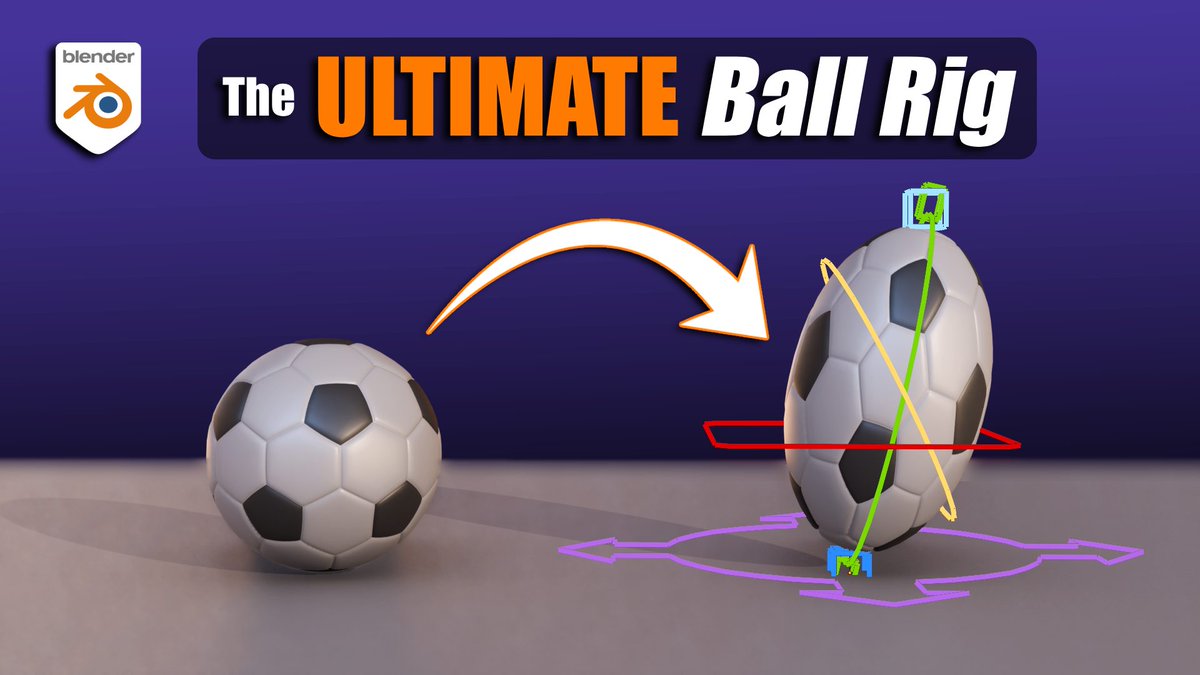
I spent a lot of time trying to figure out a really good Ball Rig for Blender. ⚽️🏀
And now I made a video showing exactly how to recreate it. The video is designed to be simple, so that ANYONE can make the rig. :)
📺
https://t.co/lW3f1ujQUQ
#b3d#rigtip
@YegorSmirnov_@JanvandenHemel Note that this is only true for simulating isotropic materials.
The Blender cloth simulator is designed around the assumption of quad meshes indicating weave direction, so whenever simulating woven materials do not triangulate!
Shearing is ignored on triangulated meshes.
Did you know Eary Chow built a node-based version of AgX that you can fully customize? While we're waiting to see if it will make it into Blender, the next release of Render Raw will support it as a default option. More on this soon.
Recently I made tutorials on Blender Jiggle Physics for characters:
1. Manual Setup, No addons
2. Addon workflow with Jiggle Maker (+clothing)
👇Links to each video in the following posts.👇
#b3d#jiggle#physics#rigging
(Attribution: music in this post from musicfox)
Create a Pie Menu with Gizmo Creator
Create your own tool with Gizmo creator using operators (from Blender and Add-ons), Properties, Menus, Python Files, with Custom Rules, etc.
Design your Gizmos with Icons, Text (with Properties).
#b3d#blender3d#blender#gizmocreator#3d https://t.co/ju8H6lEeRD
#SHAPES for #Blender3d: Quick Tip 13
Easily overlooked: Blend Preview! Shape keys aren’t just about shape, but also about motion. A shape may look fine, but anim can show bad vertex movement. Repeated tweaks/checks are required 'til the deformation is final.
#b3d#rigtip