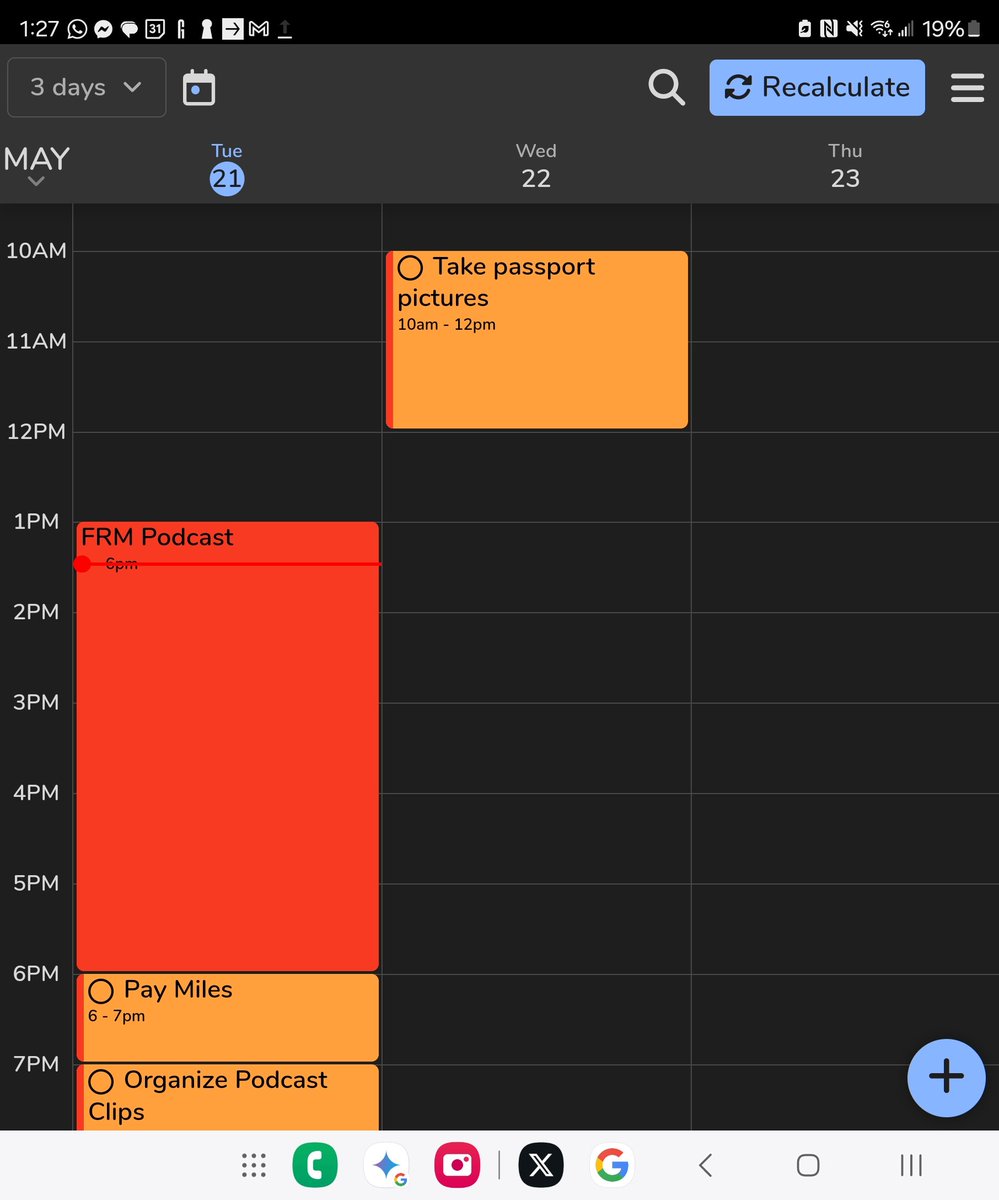
FlowSavvy has always been focused on nailing auto-scheduling, which means we’ve put off some more basic features.
Some of our recent updates bring a few of those quality-of-life improvements to your calendar, like better dragging and showing completed tasks on the calendar!
This clip is from an episode of the Wantrepreneur to Entrepreneur podcast where Jacob talks about the background and philosophies behind FlowSavvy and more! You can listen to the episode by searching for the Wantrepreneur to Entrepreneur podcast on your favorite podcast platform!
Creating a simple schedule isn't hard, but when you've created your perfect schedule and then have to keep adjusting everything as plans change throughout the week, using an auto-scheduling calendar like FlowSavvy saves so much time.
@Utterly_Tim Hey! Thanks so much for your suggestion! We keep track of every feature request and implement the most popular ones, so we've added your vote for this to our notes! If you have any other feedback or suggestions, feel free to submit a feature request in the in-app help center!
To have better work-life balance, set up dedicated "Work hours" and "Personal hours" in FlowSavvy. FlowSavvy will then keep your work and personal tasks separate, while ensuring you're still hitting all your deadlines and goals.
New YouTube video! This one's for students that want to have the easiest school year of their life. 💪✨
#TimeBlocking#ProductivityHacks
https://t.co/jzOsQwGH48
If you benefited from Timeful before Google bought & binned it, there's a free & much better replacement now: @FlowSavvyApp
-enter your task list and how long each takes
-FlowSavvy automatically schedules tasks for you... and syncs with Google Calendar.
Ideal for students!
I've been struggling with time management.
I used @useMotion, but motion only works well if you remember to open it. They have no widget support, and I needed something that was in my face harassing me to get the task done.
I found an app called FlowSavvy that lets me automatically create a schedule based on the task I need to get done. It also syncs with my Google calendar.
Hopefully, this works well for me cause I've struggled these last few weeks with time management.