Set up a recurring payment in your form once, and it bills on its own after that. Memberships, subscriptions, retainers, monthly donations. The customer enters their details one time and you stop thinking about it.
Learn more: https://t.co/zTuC9dzP7X
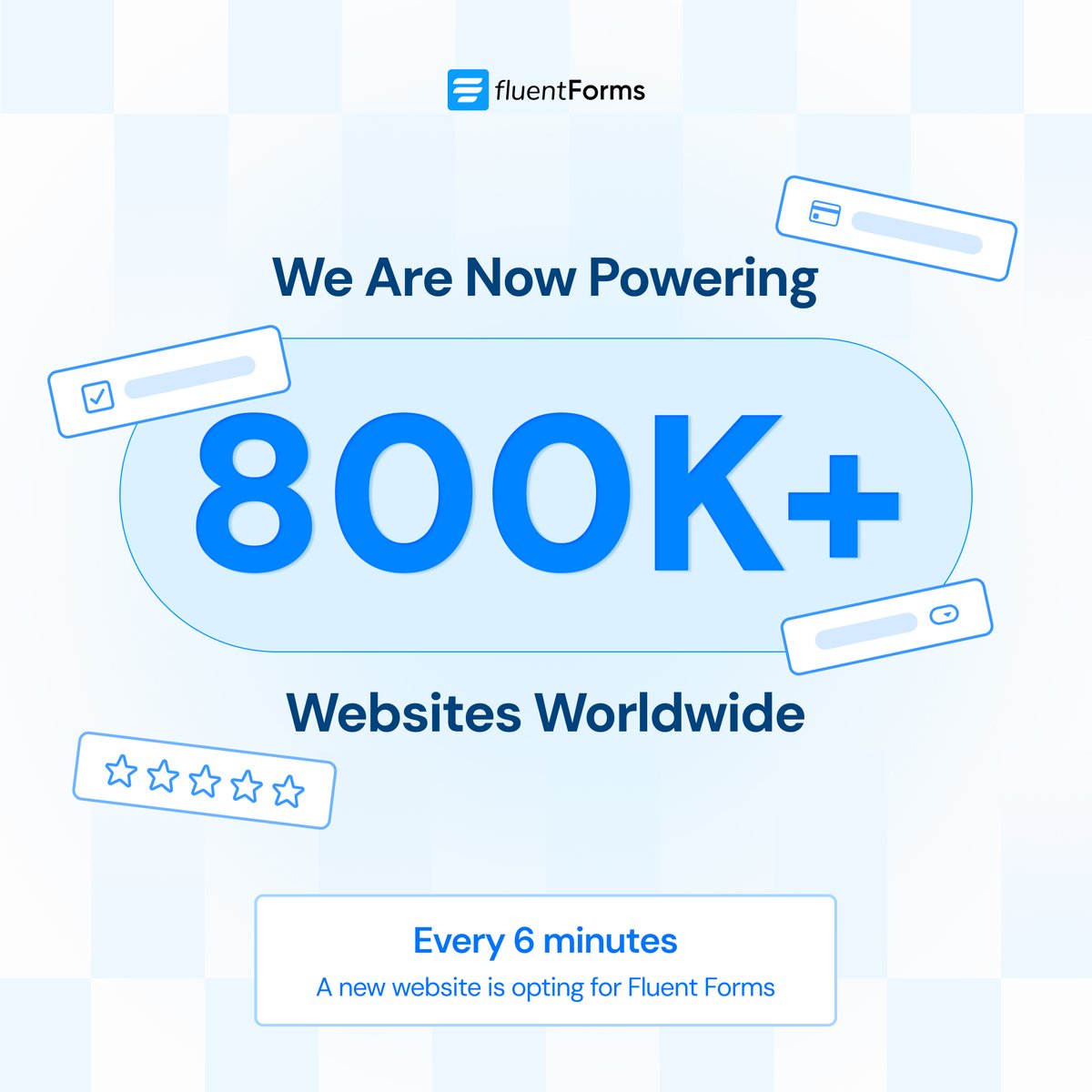
800,000+ websites now run on Fluent Forms. 💙
Contact forms, registrations, order forms, surveys, donations. Whatever those sites are collecting, it goes through something our team built.
Thank you for trusting us with it.
“Email us to schedule a call” is where interest goes to die.
Put a real booking form on the page instead. Visitors pick a date, see which slots are open, grab one, and they’re confirmed before the moment passes.
Fluent Forms gives you a field for whatever you’re collecting: dropdowns, checkboxes, file uploads, date pickers, ratings, repeat fields, payments and what not.
See every field 👉 https://t.co/VK1xmpPTxA
Building a form shouldn’t take a tutorial. Drag a field in. Drop it where you want it. Customize the label, tweak the settings, hit save. That’s the whole process, and your form is live.
20% off Fluent Forms Pro. 🎉
Every Pro plan, 20% lower at checkout. Conditional logic, payments, integrations, and more.
Grab the deal 👉 https://t.co/up6epNwR9Y
800,000+ websites. 💙
Somewhere in the world, a new site starts using Fluent Forms every six minutes. That's not a number we take lightly, because every one of them is someone who trusted us with the forms their business runs on.
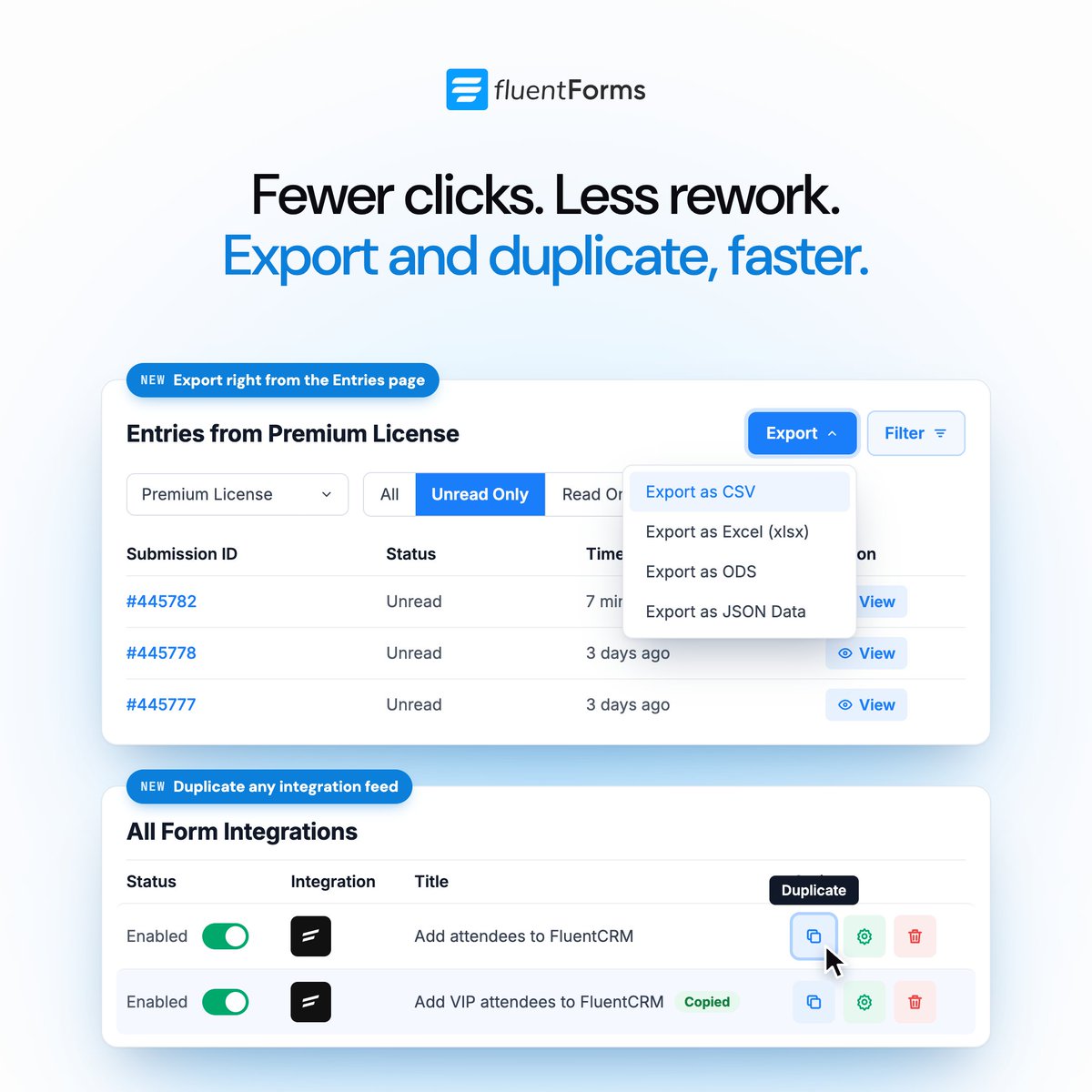
Two small changes that save a surprising amount of time.
Export from the entries page and duplicate any integration feed.
See the full release 👉 https://t.co/fnr2UsnoGa
Your visitors' browsers already know their name, email, phone number, and address. Now your forms can use that. Fluent Forms 6.2.15 adds browser autofill.
See what else is new 👉 https://t.co/fnr2UsnWvI
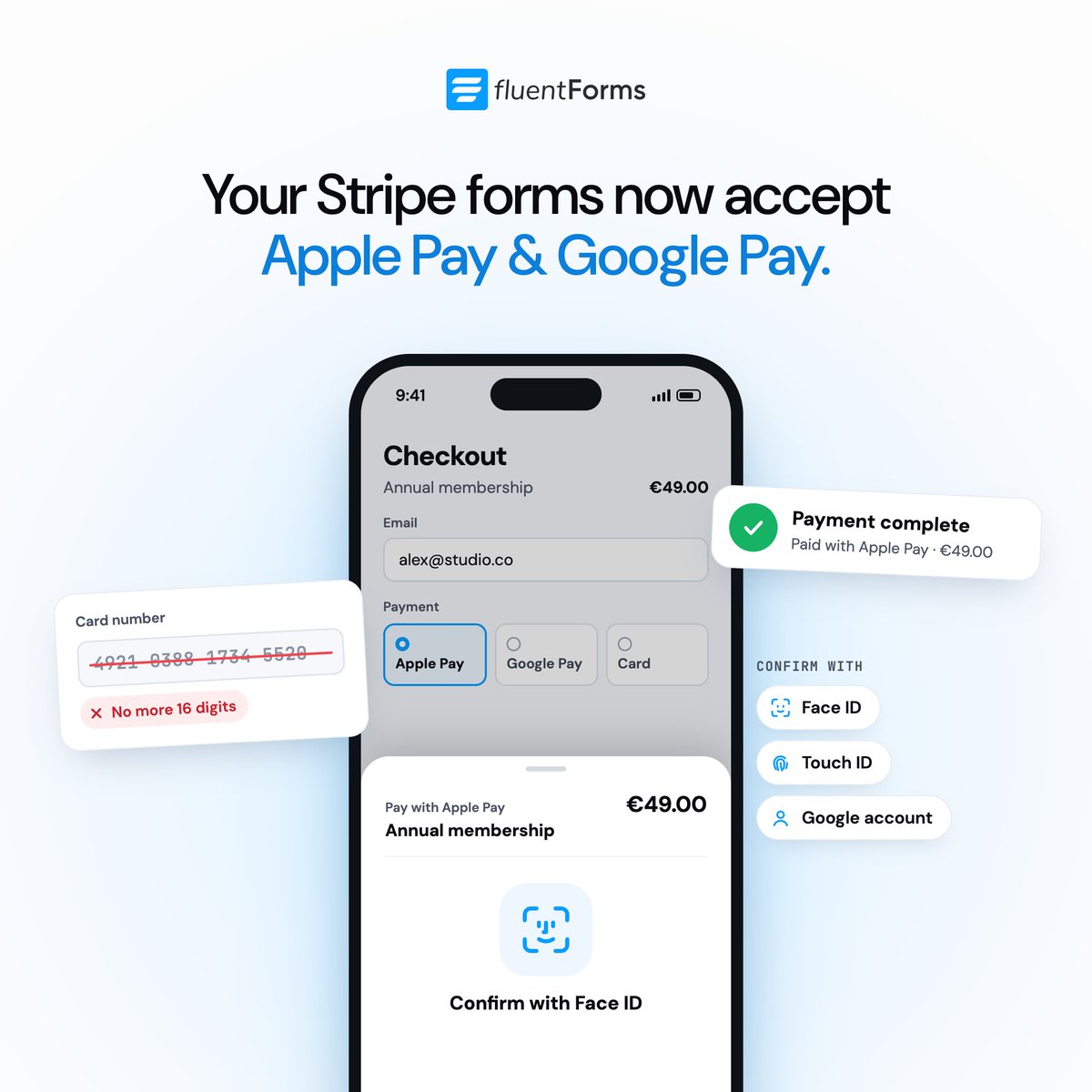
Your Stripe forms in Fluent Forms now accept Apple Pay and Google Pay. Customers tap their wallet, confirm with Face ID, Touch ID, or their Google account, and the payment is done.
See how to set it up 👉 https://t.co/fnr2UsnoGa
No more printing, scanning, and re-uploading just to get a signature. Learn how to build a digital signature form in WordPress using the Fluent Forms Signature Add-On.
Radio and Checkbox look almost identical - but they answer two completely different questions.
Radio: exactly one answer. Checkbox: pick as many as apply.
See every selection field explained: https://t.co/PZvsgsHxtN