What's your go-to coding agent? We've released Flutter AI plugins for Antigravity, Claude Code, Cursor, Codex, and more 🚀
These plugins bundle the tools and knowledge an AI assistant needs to understand and modify your Flutter codebase.
Get started: https://t.co/DOXkb5bvPe
Chatbots were just the start 🤖 💬
GenUI lets your Flutter app assemble native, brand-safe interfaces at runtime based on user intent.
Read the complete guide by @VGVentures on shipping generative UI in production today: https://t.co/6SVaThgiK5
Flutter 3.44.7 stable was just released, containing a fix for a resource leak that sometimes caused crashes when using external textures on some GPUs (such as Arm Mali)!
Check out the CHANGELOG for details here: https://t.co/uZT3wdKRRi
Here’s a small demo of my new project, WordHabit.
A vocabulary app built with #Flutter to help you learn one useful word a day, practice it, and actually remember it.
Still building. Launching soon.
Join the waitlist → https://t.co/ZHrthf5Ncy
#BuildInPublic@FlutterDev
🎊 #FlutterconUSA26 is here! 🎊
If you're on the ground, join us for the keynotes, technical sessions, and office hours.
What are you looking forward to most?
We're interviewing Flutter devs at #FlutterconUSA26!
Some things we're discussing:
💬 Full-stack hot reload
💬 Enterprise-scale Flutter projects
💬 Inclusivity in app dev
💬 AI-assisted dev
What questions do you have for our speakers? Drop them below ↓
🧩 What happens when your UI is generated instead of hardcoded?
@leoafarias explores a boundary architecture for generated UI in Flutter—keeping your app in control while letting external systems request interfaces on demand.
🔗 https://t.co/qMyBgpduwW
#Flutter#GenUI #flutterConUSA26
Why use Flutter in the AI era? Building with a single codebase gives your agentic workflows a massive advantage:
💰 Write once, save tokens
🎯 Dart’s strong typing guides LLMs
⚡️ Validate with Hot Reload
Learn best practices for AI-driven development: https://t.co/nqgLiZju0k
Flutter Devs, don't use SafeArea with scrollable widgets.
Why? It cuts the content from the bottom, and that looks badd.
Instead, use BottomPadding widget to add breathing space at the bottom of the page.
Learn edge cases and copy widget below 👇🏻
Introducing https://t.co/urklieersp
Here I'm sharing small design details that make Flutter apps feel better to users.
These bite-sized details will help you develop a taste, so the next time you can say "animate using springs" (to your coding agent) instead of just "animate".
These details come from my 5+ years of note-taking on the side while developing 80+ mobile apps with Flutter.
No newsletter though. I'm dropping one new detail ~a day. Follow if you want to be in the loop.
Flutter Devs, close the keyboard when users scroll in forms.
Why? A scroll (usually) means they are done with that field. Close the keyboard for them, so it doesn't cover half the screen and the experience.
The how, when to use it, and when not below 👇🏻
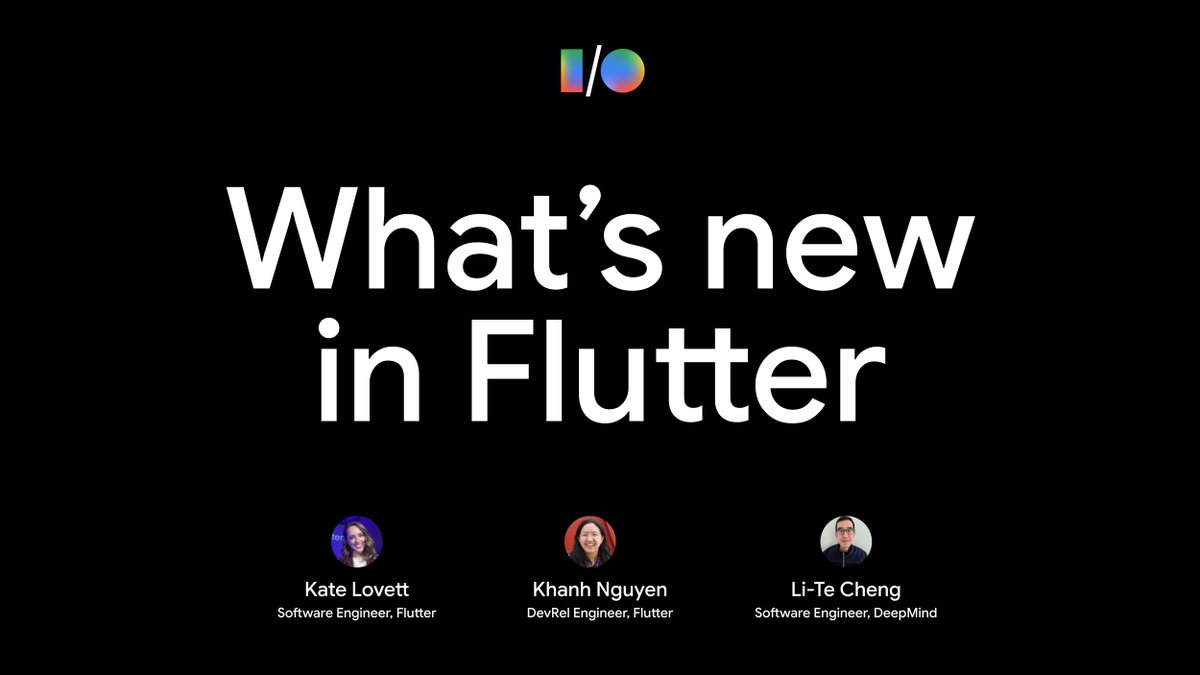
💻👀 Tune into our #GoogleIO What's new in Flutter livestream on May 20th at 10am PT → https://t.co/oUVj6SBDhD
We'll explore framework updates, from performance improvements to new features, and how these innovations are shaping the future of fast, multi-platform app dev.
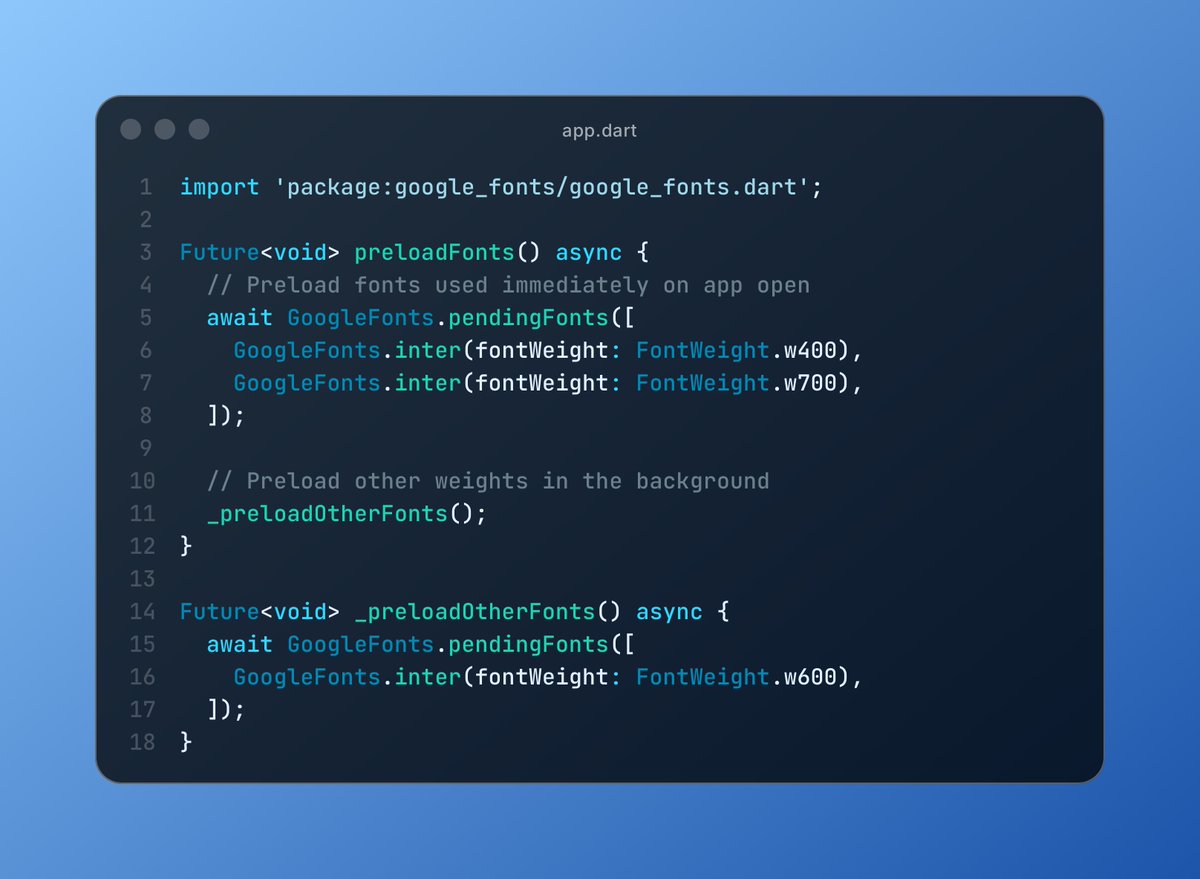
Flutter Devs, if you use google_fonts package don't forget to preload fonts.
The package downloads fonts when FIRST used. So, on fresh install, users see Texts in default font for a moment before it fully fetches your chosen one.
Also explained edge-cases in the link below 👇🏻
We rewrote a React Native app in Flutter and the numbers went crazy. Better frame consistency, smoother UI. Flutter's Impeller engine is built different in 2026 fr 🔥