New launchpad just dropped: @GeniusTerminal
Unfortunately the marketing lamb found out.
He borrowed another $12 from his mother and entered the bonding curve.
Bond pls or mom gets mad.
Frank’s Exit Liquidious
$EXITLIQIQ
300 IQ
BNB Chain
zero lessons learned
https://t.co/qCR8PG4XJm https://t.co/8SOfMkBioy
Well. No more AI.
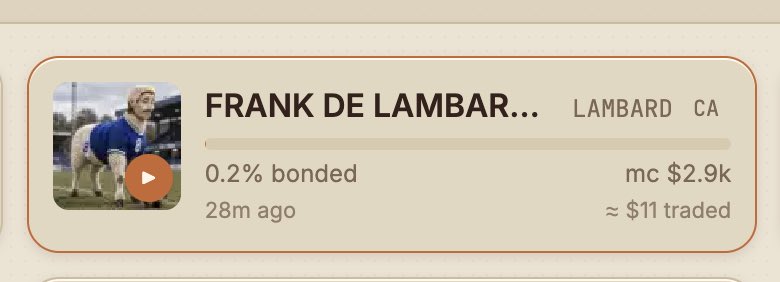
Frank De Lambard failed to bond.
The $12.88 marketing budget is gone.
The marketing lamb has been sent to borrow another $12 from his mother.
Day 6 budget pending.
@Scribeonsol would it be possible to show those 3d model, sound and so on icons somewhere else than after the name? Now those gets cropped out. 🐑 $LAMBARD has all of them. 🫡
Pushed a update where your able to view the 3D model in the inscribed website
- attach the .vox in the 3D section, then in the Website section click "Use starter page". The starter now includes the viewer block automatically when a model is attached.
- Custom page: open the editor and click "Insert 3D viewer". It adds a div with a data-scribe-model attribute set to the new {{MODEL}} placeholder and one script tag pointing at the Scribe viewer. {{MODEL}} becomes the model URL at launch, so the page renders the exact bytes inscribed in its own mint.
The marketing lamb was instructed to consult AI with a $12.88 marketing budget.
This may have been a mistake.
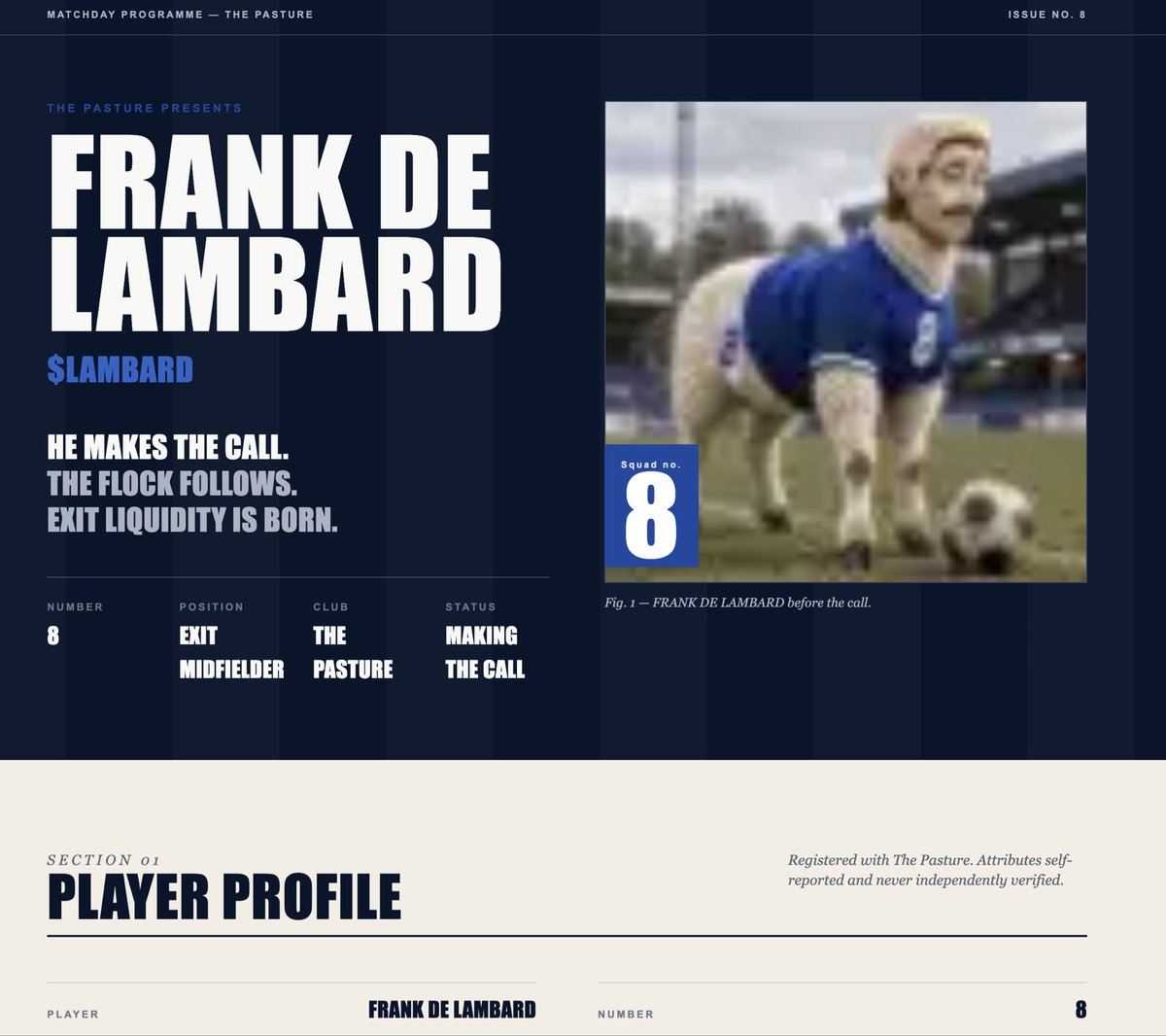
Frank De Lambard is now real.
Image. Sound. 3D model. Full website. All inside the token — built with @scribeonsol.
No. 8 has entered The Pasture. 🐑⚽
CA: 8gY3ajaNGVAsYevpw56wbAXGZtFo5LQ7hv8z5TKStdxw
@Scribeonsol@nomadegens@stealthcyborg@seyong I’m using a .vox model and noticed Scribe already renders it in the orbit viewer on the token page. Is there any way to access that model from the token’s inscribed website as well?