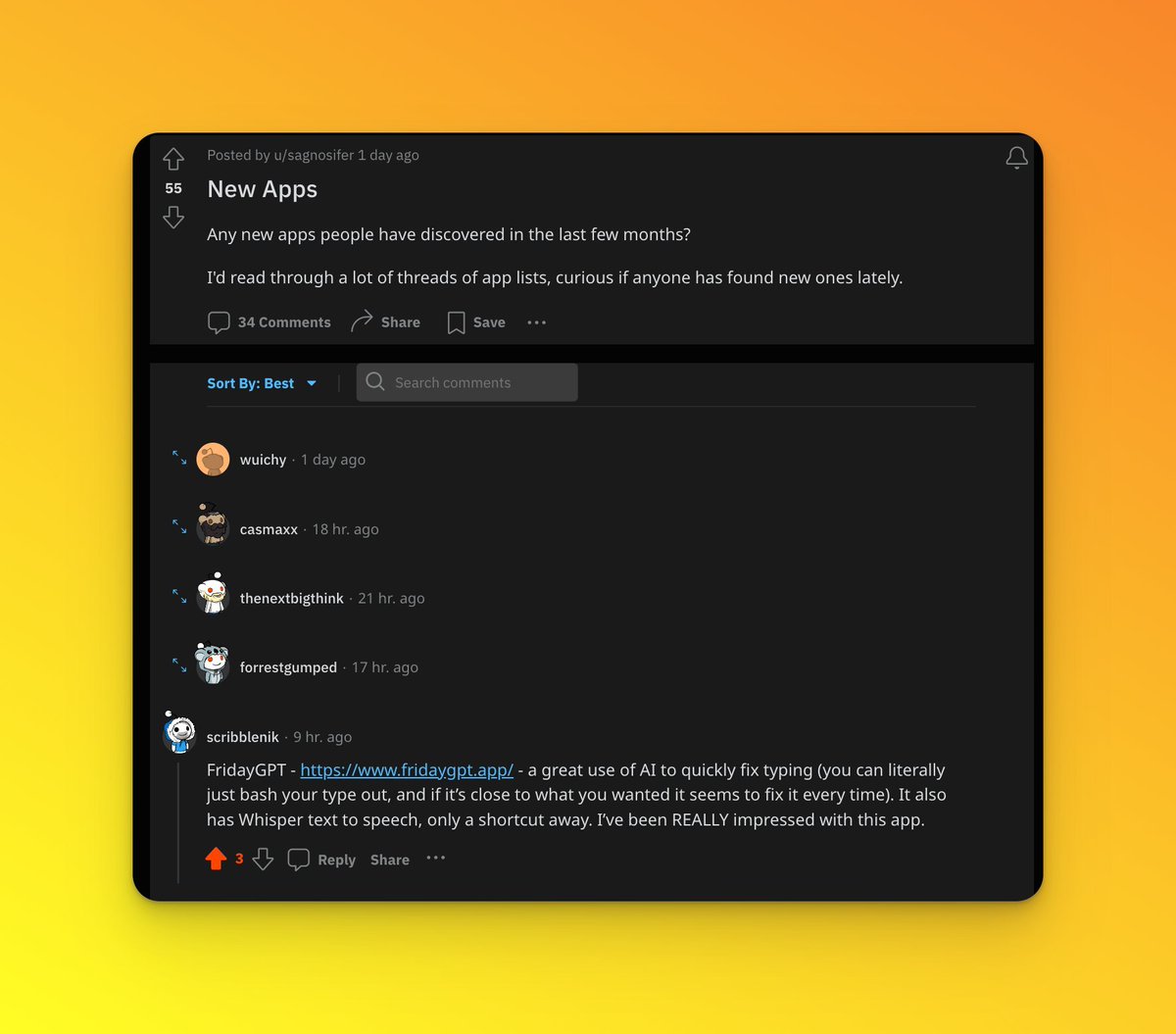
@Fridaygpt This has become my favorite app for transcribing voice-to-text! Easy to use, affordable with a one-time cost, and customizable with your own API keys for unlimited models. You can set up shortcuts to invoke the voice or text. I activate mine using one of the buttons on my Logitech mouse. It's simple and just amazing.
So far, the best interface for day-to-day AI stuff is:
- Type the text
- Select the text
- Use shortcut (I use @Fridaygpt for this). The selected text is wrapped in pre-made prompt and sent to AI of my choice (today, it's Claude 3 Opus).
- Wait for the AI to process the input.
- See the results: The response replaces the original text.
My default task is just: "Fix grammar." This benefits me the most. The actual prompt is slightly broader: e.g. it defines the styling I prefer and exceptions (no use of 'delve', not GPT-3.5 nonsense, etc).
Next, to make it more interesting, I started using special characters and commands.
If the text input begins with "?" (e.g. "?what's the tallest eucalyptus tree?") the default set of rules is ignored and I simply get the answer.
What I plan to do is use other characters to define roles, output tones, and various tasks. For example:
- "^" → "^I'd like a refund" – formal letter writer
- "tt" → "ttHairdresser" – Polish<>English translator
📣FridayGPT Update
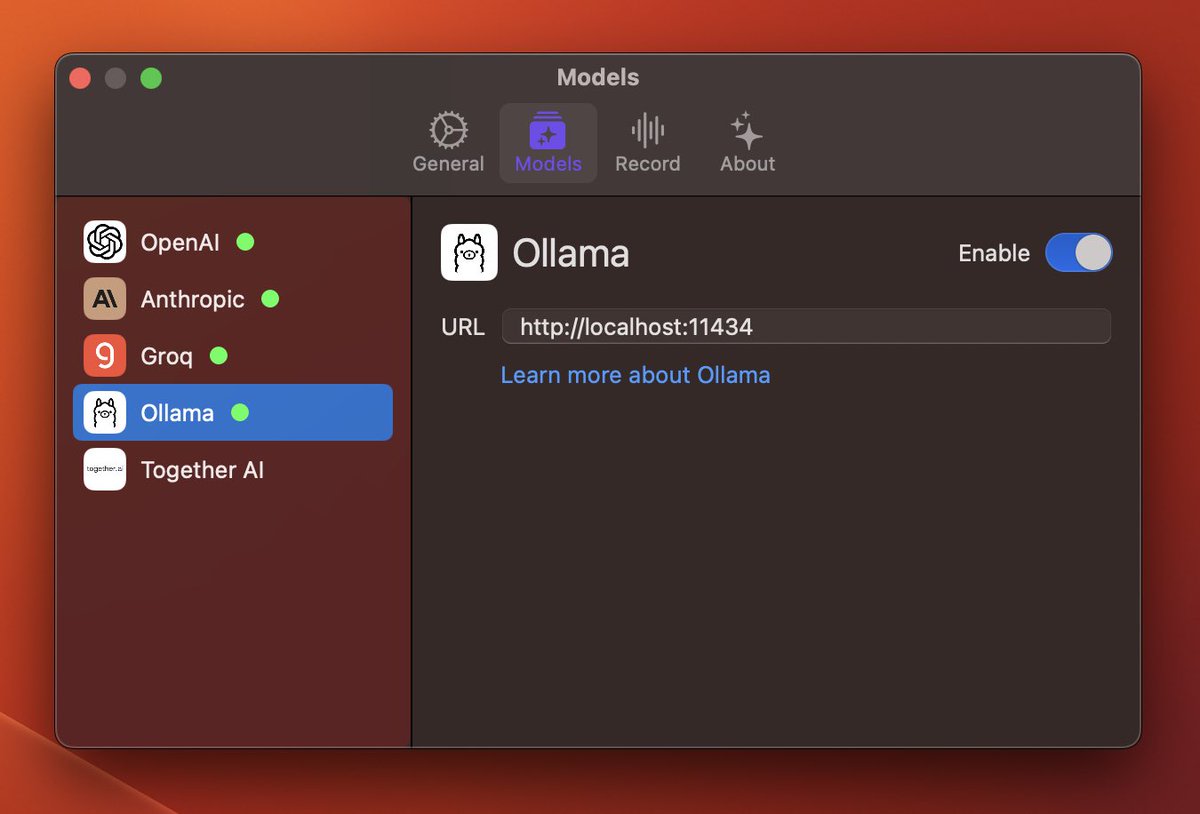
Multiple AI API providers are now supported.
- @AnthropicAI (Try Claude Opus model, it's awesome)
- @GroqInc (Use this model for summarization)
- @togethercompute
- local LLM models using @ollama
Access these models on mac with single click