@Nike I don't think this is supposed to happen. My son loves these cleats. Ripped right out of them during a game. Ended up buying new elites for $300 plus. Would love to know if I can either return these or get a new pair
@beckiandchris Just a suggestion… I would start by exporting your PR keyboard setting then upload to DVR (mind blowingly better). Then I’d export a PR proj in XML, import into DVR. You’ll have a timeline you recognize and can either play with Coloring or editing (see note about keyboard).
@jessekoepkecuts I typically don’t get a full day during the week with kids and sports so I balance it out on Sat or Sun, usually as they sleep in. Don’t always do it this way but it can be an effective way to work and be a dad/husband.
@AdobeCare would it be possible to move this thread to email or through a support case so I can add more detail and/or images? I can document my exact process is detail with sequence settings, folders, etc. maybe we can create some sort of FAQ or best practices guide.
@valentinavee@AdobeVideo looking for current resources for Team Projects (currently having media mapping issues between editors) or Productions that be shared with Dropbox. Any suggestions other than the Adobe Help site?
@AdobeCare I have played with the Media Management but nothing seems to change, hence why I started taking media offline - which I am not sure about now.
@AdobeCare Note, this is usually solved by closing the sequence and reopening... not sure if these are connected but thought I would mention. All source material is located inside Dropbox folder, also not sure if that makes a difference.
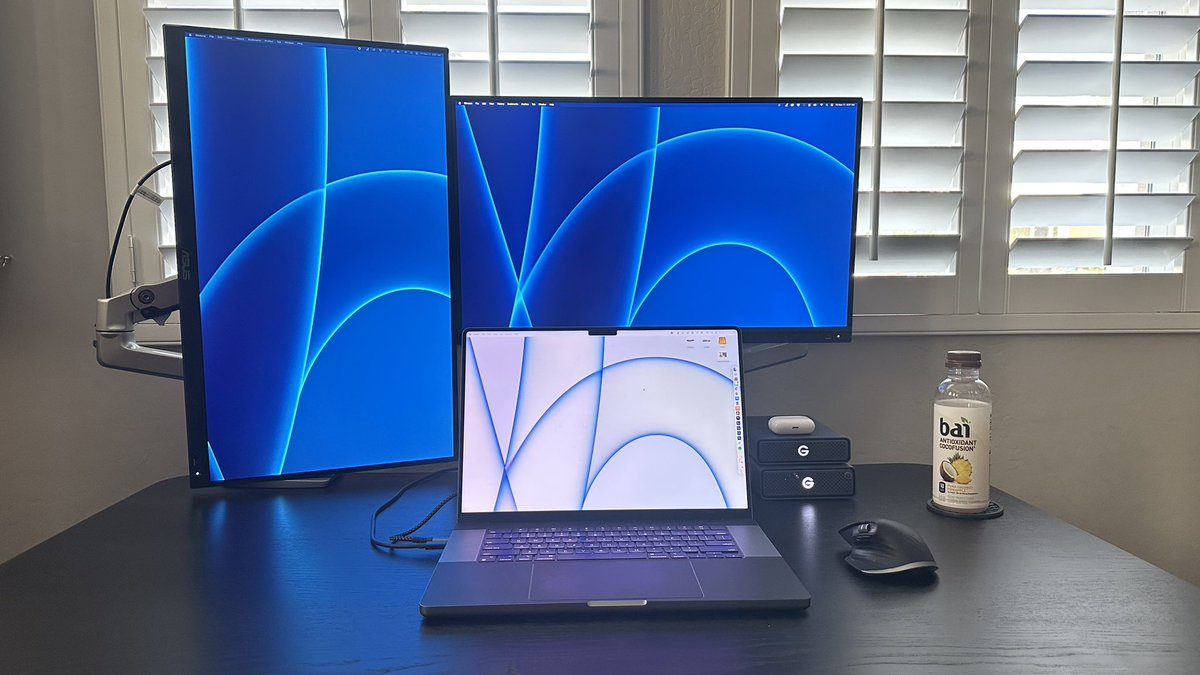
@AdobeCare Mac OS Ventura 13.1 (22C65) with PR Version 23.1.0 Build 86 -- MacBookPro18,2 with 64 GB memory. I have 2 additional ASUS PA279 displays as well. I mention the displays as I have timeline lag issues when PR is on those, almost like a cache issue after 20-30 min
@AdobeCare I’m using Productions but hired a remote editor. Save as Team Project works fine, but I’m experiencing issues with media mgmt (some proxy files retain their mapping and some point to remote editors drive) and timeline rendering (red bars on clips w/o effects or edits).
@jessekoepkecuts I was skeptical at first, but I’ve grown to like it. Stacking Spotify, RGB/Histogram/Waveform, and email or notes is a actually really helpful.